Transform an Image into a Cinematic Anime Scene
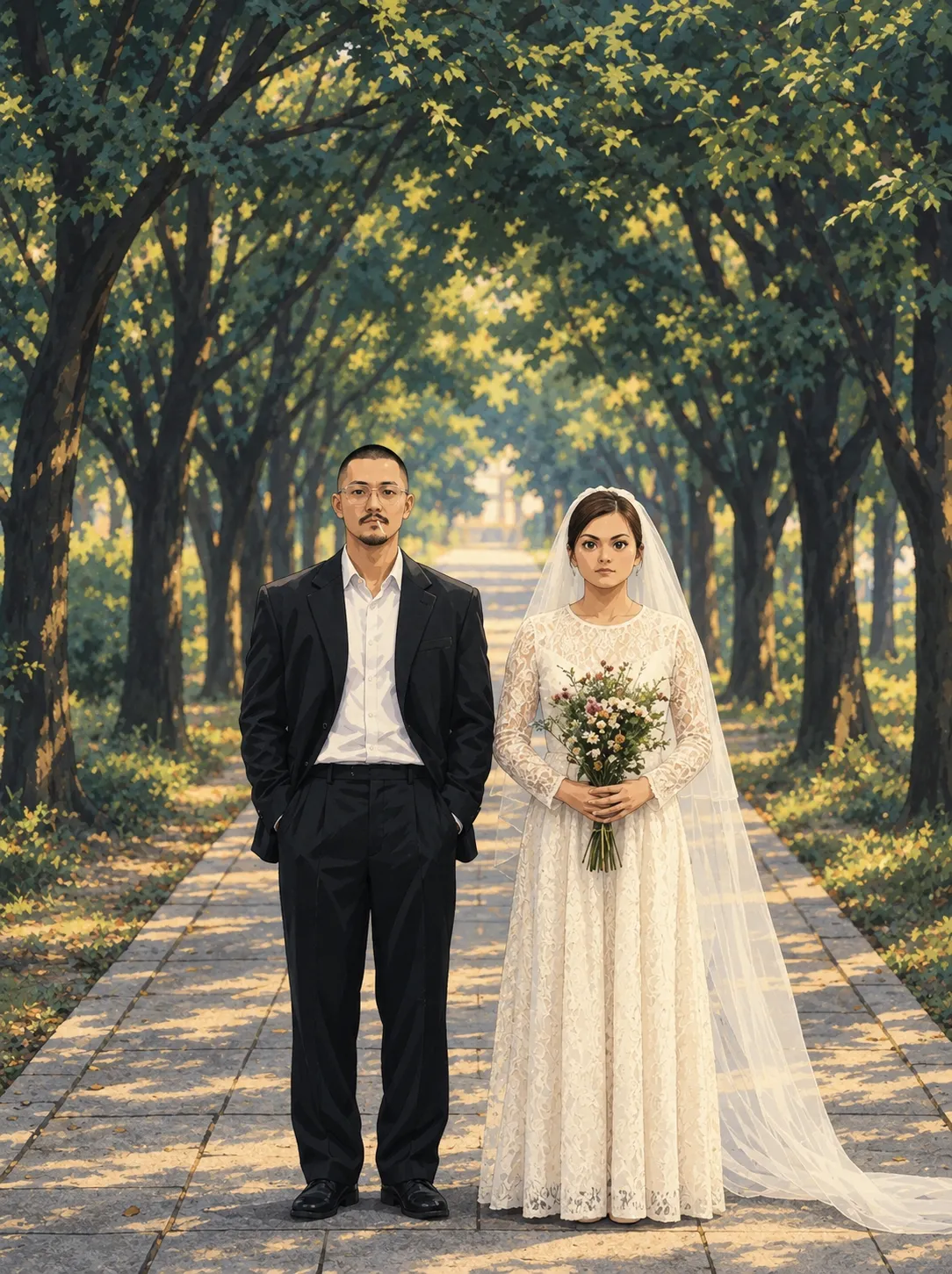
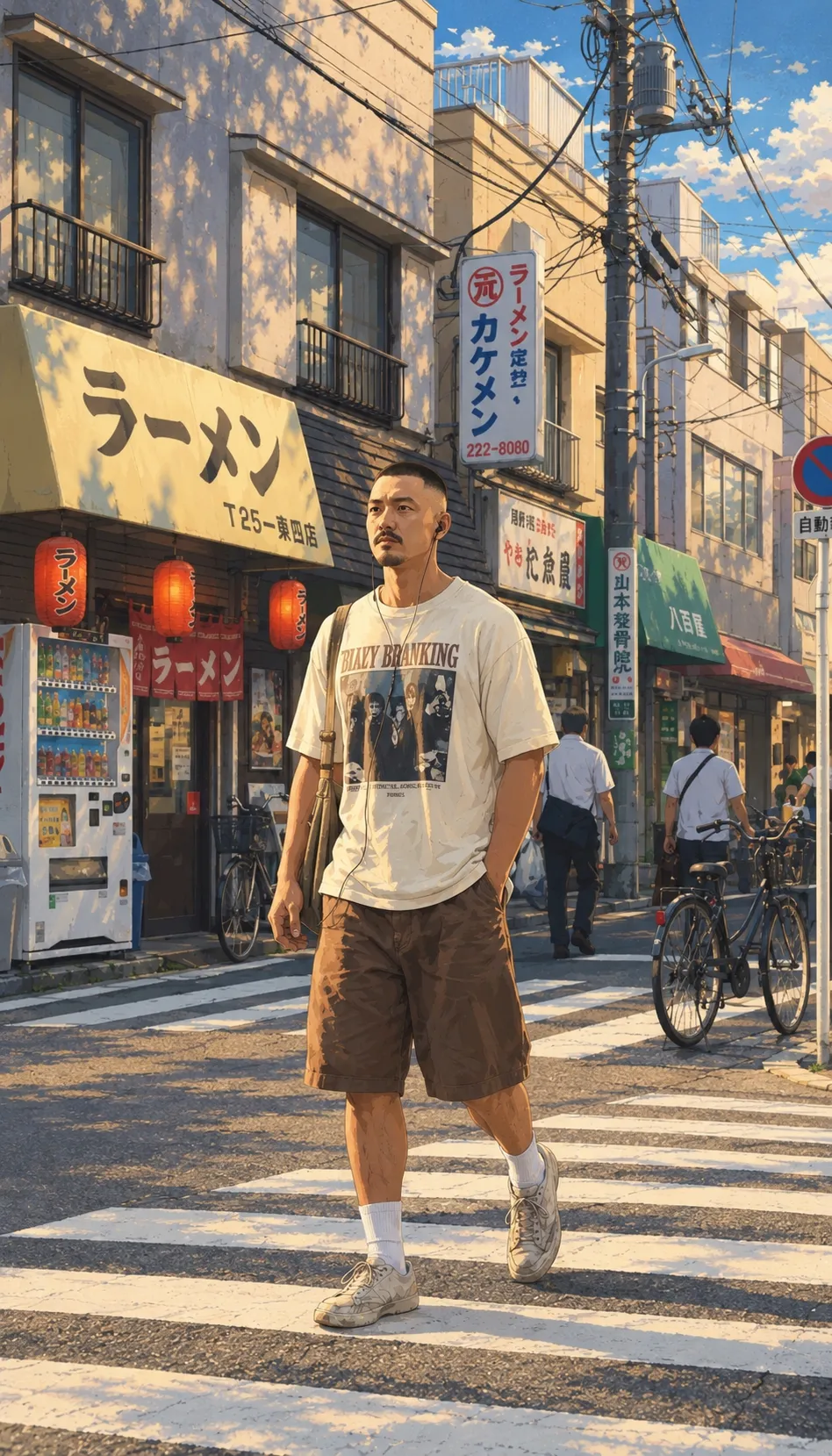
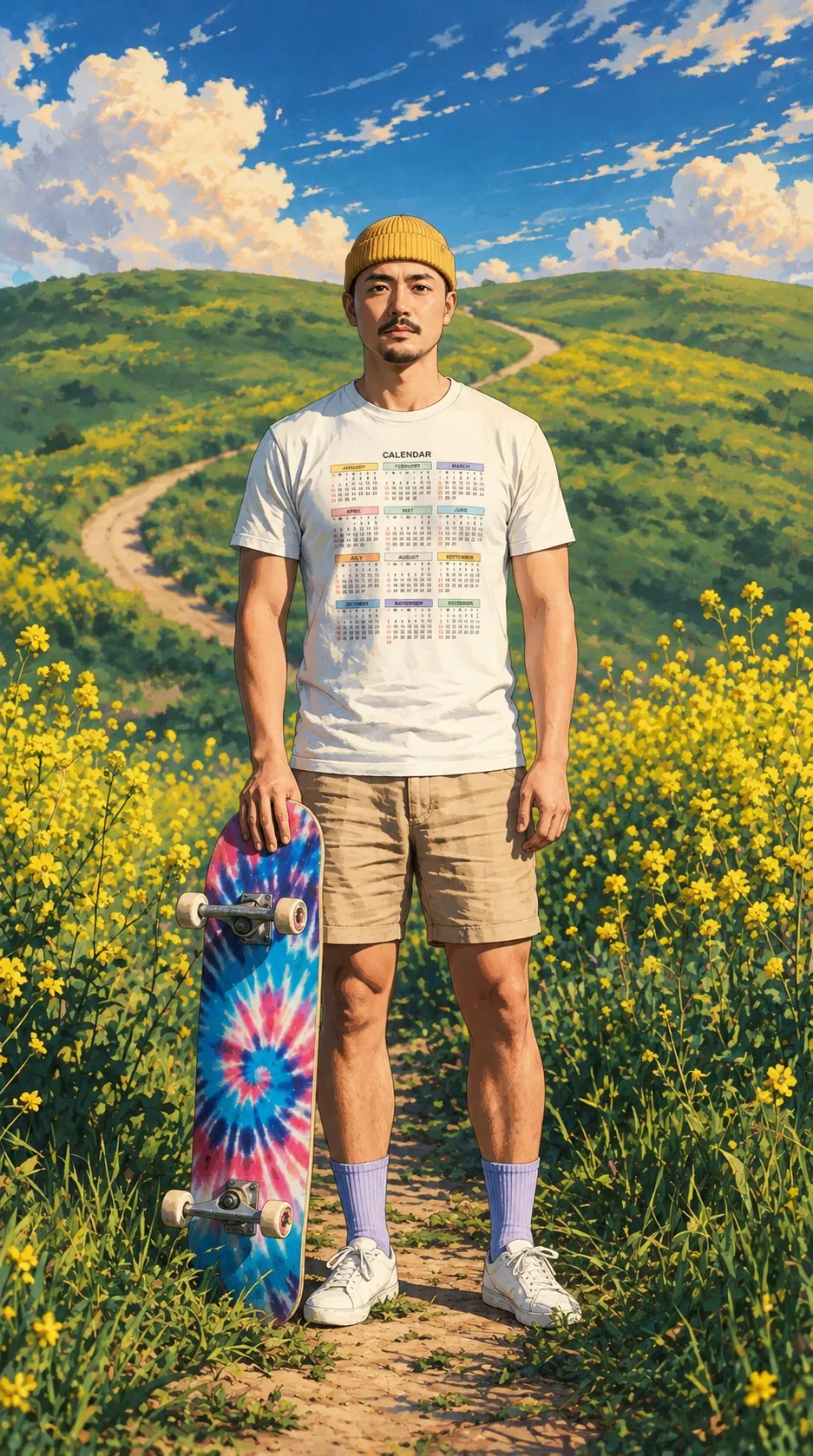
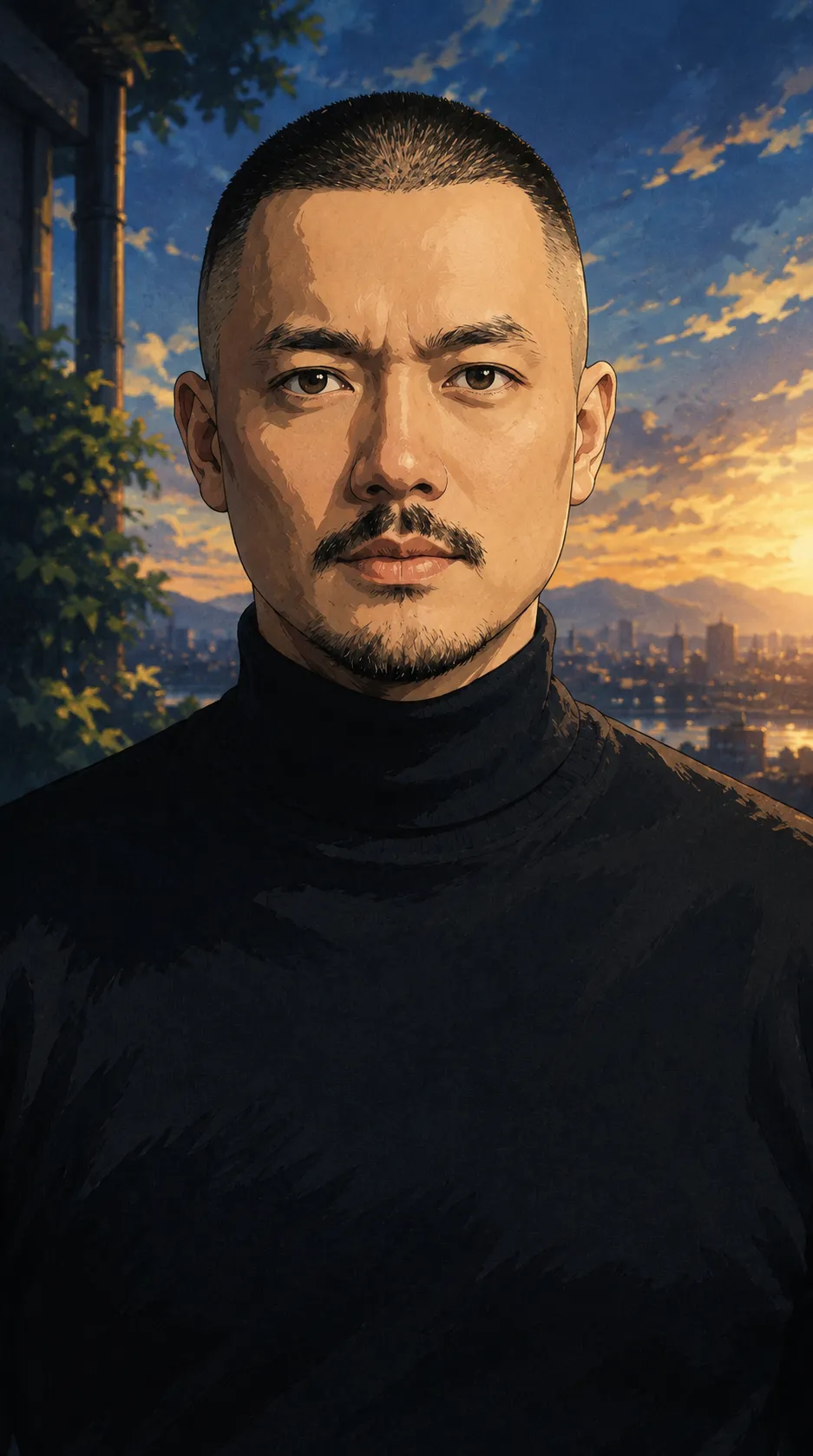
Recreate the provided image as a premium cinematic anime frame while preserving the subject’s identity, composition, and pose.
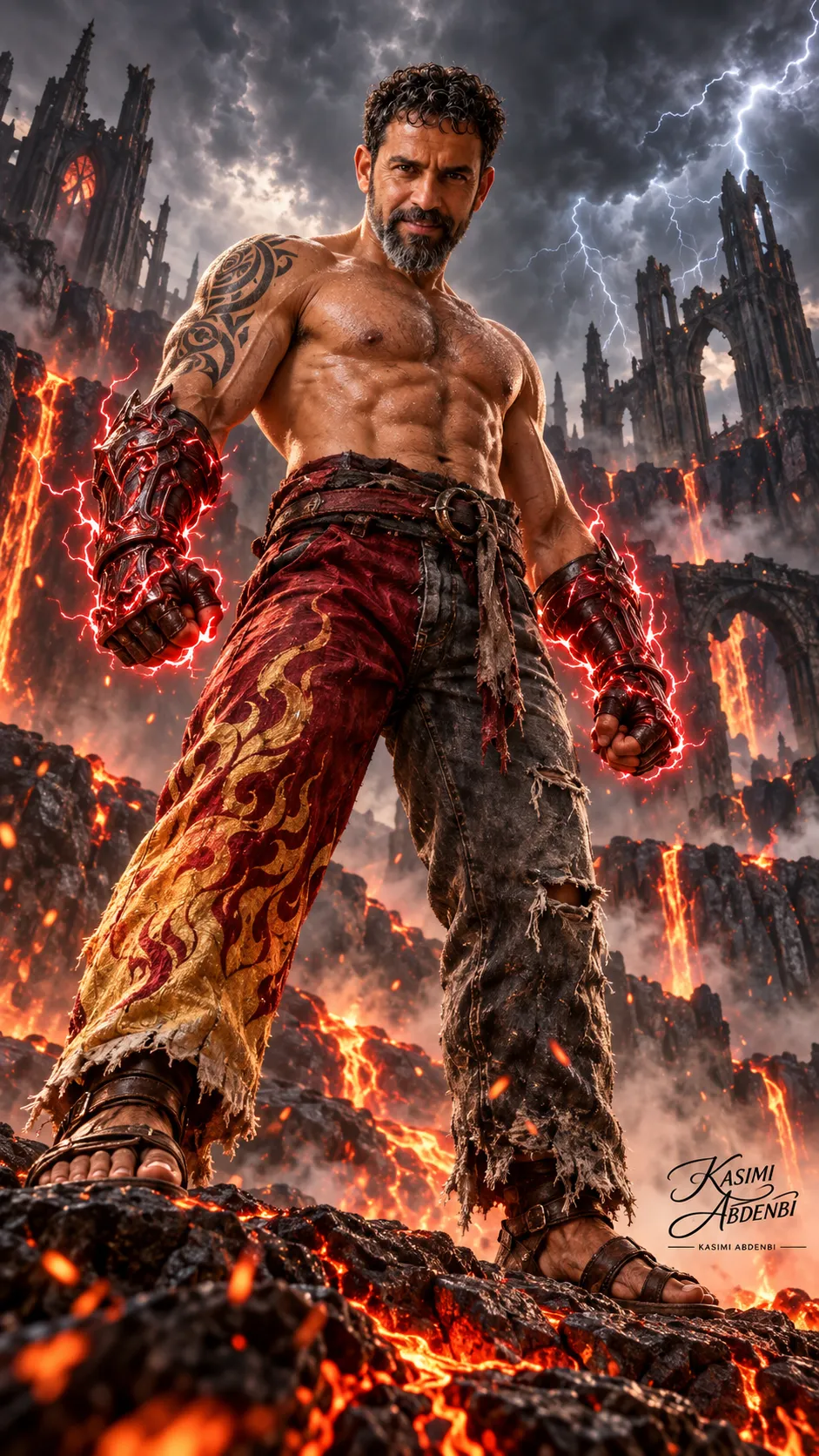
Example outputs
Prompt template
- Format
- Text
- Inputs
- image (image) · Required
- Outputs
- transformed_image (image)
Analyze the image with pixel precision. Keep the subject 100% identical—make no changes to the face, features, hair, expression, body, clothing, pose, or camera angle. Transform only the visual style into a premium cinematic anime look. Preserve the exact layout, perspective, scale, and positions of all elements. Recreate the environment as a hand-painted anime scene with detailed textures, soft lighting, atmospheric depth, and natural colors. Ensure perfect blending so the final image looks like a high-end anime film frame while maintaining full identity accuracy.What you'll create
A reference image becomes a hand-painted anime-film-style frame with detailed environmental textures, soft lighting and the original perspective retained.
Frequently asked questions
Can the style conversion change the clothing or camera angle?
No. Those elements remain fixed along with the subject and composition.



Comments
Tried this prompt? Share what you made, compare results, or ask a question