The Sims 4 Create-a-Sim Portrait from a Photo
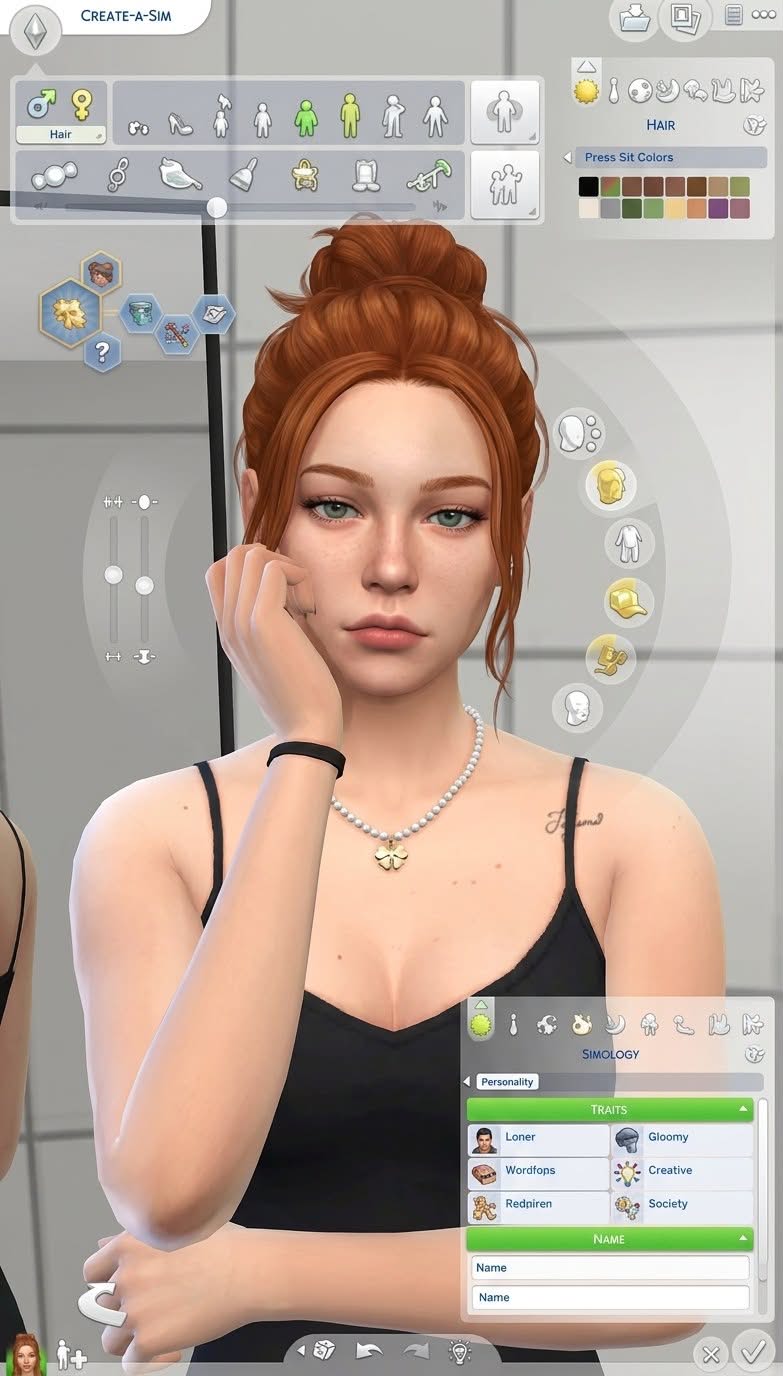
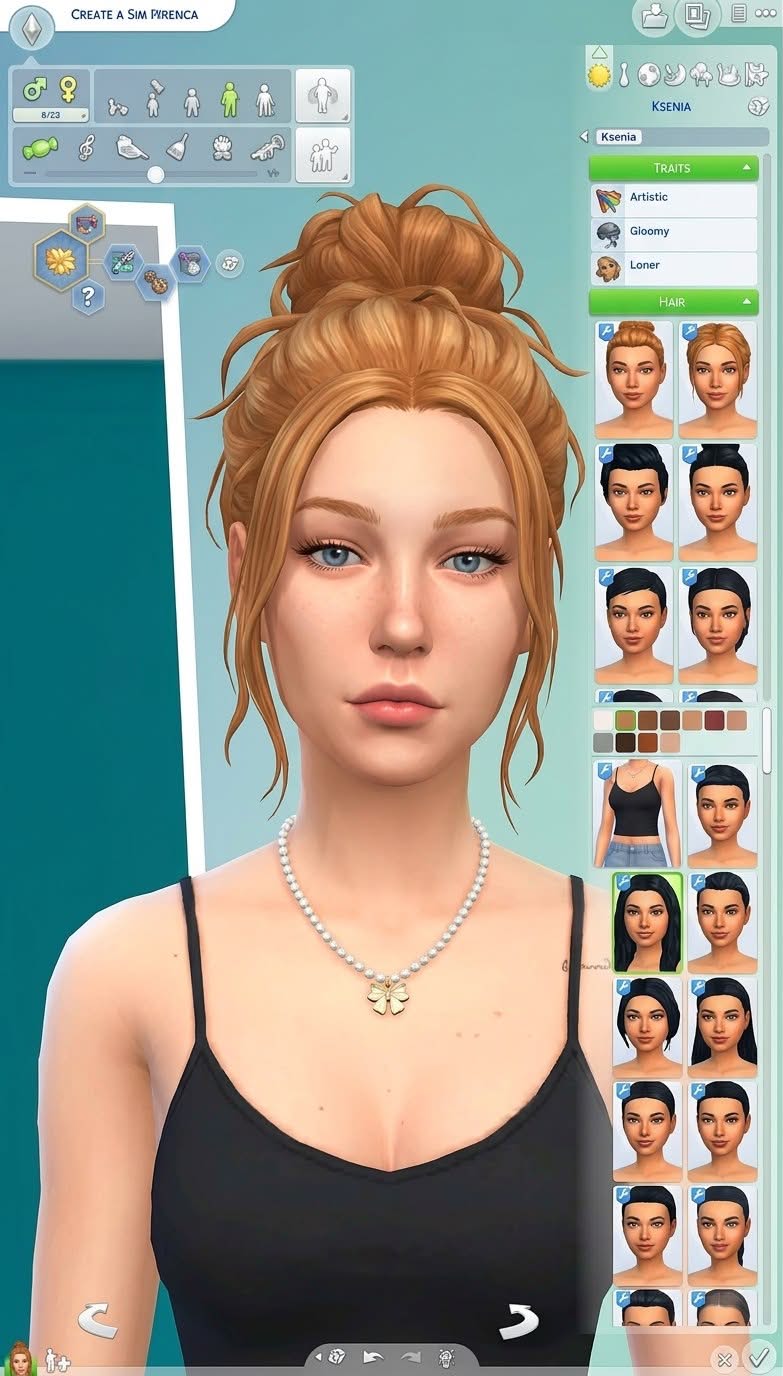
Transform a person in a reference photo into a recognizable character in the official art style of The Sims 4, shown on a detailed Create-a-Sim screen.
Example outputs
Prompt template
- Format
- Text
- Inputs
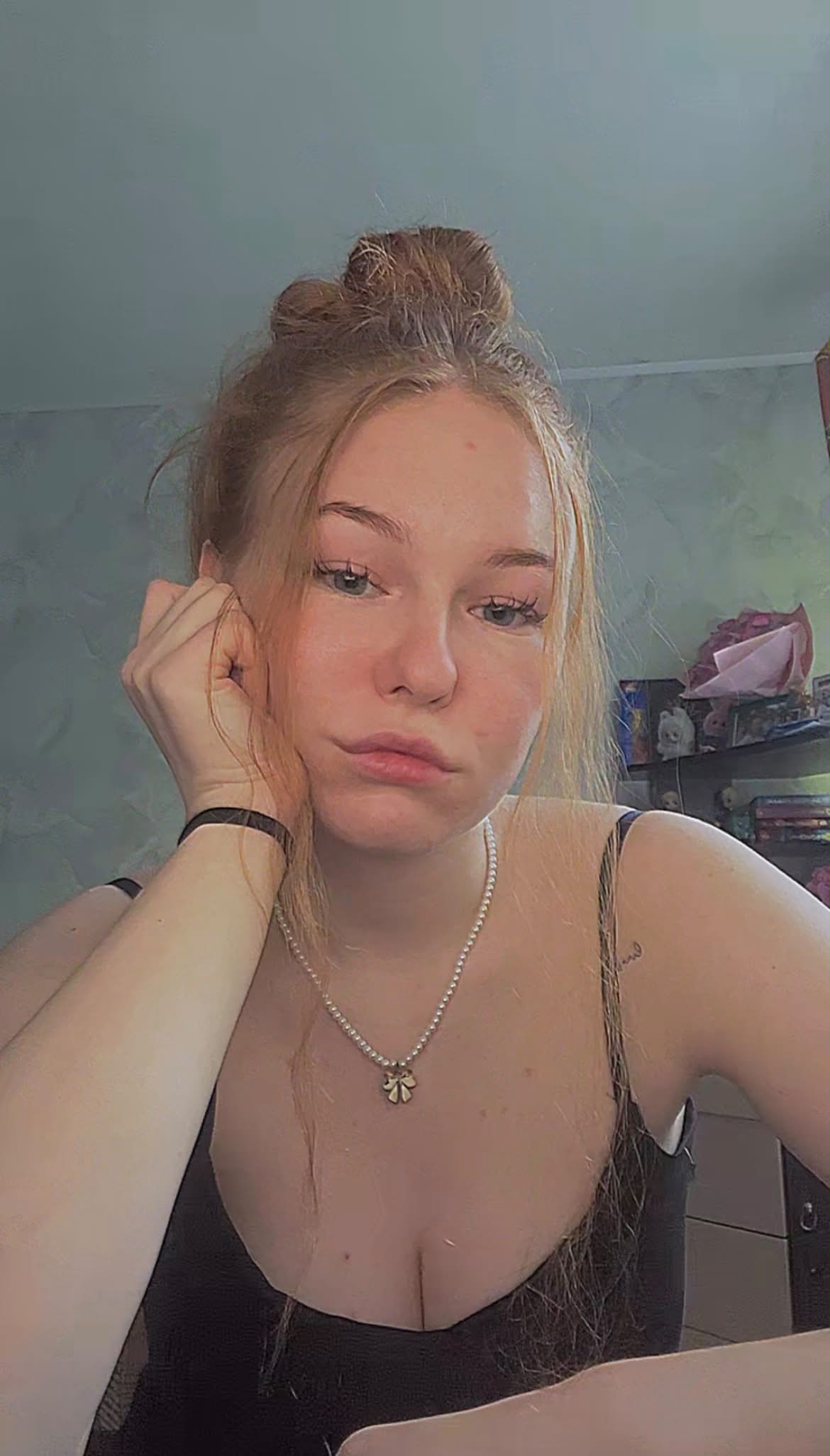
- Reference_photo (image) · Required
- Outputs
- Create_a_Sim_image (image)
Use the uploaded photo as a reference for the person's appearance. Create a detailed, authentic Create-a-Sim screen from The Sims 4, transforming the person into a character in the game's official art style. The character should immediately resemble the real person. Preserve their recognizable facial features, skin tone, body type, facial structure, hairstyle, expression, clothing style, accessories, and overall individuality.What you'll create
The person becomes a game-style character within an authentic Create-a-Sim screen. Facial structure, hairstyle, clothing character and accessories keep the digital avatar recognizable.
Frequently asked questions
Does the request use a generic game avatar?
No. The character should immediately resemble the real person.
What style governs the rendering?
The Sims 4’s official art style.



Comments
Tried this prompt? Share what you made, compare results, or ask a question