Internal Translucency Effect for Any Object
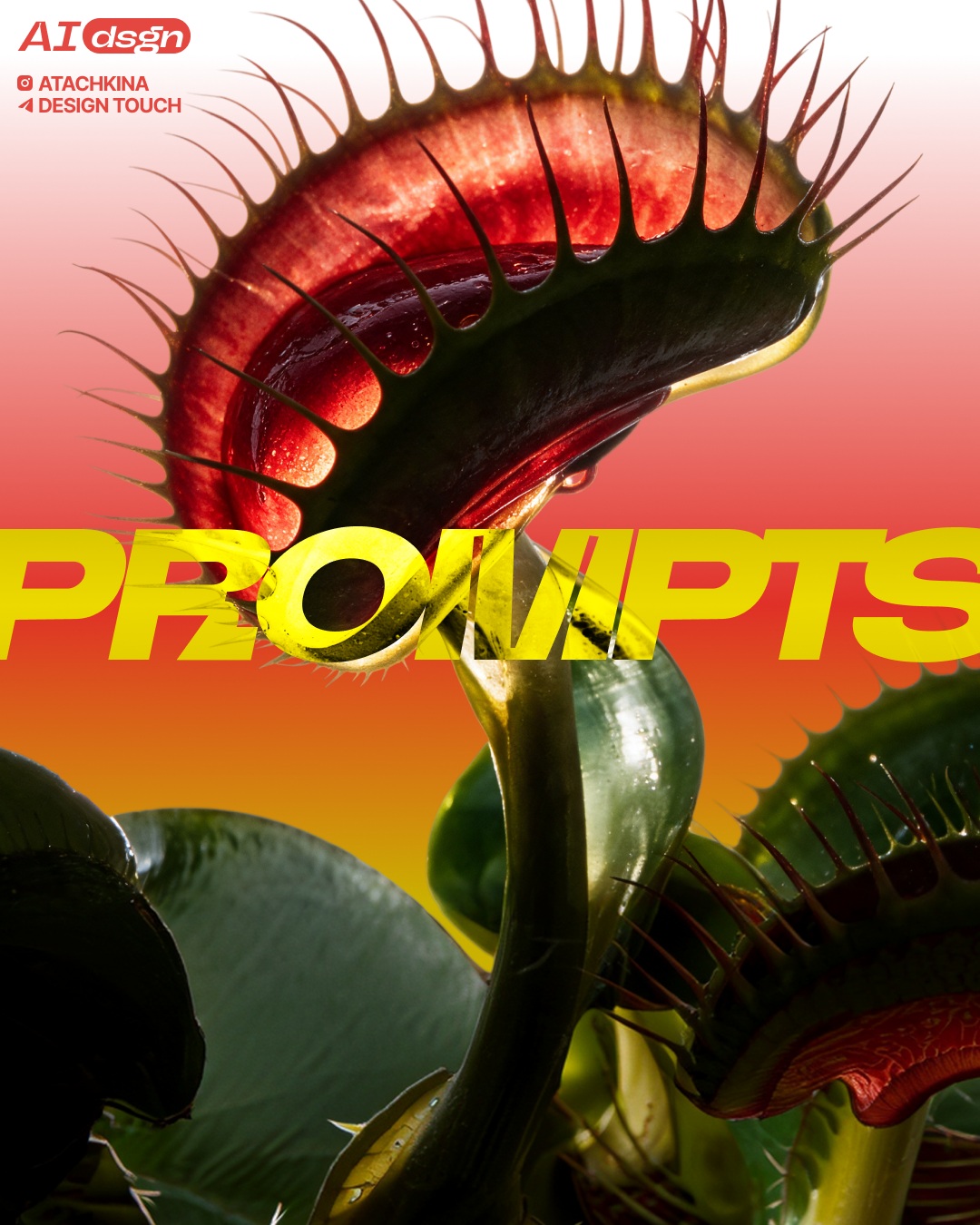
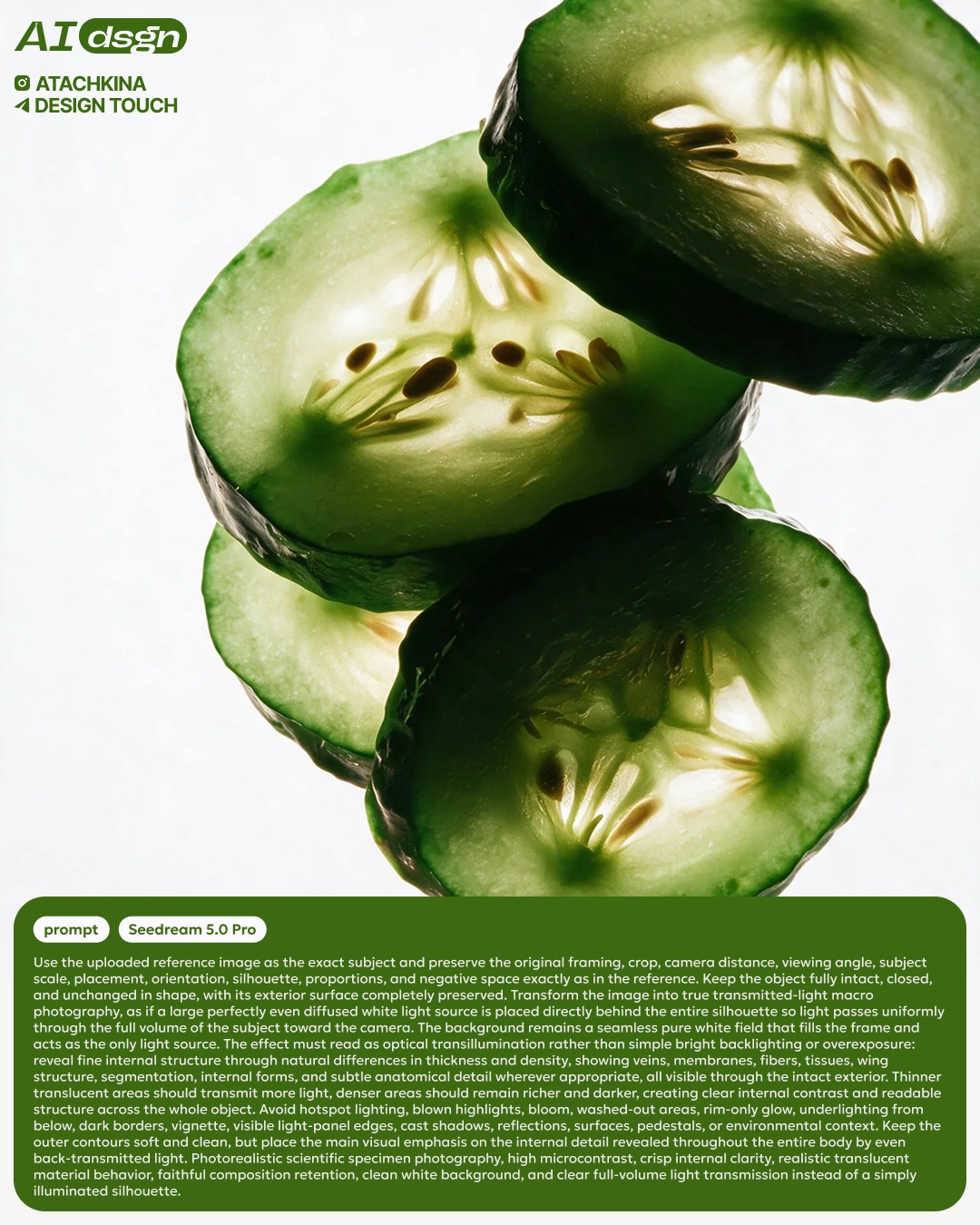
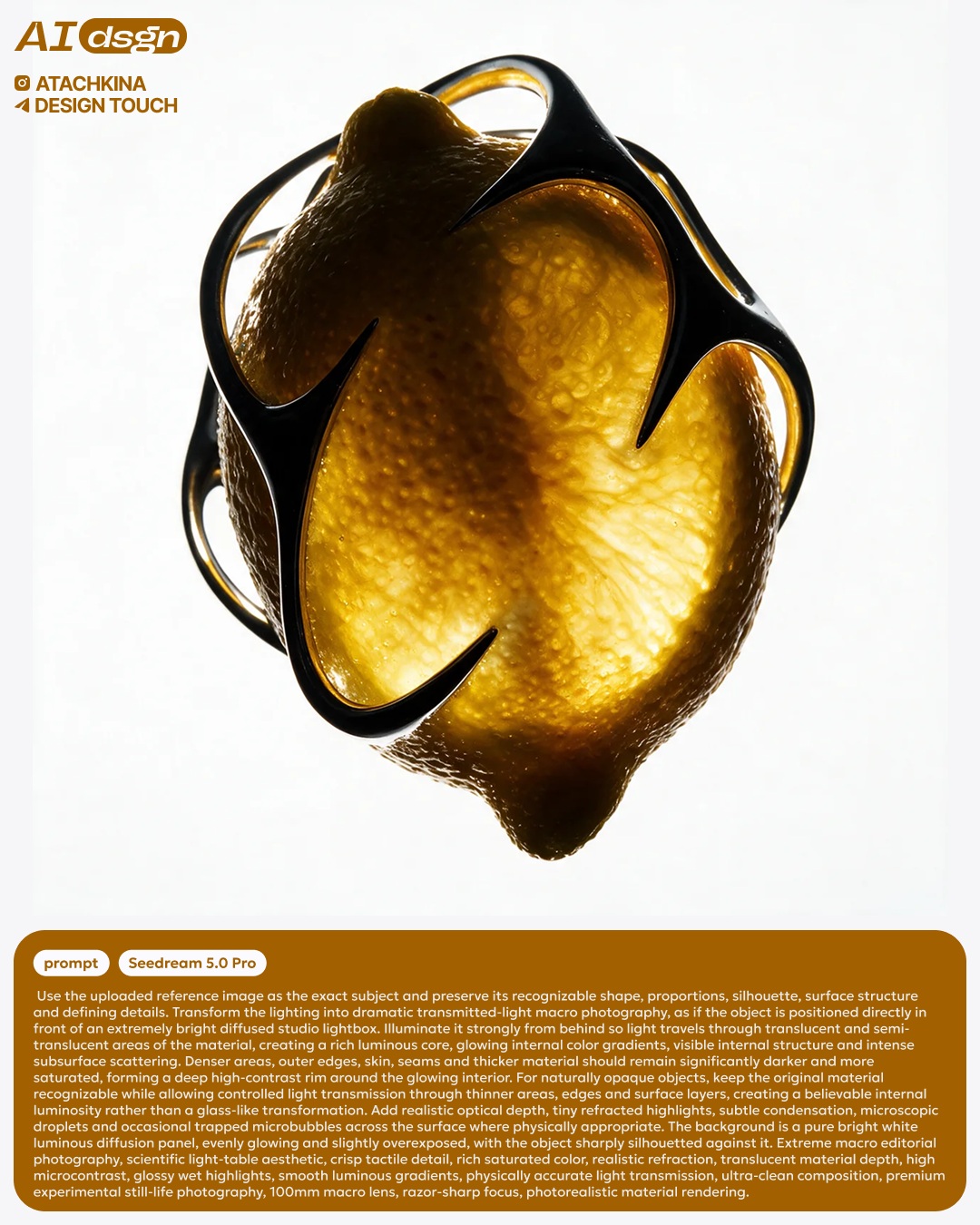
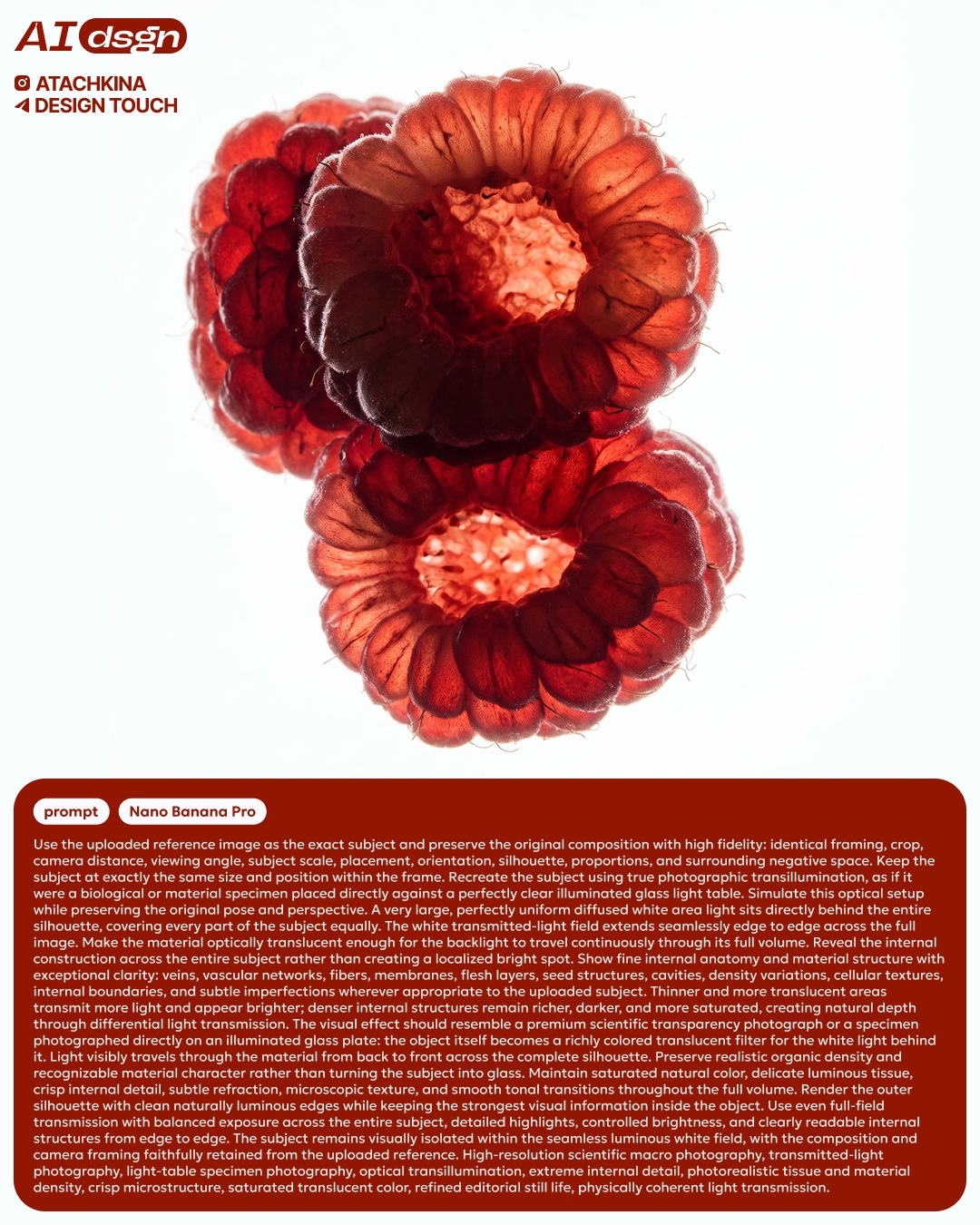
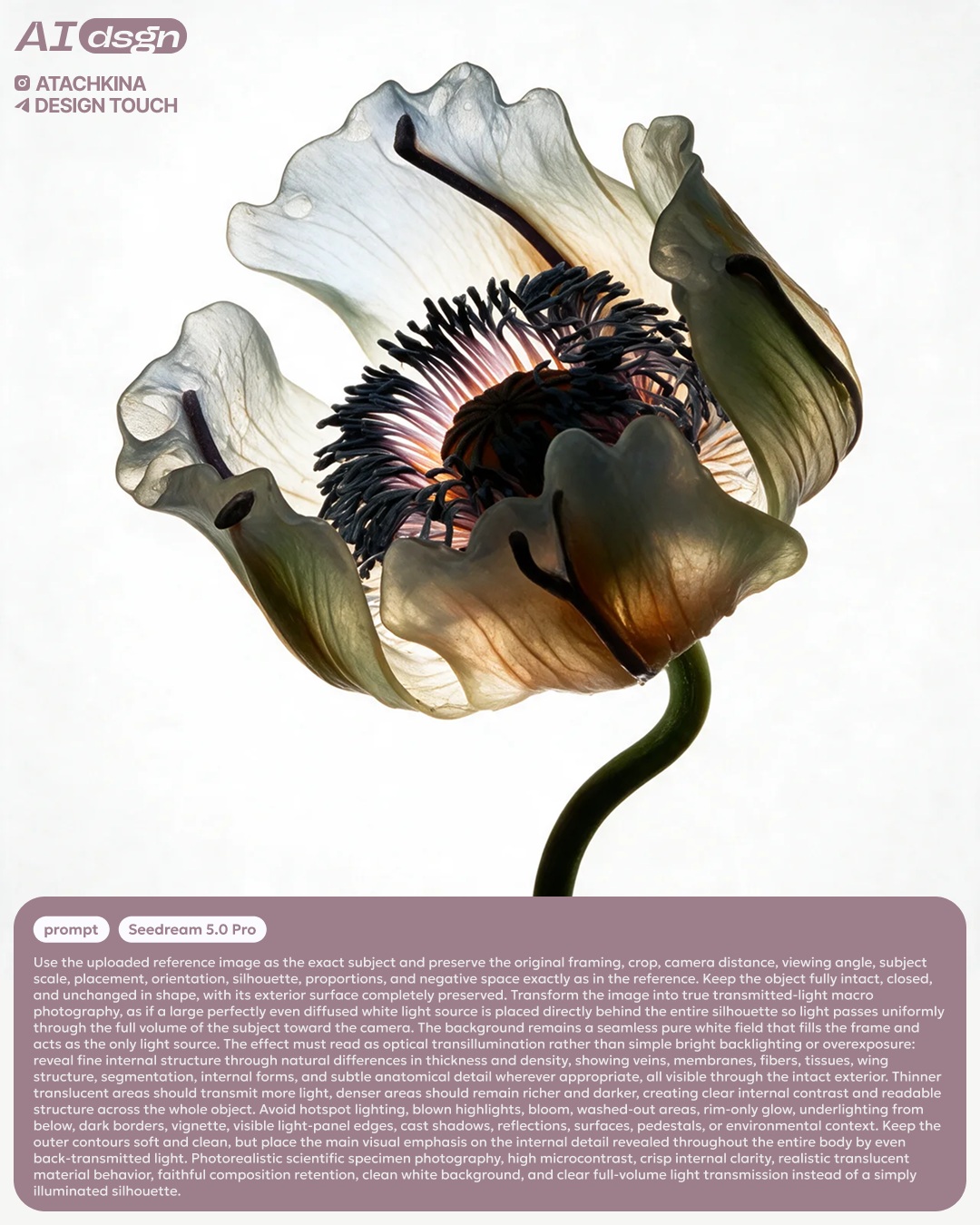
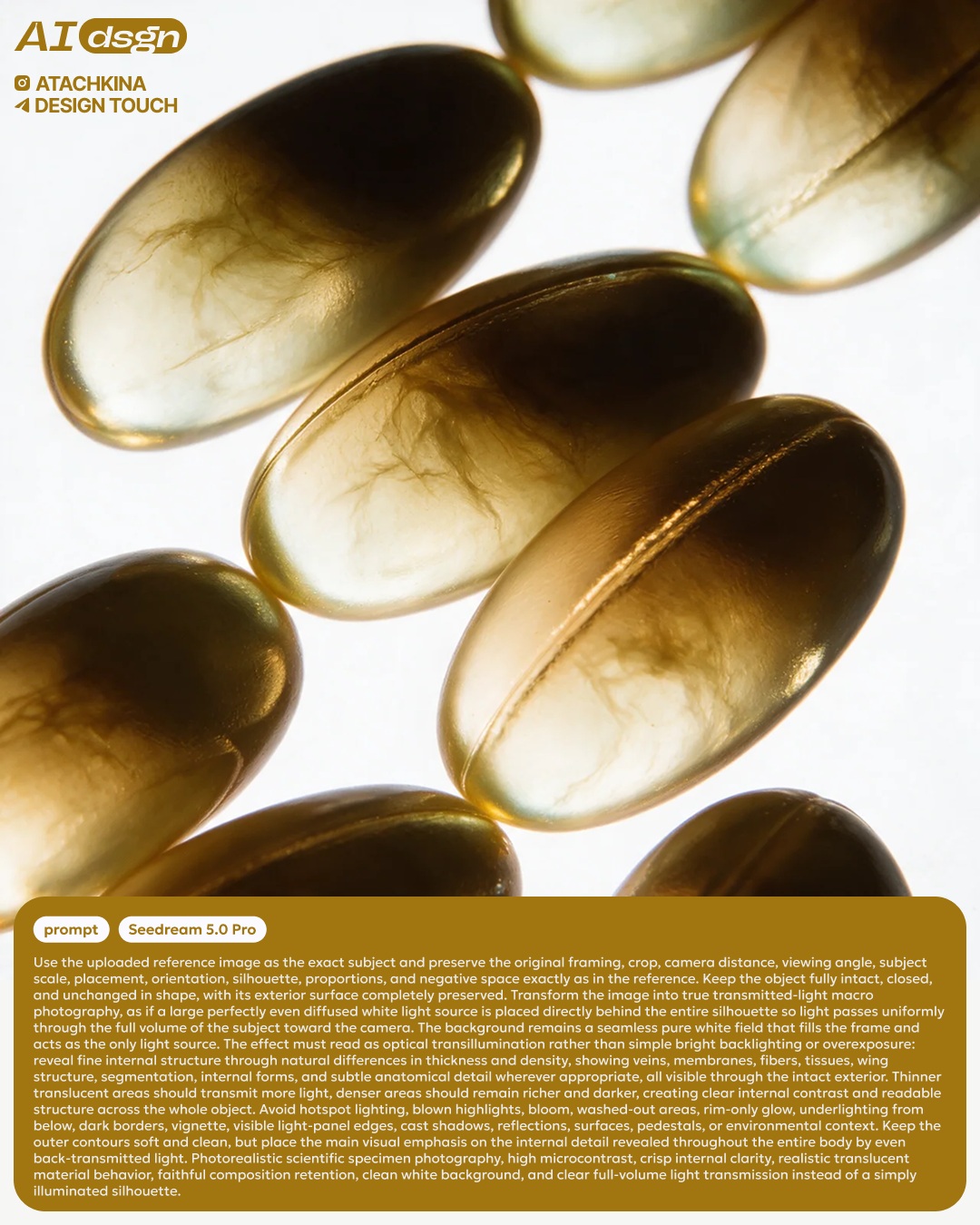
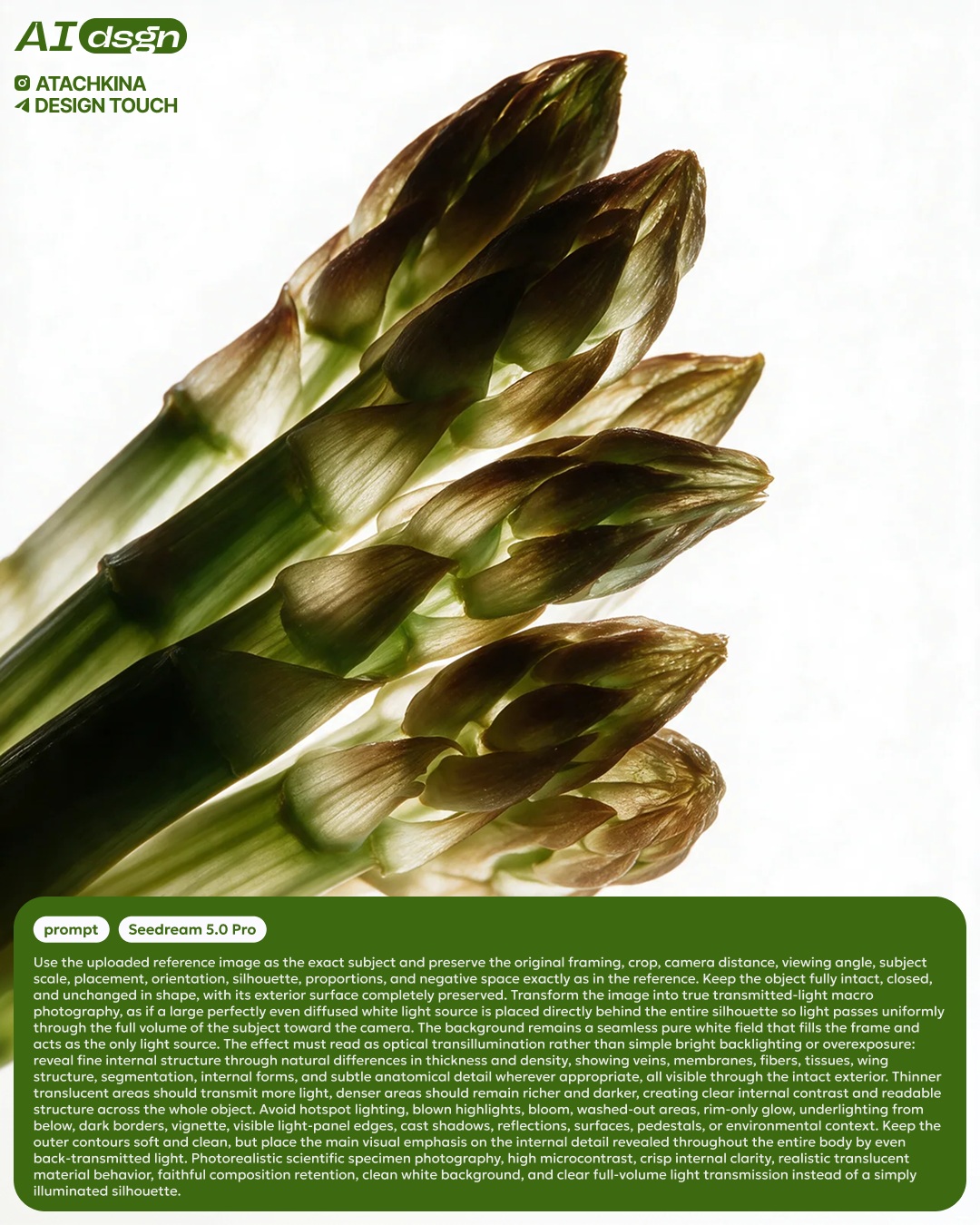
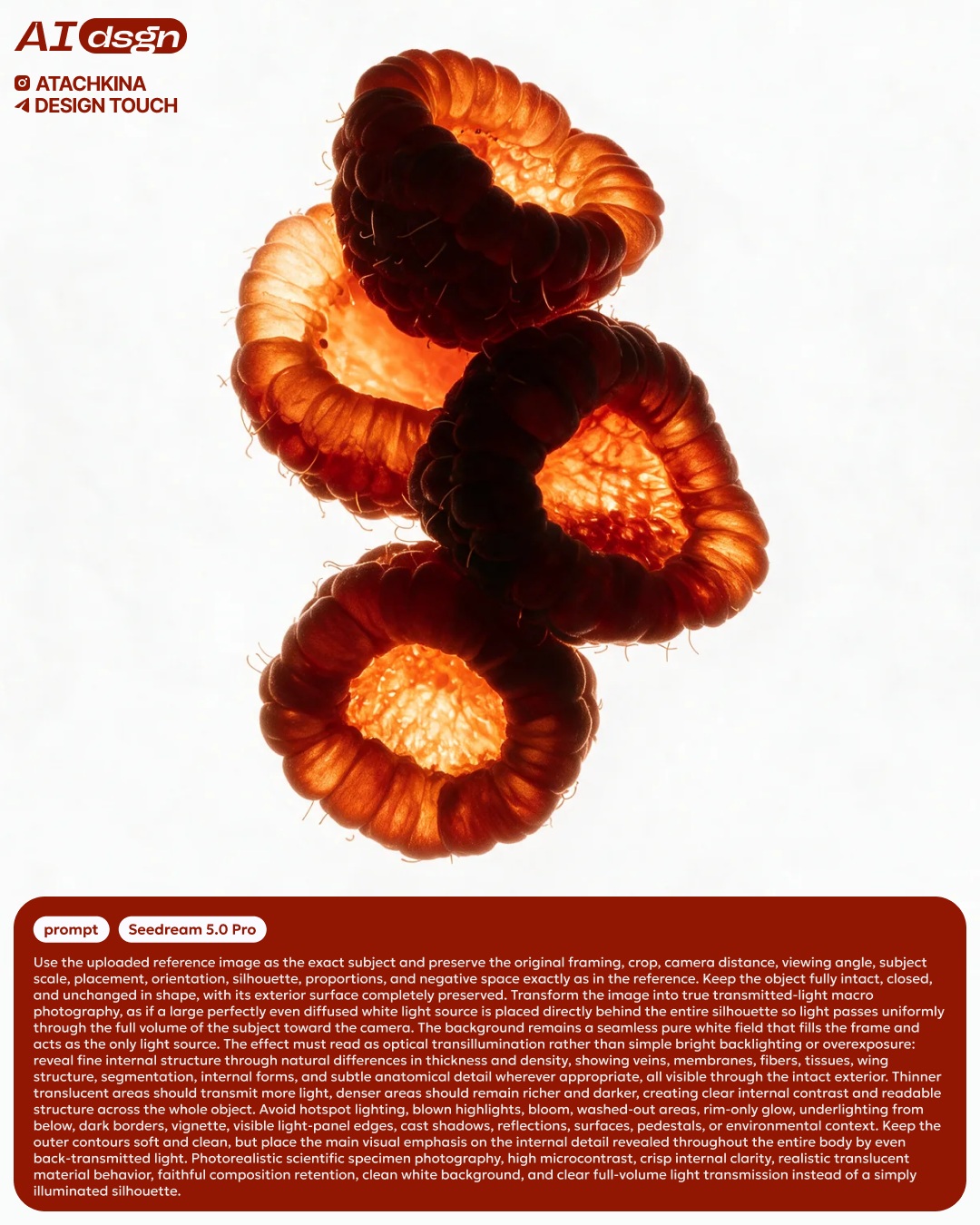
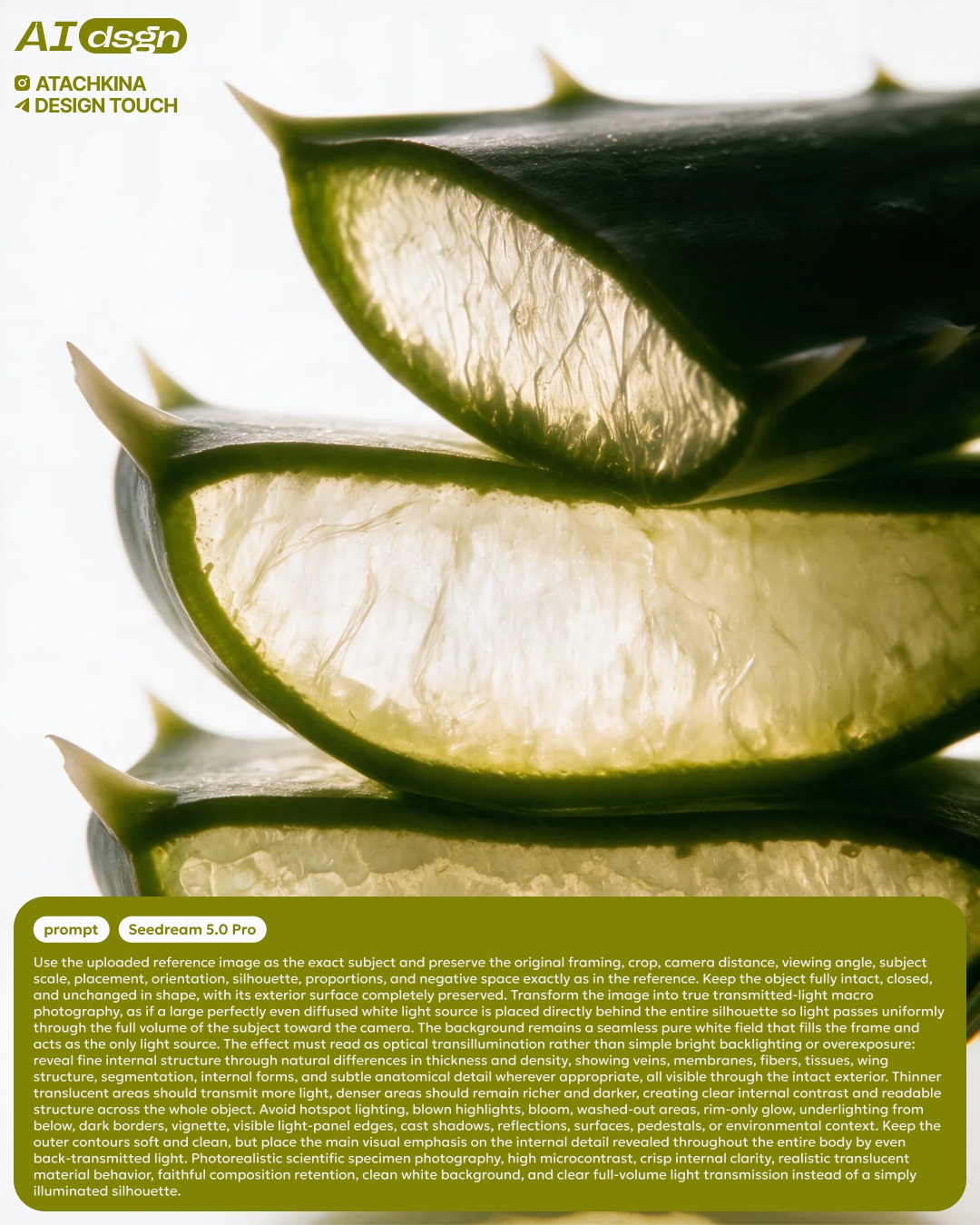
Transform a reference image to show an object’s internal veins, fibers, texture, and material density while preserving its shape and framing.
Example outputs
Prompt template
- Format
- Text
- Inputs
- reference_image (image) · Required
- Outputs
- translucent_object_image (image)
Using the uploaded reference image, create an image of the same object with a translucent, see-through effect that reveals its interior. Bring out visible veins, fibers, texture, and variations in material density where appropriate. Preserve the object's shape and the reference image's framing. Place the object against a clean white background.What you'll create
The original shape and framing remain while veins, fibers and material-density differences become visible through the object.
Frequently asked questions
Should the object be reshaped?
No. Its reference shape is preserved.



Comments
Tried this prompt? Share what you made, compare results, or ask a question