Photorealistic Product Video with Cinematic Camera Moves
Create a vertical, photorealistic video from an uploaded reference image, with cinematic camera movements and an Indonesian voice-over.
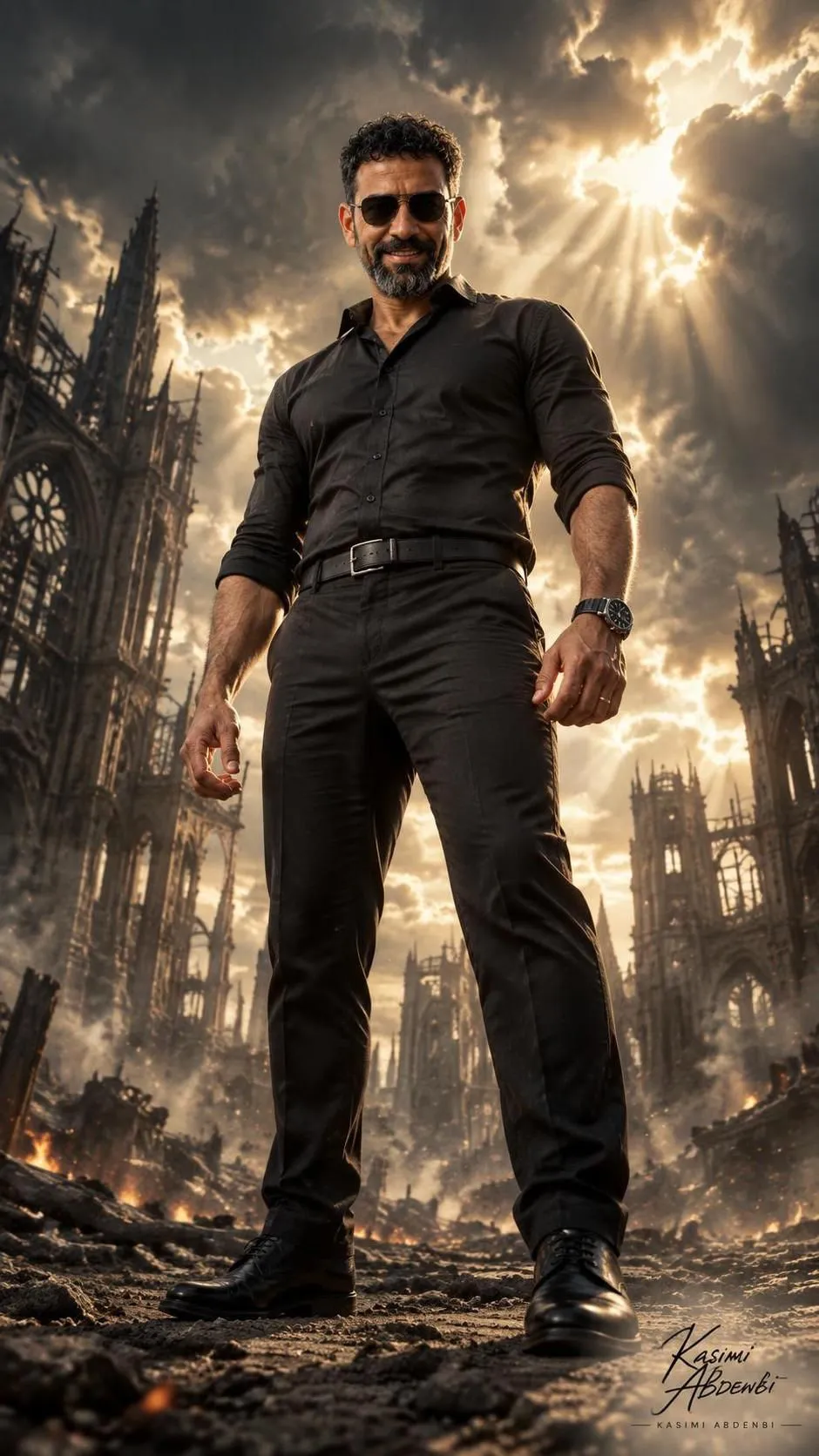
Example outputs
Prompt template
- Format
- Text
- Inputs
- Reference_photo (image) · Required
- Outputs
- Generated_video (video)
Upload the photo you want to turn into a video to Google Flow. Once the upload is complete, use it as the reference image and generate a video with these instructions:

/ultraphotorealistic
/orbitcamera
/camera:over-shoulder
/camera:side-track
/camera:low-follow
/camera:lowangle
/camera:topdown
/cinematiclighting
/premiumcommercial
/character-sheet:reference
/base:product image:reference
/ultraphotorealistic
/8kdetail
/vertical9x16
Voice-over in Indonesian.
What you'll create
A supplied product image guides a premium commercial sequence of orbiting, tracking and overhead views. Cinematic light supports a vertical composition.
Frequently asked questions
What language is requested for the voice-over?
Indonesian.




Comments
Tried this prompt? Share what you made, compare results, or ask a question