Turn One Photo into a Cinematic Multi-Angle Video
Create a film-like video that reframes one reference photo into a sequence of cinematic angles while keeping the subject consistent.
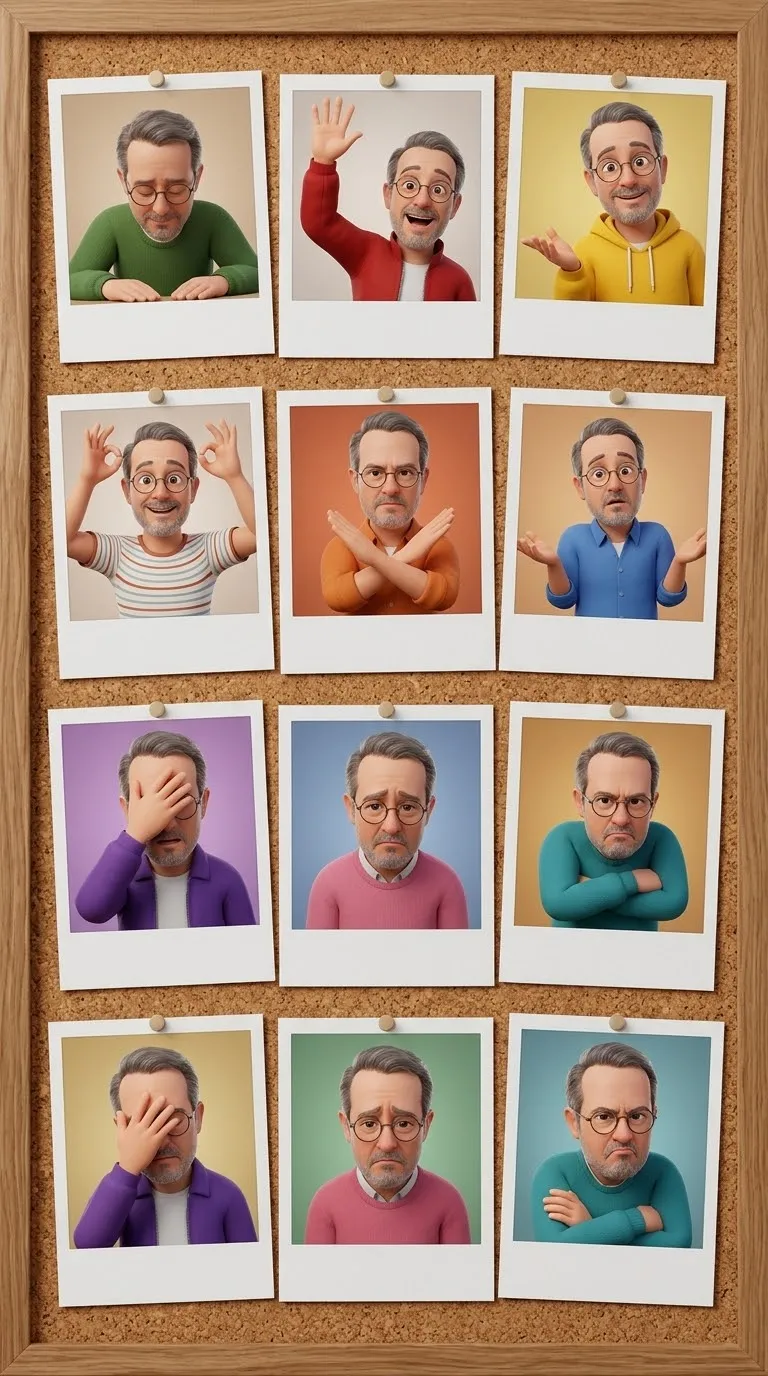
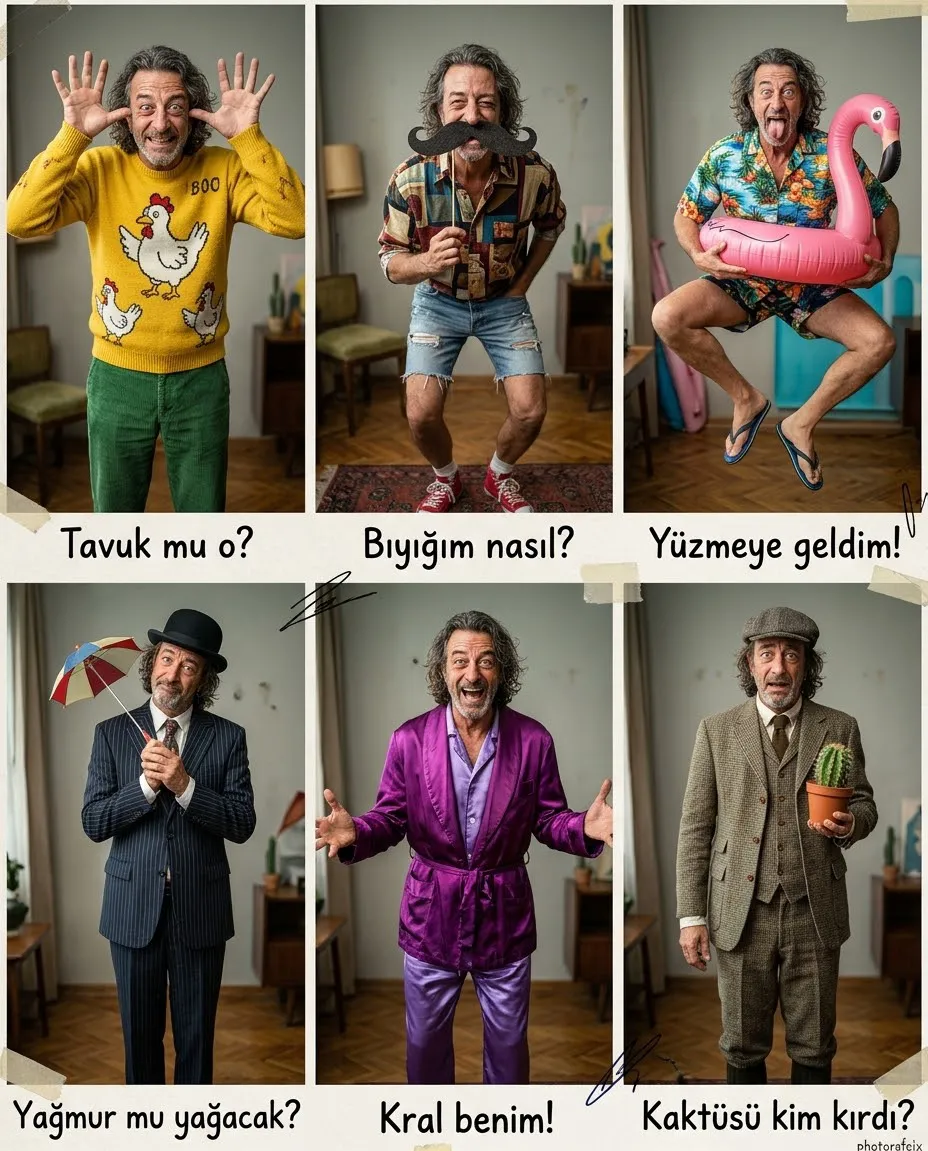
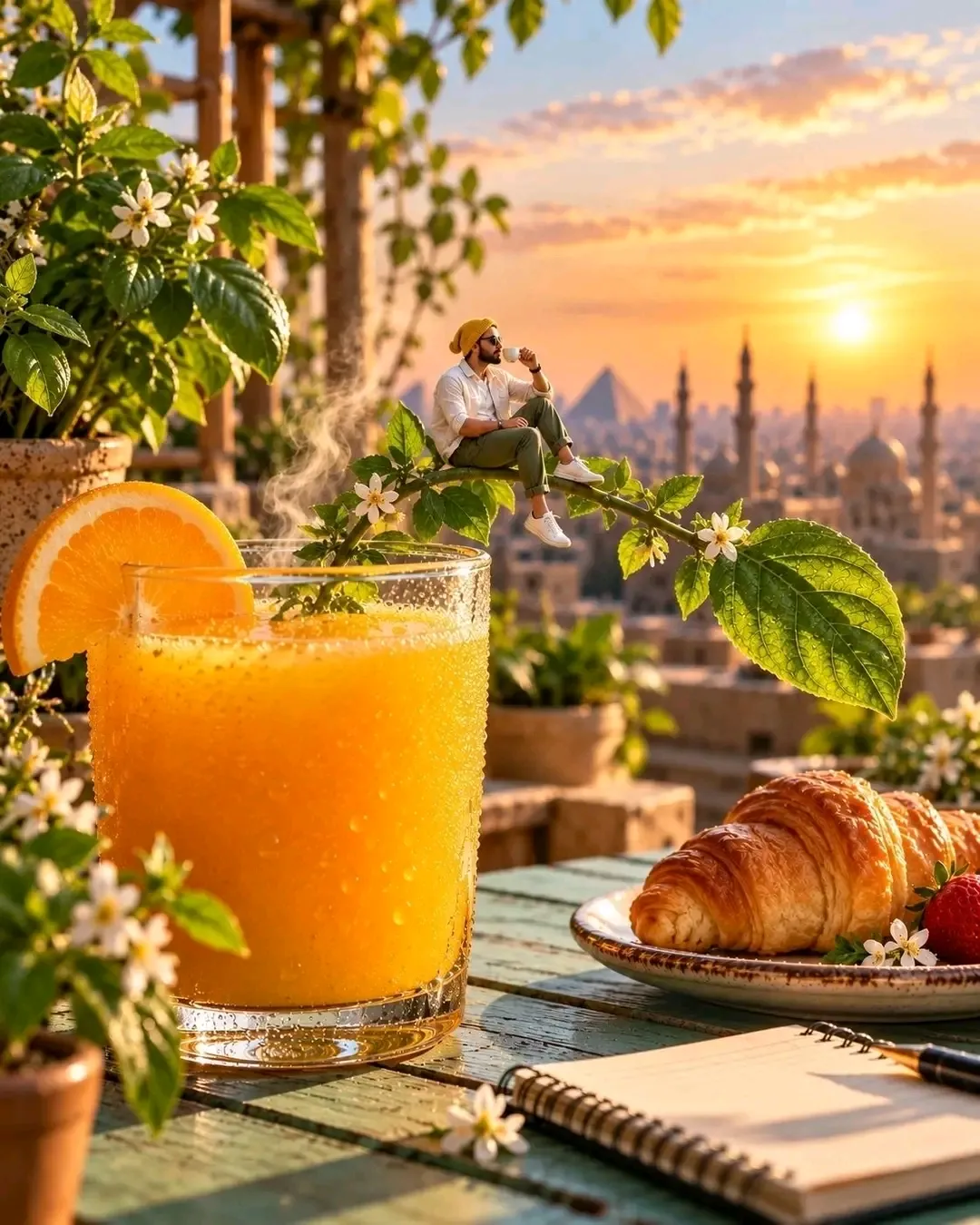
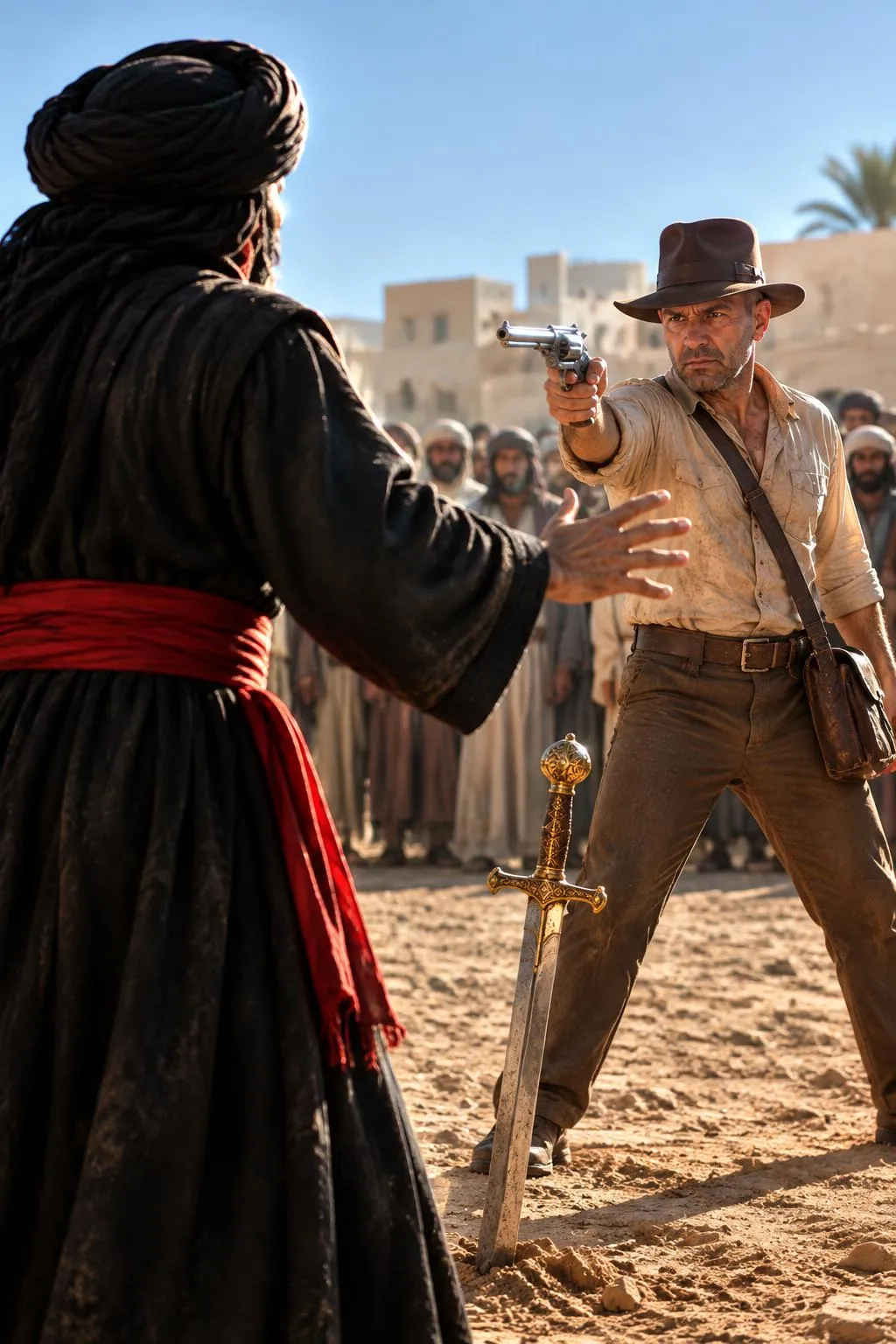
Example outputs
Prompt template
- Format
- Text
- Inputs
- Reference_image (image) · Required
- Outputs
- Cinematic_multi_angle_video (video)
Use the uploaded image as Image 1 and as the strict identity reference. Preserve the subject's exact appearance, face, colors, and details. Reframe and reshoot the single image as a cinematic sequence featuring a wide establishing shot, a tight close-up, a low hero angle, an over-the-shoulder shot, and a profile. Cut the angles together into a polished multi-shot scene that reveals new depth. Keep the subject perfectly consistent across every angle. Use smooth camera movements, coherent cinematic lighting, and a polished, film-like mood.What you'll create
A polished sequence expands a single reference into several coordinated viewpoints. Smooth camera movement and coherent lighting connect the angles while maintaining the subject’s appearance, colors and details.
Frequently asked questions
Can the subject’s appearance change between shots?
No. Consistent identity and exact appearance across every angle are explicit requirements.





Comments
Tried this prompt? Share what you made, compare results, or ask a question