- Category
- Design & Image
- Tags
- 3d-render yarn typography
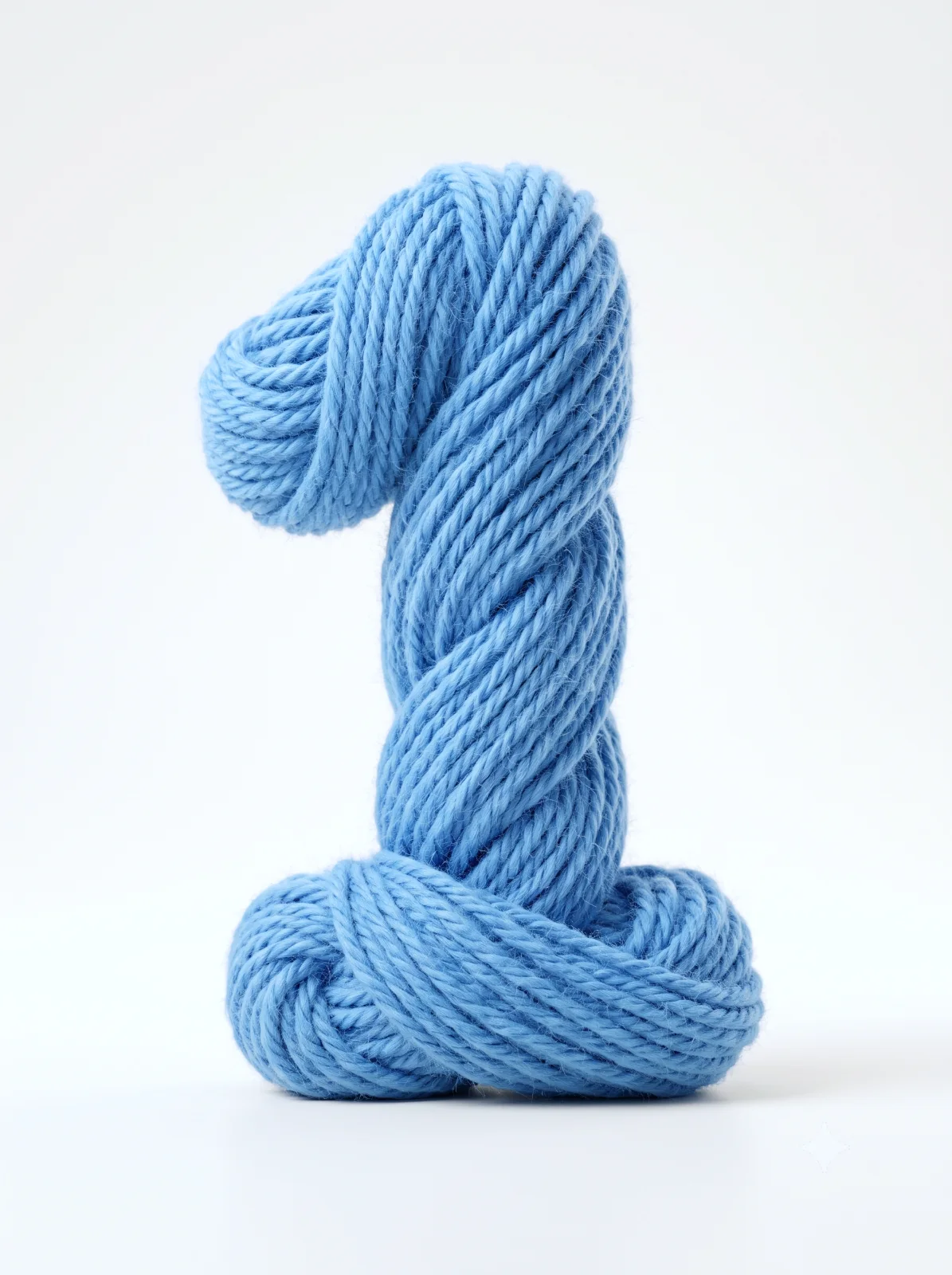
Photorealistic Sky-Blue Yarn Numeral Render
Create a tactile, photorealistic 3D render of a yarn-formed numeral with soft studio lighting and a minimal background.
By illus8ai — Published on — Modified on
Example images
Prompt template
0 copies
- Format
- Text Parameterized
- Inputs
- aspect_ratio (text) · Optional · Default: 3:4 digit (text) · Optional · Default: 1 yarn_color (text) · Optional · Default: sky-blue
- Outputs
- Rendered_image (image)
Replace the ${…} placeholders with your values
before using this prompt. See parameters
and defaults below.
Create an ultra-realistic 3D render in a vertical ${aspect-ratio:3:4} aspect ratio of the digit “${digit:1}”, sculpted entirely from a single continuous skein of chunky ${yarn-color:sky-blue} yarn. Wind and twist the yarn into a smooth, rounded numeral with tucked ends. Give the fibers a soft, textured appearance with visible ply, individual strands, micro-fuzz, and pile, plus subtle subsurface scattering and a light realistic sheen.

Use clean, bright studio lighting: a soft, diffuse key light from the upper left, gentle fill to prevent harsh shadows, and a slight rim highlight to emphasize the fiber edges. Add a soft contact shadow beneath the numeral. Use a minimal background with an off-white to very pale cream gradient.

Center the numeral and use a slight low-angle perspective. Apply shallow depth of field, keeping the numeral’s midsection razor-sharp. Render with high polygon detail and photorealistic fiber simulation, accurate light scattering, natural cast shadows, and crisp anti-aliased edges. Aim for a tactile, modern product-shot aesthetic.
Parameters
Replace each placeholder with your own value, or use its default when one is provided.
${aspect-ratio:3:4}
aspect-ratio
Default: 3:4
${digit:1}
digit
Default: 1
${yarn-color:sky-blue}
yarn-color
Default: sky-blue






Comments — 0