Split-Photo Abstract Geometry Poster
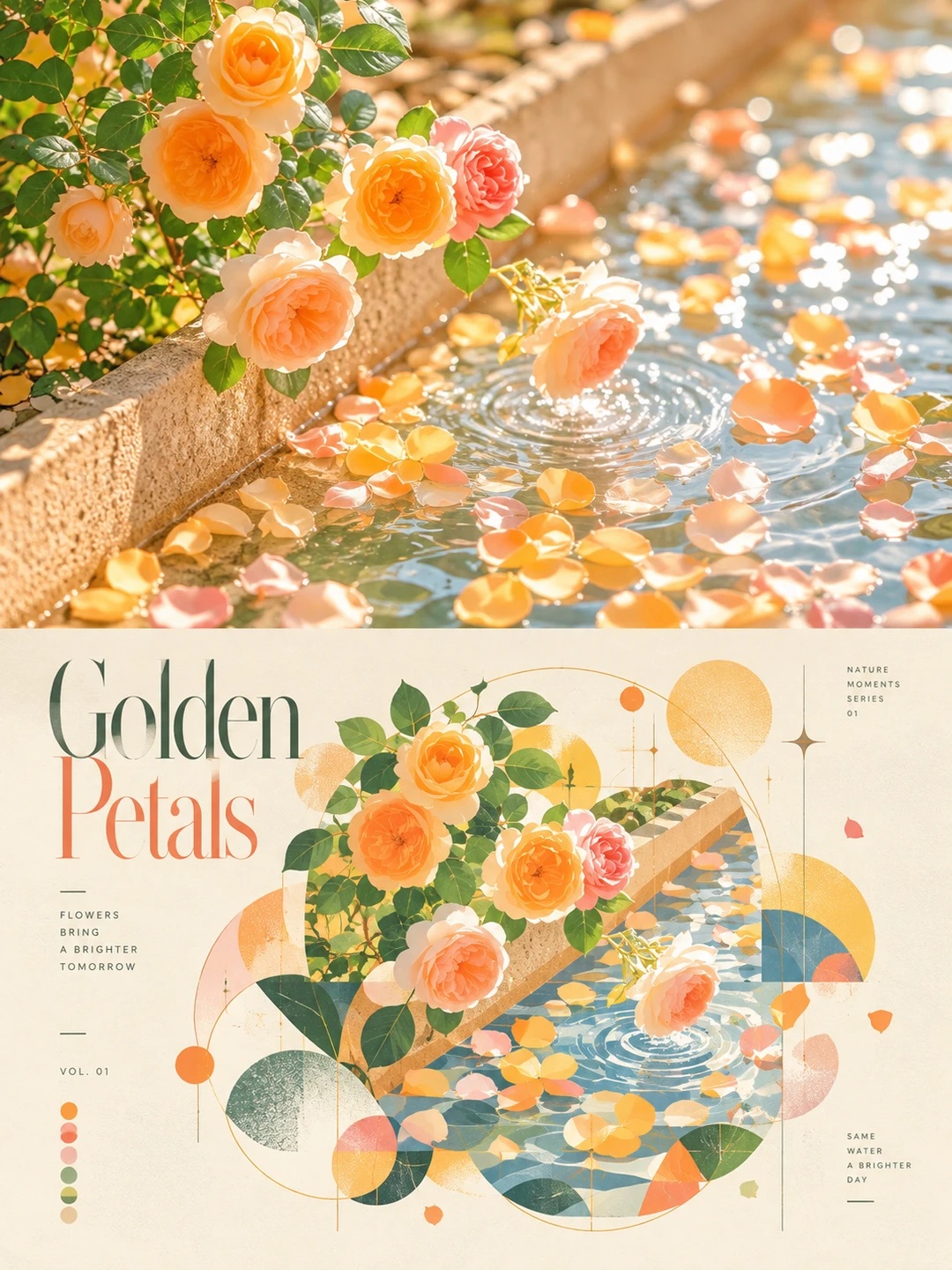
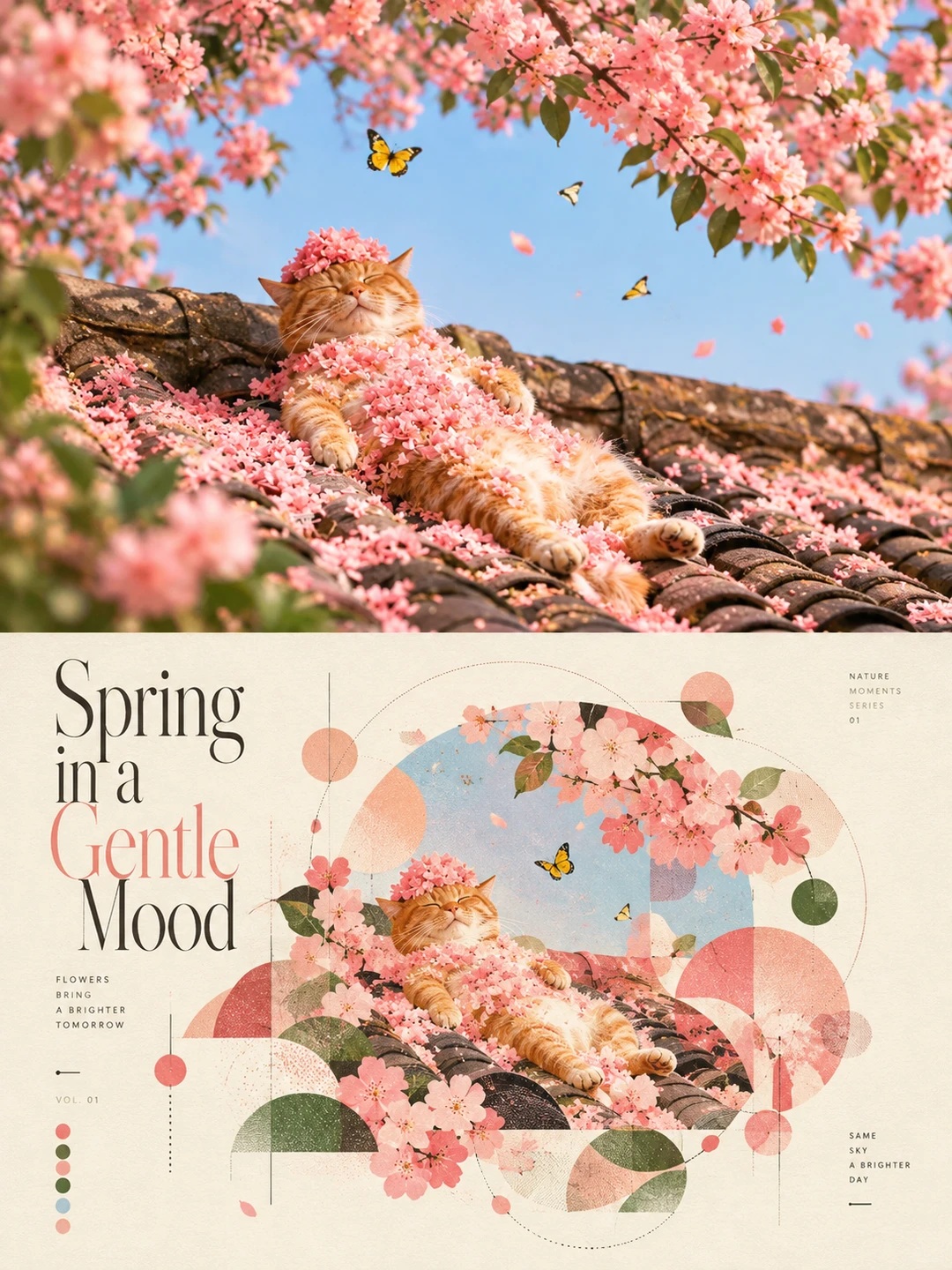
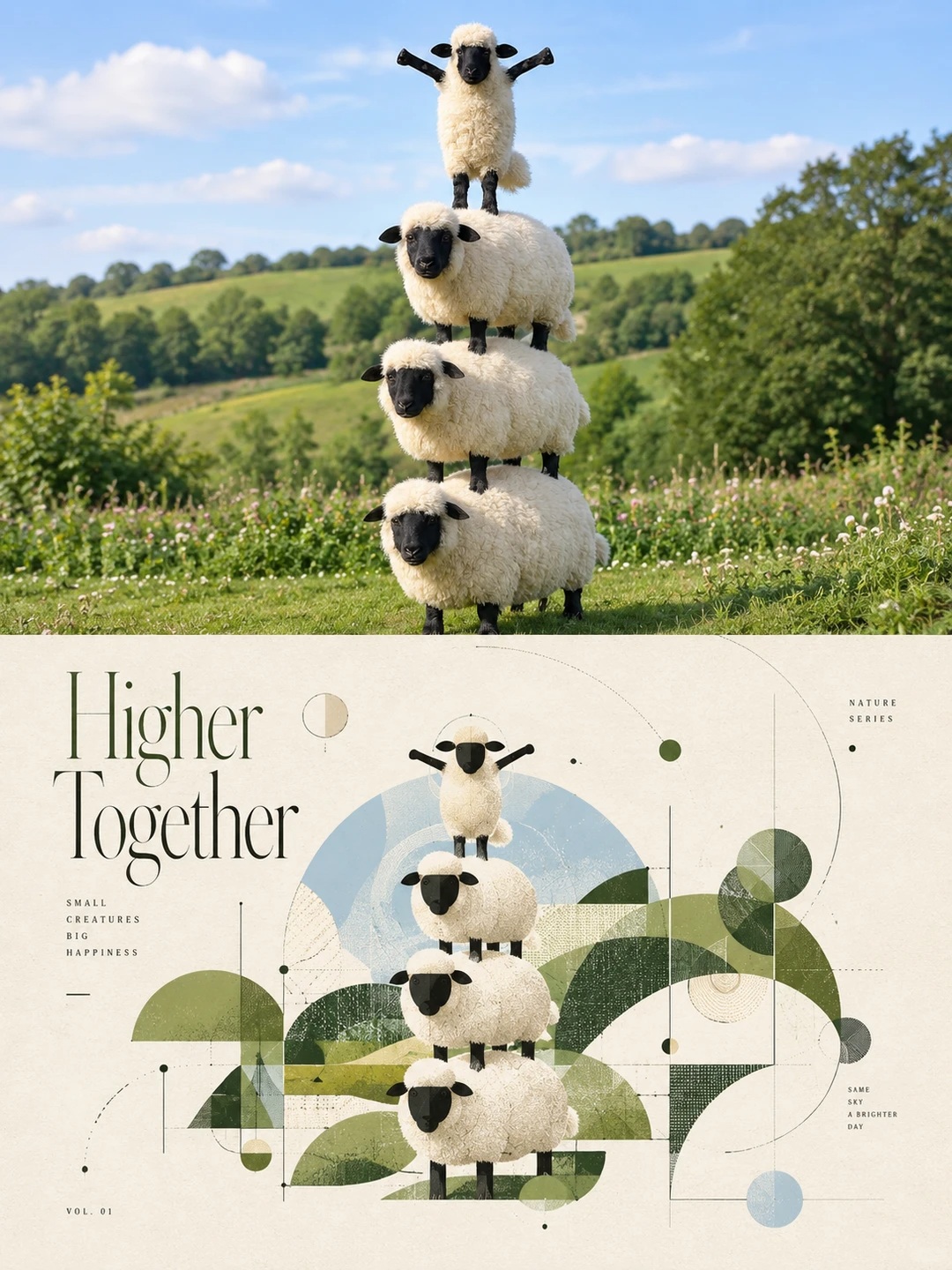
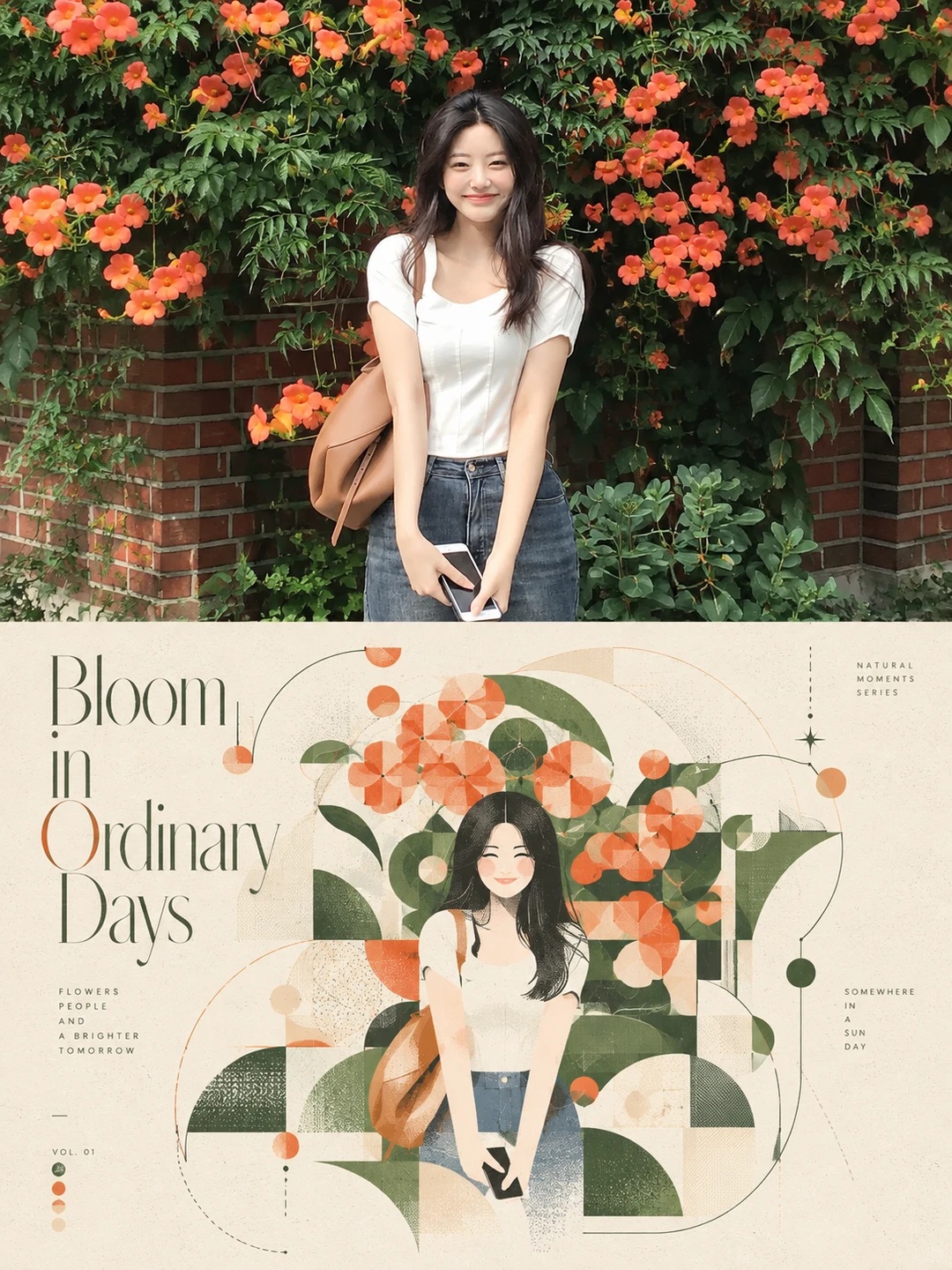
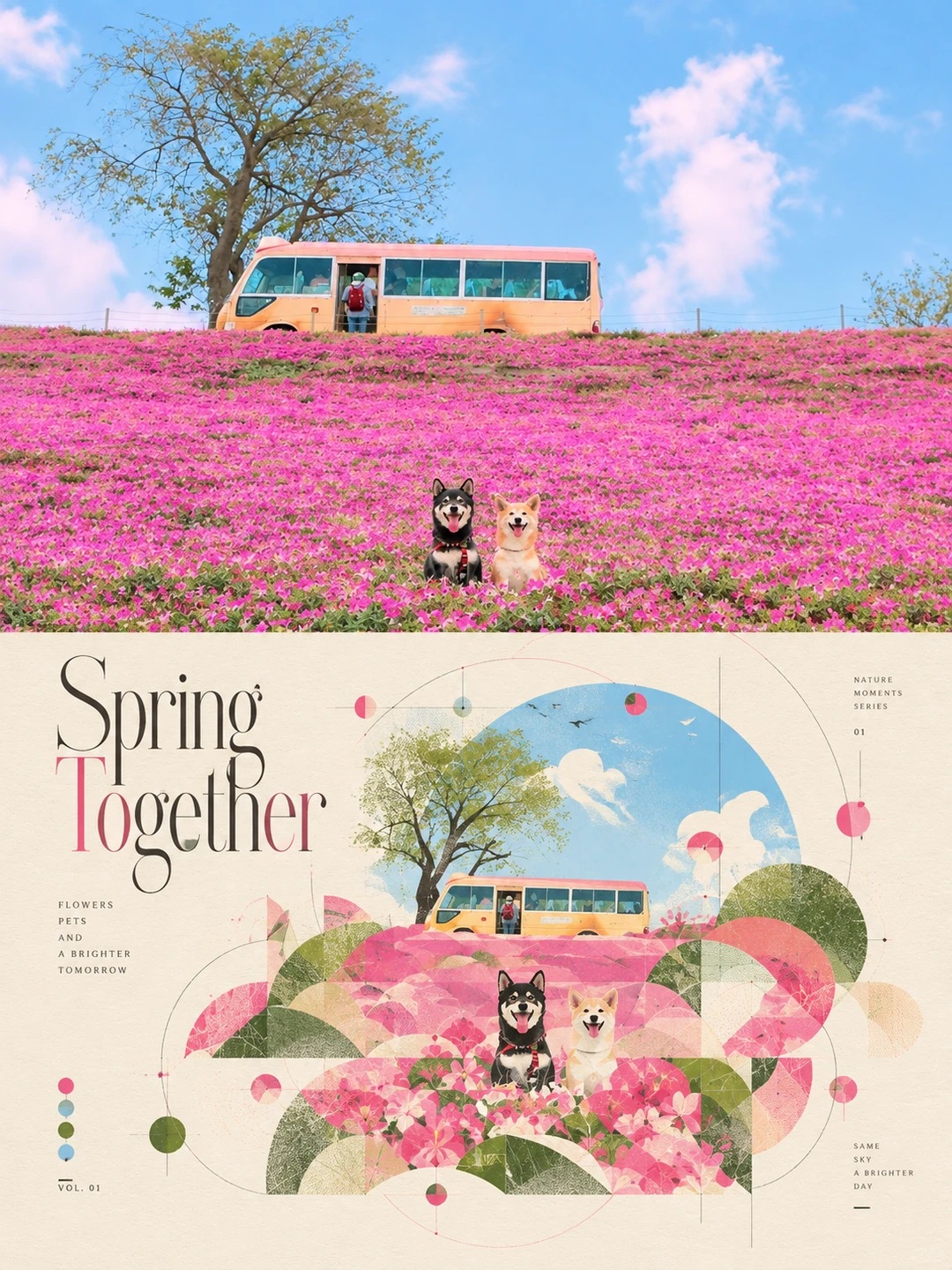
Create a portrait poster for each source photo, pairing an enhanced original photograph with a compact abstract geometric reinterpretation and editorial English typography.
Example outputs
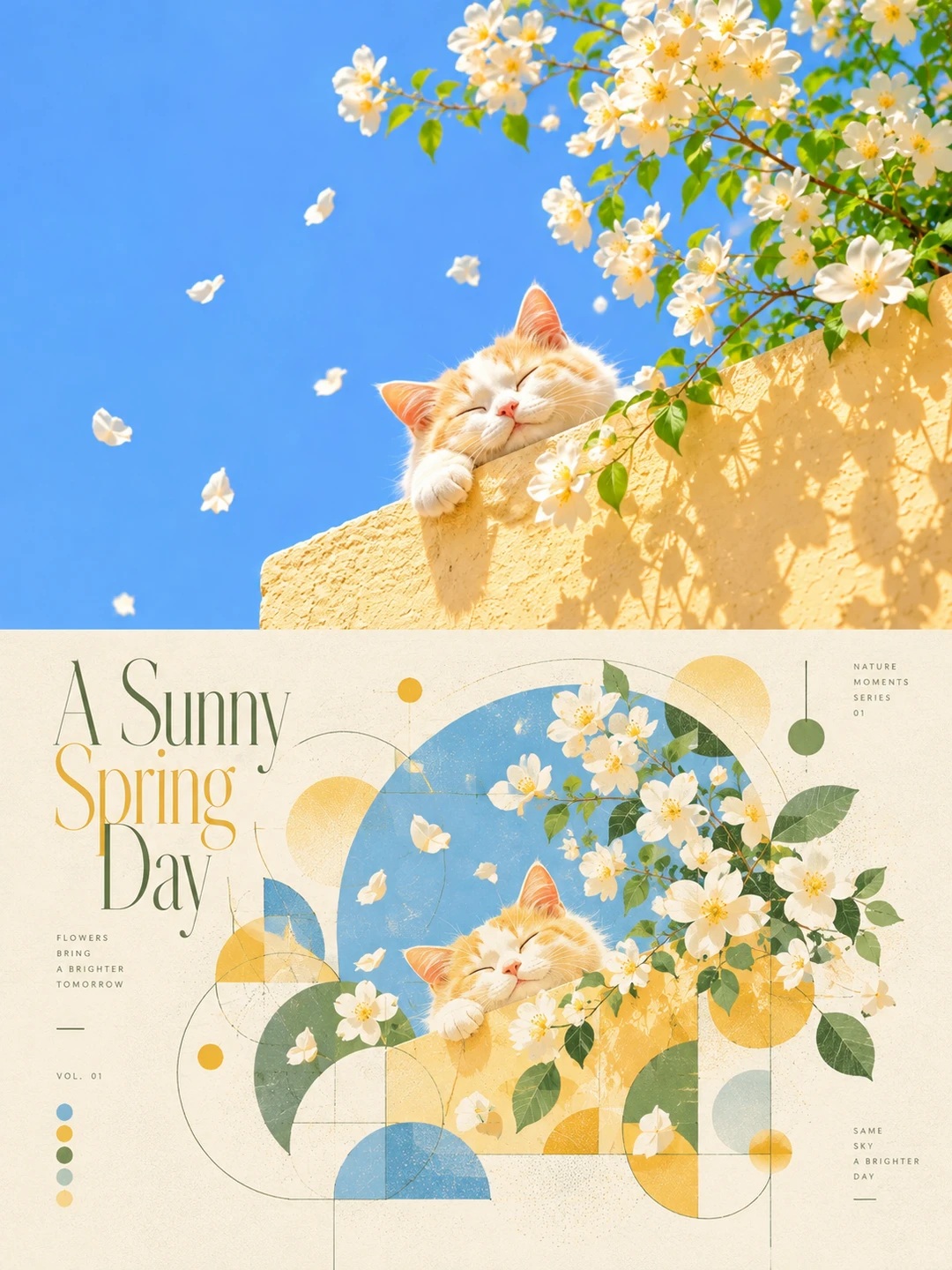
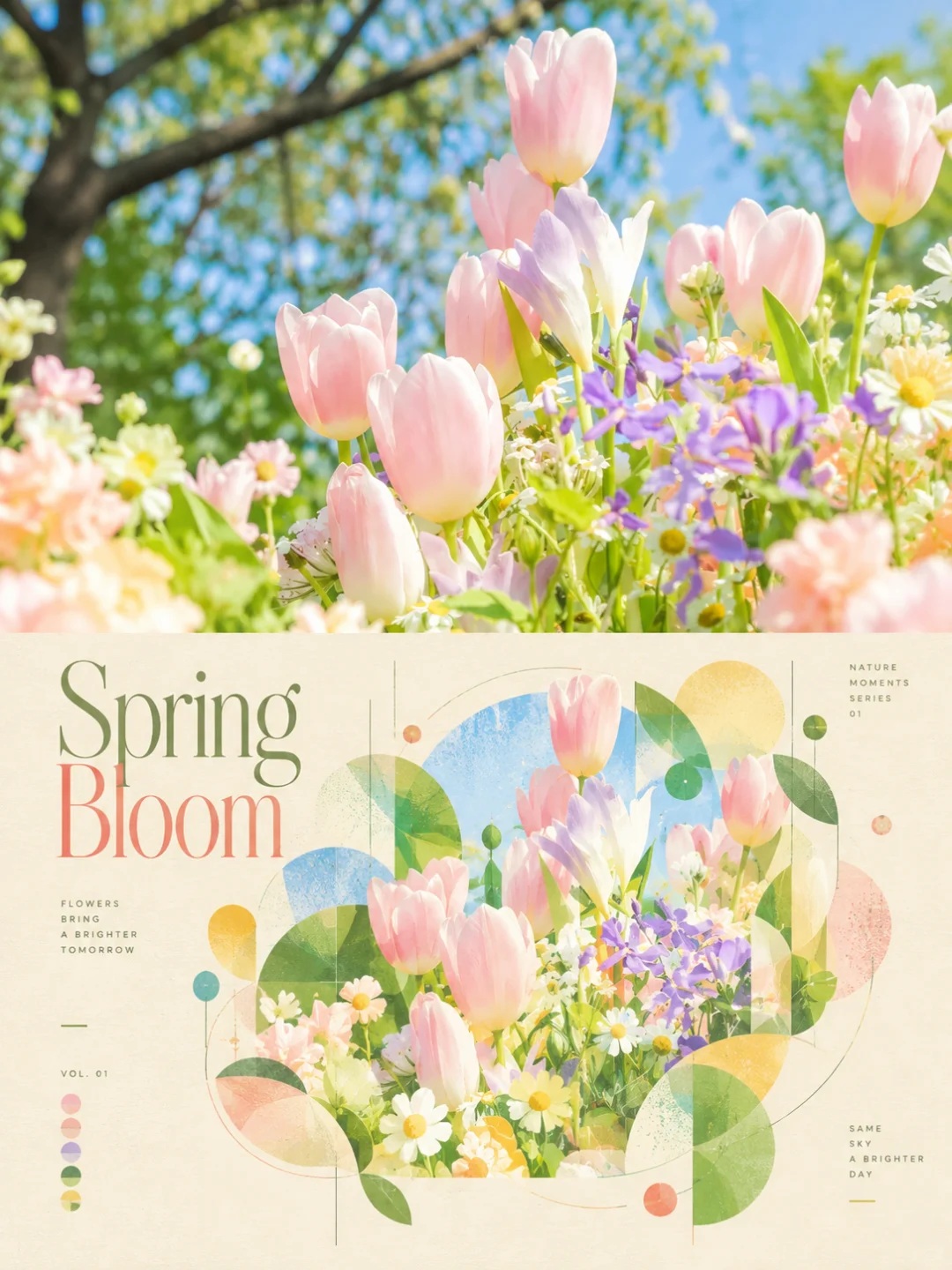
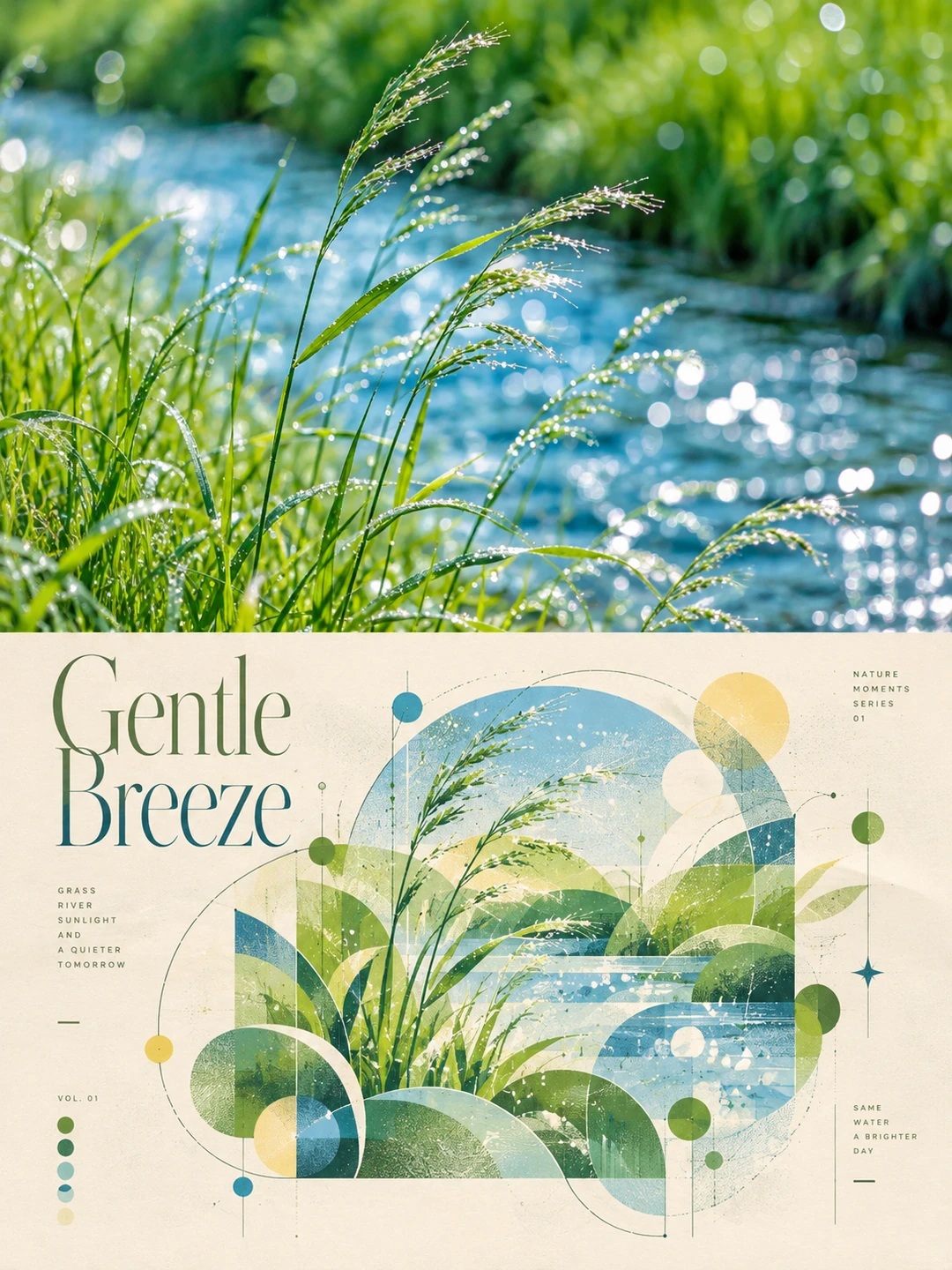
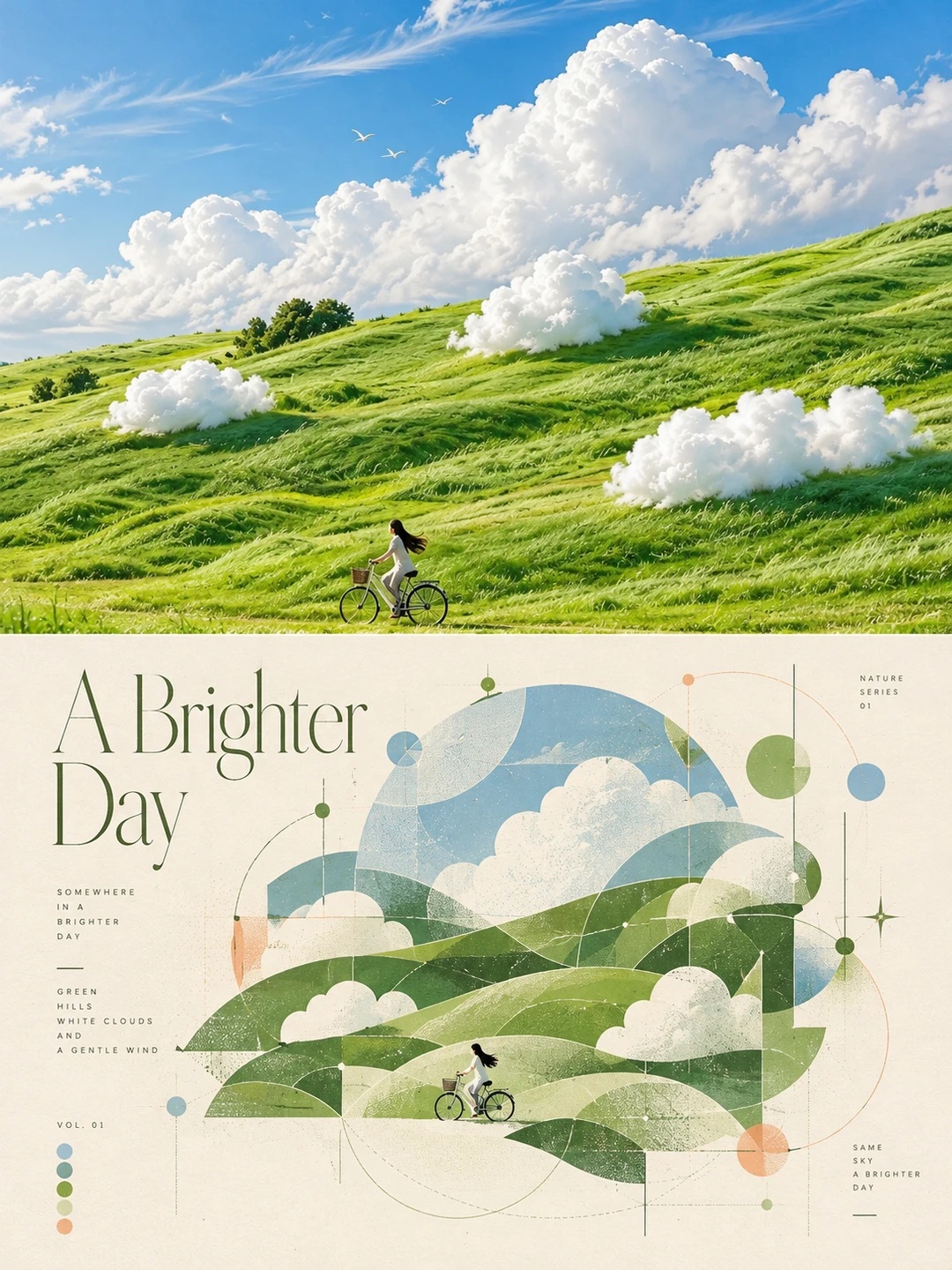
Prompt template
- Format
- Text
- Inputs
- Source_photo (image) · Required
- Outputs
- Art_poster (image)
For each uploaded photo, create one separate poster. Do not combine or blend multiple photos into a single poster.

Use a 3:4 portrait canvas divided into two strictly equal horizontal halves, each occupying 50% of the image. Separate them with a clean, straight horizontal line. Do not add a border, card, tape, torn paper, curled edge, or collage shadow.

In the upper half, preserve the corresponding original photo in full. Do not alter the subject, the identity or facial features of any people, hairstyles, clothing, poses, expressions, objects, environment, composition, proportions, perspective, materials, depth of field, natural lighting, shadows, or color relationships. Only make subtle, refined color grading and exposure improvements, and naturally extend the background if needed. Fill the entire upper half, including the top, left and right edges and the dividing line. Remove watermarks, logos, and text that is not part of the scene. Do not add unrelated elements.

In the lower half, use the same original photo as the sole reference. Deconstruct and recompose its subject, silhouette, pose, spatial movement, environment, colors, lighting, and visual center of gravity into modern abstract geometric art. Preserve a compositional memory of and emotional connection to the original, but leave no realistic photographic areas in this half. This must not look like a filter or geometric shapes overlaid on a photograph.

Use the sensibility of Bauhaus, Swiss experimental graphic design, vintage independent art magazines, and Risograph printing. Reduce the overall geometric composition by about 70%, to roughly 30% of its usual scale, creating a refined, concentrated visual center. Shift it freely to suit the original photo’s visual center of gravity. Keep rich layers of large, medium, and small forms within the composition, with generous warm-white, cream, or ivory paper space around it.

Strictly exclude rectangles, squares, block collages, checkerboards, rectangular grids, and right-angled frames formed by lines. Use only circles, semicircles, rings, arcs, sectors, ellipses, triangles, wedges, cones, crescent shapes, irregular curved surfaces, open contours, gaps, fine straight lines, dashed lines, curves, nodes, dots, trajectories, and negative space. Every shape, direction, and detail must derive from the original photo; add no unrelated patterns. Extract the colors from the photo and create layers through tonal variations within the same color family. Avoid cheap-looking gradients, neon colors, and chaotic, highly saturated palettes.

In the lower half, add a meaningful English art title of 1–4 words related to the photo’s content, along with a small amount of supporting English text, an index, or a number. Use slender, elongated, high-contrast serif typography in the style of Didot, Bodoni, or Didone. Use free, asymmetrical typography; text may be horizontal, vertical, offset, or selectively italicized. Do not use a fixed template. Avoid garbled text, fake English, watermarks, and commercial logos. Use a few fine lines, open arcs, dot patterns, and structural nodes to connect the composition with the surrounding negative space.

Give the paper a delicate, warm fiber texture, subtle Risograph grain, slight screen-print misregistration, and naturally irregular edges. Keep text and lines crisp. Output only one high-resolution art poster for each uploaded photo.
What you'll create
Two equal horizontal halves keep photography separate from its design translation. Crisp lines, print misregistration and irregular edges give the lower treatment tactile character.
Frequently asked questions
Can multiple source photos blend together?
No. Each photo produces a separate poster.
Are frames or tape included?
No. Decorative framing effects are excluded.



Comments
Tried this prompt? Share what you made, compare results, or ask a question