Add Interactive Hand-Drawn Doodles to a Photo
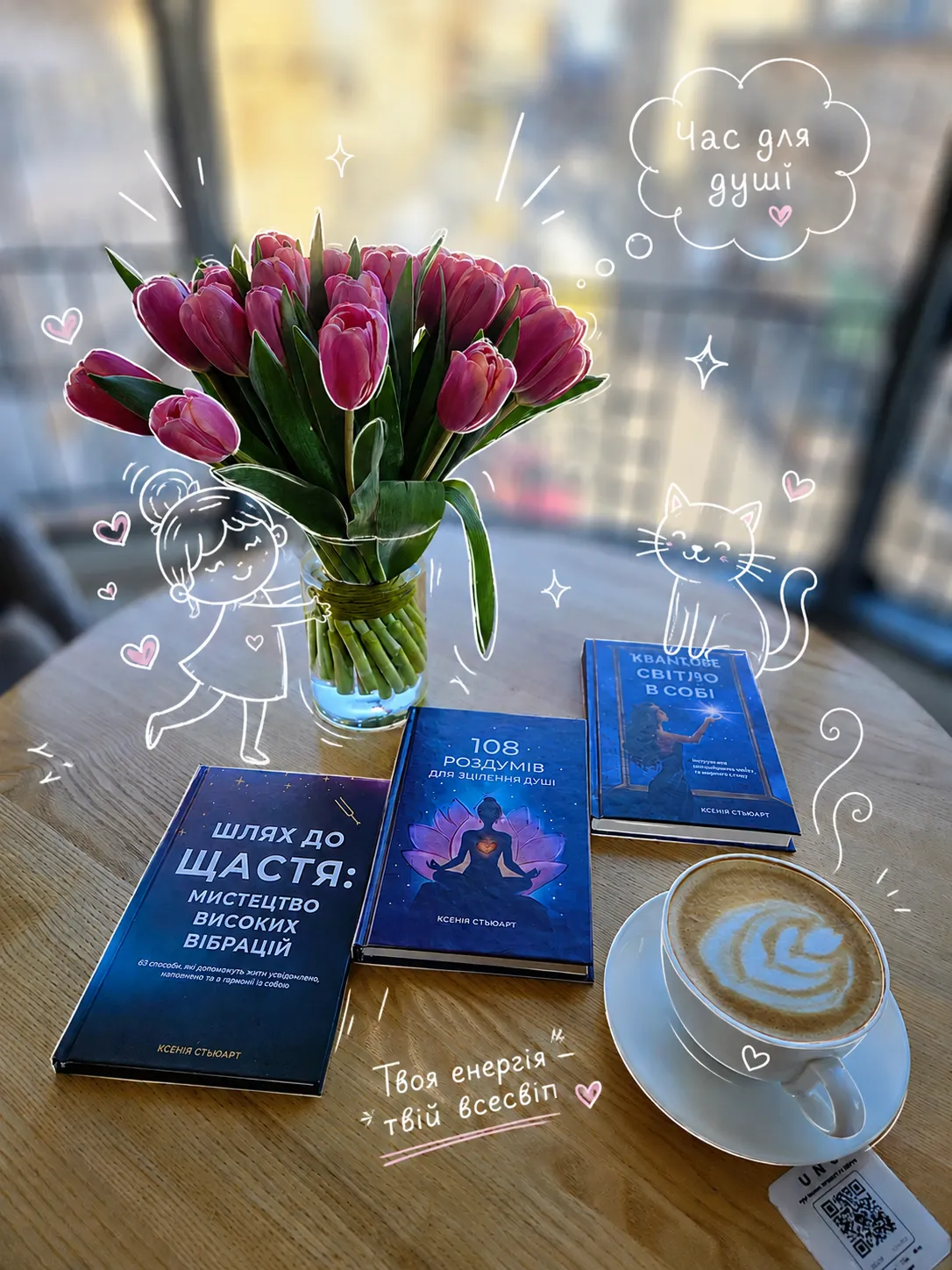
Preserve the uploaded image while adding playful doodles that interact with its subject.
Example outputs
Prompt template
- Format
- Text
- Inputs
- Source_image (image) · Required
- Outputs
- Edited_image (image)
Use the uploaded image as the source. Preserve the original subject, composition, and lighting; do not alter the main subject’s identity or structure. Add playful, hand-drawn doodles that interact directly with the subject. Have the doodles mimic, follow, or exaggerate shapes, gestures, or motion in the image—for example, outline a pose, extend a limb, add motion lines, or create imaginative elements that respond to the subject.What you'll create
Playful lines follow contours, extend visual motion and introduce imaginative accents around the original subject. Identity, structure, lighting and composition remain anchored to the uploaded image.
Frequently asked questions
Should the original lighting be replaced?
No. The source explicitly preserves the existing lighting alongside the subject and composition.


Comments
Tried this prompt? Share what you made, compare results, or ask a question