Photography
Image Editing
Portrait Photography
Black And White
OpenAI GPT Image
Nano Banana
Seedance 2.5
Photogpt
OpenAI GPT Image Or Nano Banana 3
Cinematic Classroom Portrait Edit
Transform a face reference into a candid, high-contrast black-and-white classroom portrait with dramatic late-afternoon light.
Example outputs
Prompt template
- Format
- Text
- Inputs
- Face_reference_image (image) · Required
- Outputs
- Edited_classroom_portrait (image)
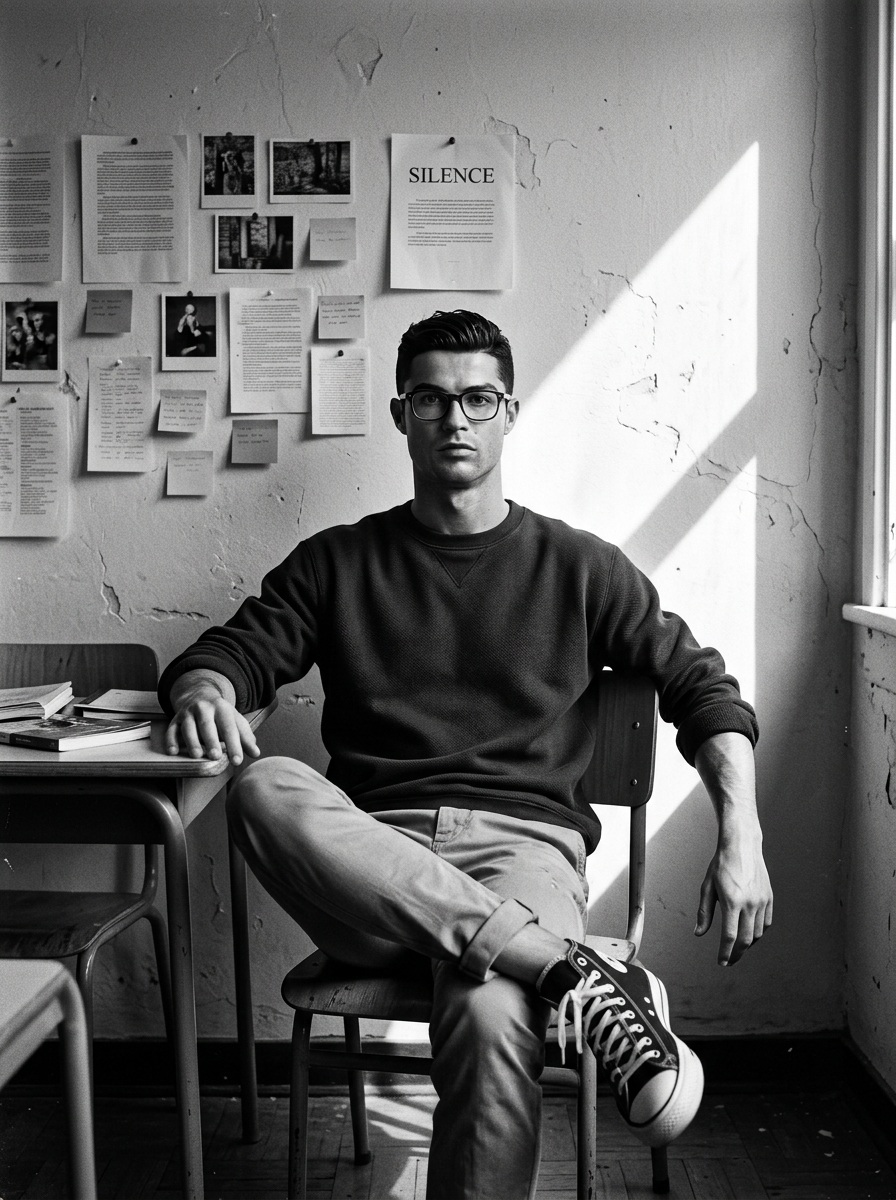
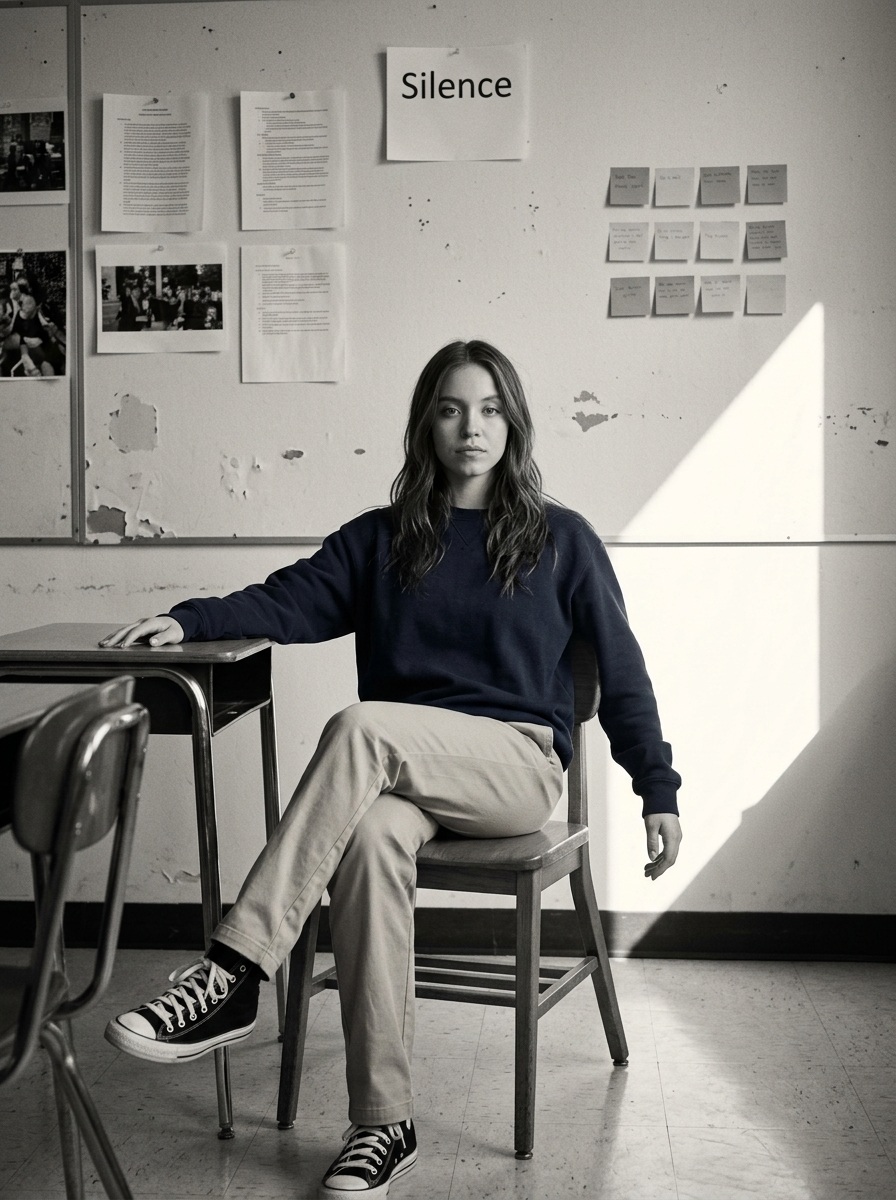
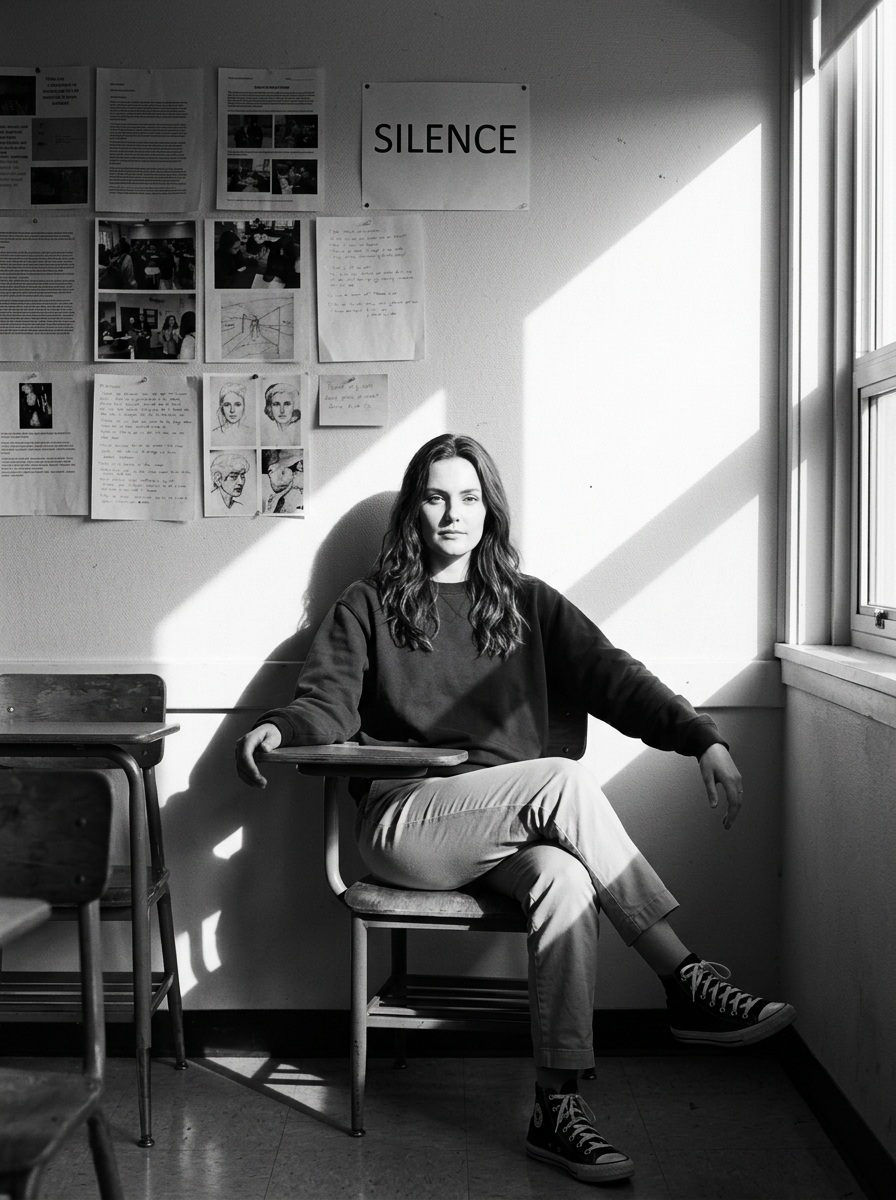
Edit the uploaded image of a young man into a high-contrast black-and-white portrait in a quiet classroom. Seat him casually on a wooden school chair with his legs crossed. He wears a navy blue sweatshirt, beige chinos, and black-and-white Converse sneakers, and has a calm, neutral expression. Rest his left arm on the desk and let his right hand hang casually at his side.

Behind him, show an off-white classroom wall with visible wear and papers, photos, and sticky notes pinned in a grid. One page above his head clearly displays the printed word “Silence.” Sharp sunlight enters from the right, casting a triangular beam across the wall and the young man’s shadow. Use dramatic, natural cinematic contrast with a warm late-afternoon feel. The image should look candid and realistic, like a film photograph, with slight grain, soft vintage texture, and natural imperfections.
What you'll create
A young man sits casually in a sweatshirt and chinos amid pinned notes and worn walls, with right-side sunlight casting his shadow under a Silence sign.
Frequently asked questions
Is the word on the wall intentional?
Yes. One page above the subject clearly reads Silence.






Comments
Tried this prompt? Share what you made, compare results, or ask a question