Taipei Runway Qipao Transformation Video
Generate a photorealistic runway video of a model walking through a sequence of seamless Qipao and gown transformations.
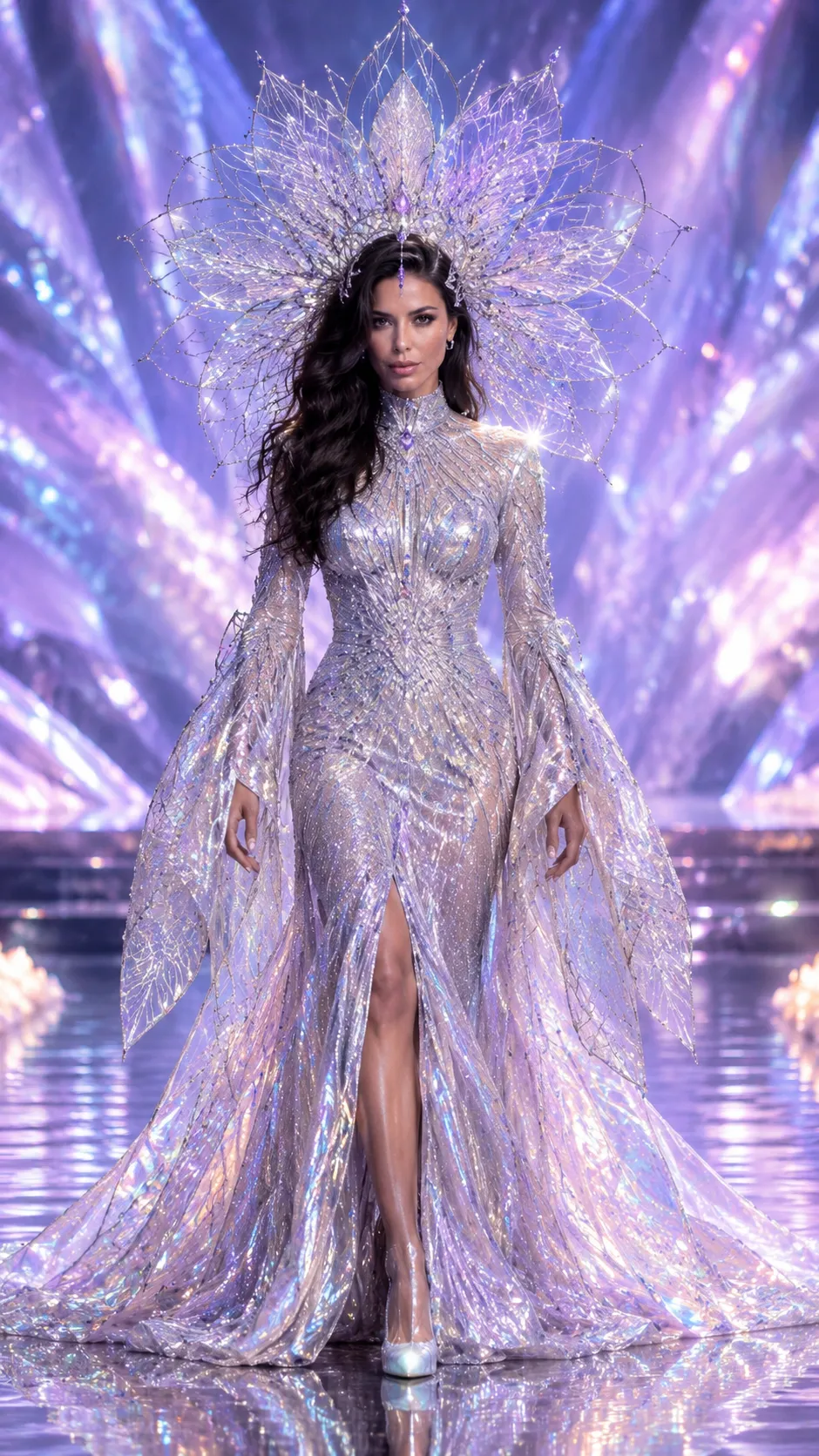
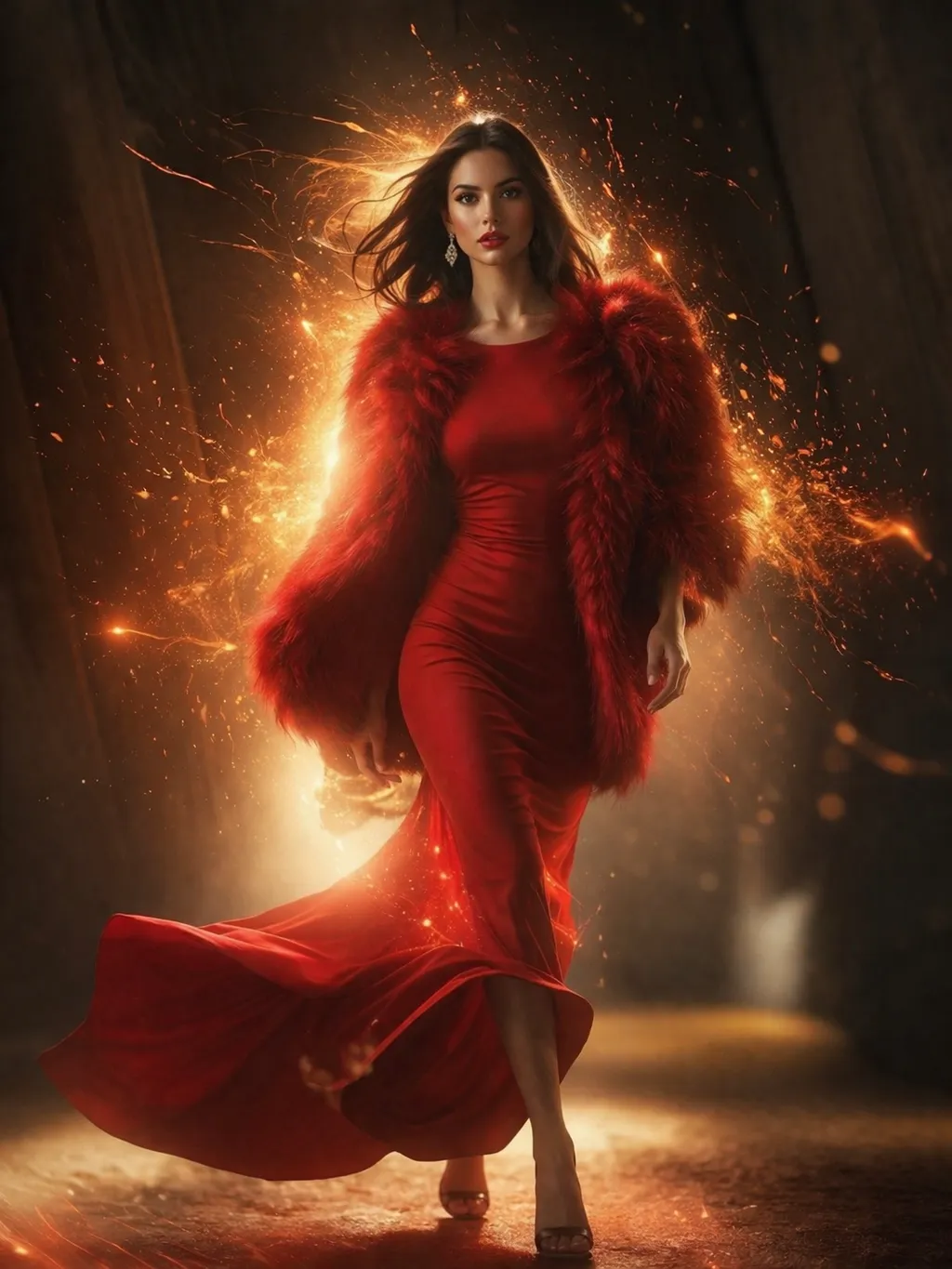
Example outputs
Prompt template
- Format
- Text
- Inputs
- Qipao_images (image) · Required Gown_reference_image (image) · Required
- Outputs
- Runway_transformation_video (video)
Create a photorealistic video of a fashion model walking down a Taipei FW26 runway, wearing Qipao1. Without interrupting her walk, transform her outfit seamlessly in this order:

1. Morph and dissolve it into the first gown in /image.
2. Morph and dissolve it into Qipao2.
3. Morph and dissolve it into the second gown in /image.
4. Morph and dissolve it into Qipao3.
5. Morph and dissolve it into the third gown in /image.
6. Morph and dissolve it into Qipao4.
7. Morph and dissolve it into the fourth gown in /image.
8. Morph and dissolve it into Qipao4 once more.

At the end, stop and bow. Use high-fashion runway lighting and a smooth tracking shot. Render at 8K resolution.
What you'll create
A fashion model keeps walking while the outfit morphs through the prescribed dressboard sequence. Smooth tracking and high-fashion runway light preserve continuity until the final stop and bow.
Frequently asked questions
Should each transformation interrupt the walk?
No; the model continues walking through the entire sequence before stopping at the end.


Comments
Tried this prompt? Share what you made, compare results, or ask a question