Cinematic Emerald Studio Portrait
Transform an uploaded photo into a photorealistic, luxury fashion-editorial portrait with emerald-green lighting and a cinematic studio finish.
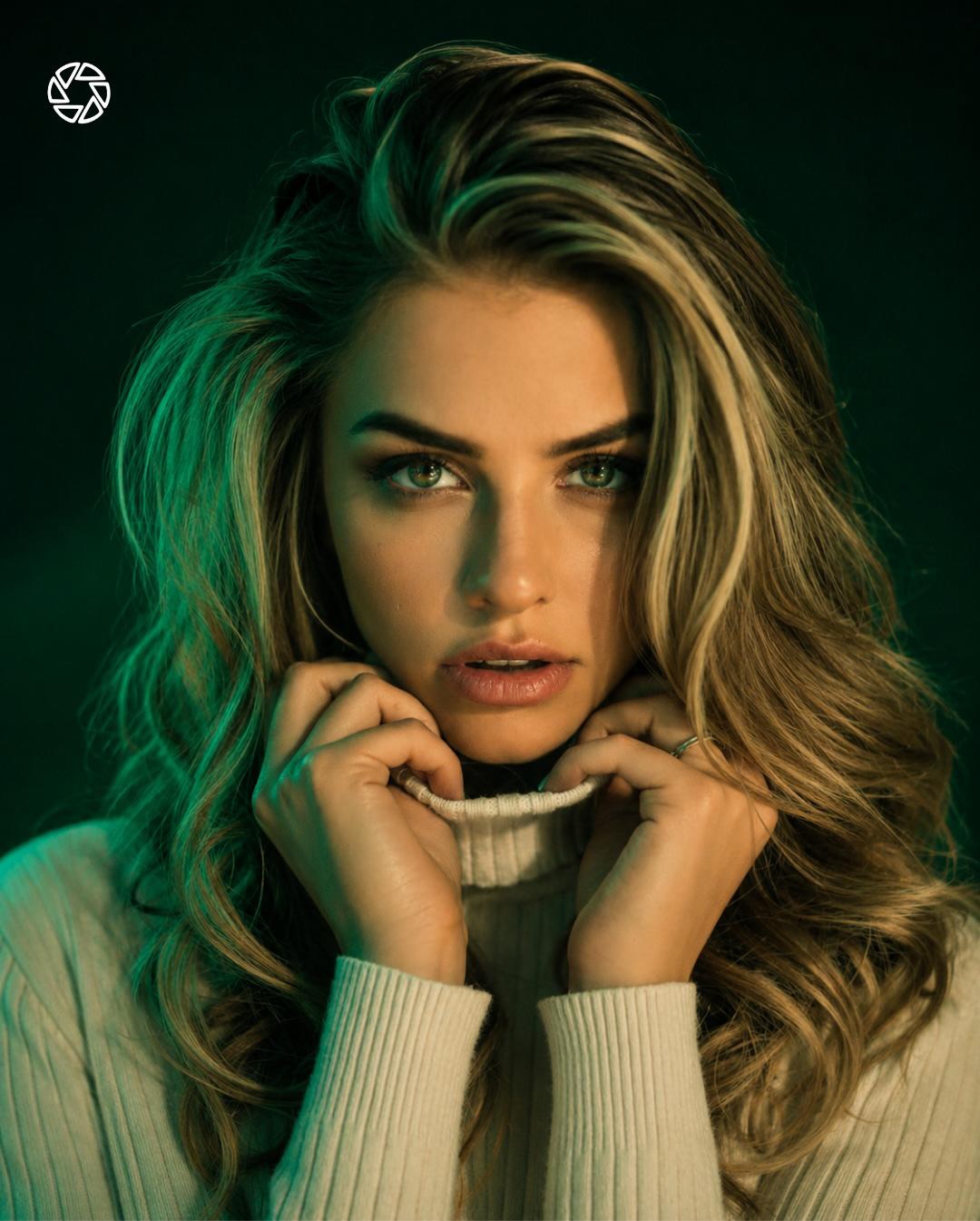
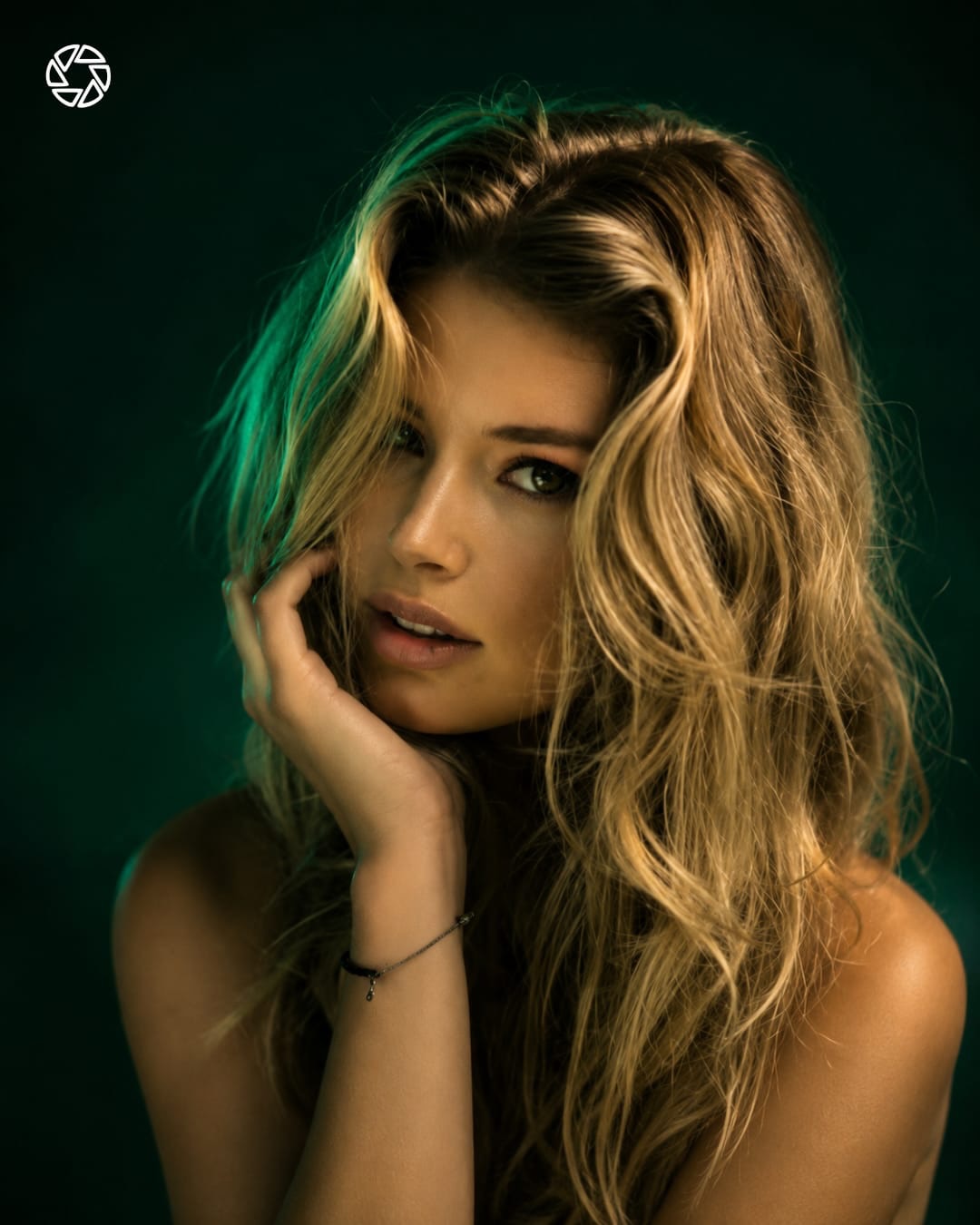
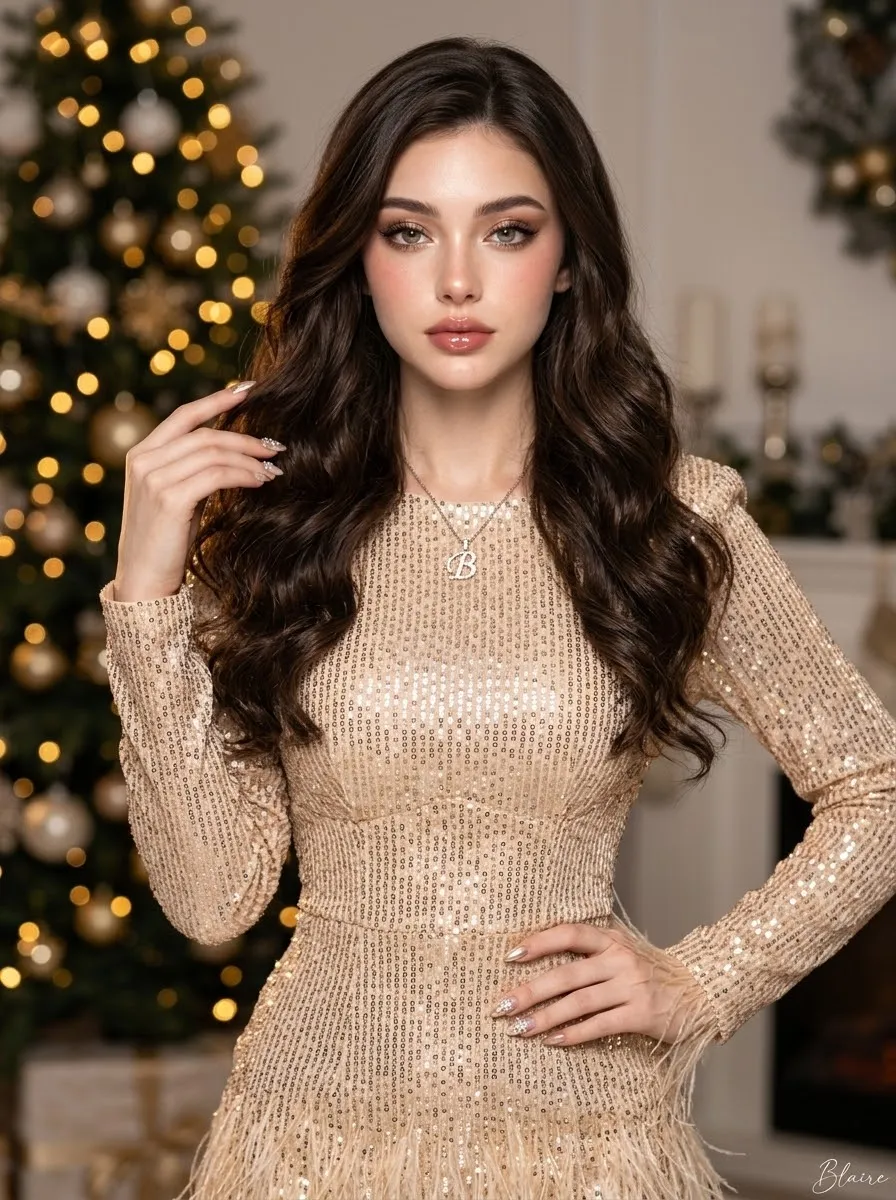
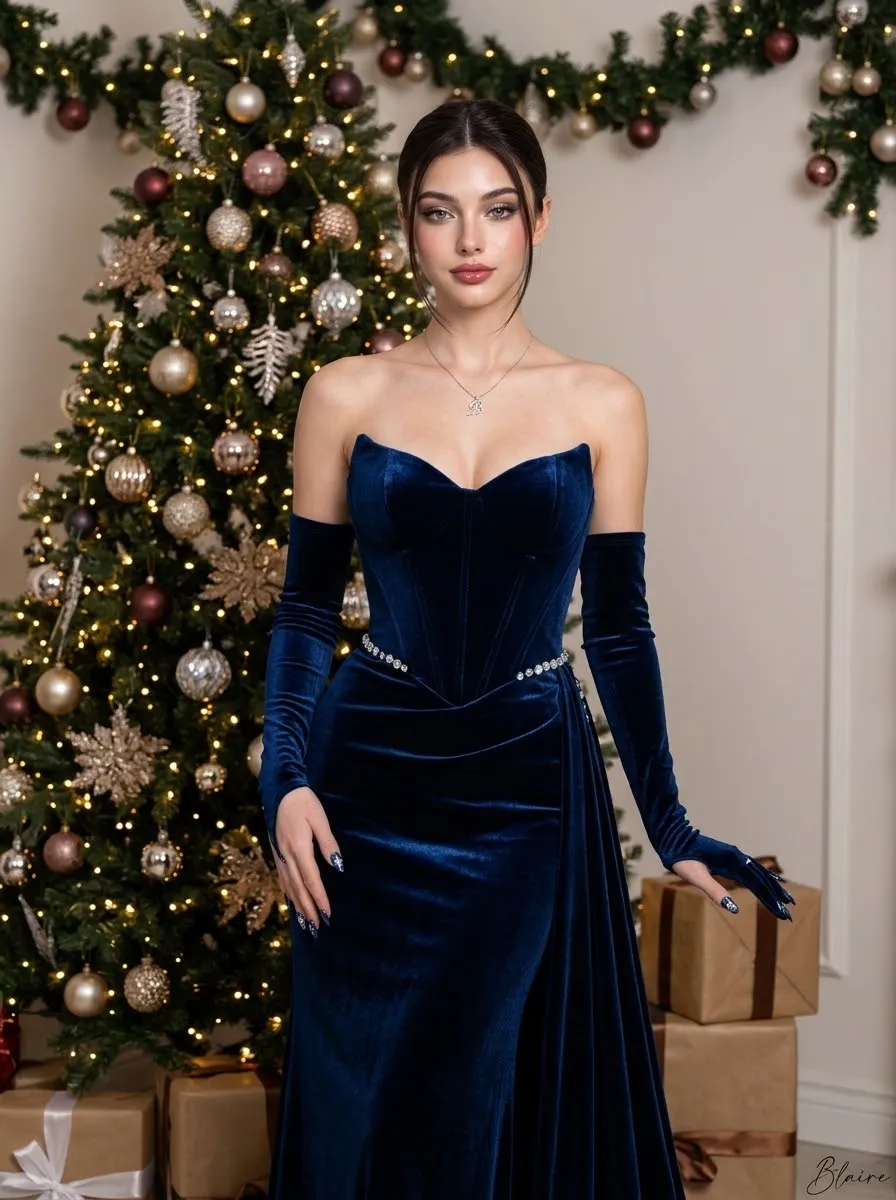
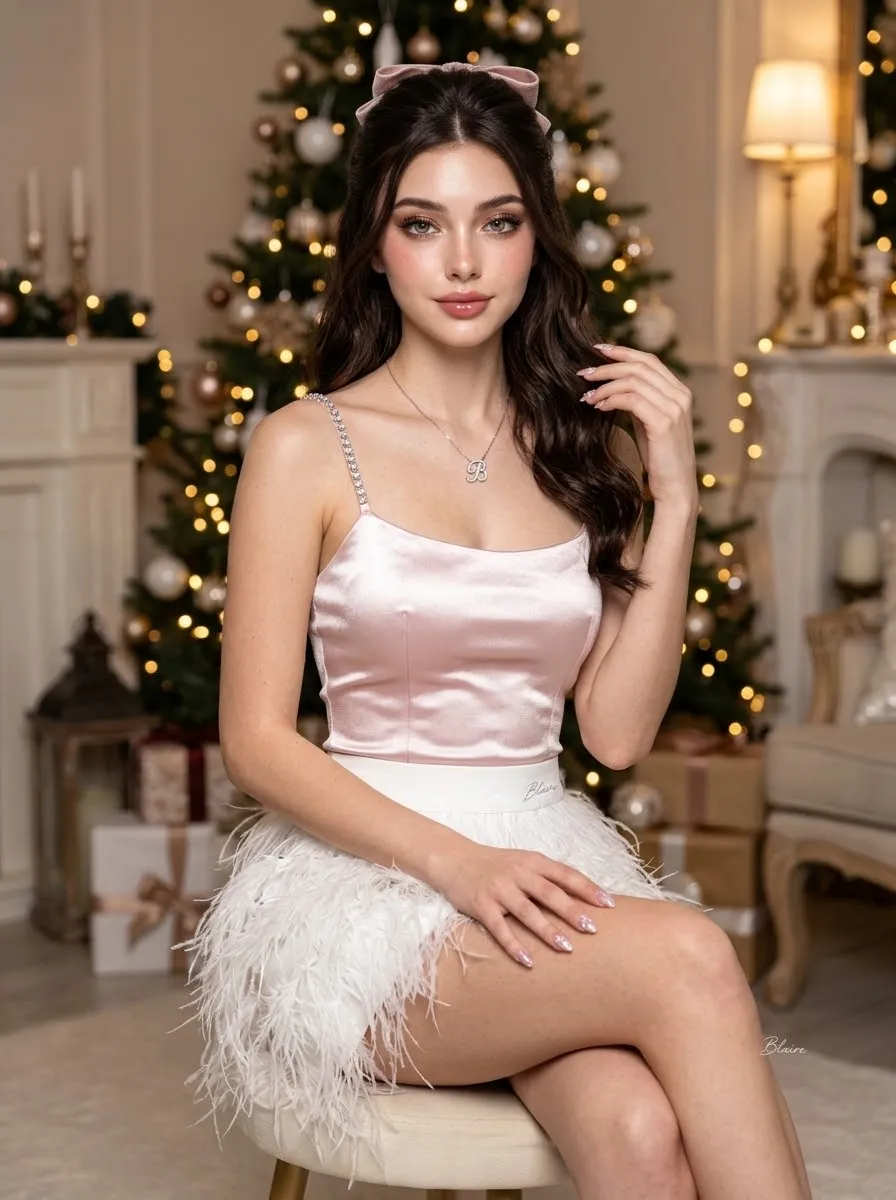
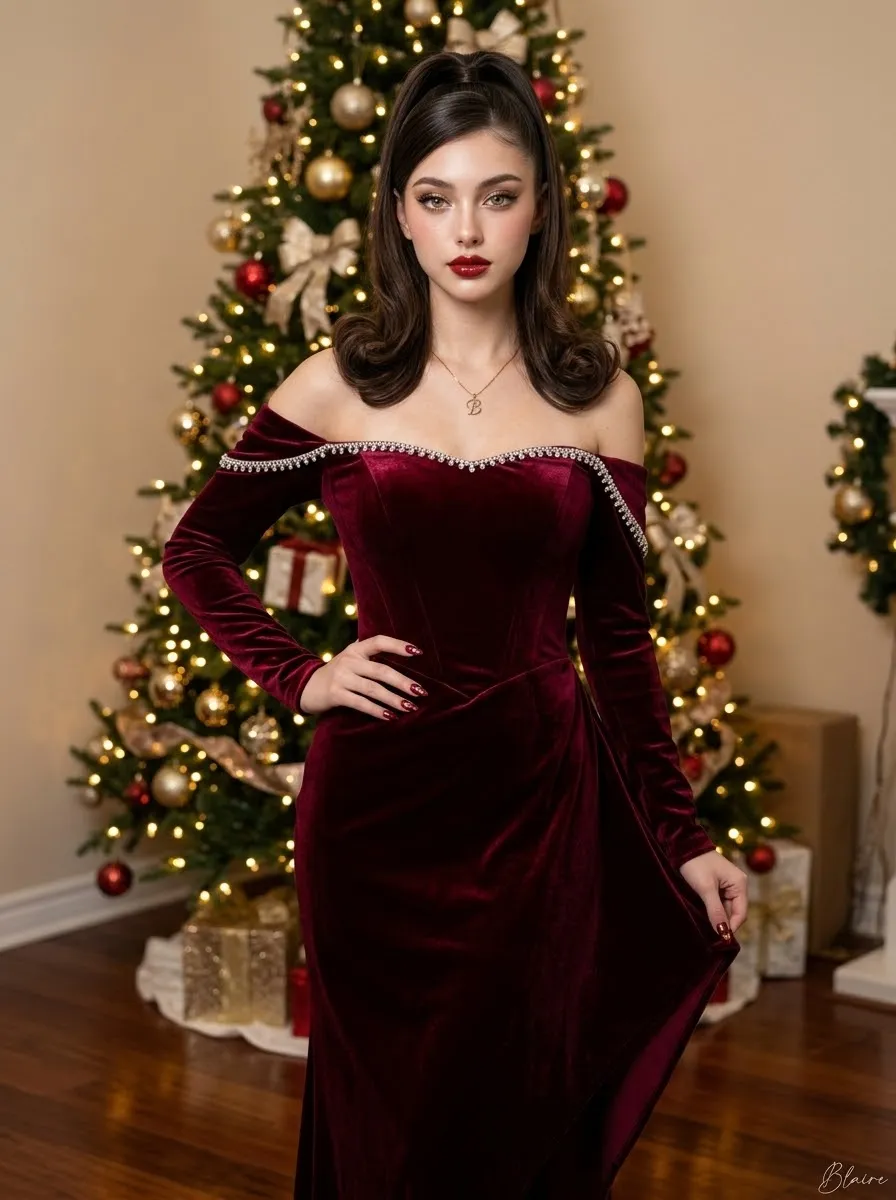
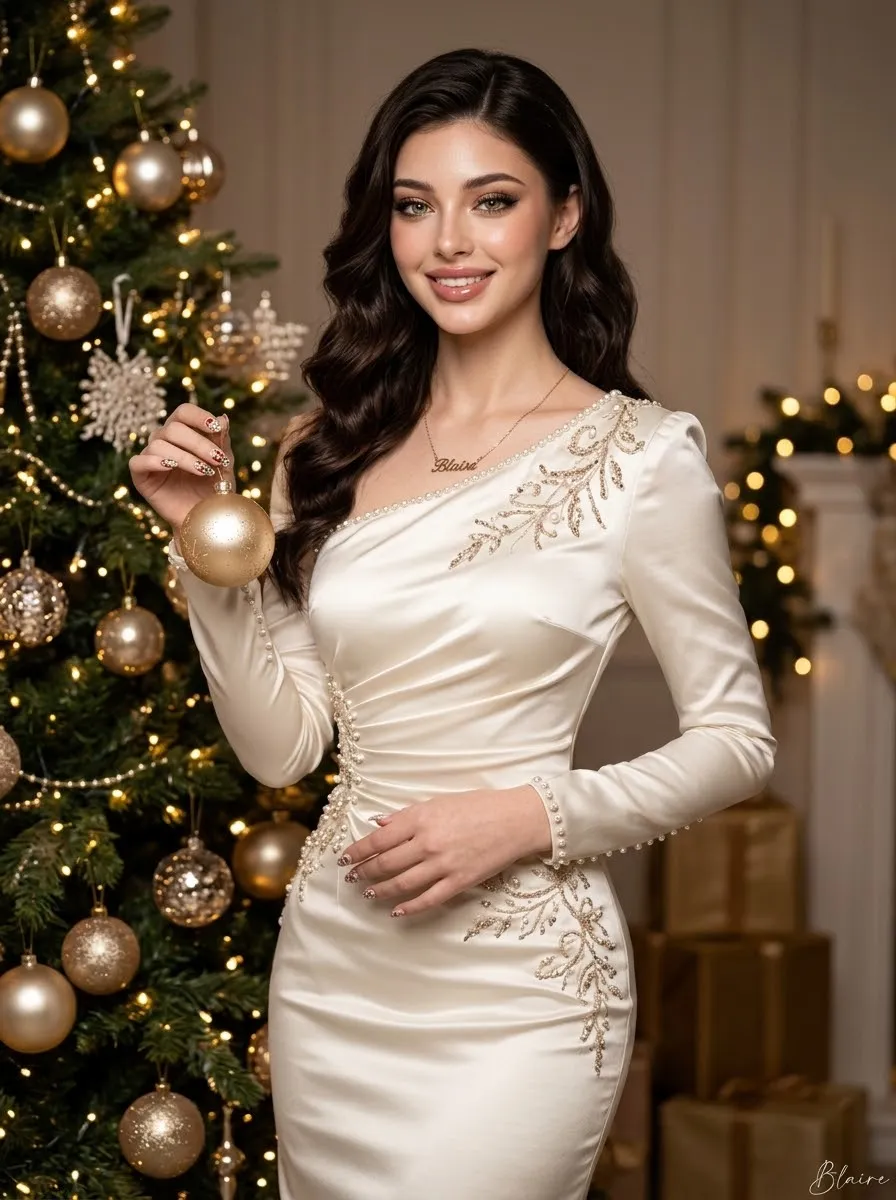
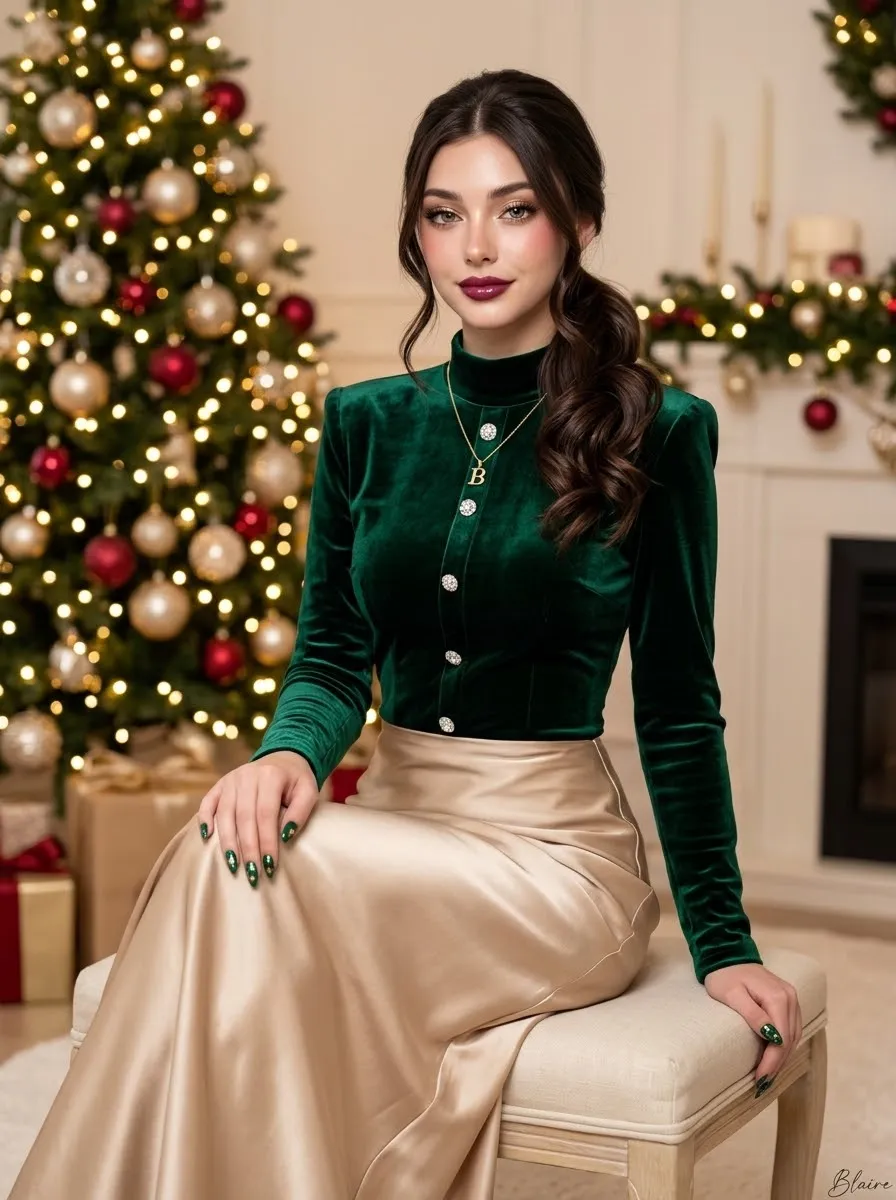
Example outputs
Prompt template
- Format
- Text
- Inputs
- Uploaded_photo (image) · Required
- Outputs
- Edited_portrait (image)
Transform the uploaded photo into a premium cinematic studio portrait with a dark emerald-green background and dramatic green rim lighting. Add soft green light from one side and warm golden highlights on the skin for contrast. Enhance facial details, glossy skin texture, sharp eyes, natural makeup, and rich color grading. Create a luxurious fashion-editorial look with shallow depth of field, creamy bokeh, high-end studio lighting, realistic skin tones, subtle glow, and professional retouching. Maintain the original person's identity, pose, outfit, and composition. Use a 4:5 portrait ratio. Make the result ultra-detailed and photorealistic, with magazine-cover quality, a cinematic atmosphere, rich shadows, soft highlights, premium fashion photography, and 8K quality.What you'll create
A reference subject retains pose and clothing while dark emerald surroundings and directional green light add cinematic depth.
Frequently asked questions
Can the composition change during the lighting treatment?
No, the source preserves identity, pose, outfit and composition.

Comments
Tried this prompt? Share what you made, compare results, or ask a question