High-Contrast Stencil Vector Poster Illustration
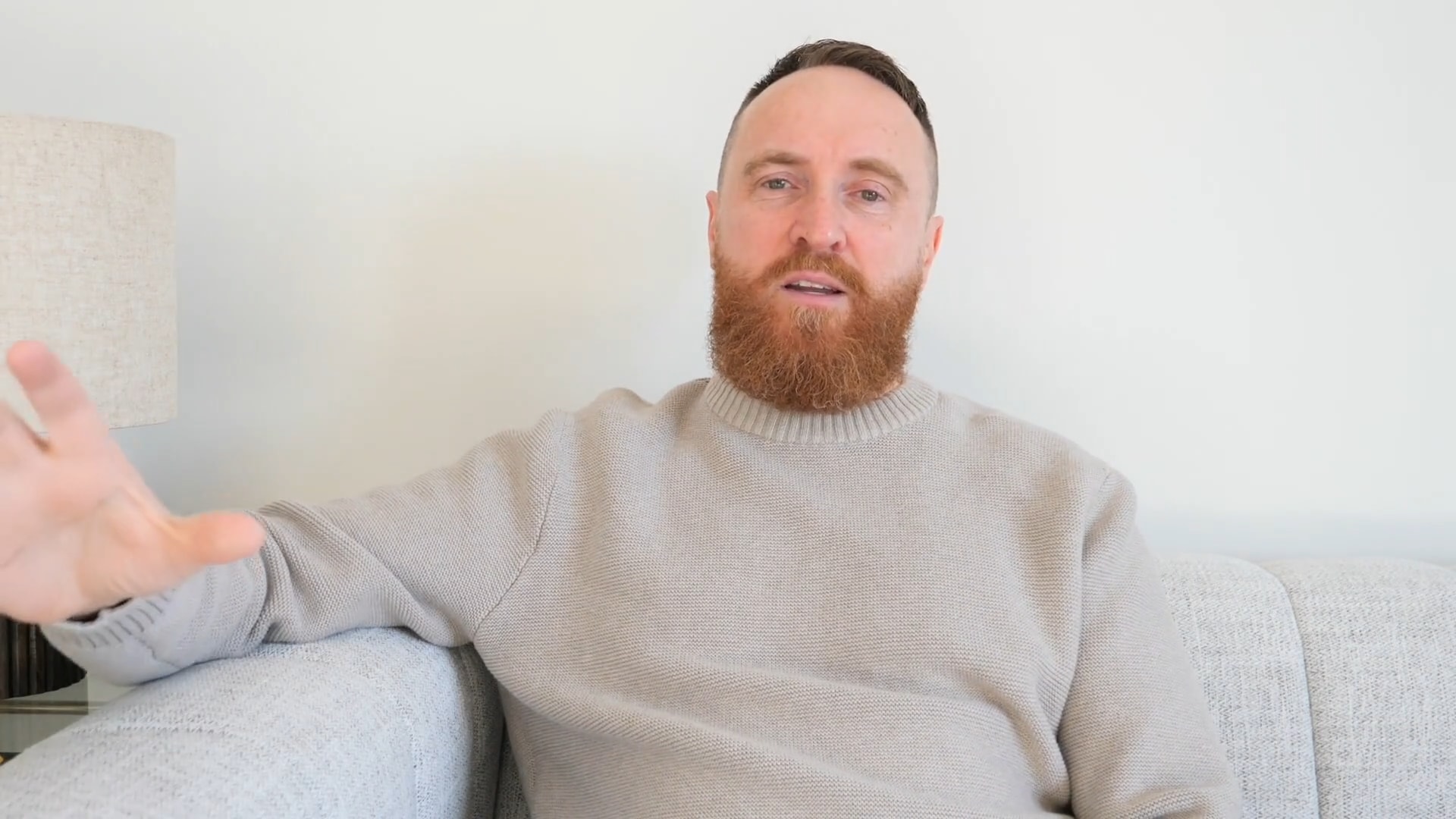
Create a high-contrast vector poster illustration from an uploaded portrait, featuring a bold stencil aesthetic with a limited color palette and a solid red background.
Example outputs





Prompt template
- Format
- Text
- Inputs
- reference_image (image) · Required
- Outputs
- result (image)
Transform the uploaded portrait into a high-contrast vector poster illustration.

Style requirements:
- Bold stencil / propaganda poster aesthetic
- Flat vector art
- 3–4 color palette only
- Solid red background
- Face rendered in grayscale tones (2–3 flat shadow layers)
- Black thick outer contour lines
- No gradients
- No texture
- No photorealism
- Sharp clean edges
- Posterized shading
- Centered head composition
- Minimal but strong facial features
- Graphic design style
- Adobe Illustrator vector look
- High contrast
- Smooth geometric shadow shapes

Output:
Crisp, clean, scalable vector-style portrait.
What you'll create
Thick black contours and geometric shadow shapes define the centered head. A limited three-to-four-color palette excludes texture and gradients.
Frequently asked questions
Should photographic skin texture remain?
No. The source explicitly excludes photorealism and texture.


Comments
Tried this prompt? Share what you made, compare results, or ask a question