LEGO Minifigure Character Transformation
Transform a subject in a reference image into a LEGO minifigure-style character, maintaining recognizable features and using classic LEGO design elements.
Example outputs
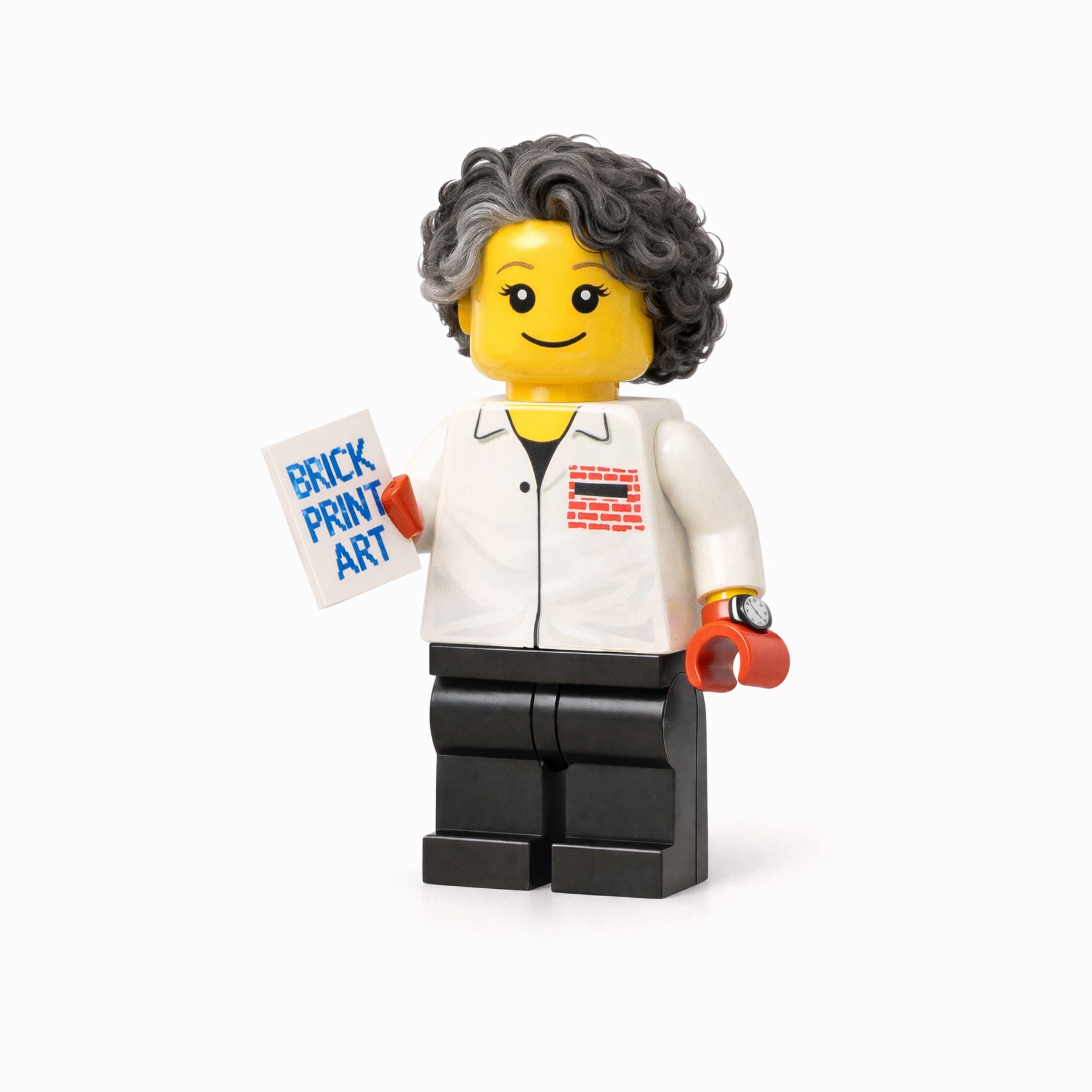


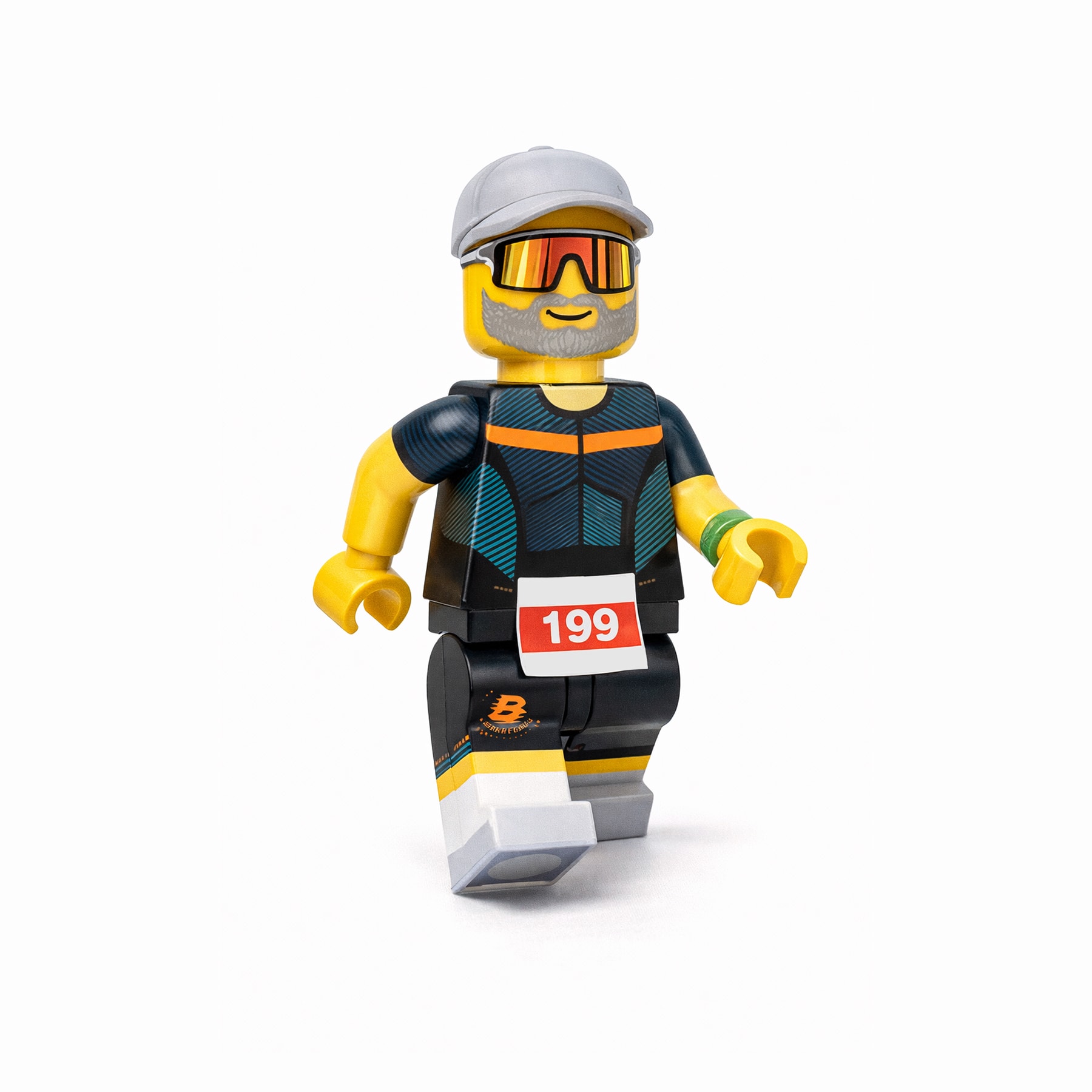
Prompt template
- Format
- Text
- Inputs
- reference_image (image) · Required
- Outputs
- result (image)
Transform the subject in the reference image into a LEGO minifigure–style character.

Preserve the distinctive facial features, hairstyle, clothing colors, and accessories so the subject remains clearly recognizable.

The character should be rendered as a classic LEGO minifigure with:
- A cylindrical yellow (or skin-tone LEGO) head
- Simple LEGO facial expression (friendly smile, dot eyes or classic LEGO eyes)
- Blocky hands and arms with LEGO proportions
- Short, rigid LEGO legs

Clothing and accessories should be translated into LEGO-printed torso designs (simple graphics, clean lines, no fabric texture).

Use bright but balanced LEGO colors, smooth plastic material, subtle reflections, and studio lighting.

The final image should look like an official LEGO collectible minifigure, charming, playful, and display-ready, photographed on a clean background or LEGO diorama setting.
What you'll create
A cylindrical head, classic simple expression and blocky limbs translate the subject into toy proportions. Studio lighting and subtle reflections create a clean collectible-style presentation.
Frequently asked questions
Should clothing retain realistic fabric texture?
No. Clothing is translated into simple printed torso graphics with clean lines.


Comments
Tried this prompt? Share what you made, compare results, or ask a question