Add Playful Hand-Drawn Doodles to a Photo
Decorate a photo with natural, interactive doodles and short Russian handwritten phrases while preserving the original image and keeping the composition clear.
By Threads — Published on
Screenshots


Prompt template
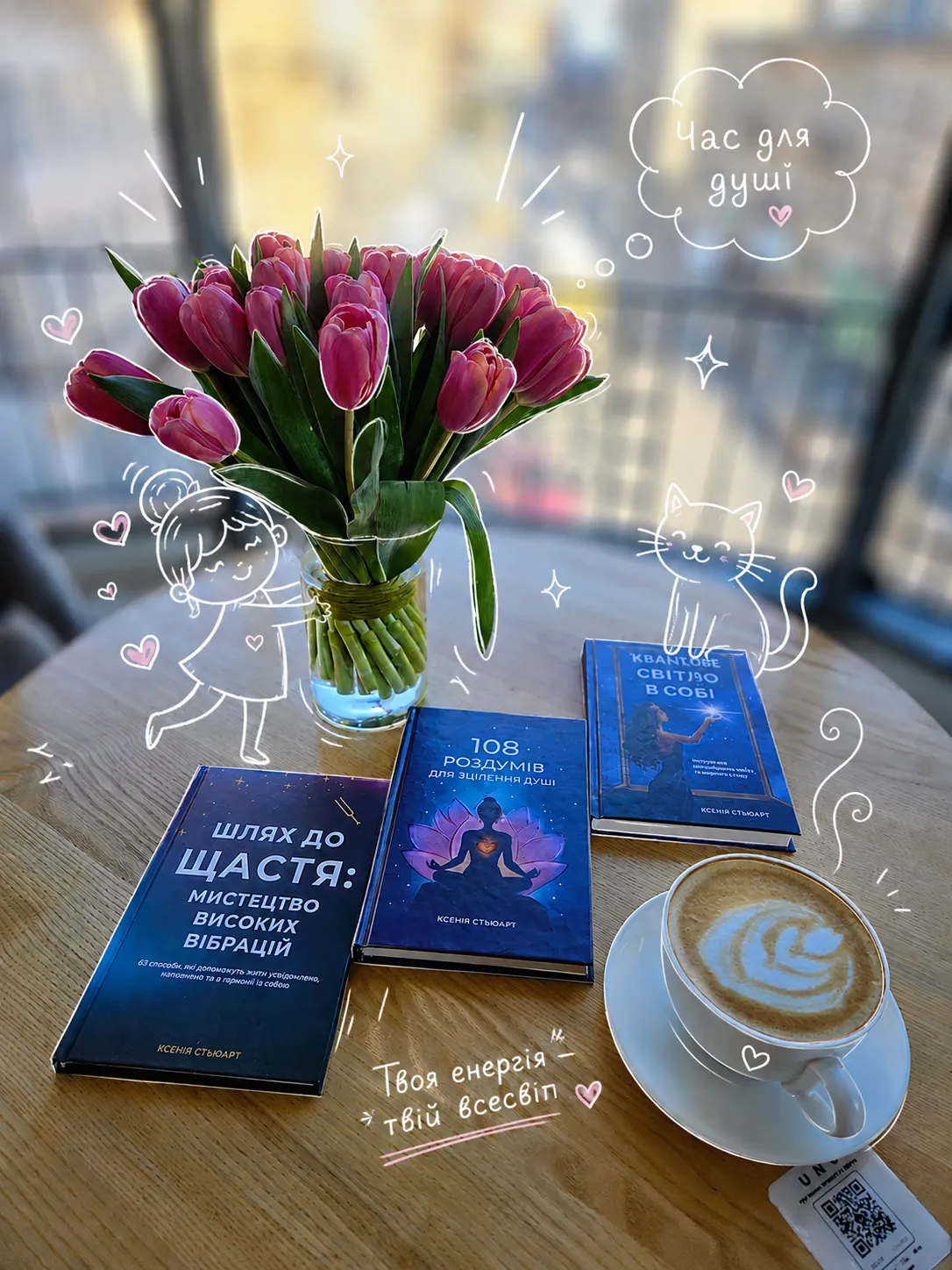
Edit the uploaded photo by adding a playful, natural-looking hand-drawn doodle overlay. Make the doodles interact with the photo: follow object shapes, embrace contours, highlight attractive details, and respond to gestures, poses, mood, or movement. Do not cover important parts of the image or clutter the composition.

Use elements where appropriate: thin white outlines around key subjects, small black sketch accents, pink hearts, white stars and sparkles, arrows pointing to charming details, small speech bubbles, wavy underlines, tiny faces on food, cups, berries, objects, or the background, and light motion lines.

Add 4–7 short handwritten phrases in Russian. Write them yourself to suit the scene; make them sweet, funny, tender, modern, and natural. Avoid generic phrases or wording that does not fit the image. Keep the lettering large and legible, and carefully distinguish the Russian letters т, ш, щ, и, л, м, and н. The lettering should look like a lively handwritten sketch.

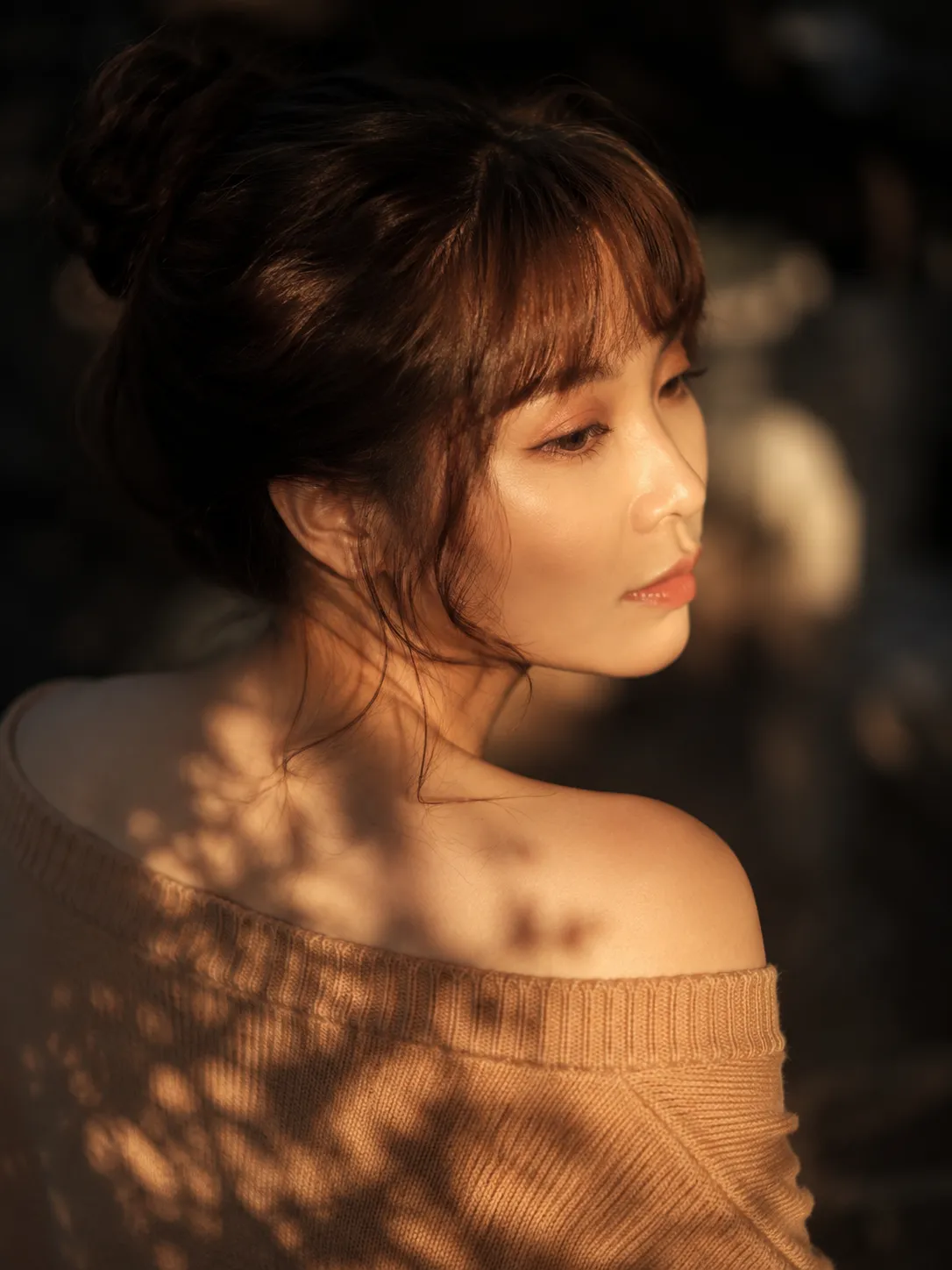
If the photo contains a person, do not cover their face or alter their appearance, facial features, body, skin, hair, clothing, or expression. Do not add makeup, tattoos, accessories, or body parts. Use doodles only to accentuate the person’s mood, pose, smile, hair, silhouette, or the scene’s atmosphere.

If the photo contains food, emphasize its most appetizing details; you may outline berries, cream, drinks, crisp textures, or plates, and add cute faces to individual elements where appropriate. Make food-related text about taste and comfort.

${scene-guidance}

Deliver a high-resolution result with a clean overlay, natural colors, and a harmonious composition. Keep the style cute and playful without overloading the image; make it ready to post on social media.
Parameters
${scene-guidance}
scene-guidance
Required






Comments — 0