- Category
- Photography
- Tags
- woman lace black-and-white
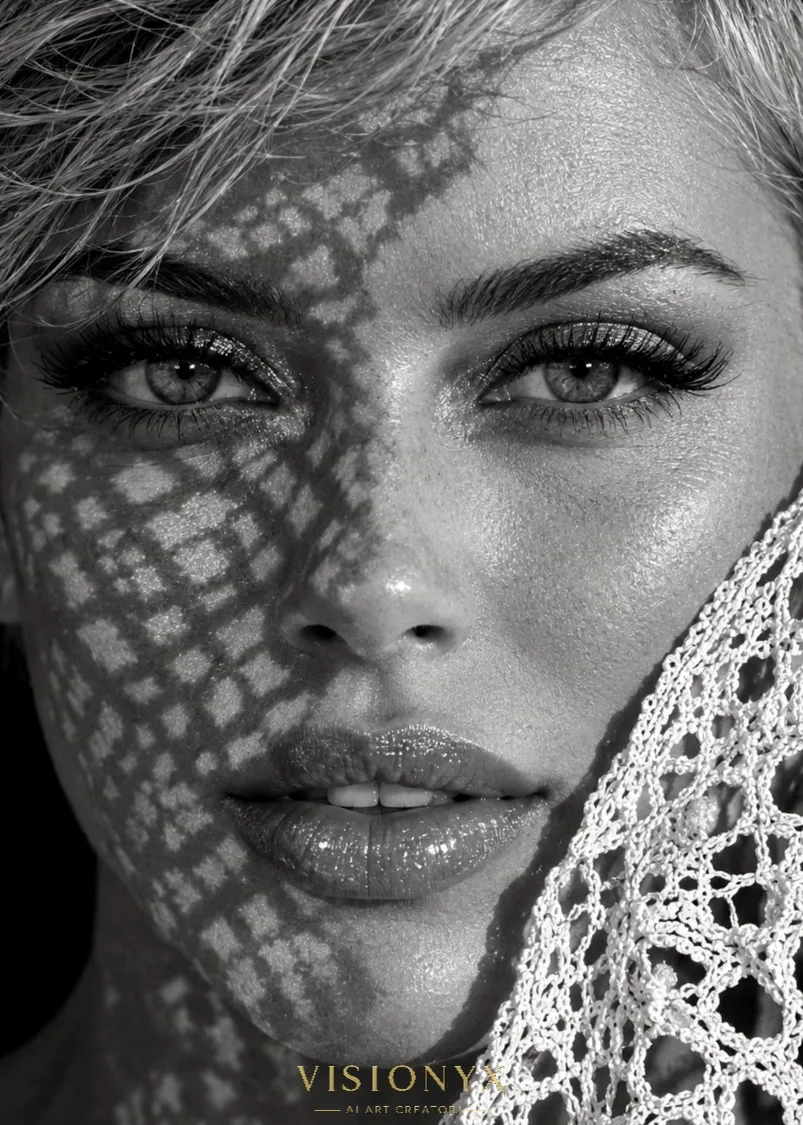
Black-and-White Lace Macro Portrait
Create a high-contrast editorial macro portrait of a woman, with intricate lace textures and shadows.
By Threads — Published on — Modified on
Example images
Prompt template
0 copies
- Format
- Text Parameterized
- Inputs
- Reference_image (image) · Required aspect_ratio (text) · Optional · Default: 4:5 logo_text (text) · Optional · Default: VISIONYX
- Outputs
- Generated_portrait (image)
Replace the ${…} placeholders with your values
before using this prompt. See parameters
and defaults below.
Create an image in a ${aspect-ratio:4:5} aspect ratio. Make it a hyper-detailed, photorealistic 8K macro photograph in black and white: an extreme close-up of a beautiful woman looking directly at the camera, with half of her face covered by lace fabric.

Her hair is pulled back. Give her thick, dark, perfectly shaped arched eyebrows; exceptionally sharp eyes with detailed irises; long, voluminous false lashes; sparkling silver eyeshadow; and eyeliner. Her skin is very fair, smooth, porcelain-like, and has a sheen on the cheek. Give her a slim nose and full, glossy, slightly parted lips showing her front teeth.

Cast the shadow of openwork lace across her entire face, creating a geometric pattern of diamonds and holes over the left side of her face, forehead, nose, and cheek. Use strong white light for high contrast. On the right side of her face, place white openwork lace fabric with large net-like holes over part of her cheek and ear, with a detailed crochet texture. Use a deep black background and hard, one-sided studio lighting. The overall look should be mysterious, elegant, and artistic, in a fashion-editorial style.

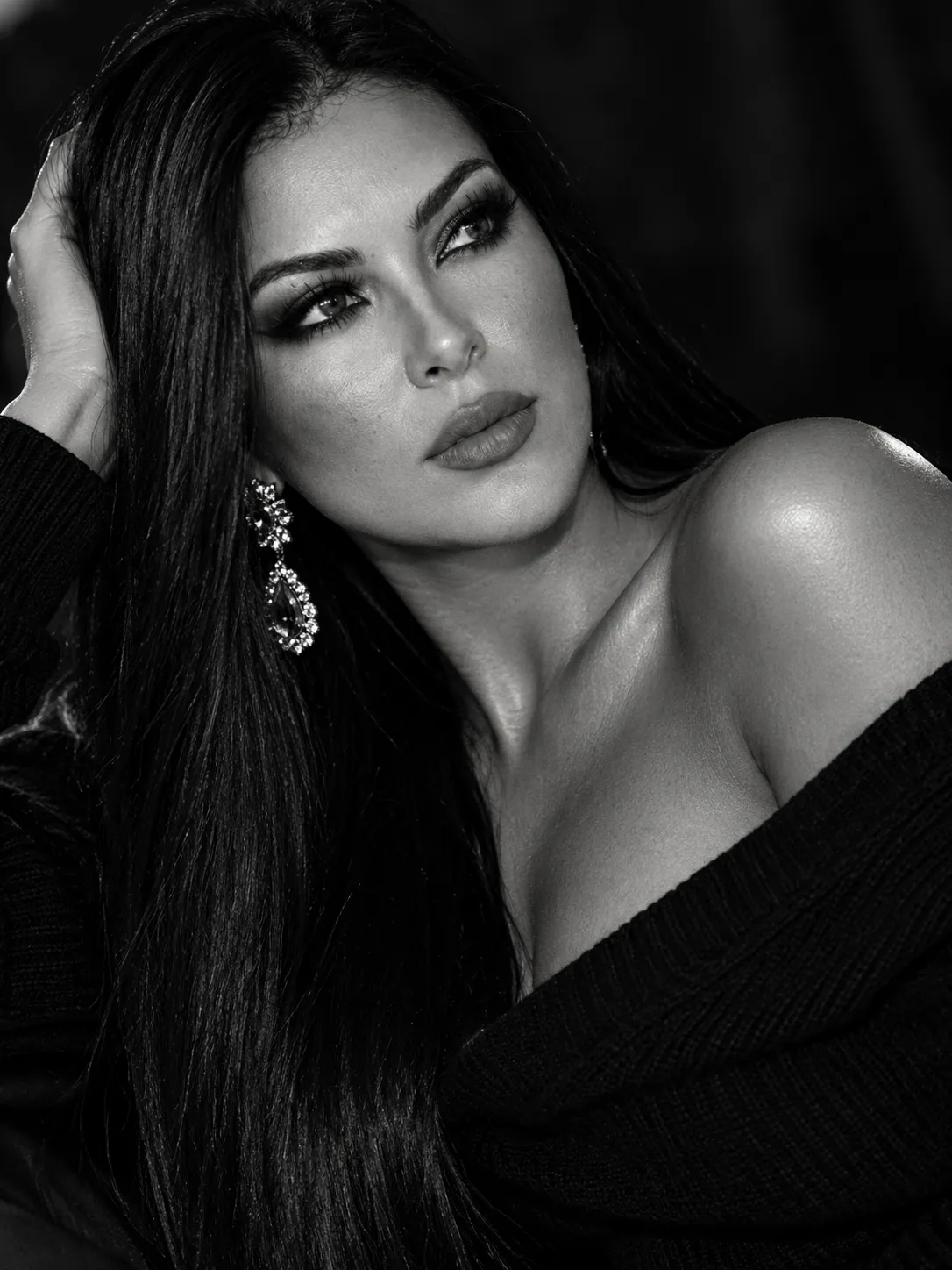
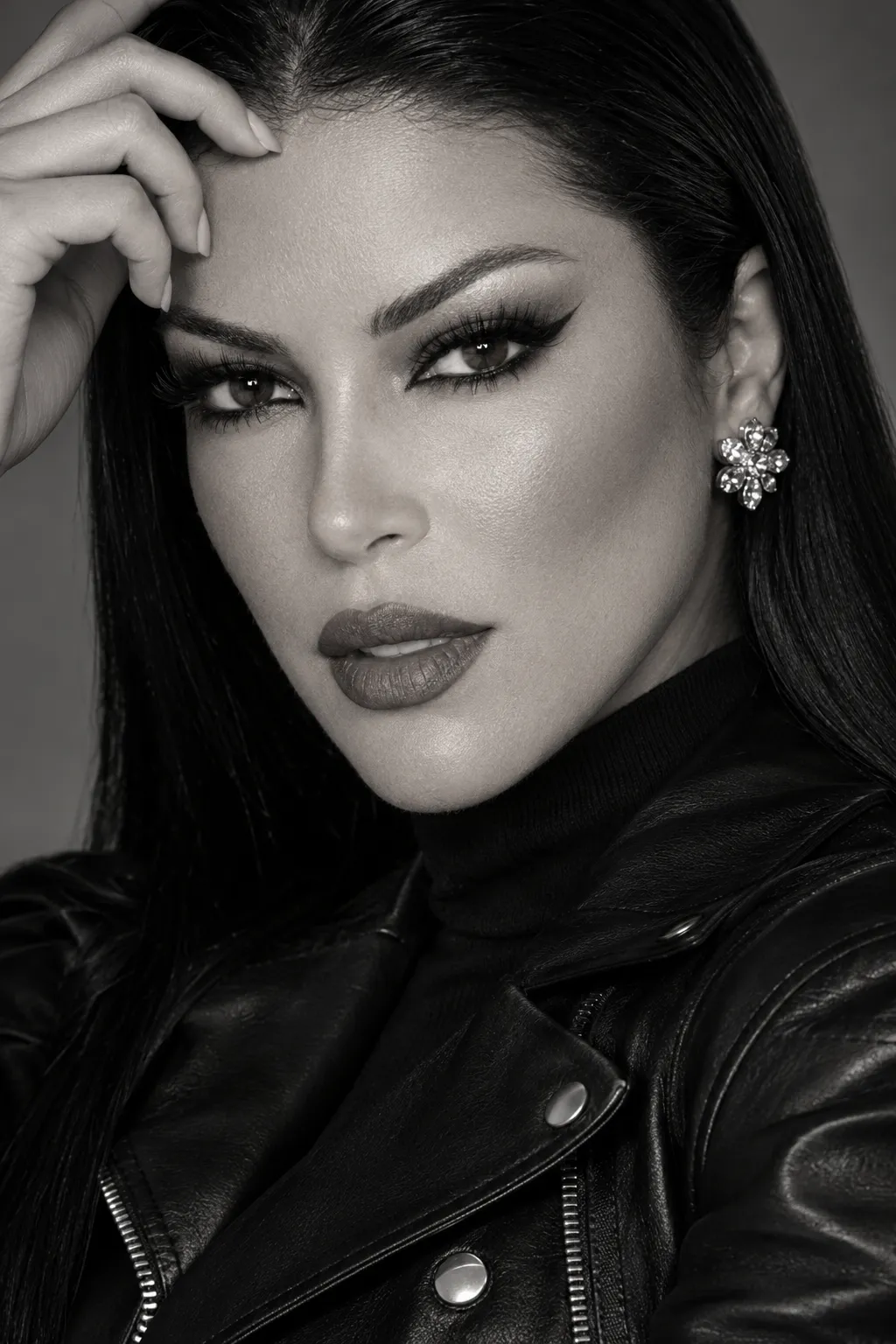
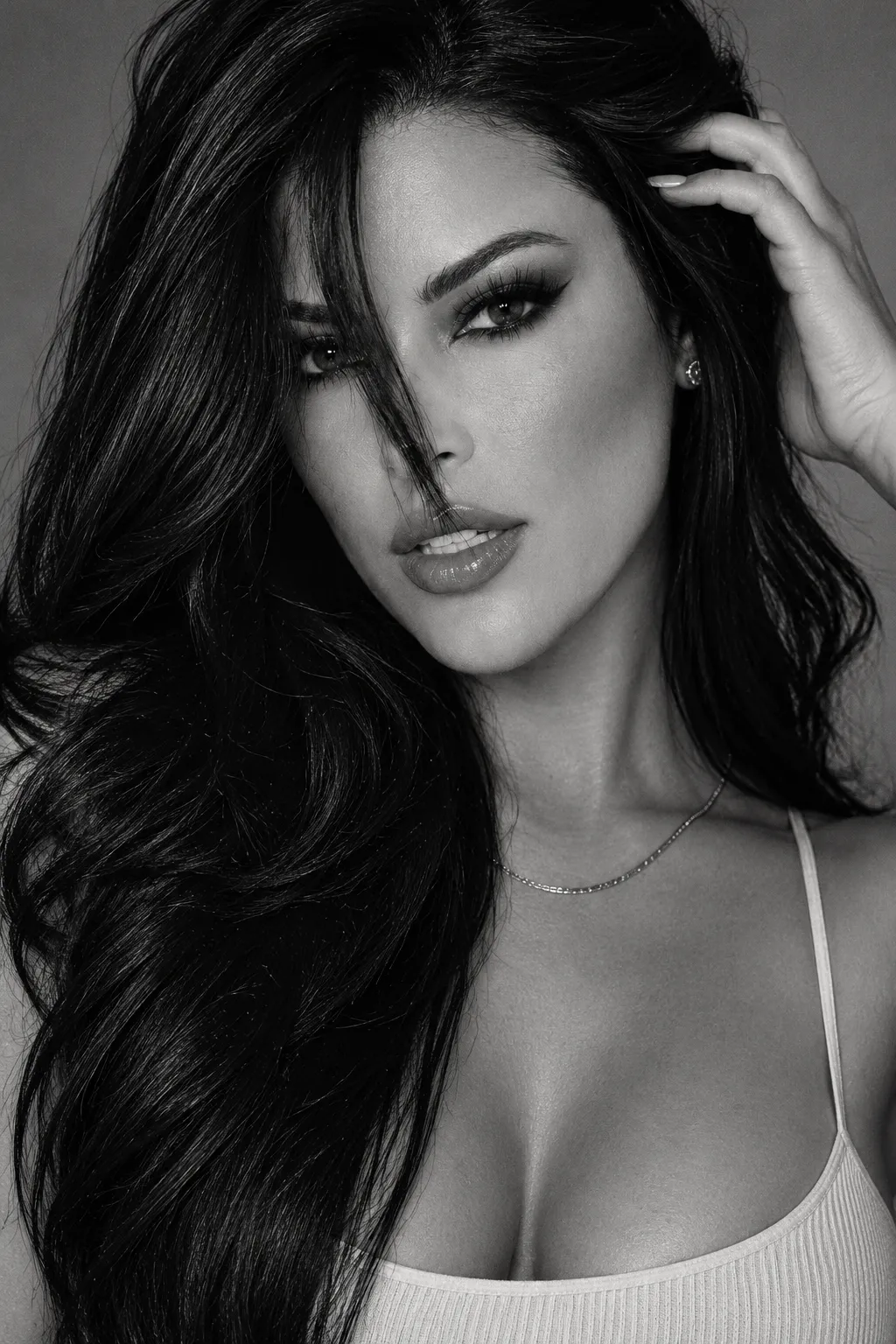
Use the reference image to preserve the person’s facial features, eye color, and hair length, cut, and color.

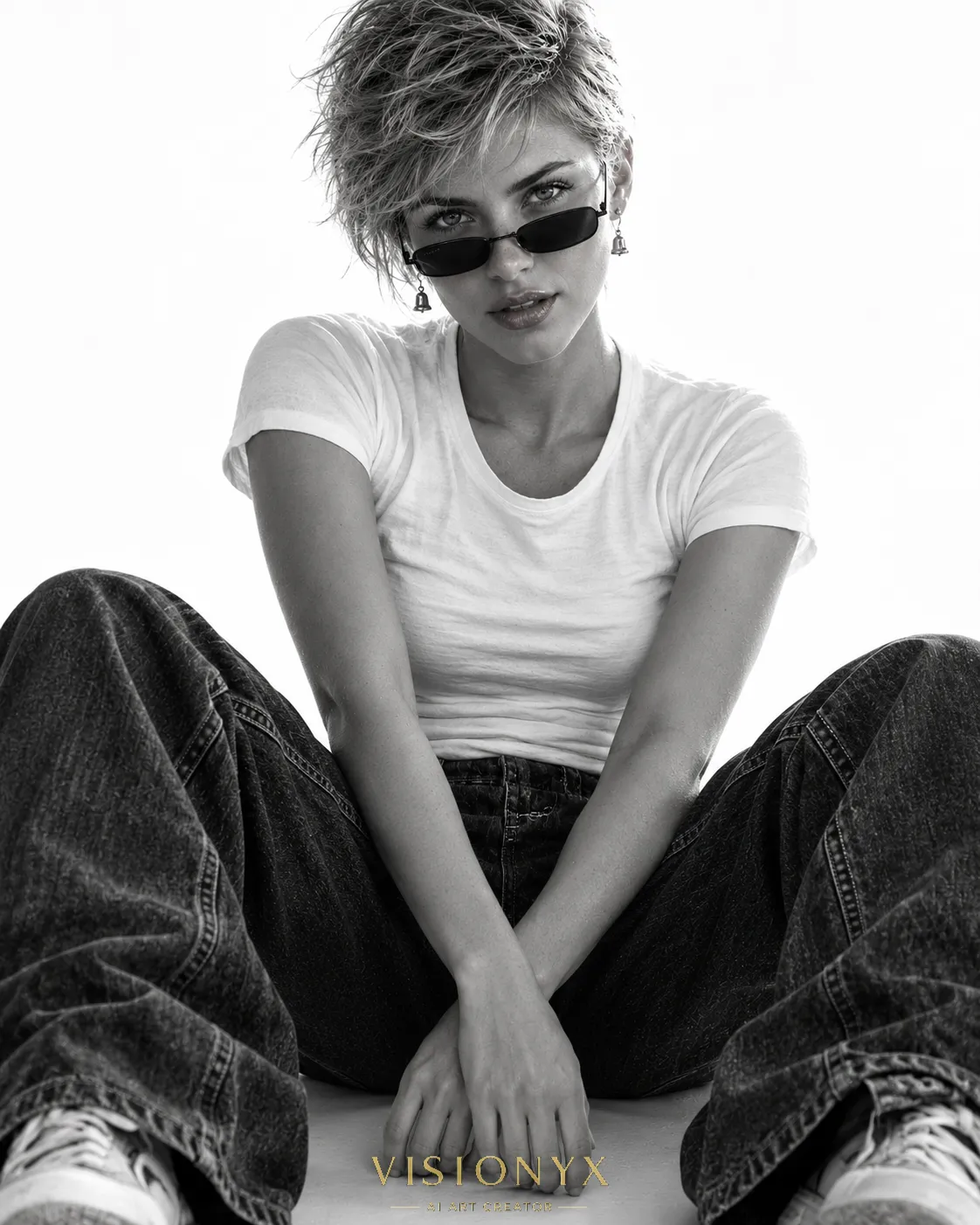
Add a small text logo reading “${logo-text:VISIONYX}” in metallic gold, using a sophisticated fashion-magazine-style serif font. Center it along the bottom edge and use cinematic letter spacing.
Parameters
Replace each placeholder with your own value, or use its default when one is provided.
${aspect-ratio:4:5}
aspect-ratio
Default: 4:5
${logo-text:VISIONYX}
logo-text
Default: VISIONYX



Comments — 0