- Category
- Photography
- Models
- freepik google-nano-banana-pro
Black-and-White Profile Portrait Face Replacement
Replace a portrait's facial identity using a second reference while preserving the original profile, hairstyle, clothing, lighting, crop, and monochrome editorial look.
By Threads — Published on — Modified on
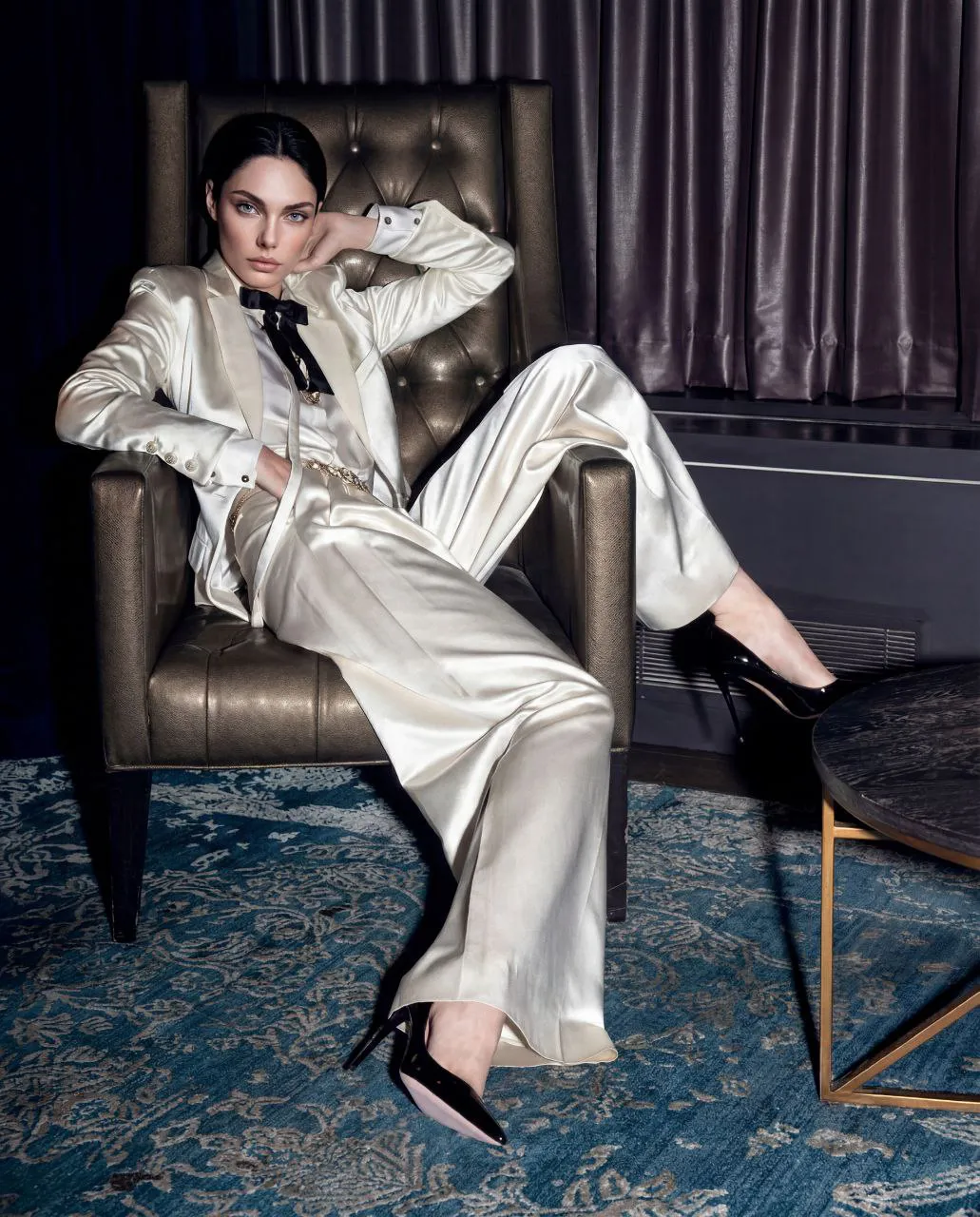
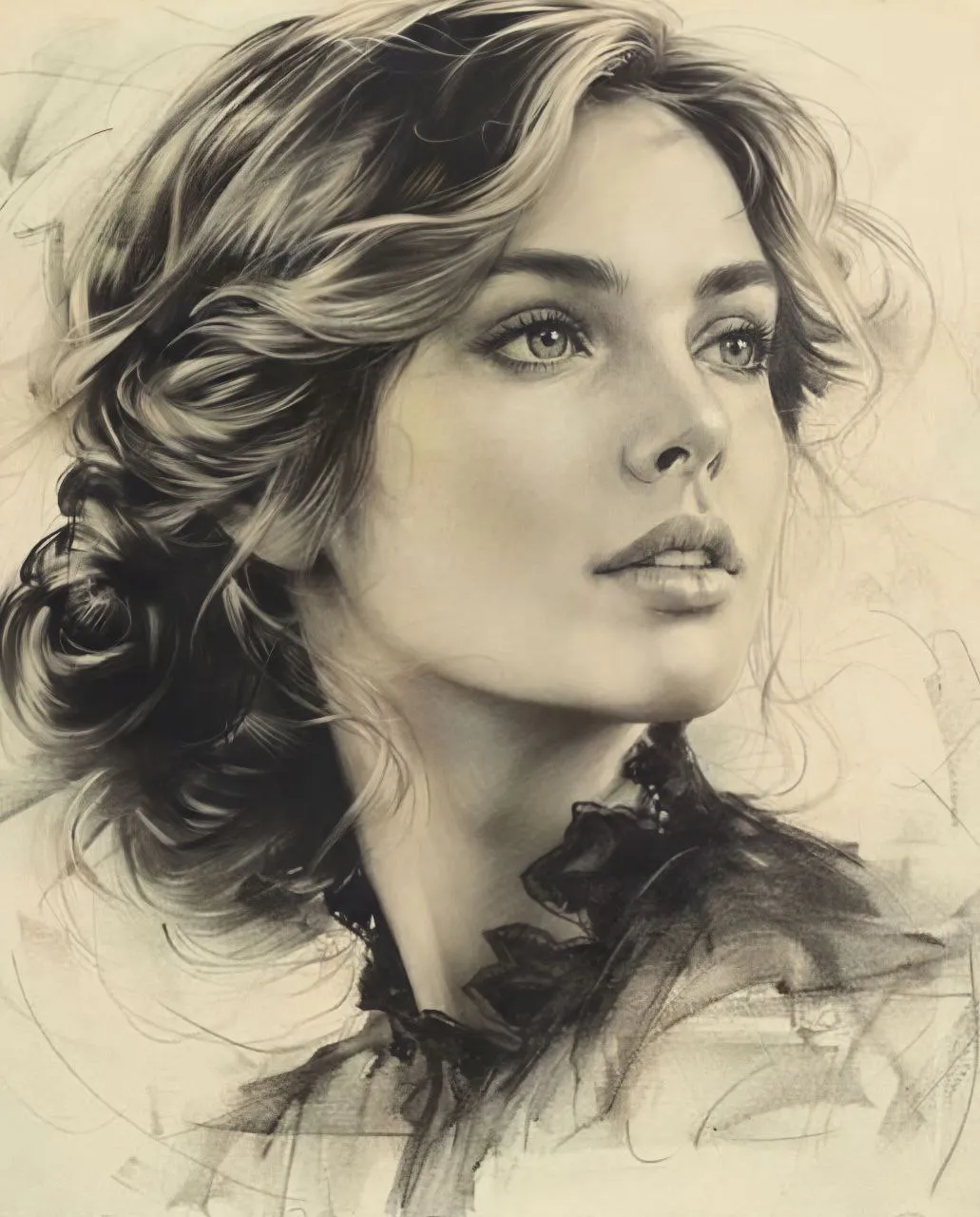
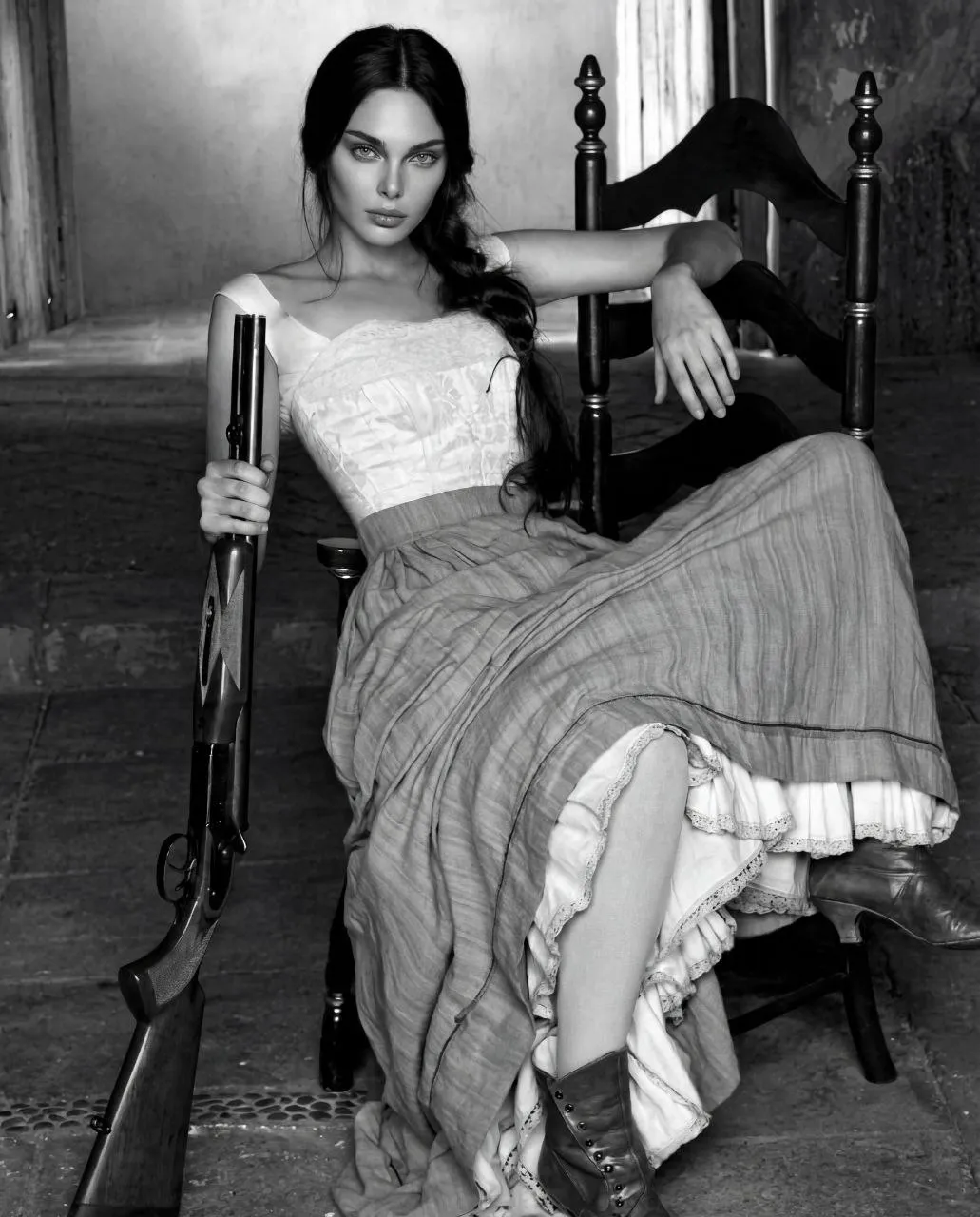
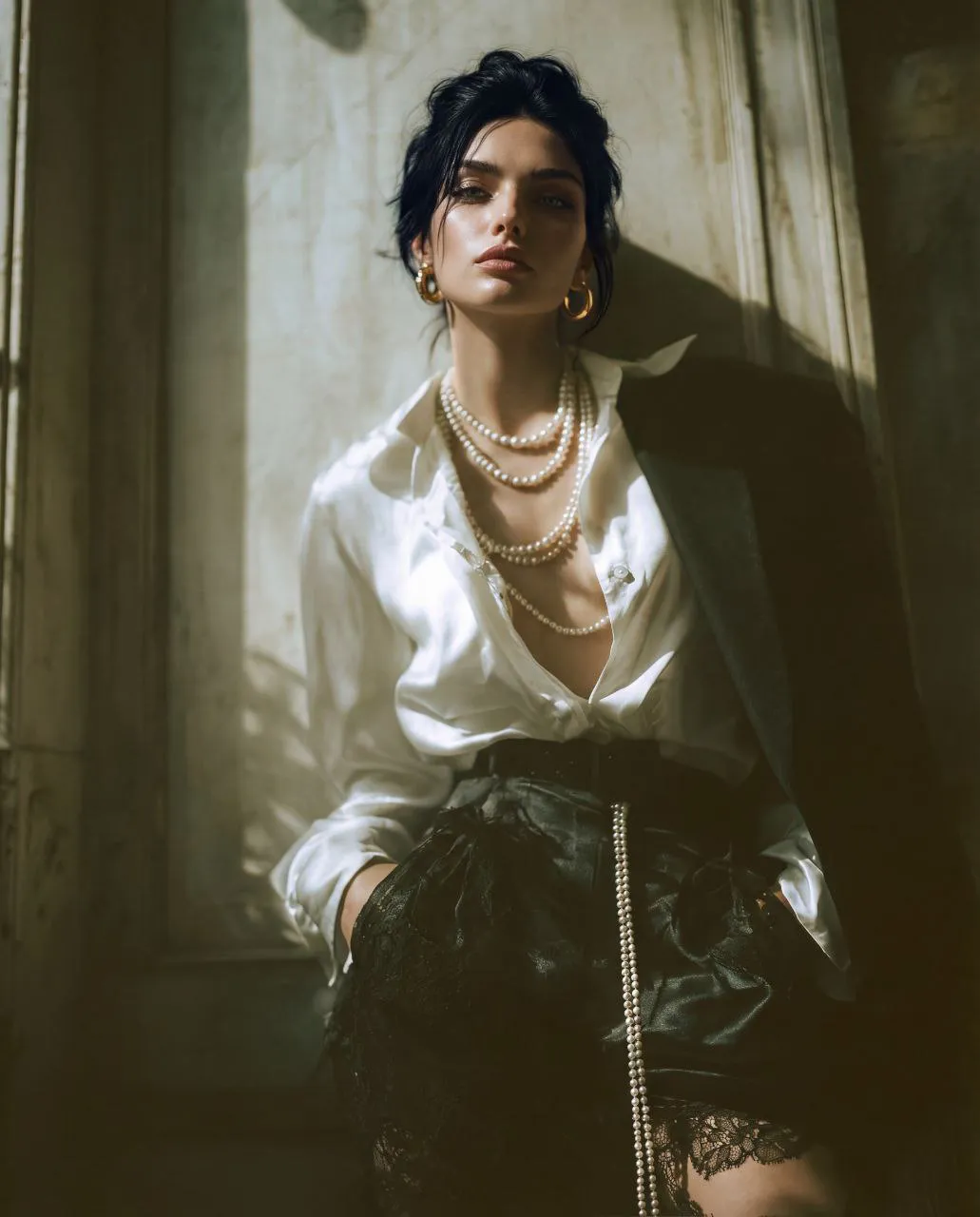
Example images
Prompt template
0 copies
- Format
- Text
- Inputs
- img1 (image) · Required img2 (image) · Required
- Outputs
- EditedPortrait (image)
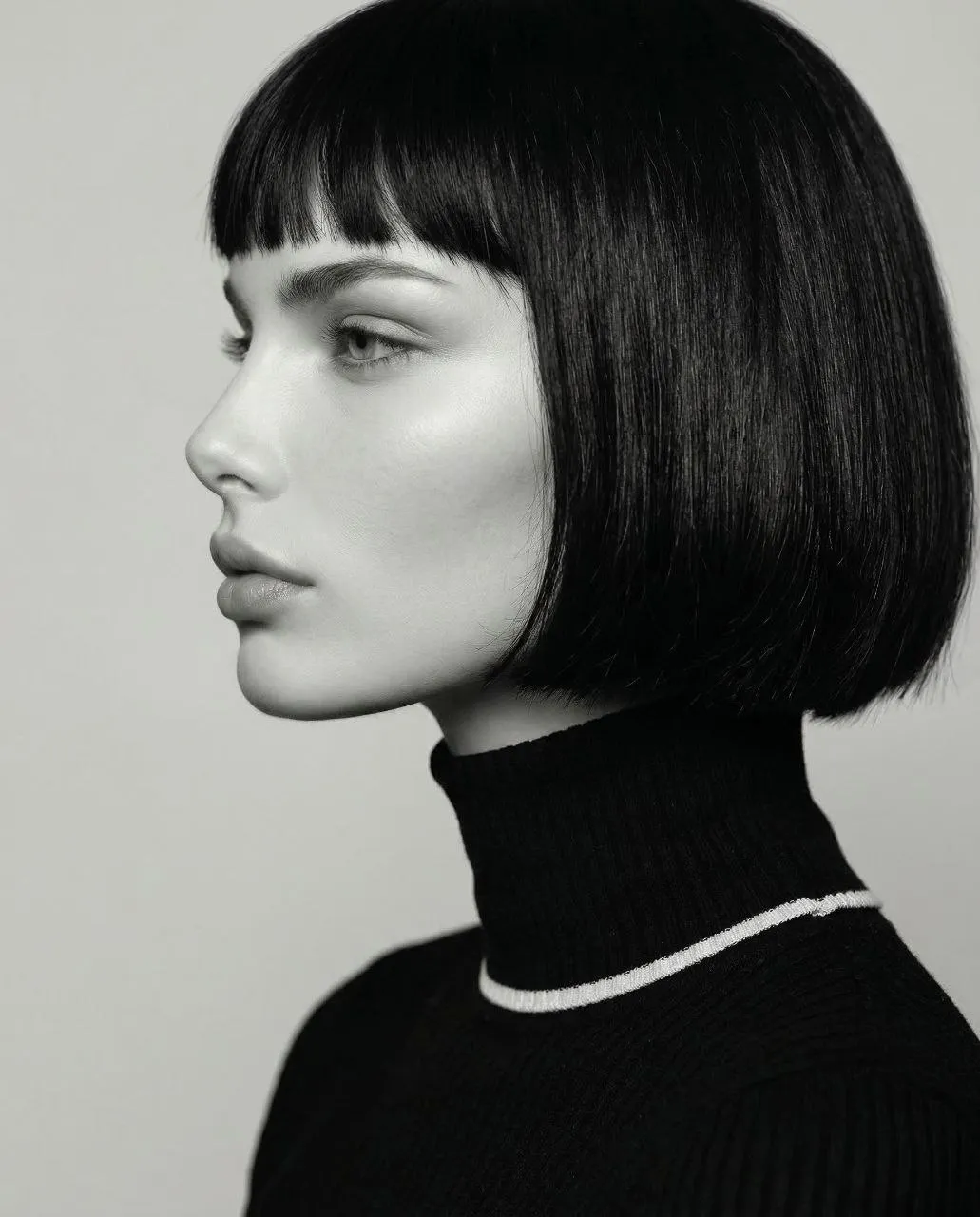
@img1 = source frame
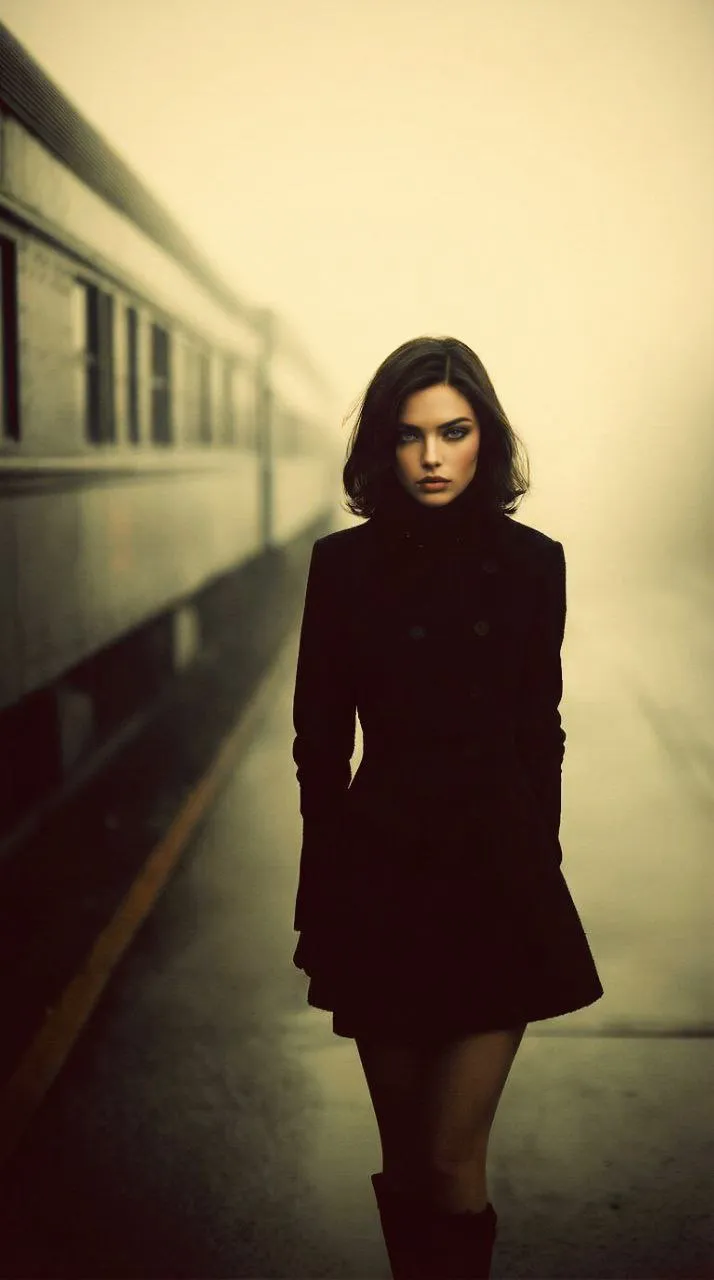
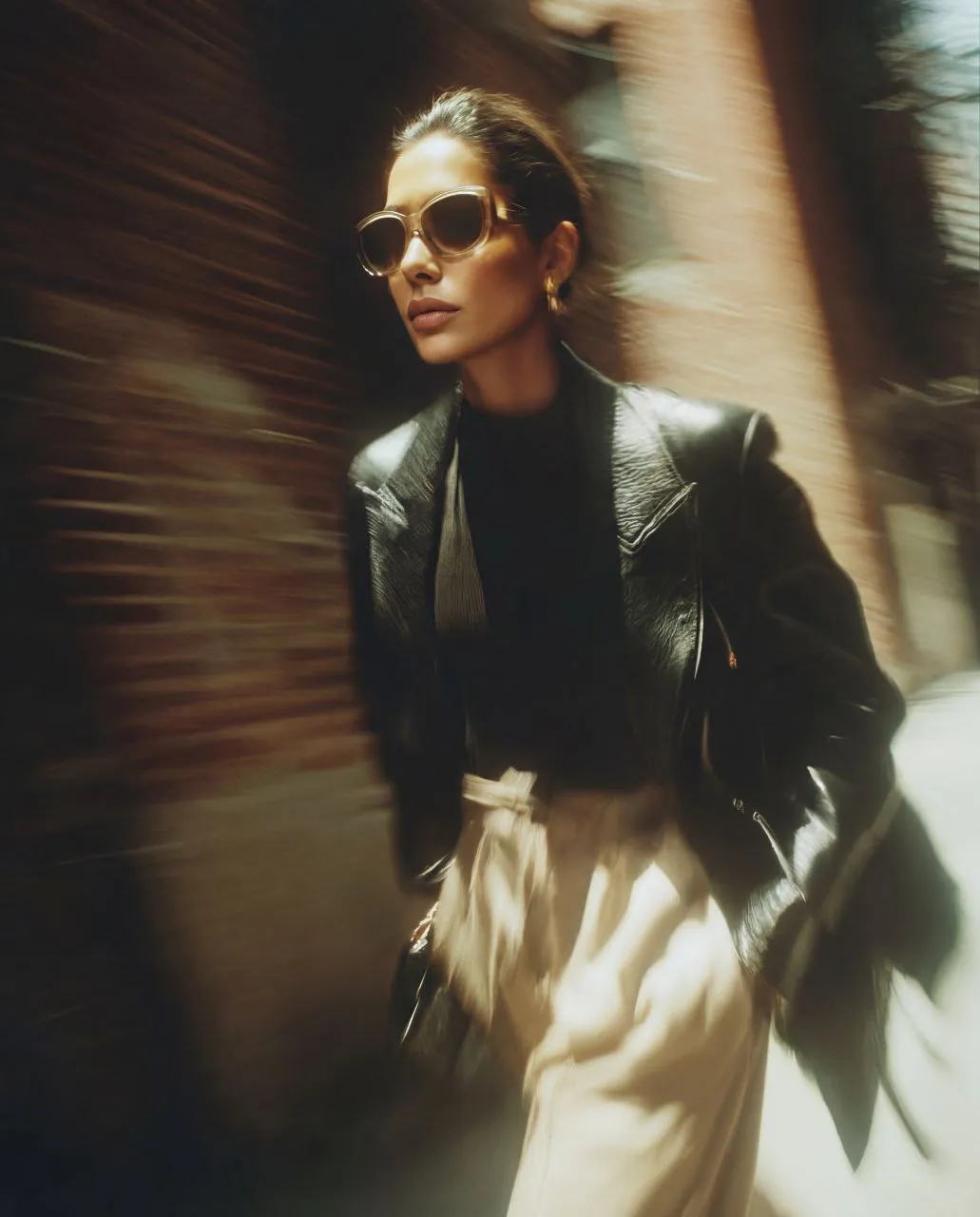
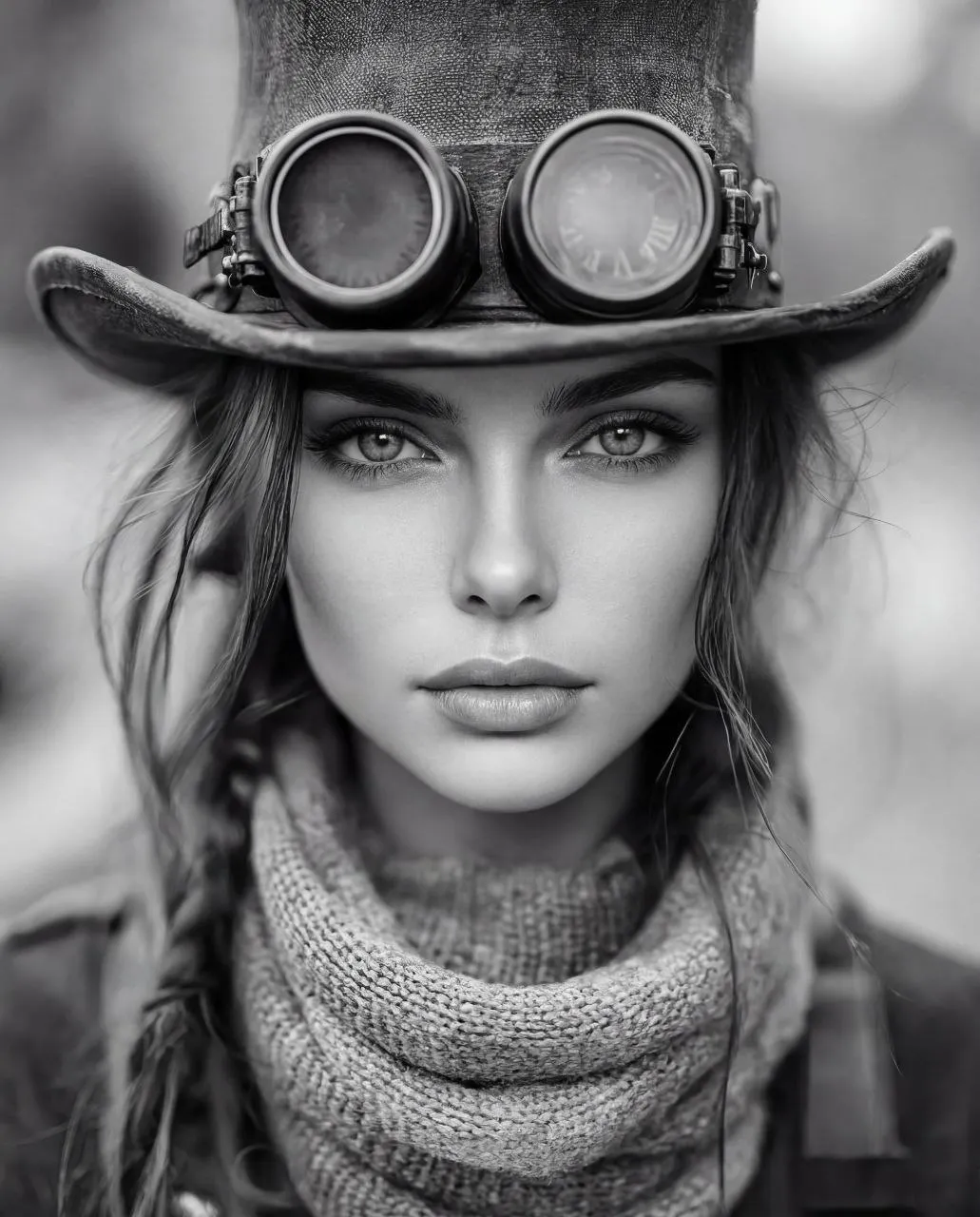
@img2 = face identity

Generate a frame from @img1 .
Replace the original face in @img1 with the face identity from @img2 .
Keep everything else from @img1 unchanged.

Preserve from @img1 :
same side profile, same crop, same camera angle, same head position, same gaze direction, same slightly parted lips, same short black bob haircut, same blunt bangs, same smooth hair shape, same black ribbed turtleneck with thin light trim, same monochrome look, same soft studio lighting, same background, same skin texture, same minimal editorial mood.

Use from @img2 :
facial identity, profile shape, eye shape, nose shape, lips, skin features.

The result must look like the person from @img2 photographed in the exact setup of @img1 .

Negative prompt:
change nothing except face identity, no hairstyle change, no bangs change, no profile change, no pose change, no gaze change, no expression change, no clothing change, no background change, no lighting change, no crop change, no color, no beauty retouch, no glam boost, no identity drift, no double face, no warped profile, no asymmetrical features, no plastic skin, no text, no watermark


Comments — 0
Tried this prompt? Share what you made, compare results, or ask a question.