Create a Product UGC Storyboard and Video
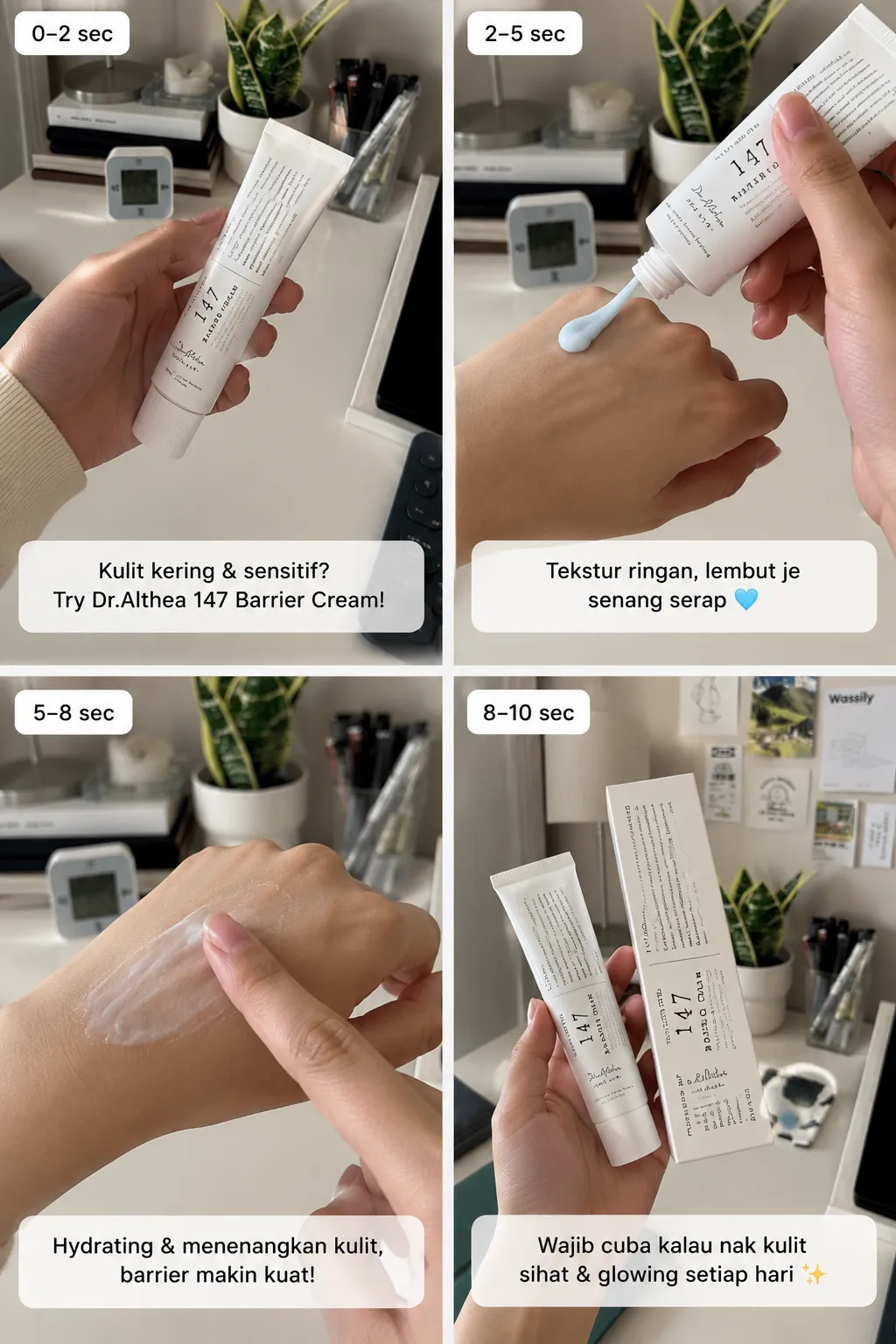
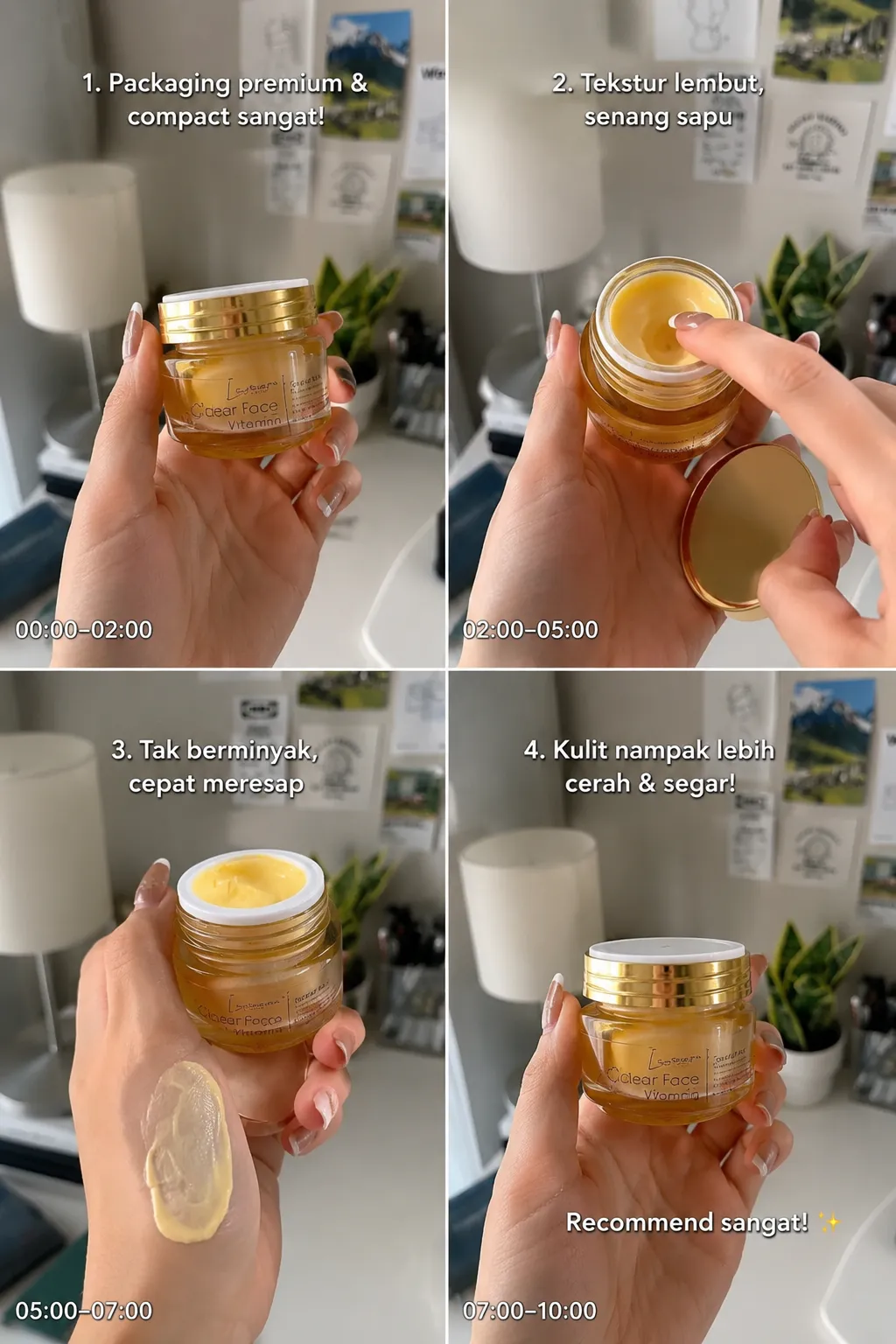
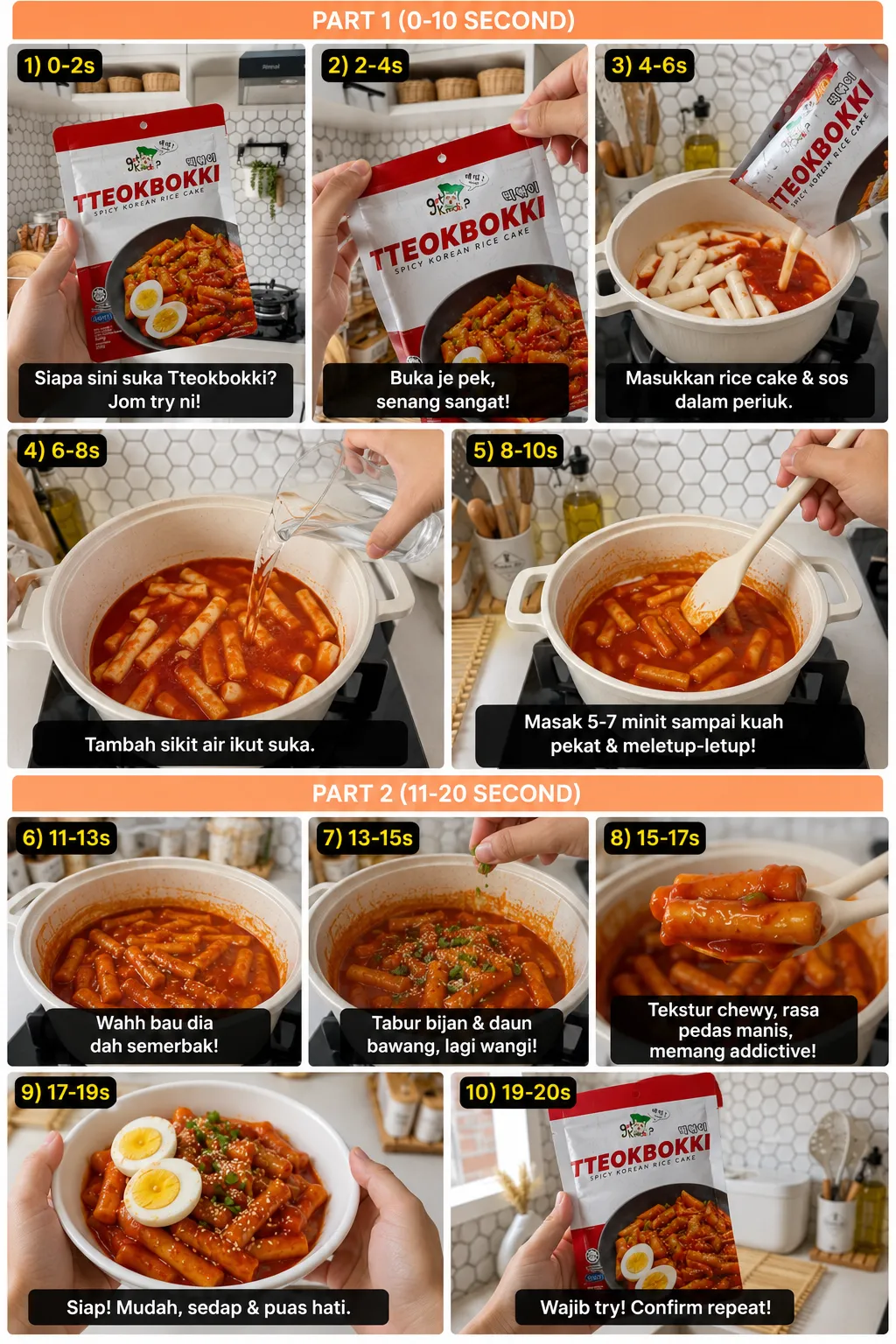
Generate a realistic four-scene product-review storyboard, then convert it into a short first-person UGC video with a natural Malay voice-over.
By Threads — Published on
Example results
Screenshots
Prompt template
## 1. Create the storyboard
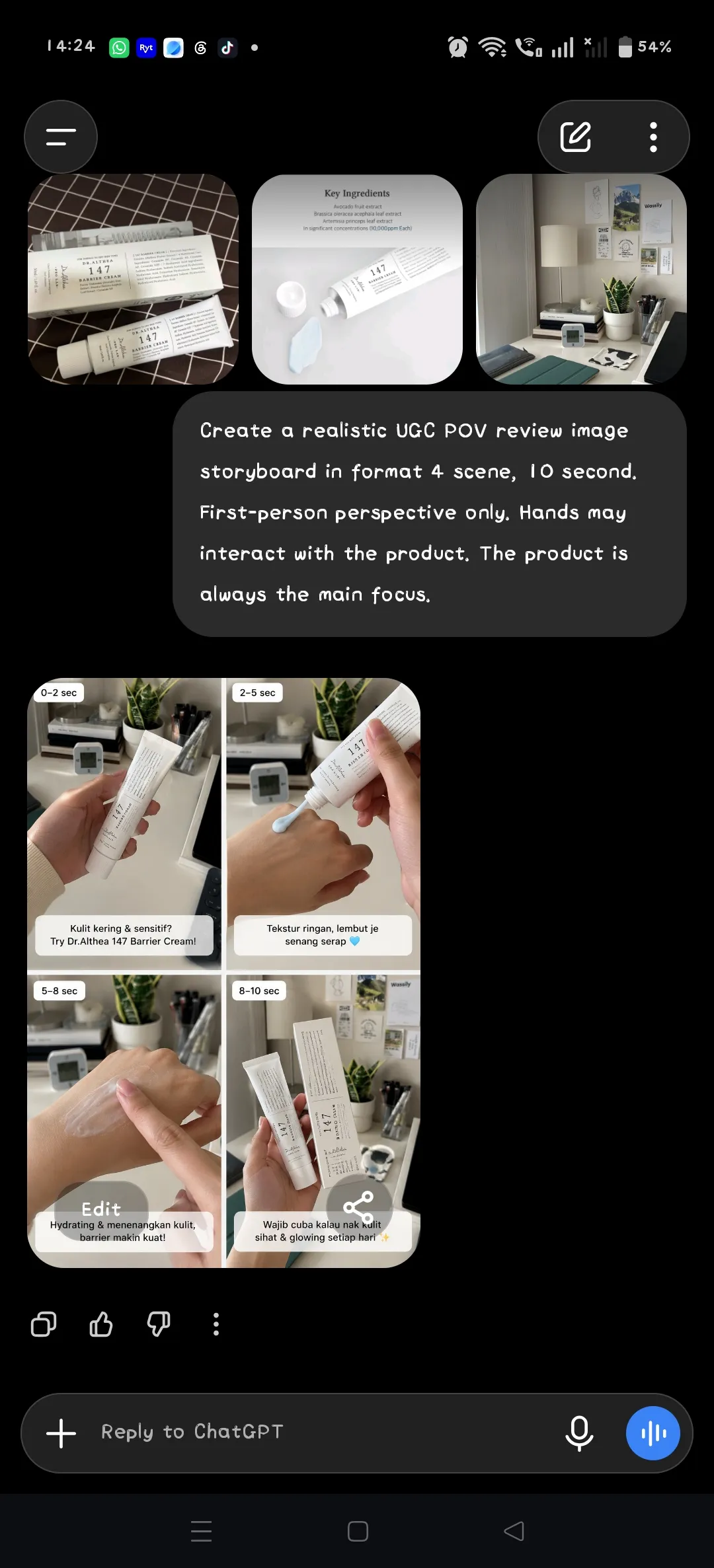
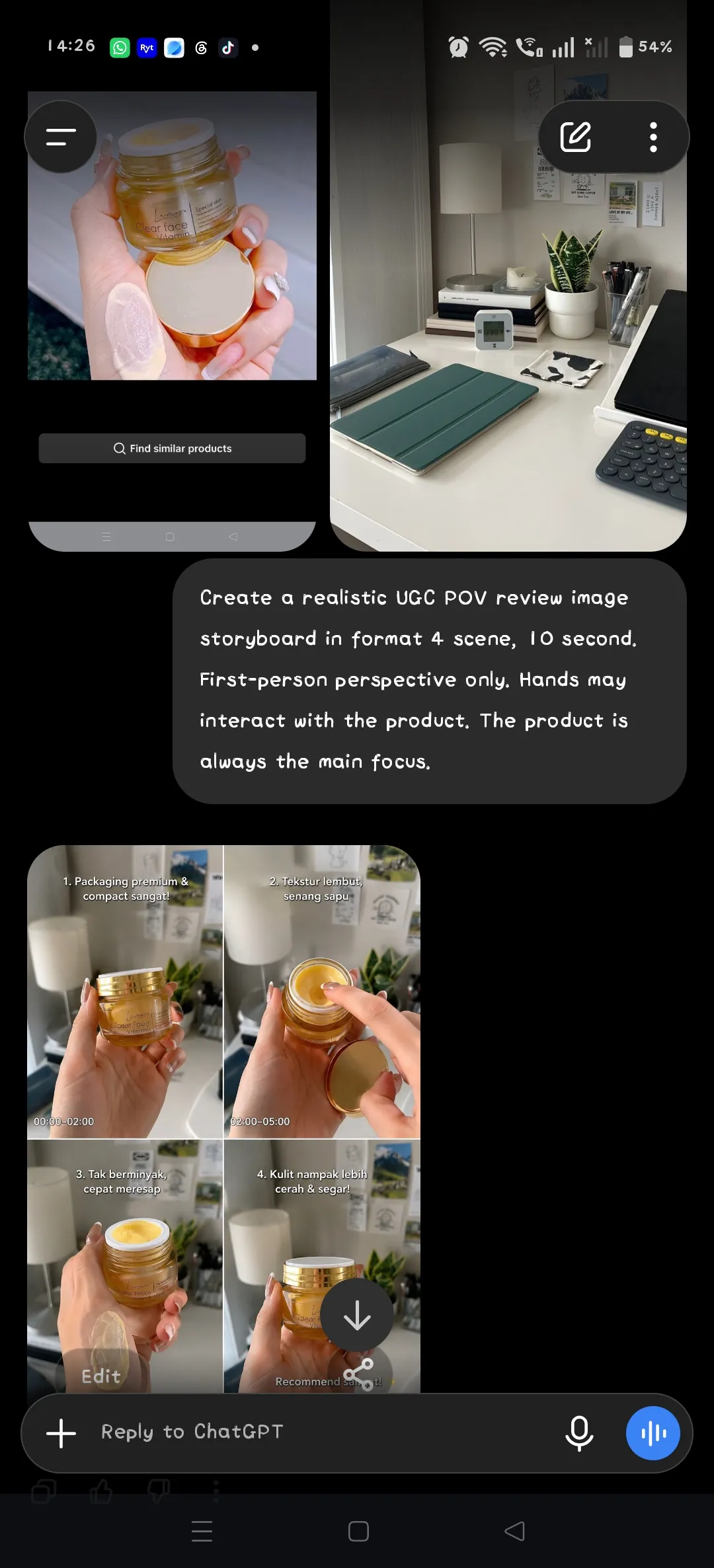
Use the uploaded real product photo, which should clearly show all sides and details of the product, and the uploaded aesthetic table/background image.

Create a realistic UGC POV review image storyboard with ${scene-count:4} scenes designed for a ${duration:10 seconds} video. Use a first-person perspective only. Hands may interact with the product. Combine the chosen background image with the scene, and keep the product as the main focus in every frame. Keep the product's appearance consistent with the reference photo. If the product looks different from the reference in the storyboard, regenerate the storyboard until it matches.

## 2. Convert the storyboard to video
Using the generated storyboard and the same real product photo as the reference, create a video that follows the storyboard frame by frame. Use the exact product shown in the storyboard and reference image. Do not add new objects, redesign the product, or modify its packaging. Use this voice style: ${voice-style:Natural Malaysian Malay female voice, casual and authentic UGC style. Speak like a real customer sharing a personal experience.} Do not add overlay text.
Parameters
${scene-count:4}
scene-count
Default: 4
${duration:10 seconds}
duration
Default: 10 seconds
${voice-style:Natural Malaysian Malay female voice, casual and authentic UGC style. Speak like a real customer sharing a personal experience.}
voice-style
Default: Natural Malaysian Malay female voice, casual and authentic UGC style. Speak like a real customer sharing a personal experience.


Comments — 0