- Category
- Photography
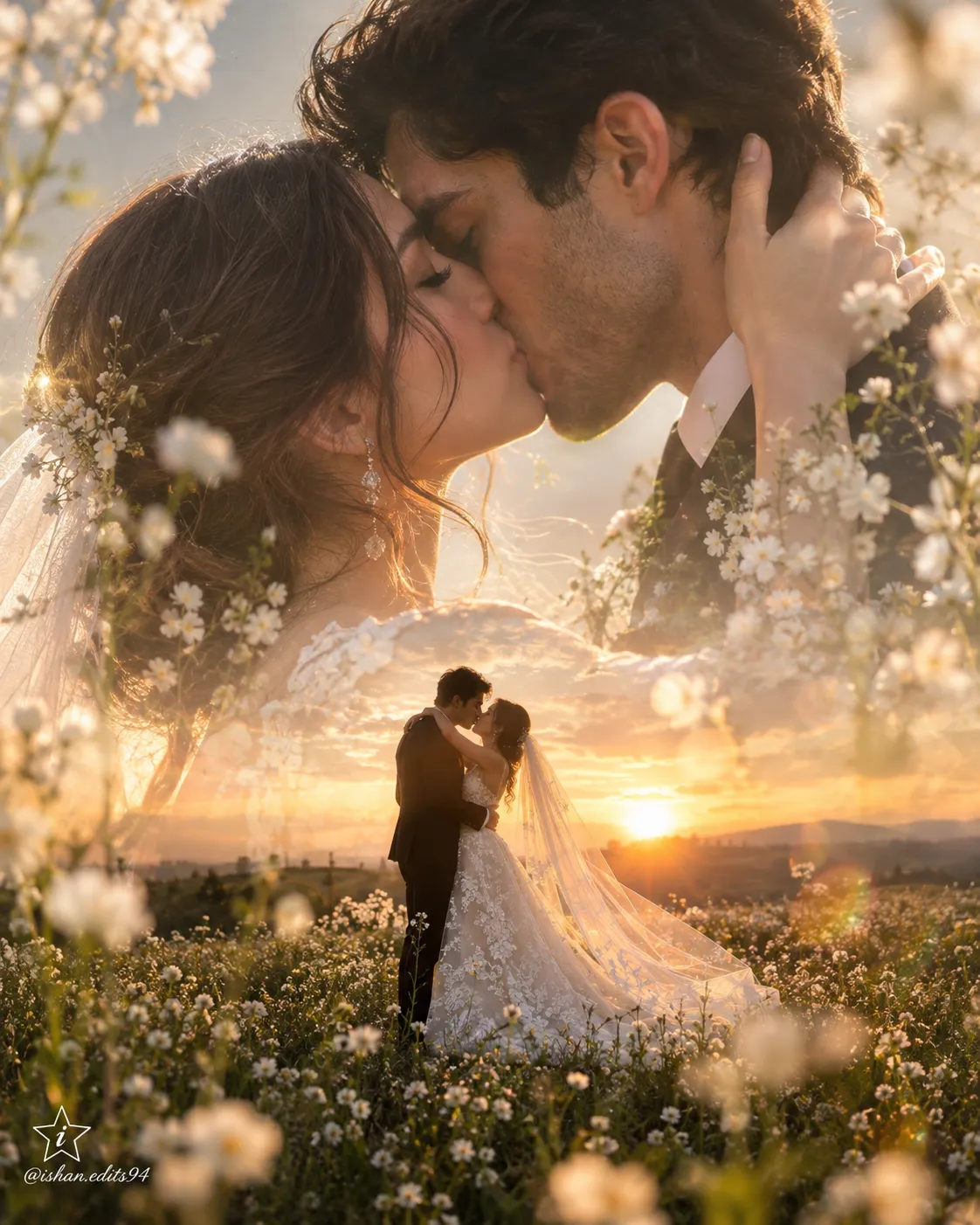
Dreamy Double-Exposure Wedding Portrait
Create an ultra-realistic, golden-hour double-exposure wedding portrait of a couple kissing in a flower field, with a personalized watermark.
By Threads — Published on — Modified on
Example images
Prompt template
0 copies
- Format
- Text Parameterized
- Inputs
- Face_reference_image (image) · Required watermark_text (text) · Optional · Default: @ishan.edits94
- Outputs
- Wedding_portrait (image)
Replace the ${…} placeholders with your values
before using this prompt. See parameters
and defaults below.
Create an ultra-realistic double-exposure wedding photograph in a 4:5 aspect ratio, with an 8K finish and a raw style.

In the bottom layer, show a full-body couple kissing in a flower field at sunset. The woman wears a white floral lace wedding dress with a long veil, and the man wears a black suit. In the top layer, overlay a giant, semi-transparent close-up of the same couple kissing. Surround the composition with white wildflowers and soft lens flare. Give the image a dreamy, ethereal feel with golden-hour lighting.

Use the uploaded image as a face reference for the couple. In the bottom-left corner, add a small star containing a stylish lowercase “i”. Beneath it, place the small cursive text “${watermark-text:@ishan.edits94}”.
Parameters
Replace each placeholder with your own value, or use its default when one is provided.
${watermark-text:@ishan.edits94}
watermark-text
Default: @ishan.edits94






Comments — 0
Tried this prompt? Share what you made, compare results, or ask a question.