- Category
- Photography
- Model
- google-gemini
- Tags
- man great-wall golden-hour
Golden-Hour Portrait on the Great Wall
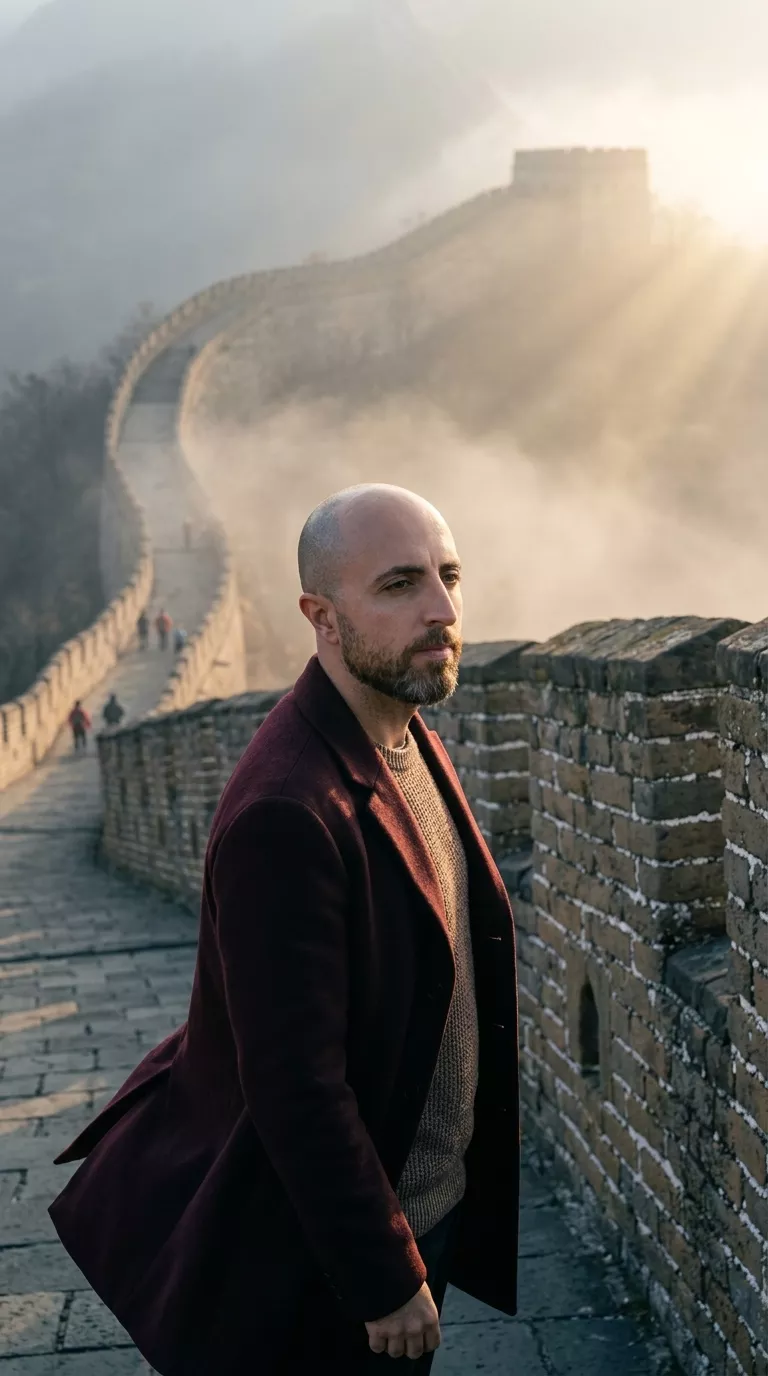
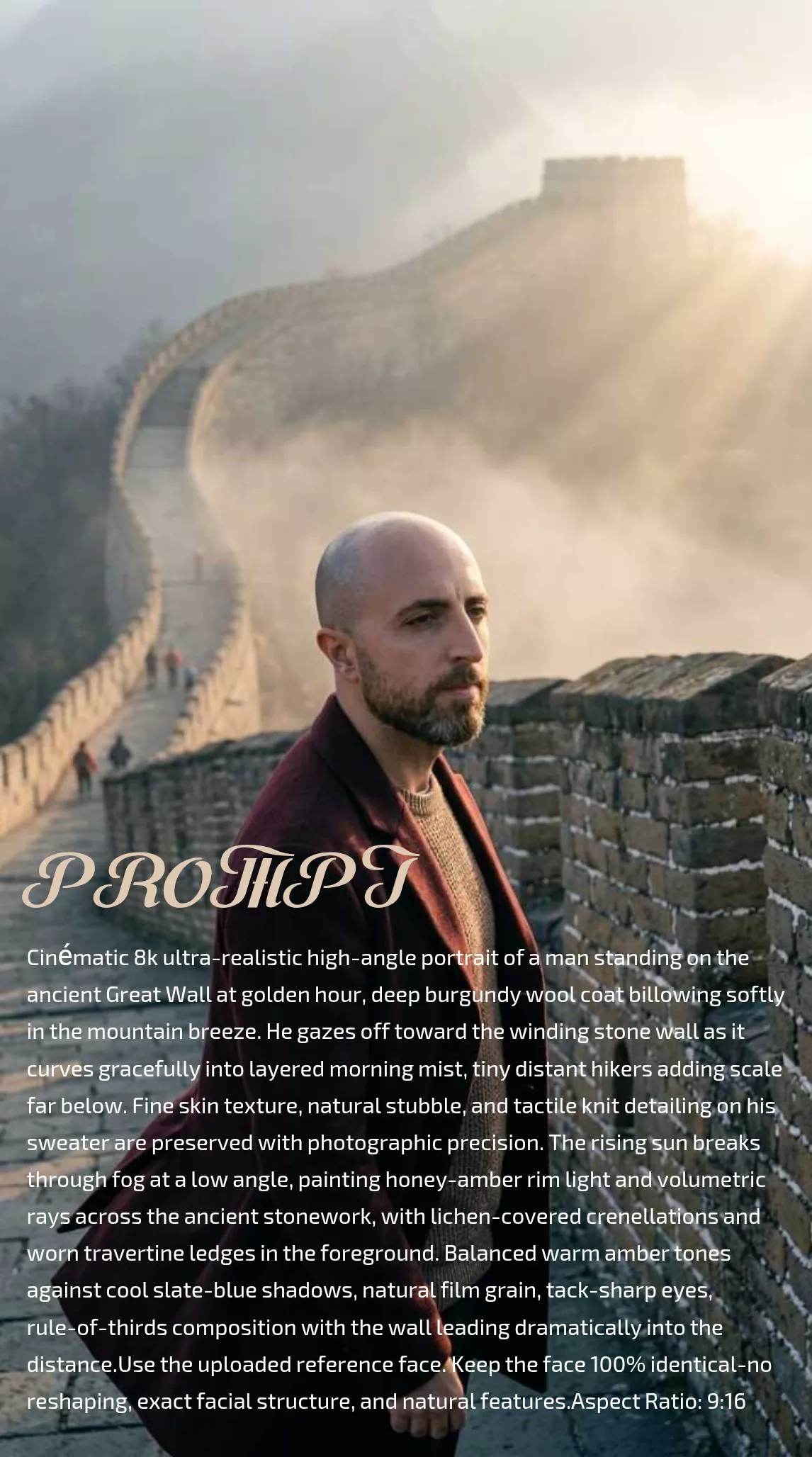
Create an ultra-realistic, cinematic portrait of a man on the Great Wall, using an uploaded face reference and a 9:16 composition.
By Threads — Published on — Modified on
Example images
Prompt template
0 copies
- Format
- Text Parameterized
- Inputs
- Reference_face (image) · Required aspect_ratio (text) · Optional · Default: 9:16
- Outputs
- Portrait (image)
Replace the ${…} placeholders with your values
before using this prompt. See parameters
and defaults below.
Create a cinematic, 8K, ultra-realistic, high-angle portrait of a man standing on the ancient Great Wall at golden hour. He wears a deep burgundy wool coat that billows softly in the mountain breeze and gazes toward the winding stone wall as it curves into layered morning mist. Tiny distant hikers far below provide a sense of scale.

Preserve the face from the uploaded reference image with 100% fidelity: do not reshape it, and retain its exact facial structure and natural features. Preserve fine skin texture, natural stubble, and the tactile knit detailing on his sweater with photographic precision.

The rising sun breaks through the fog at a low angle, casting honey-amber rim light and volumetric rays across the ancient stonework. Include lichen-covered crenellations and worn travertine ledges in the foreground. Balance warm amber tones against cool slate-blue shadows. Use natural film grain, tack-sharp eyes, and rule-of-thirds composition, with the wall leading dramatically into the distance. Aspect ratio: ${aspect-ratio:9:16}.
Parameters
Replace each placeholder with your own value, or use its default when one is provided.
${aspect-ratio:9:16}
aspect-ratio
Default: 9:16





Comments — 0
Tried this prompt? Share what you made, compare results, or ask a question.