- Category
- Design & Image
Hazy Geometric Before-and-After Poster
Create a vertical comparison poster pairing an uploaded image with a softly simplified geometric illustration, cream-white transitions, and a scene-related Chinese caption.
By Threads — Published on — Modified on
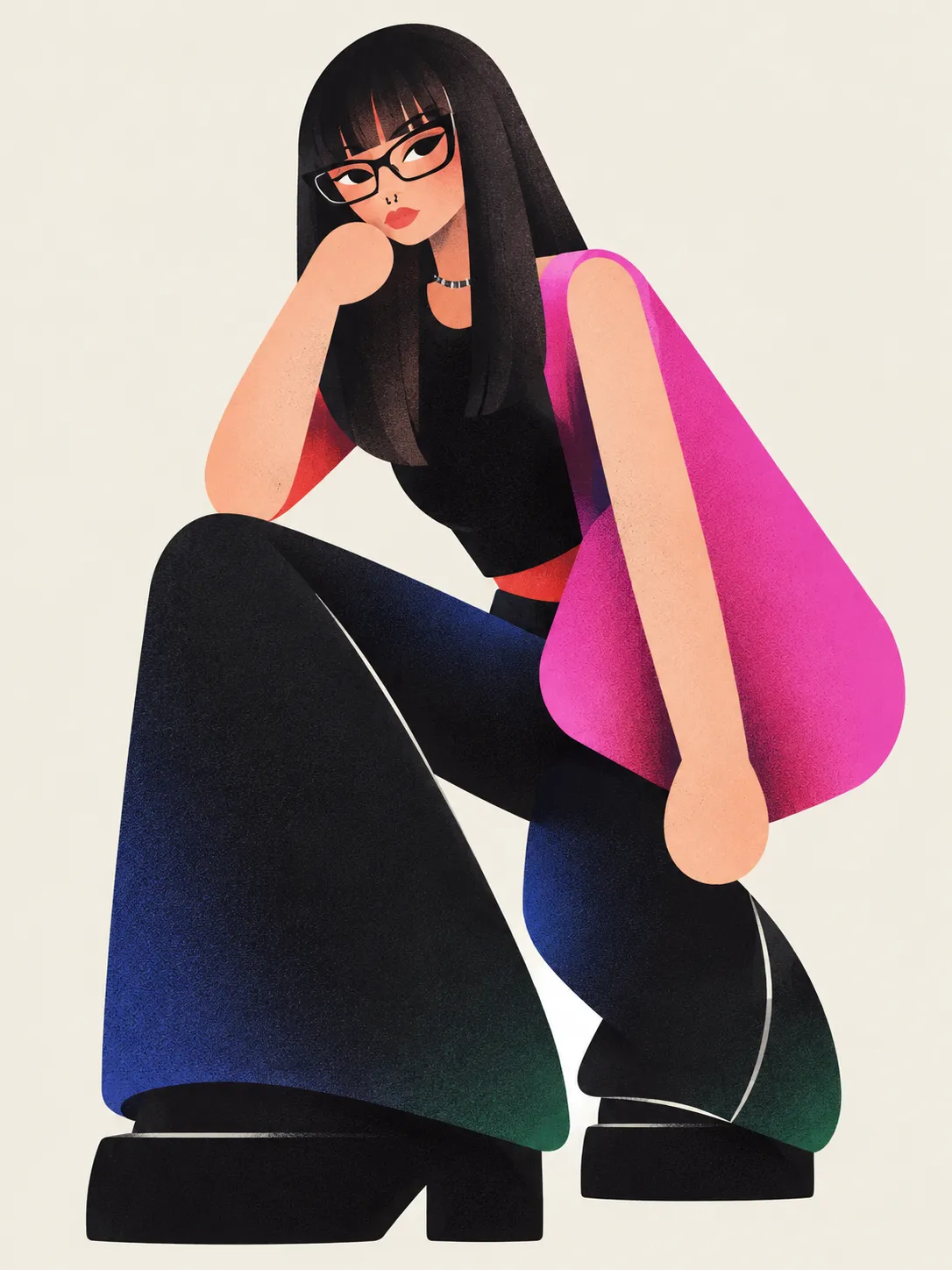
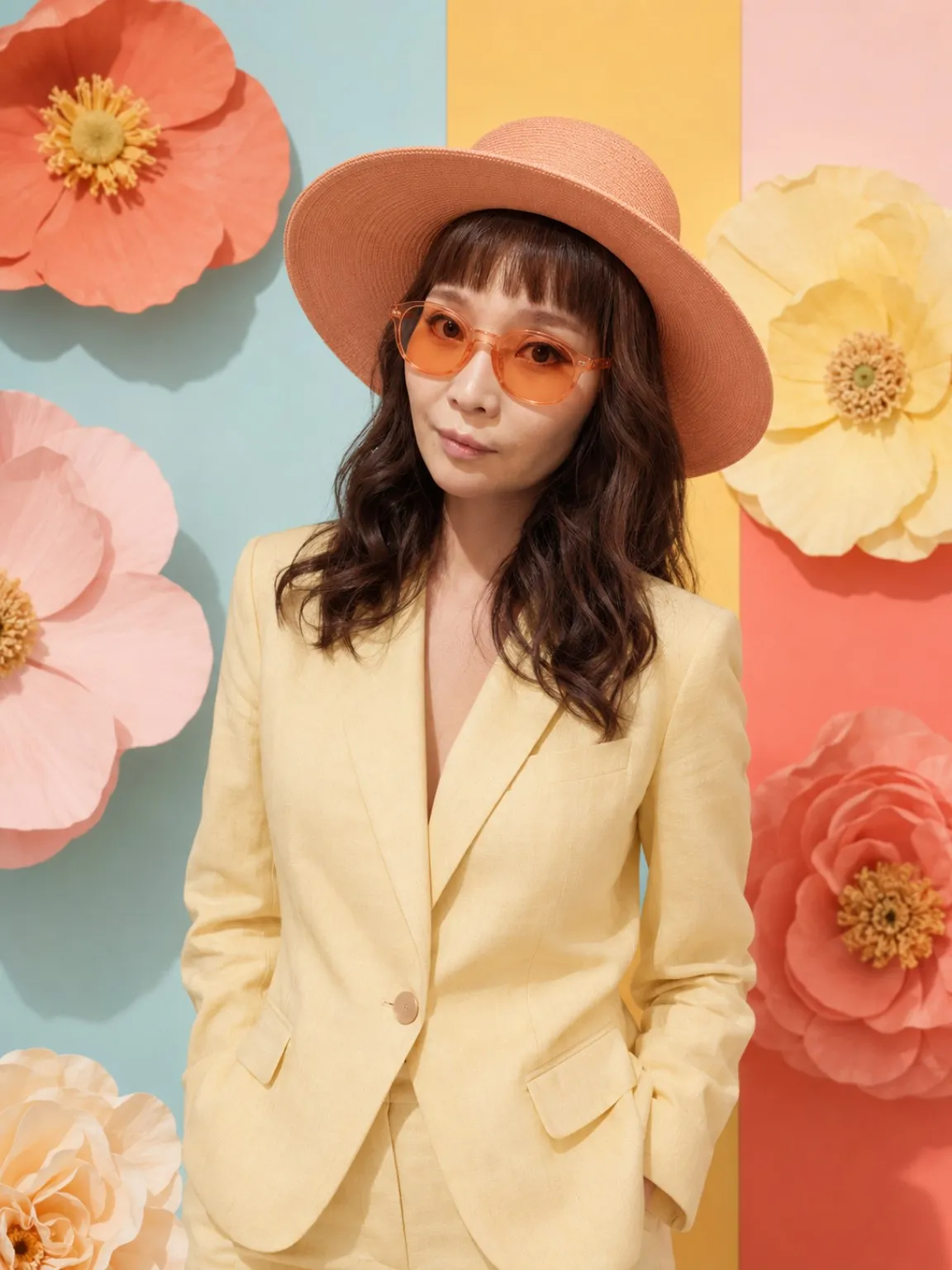
Example images


Prompt template
0 copies
- Format
- Text Parameterized
- Inputs
- reference_image (image) · Required aspect_ratio (text) · Optional · Default: 3:4
- Outputs
- comparison_poster (image)
Replace the ${…} placeholders with your values
before using this prompt. See parameters
and defaults below.
Using the uploaded image ${reference-image}, create a vertical top-and-bottom comparison poster with an aspect ratio of ${aspect-ratio:3:4}.

In the upper section, preserve the original image's texture and fill the area to the top, left, and right edges. Leave a clearly visible cream-white blank band in the middle, with soft fades along its upper and lower edges to create a negative-space transition.

In the lower section, transform the same scene into a hazy geometric illustration. Preserve the subject, viewpoint, and main composition. Reduce complex scenery to a small number of large, rounded shapes, adapting the design to the original image's content without adding unrelated scenery.

Use sage green, gray-green, deep forest green, and cream white, with small accents of warm apricot. Convey volume through soft gradients and add fine frosted grain. Emphasize cream-colored misty light so that the distant scenery, the lower portions of scene elements, and the image edges gradually dissolve into the mist. Let contours appear faint and elusive while keeping the subject recognizable. Simplify broad areas, retaining only a few finely rendered plant or subject details.

Blend all edges of the lower section naturally into the cream-white background, leaving ample negative space. On the right, add one short, scene-related line of small gray Chinese text arranged vertically. Keep the overall effect quiet, ethereal, and soft. Avoid hard edges, strong contrast, a plastic look, and dense detail.
Parameters
Replace each placeholder with your own value, or use its default when one is provided.
${reference-image}
reference-image
Required
${aspect-ratio:3:4}
aspect-ratio
Default: 3:4




Comments — 0
Tried this prompt? Share what you made, compare results, or ask a question.