- Category
- Design & Image
- Tags
- voodoo-doll 3d-render portrait
Hyper-Realistic 3D Voodoo Rag Doll
Create a cinematic 3D close-up portrait of a stitched voodoo rag doll, using a reference image for its hair color and outfit inspiration.
By Threads — Published on — Modified on
Example images
Prompt template
0 copies
- Format
- Text Parameterized
- Inputs
- Reference_image (image) · Required signature (text) · Optional · Default: Marcelo Gallery
- Outputs
- Generated_image (image)
Replace the ${…} placeholders with your values
before using this prompt. See parameters
and defaults below.
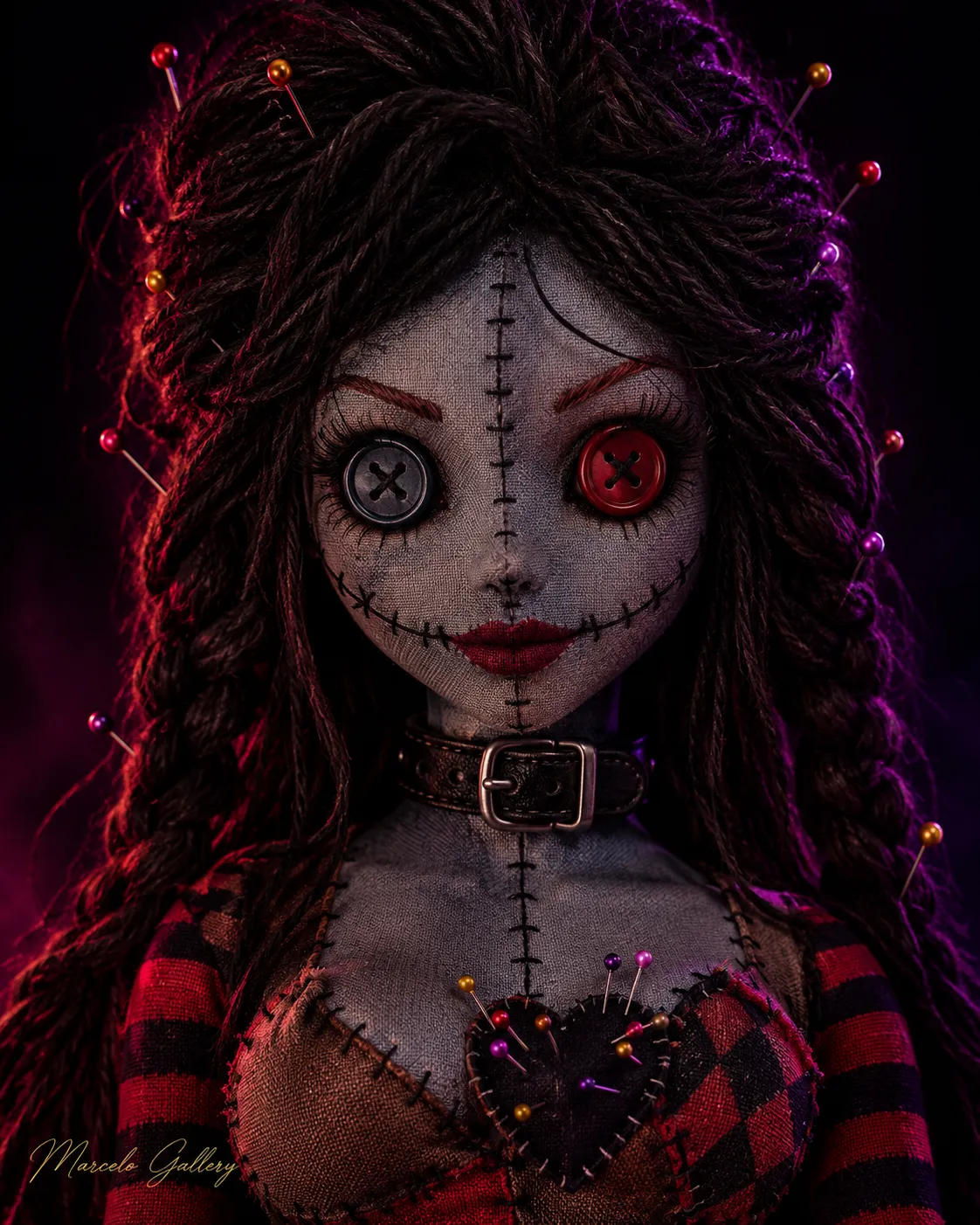
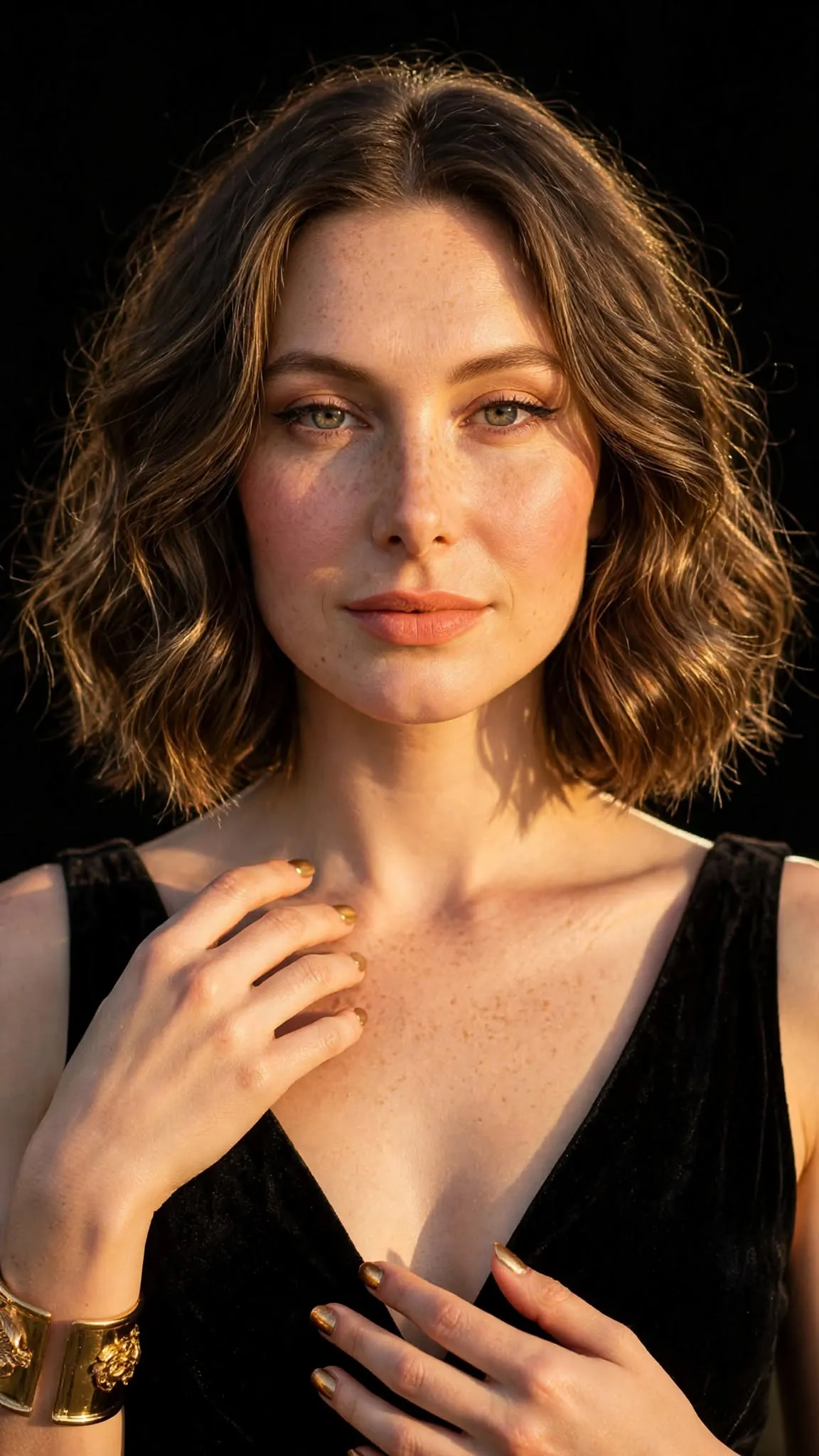
Create a hyper-realistic 3D voodoo rag doll with an ultra-detailed, cinematic 3D render. Use the reference image for the hair color and as inspiration for a similar outfit, but use varied colors for the clothing.

Give the doll a blue-gray fabric face with a cloth texture. Add a vertical seam from the center of the forehead down to the nose, made with black stitches, horizontal stitching across the mouth, and stitches on the cheeks. The doll has two large, mismatched button eyes: one blue-gray and one red, each marked with an X. Add long eyelashes, thin arched reddish eyebrows, a small nose, and dark red lips in a soft smile.

Give the doll voluminous, thick-strand wool hair in the color shown in the reference. Style it with thick braids at the sides, abundant lifted volume on top, and wool bangs. Stick colorful pins—purple, yellow, red, and gold—in the hair.

Show the doll from the front in a close-up bust portrait. Dress it in a patchwork fabric top in brown, red, and black-and-red diamond patterns, with prominent thick stitching. Place a black fabric heart at the center of the top and stick colorful pins into it. Add a thick black leather collar with a metal buckle and red-and-black striped sleeves.

Use a deep black background with dramatic pink and purple lighting. The atmosphere should be dark, cute, and mysterious. Make the image ultra-detailed.

Add the elegant cursive signature ${signature:Marcelo Gallery} in the lower-left corner. Use a 4:5 aspect ratio.
Parameters
Replace each placeholder with your own value, or use its default when one is provided.
${signature:Marcelo Gallery}
signature
Default: Marcelo Gallery






Comments — 0