Hyperrealistic Extreme Close-Up Portrait
Create a detailed, natural-looking close-up portrait guided by a reference photo, with a discreet vertical watermark.
By Threads — Published on
Screenshots

Prompt template
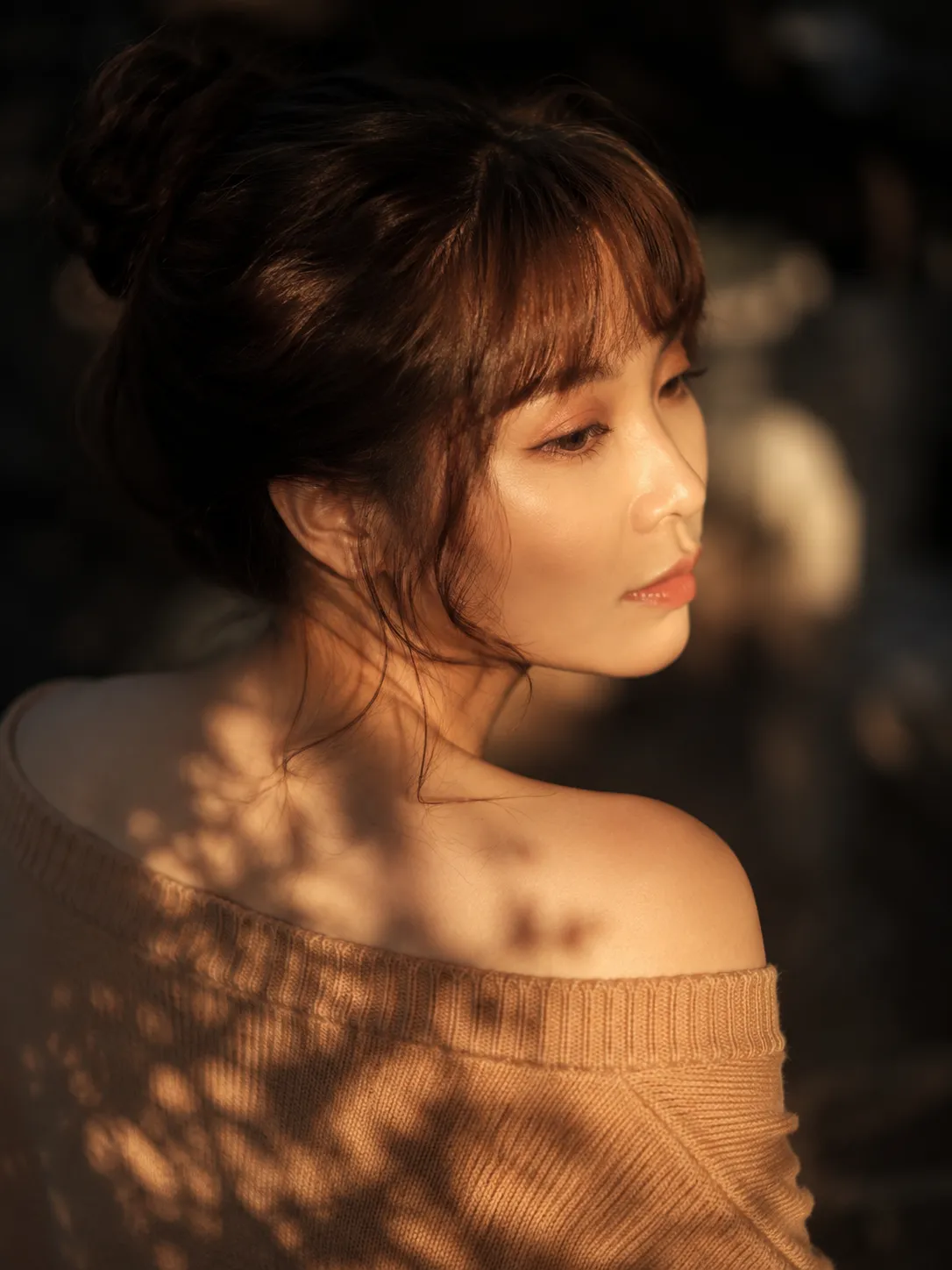
Create a hyperrealistic extreme macro close-up photograph showing half of the face, including the eye, nose, and mouth. Tilt the head slightly and direct the gaze off-frame. Let tousled hair fall across the forehead and face. Add striking eye makeup with black winged eyeliner, nude or golden eyeshadow, and long, voluminous lashes. Show the index finger gently touching the lower lip; keep the nails natural. Give the lips a full shape, a reddish-pink color, and an intense gloss with clearly visible moist texture.

Render realistic skin texture with visible pores, a slight rosy blush on the cheeks, and a subtle natural glow without excessive oiliness. Use soft, warm, side-lit natural-style lighting with gentle shadows and a neutral, dark, blurred background. Keep the eye and lips sharply in focus. Aim for realistic professional-camera photography, 8K detail, and lifelike skin texture; avoid CGI, painting, illustration, and 3D-rendered looks.

Use the attached reference photo to match skin color and tone, eye color, hair color, length, and cut. Preserve the same accessories, including glasses if present in the reference.

Add a discreet watermark in the lower-right corner, set vertically (rotated 90 degrees), in Calibri Light, white, medium-sized, and semi-transparent: "${watermark-text:RAMAPROMPTS}". Use a 5:7 aspect ratio.
Parameters
${watermark-text:RAMAPROMPTS}
watermark-text
Default: RAMAPROMPTS




Comments — 0