- Category
- Photography
Luxury Street-Style Fashion Portrait
Create an ultra-photorealistic editorial street-fashion photograph of an elegant woman walking through a modern city.
By Threads — Published on — Modified on
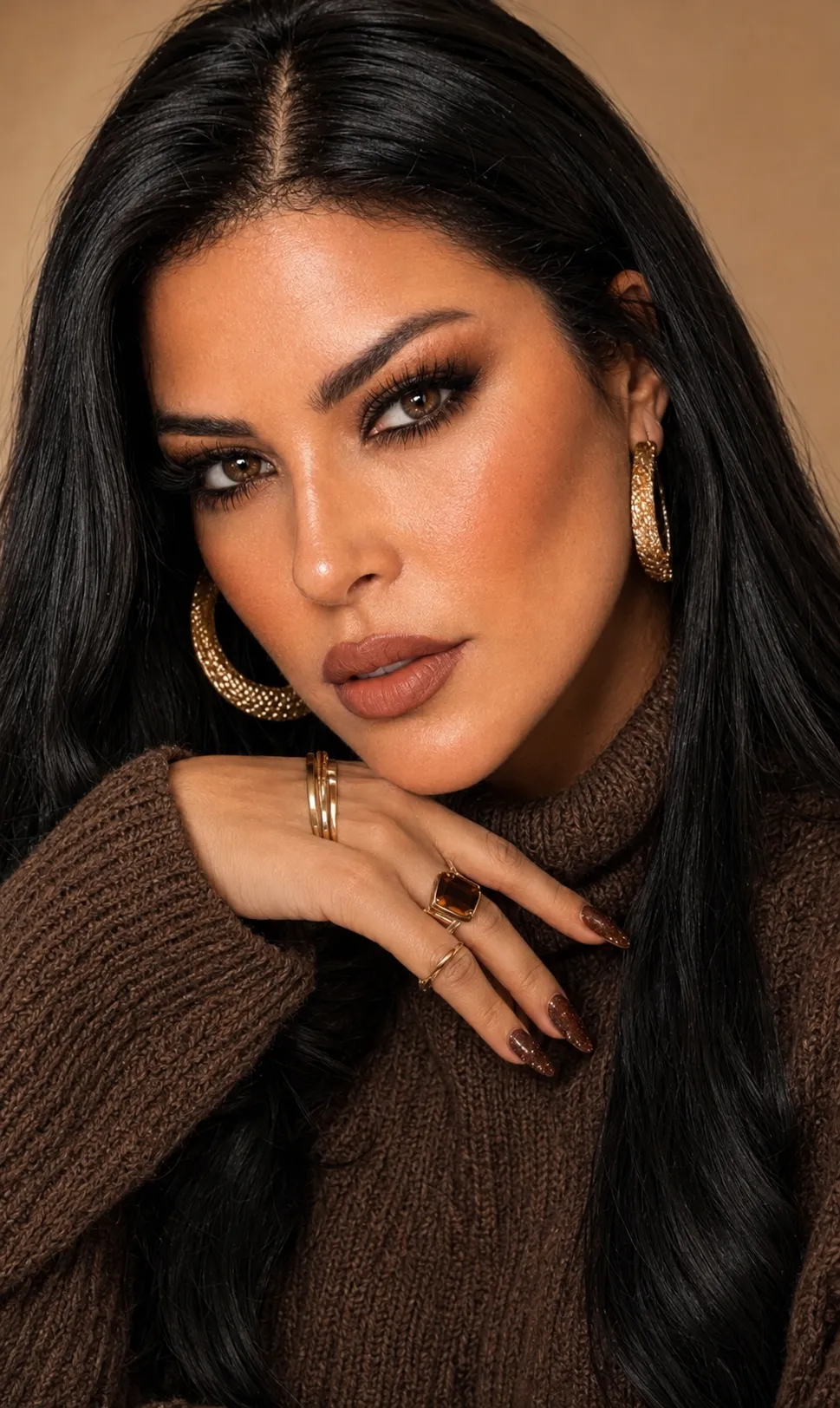
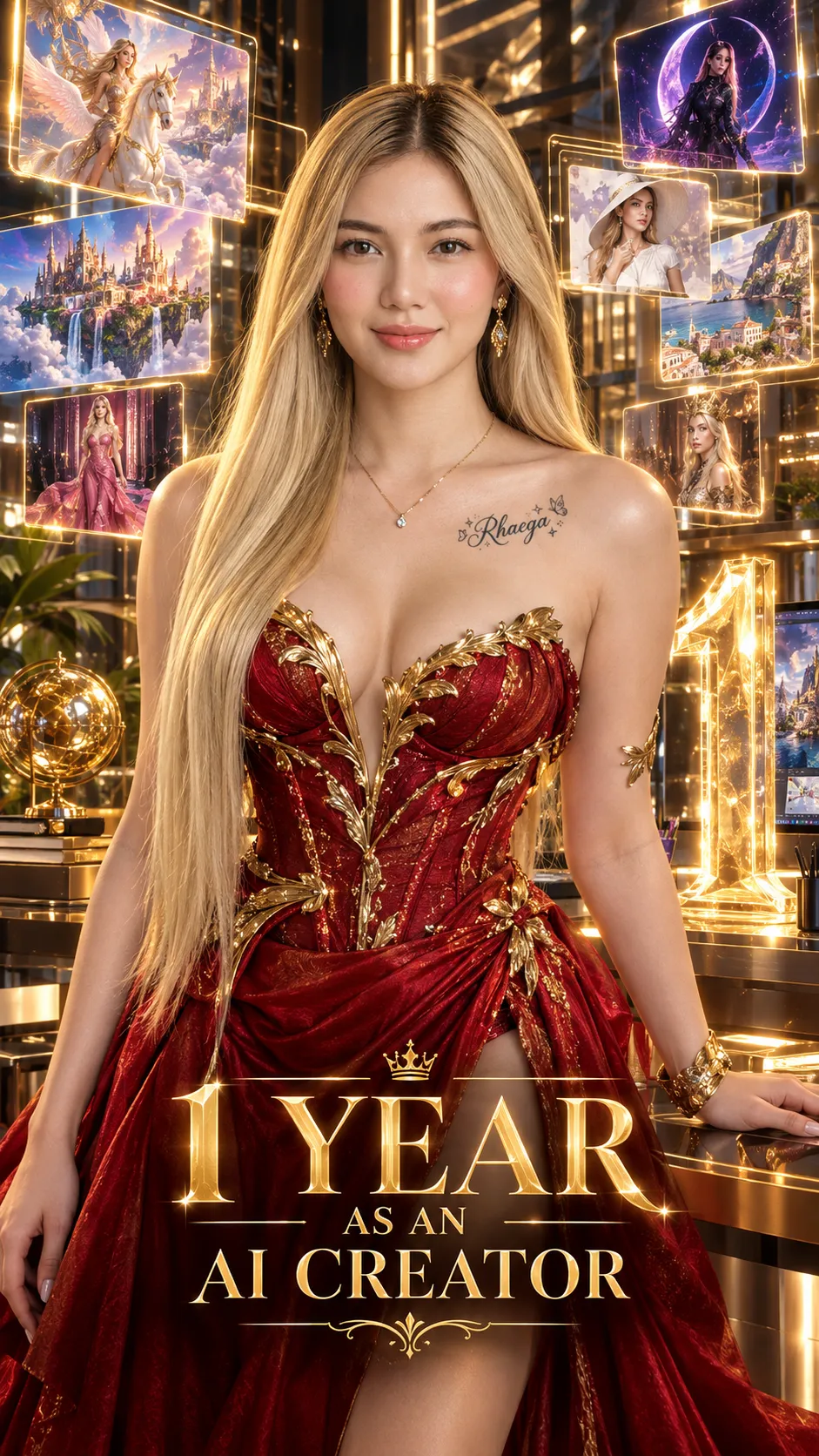
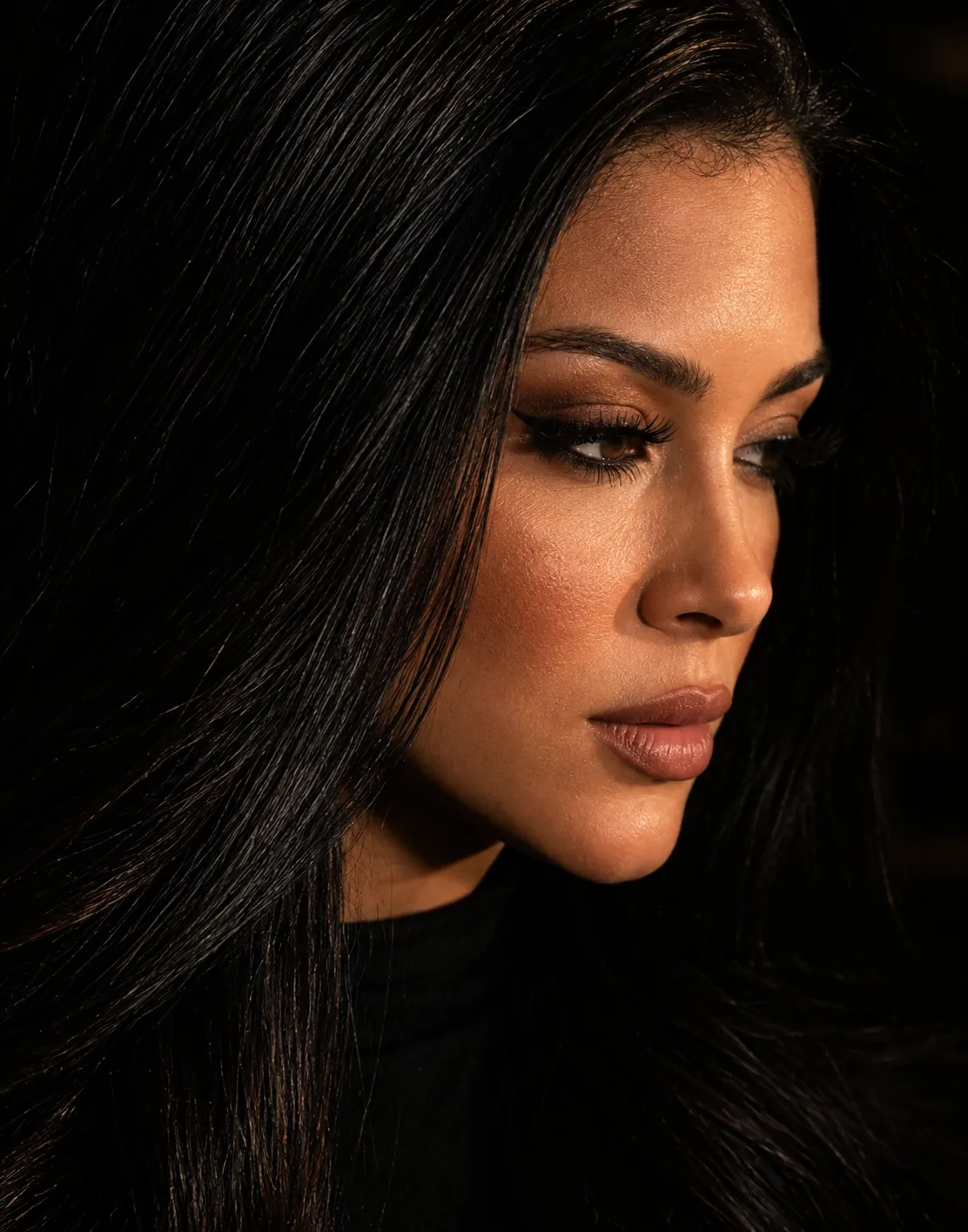
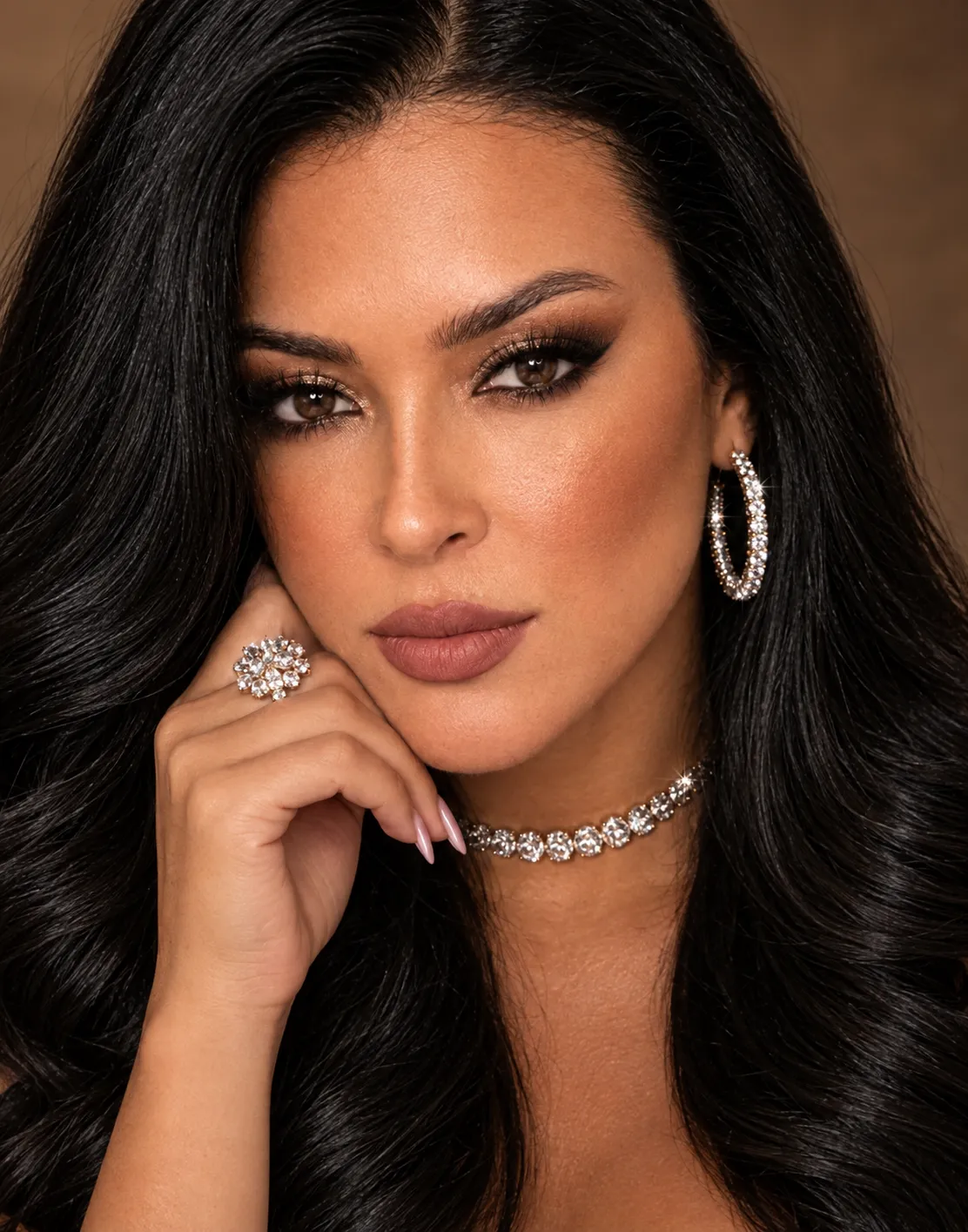
Example images


Prompt template
0 copies
- Format
- Text Parameterized
- Inputs
- reference_image (image) · Required watermark_text (text) · Optional · Default: dev aspect_ratio (text) · Optional · Default: 3:4
- Outputs
- fashion_portrait (image)
Replace the ${…} placeholders with your values
before using this prompt. See parameters
and defaults below.
Using the provided reference image, create an ultra-photorealistic street-style fashion photograph of an elegant adult woman. Preserve her face without alteration. Give her fair, luminous, glass-like skin; subtle warm-toned makeup; softly defined brows; natural eye makeup; and muted rosy-nude lips with a glossy finish. Her long, slightly messy black hair has a center part, with loose strands framing her face.

She wears an oversized black tailored blazer with structured shoulders over a black low-cut crop top, high-waisted ivory wide-leg trousers, and a black belt with a gold buckle. Add delicate layered gold necklaces, gold rings, statement gold hoop earrings, and a black leather shoulder bag with cognac-brown straps.

Show her walking confidently along a modern city street, one hand tucked into her pocket, with a composed, direct gaze toward the camera. Include a champagne-beige luxury SUV and a reflective glass office building in the background. Add dynamic foreground motion blur from a passing vehicle, with horizontal light streaks and blurred metallic reflections partially sweeping across the lower frame, creating a candid high-fashion street-photography effect.

Use warm natural daylight, muted cinematic tones, subtle 35mm film grain, slightly soft focus, realistic textures, a spontaneous editorial composition, understated luxury, and an authentic analog-film aesthetic. Add a small handwritten watermark reading “${watermark-text:dev}” at the bottom left. Use a ${aspect-ratio:3:4} aspect ratio.
Parameters
Replace each placeholder with your own value, or use its default when one is provided.
${watermark-text:dev}
watermark-text
Default: dev
${aspect-ratio:3:4}
aspect-ratio
Default: 3:4



Comments — 0
Tried this prompt? Share what you made, compare results, or ask a question.