- Category
- Art & Illustration
- Model
- google-gemini-flash
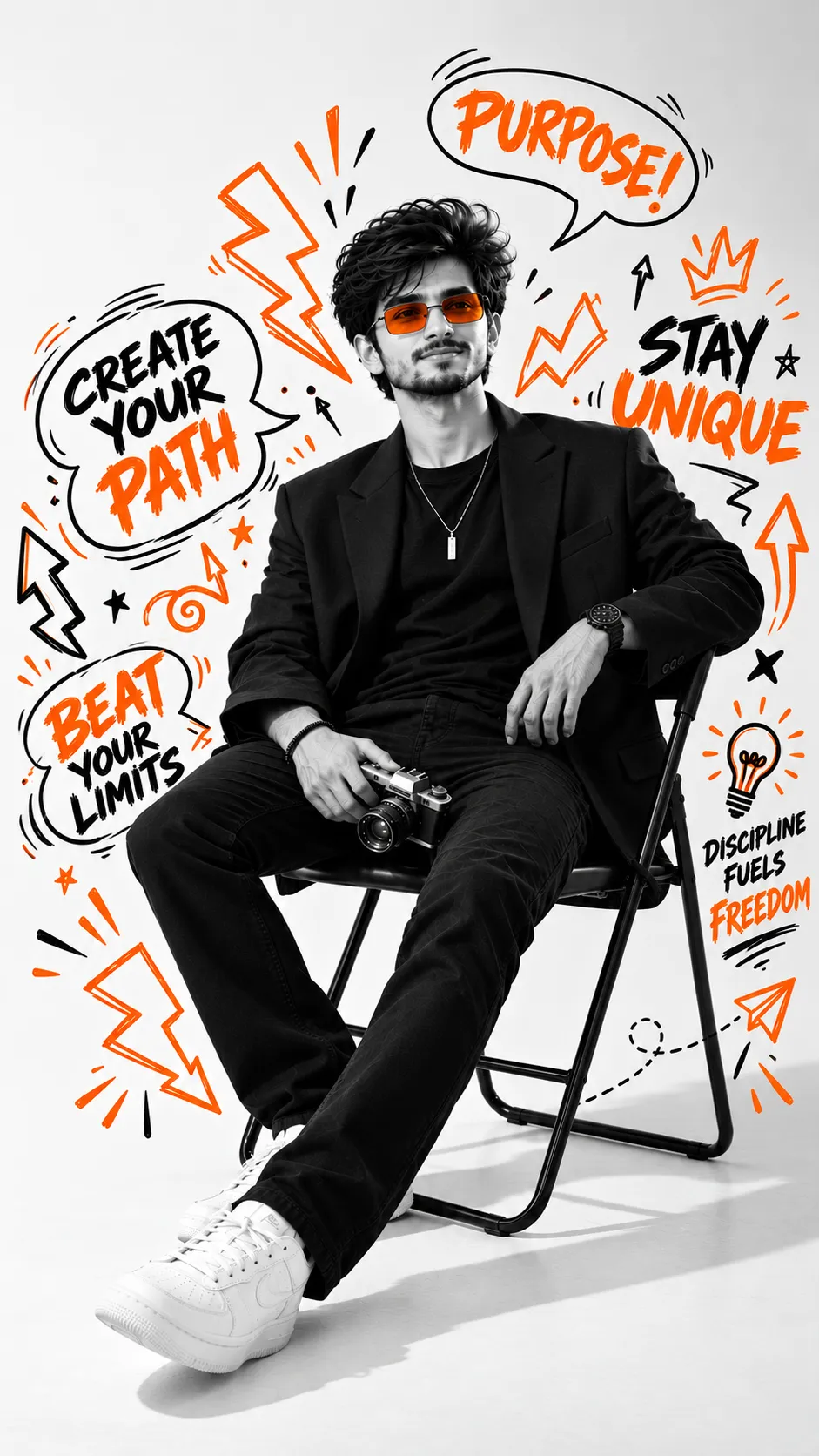
Monochrome Panel Fashion Poster
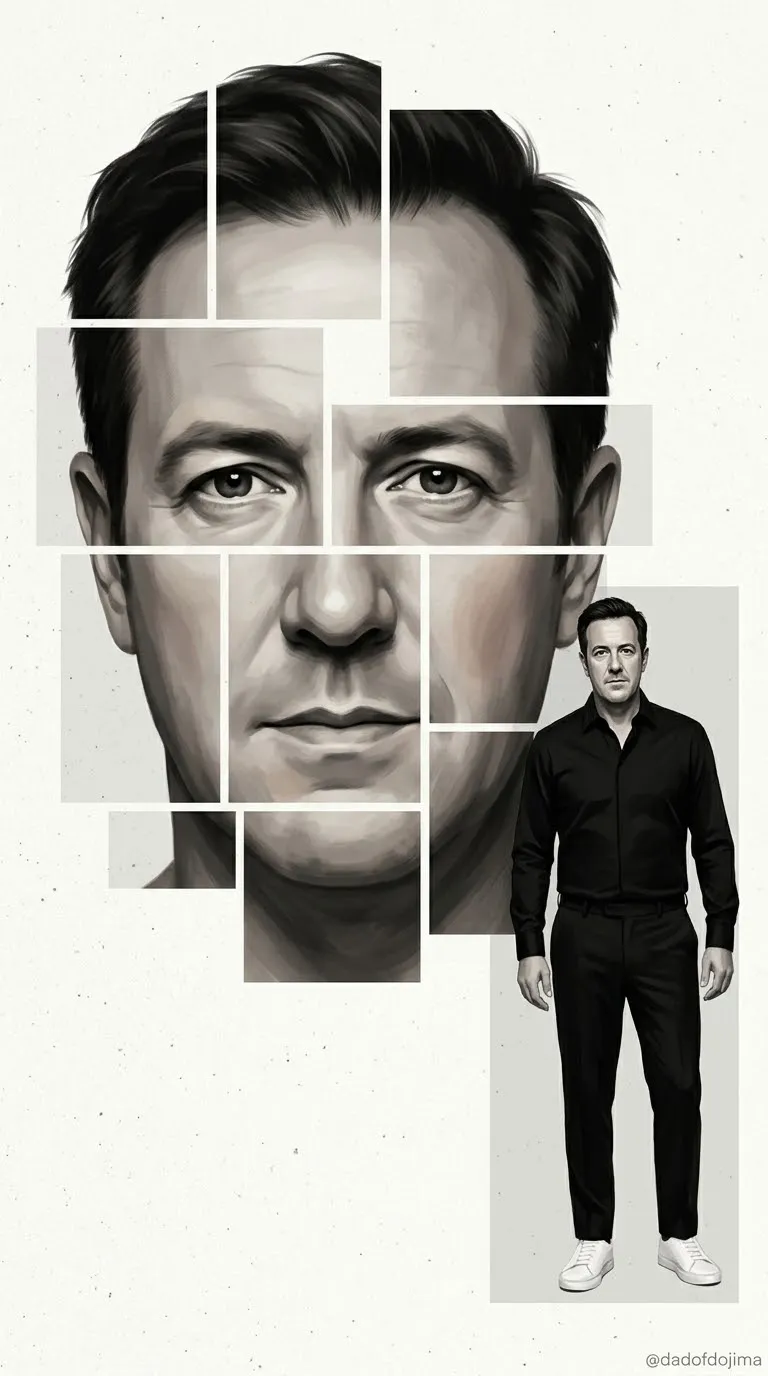
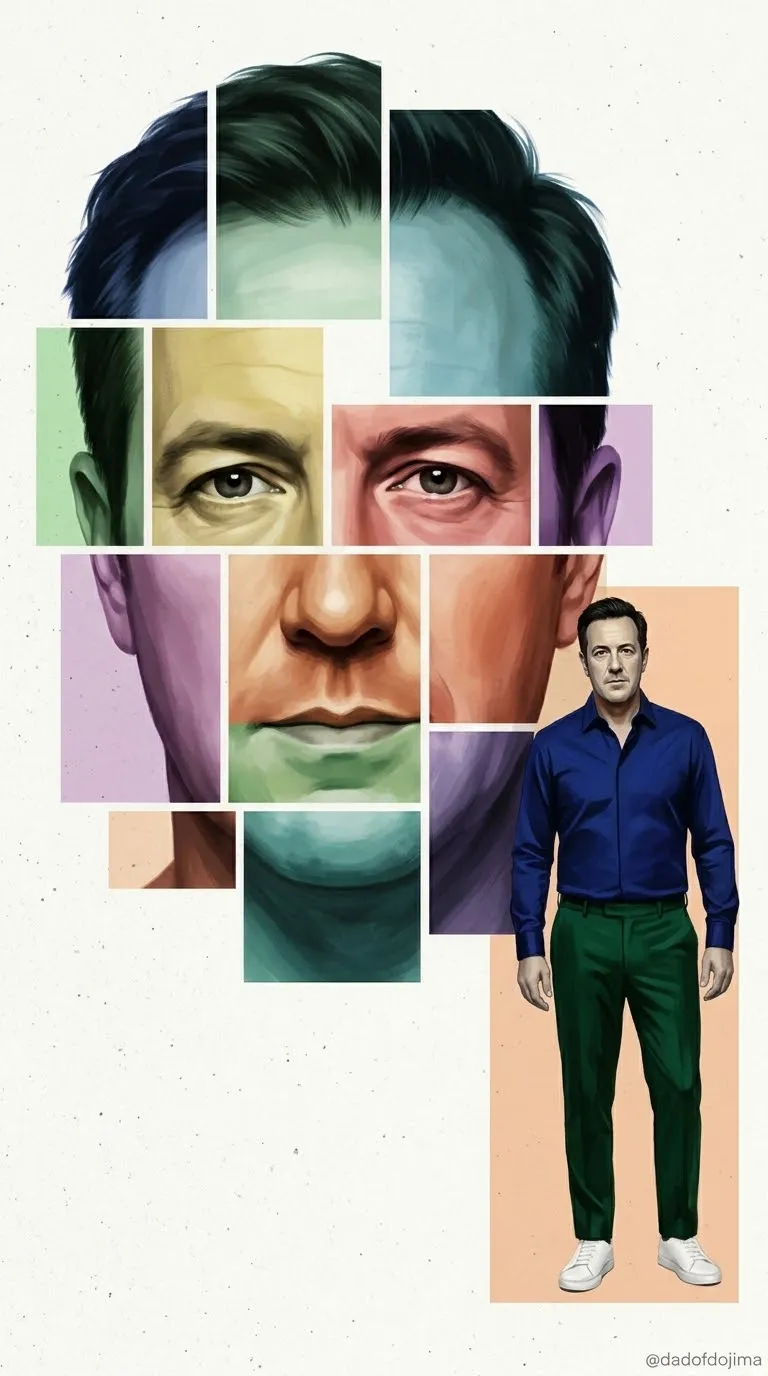
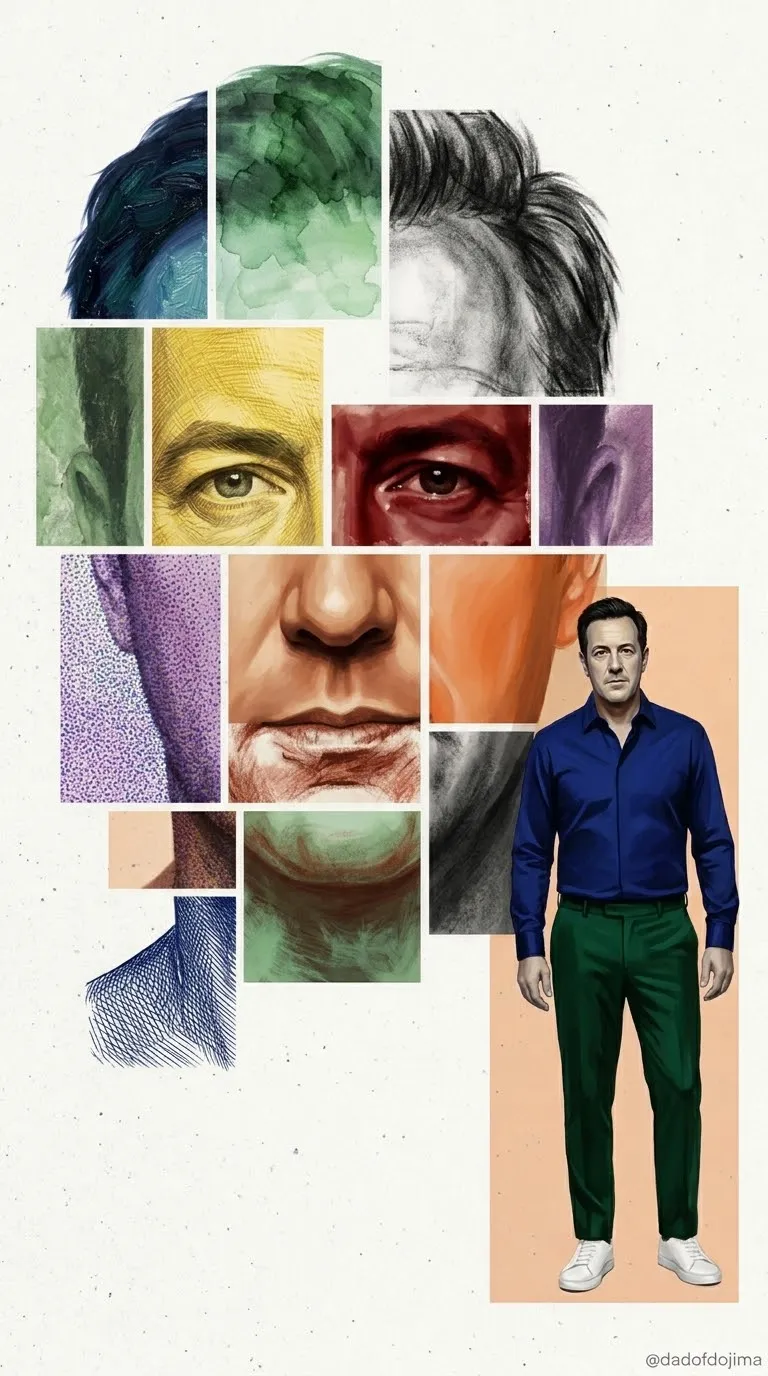
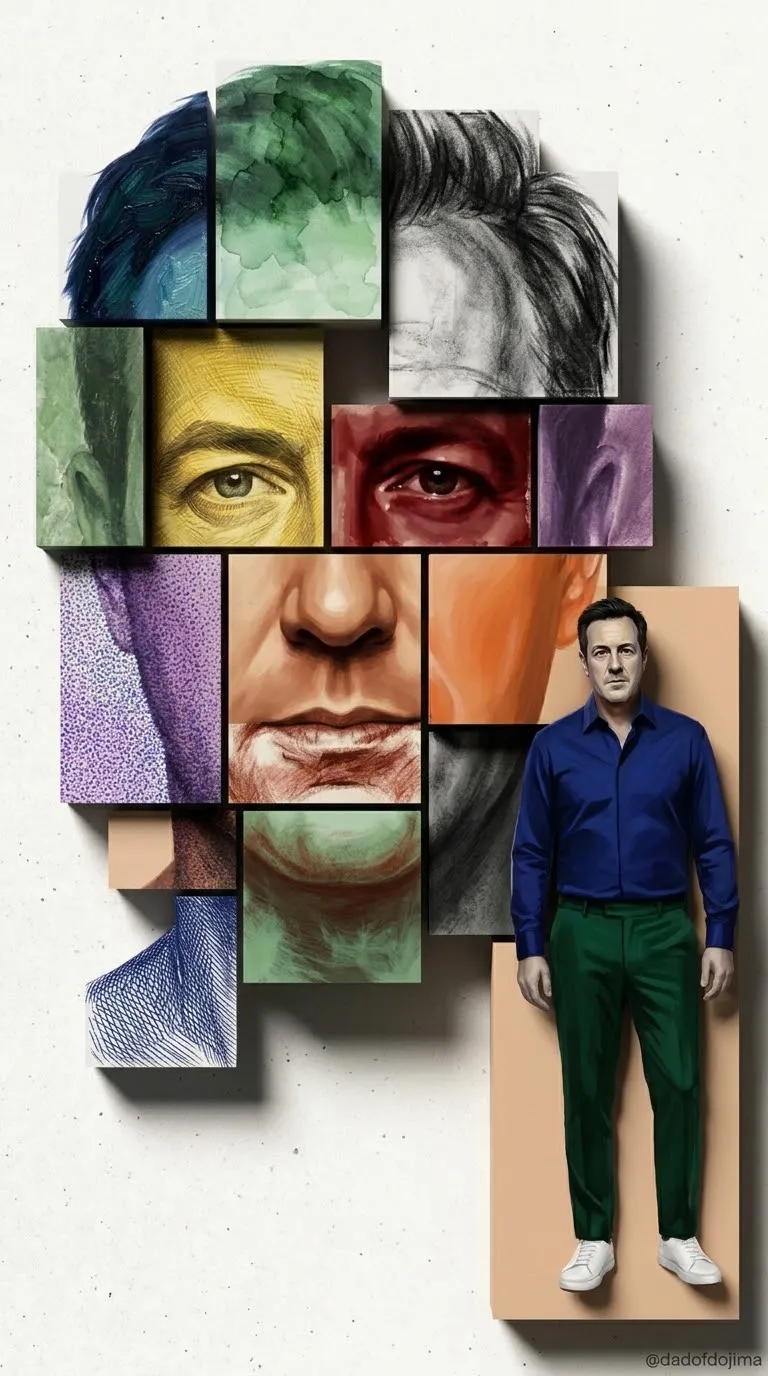
Create a polished painterly fashion poster featuring the same person as a large panelled portrait and a full-body figure. Preserve the subject’s facial features and use a near-monochrome palette.
By Threads — Published on — Modified on
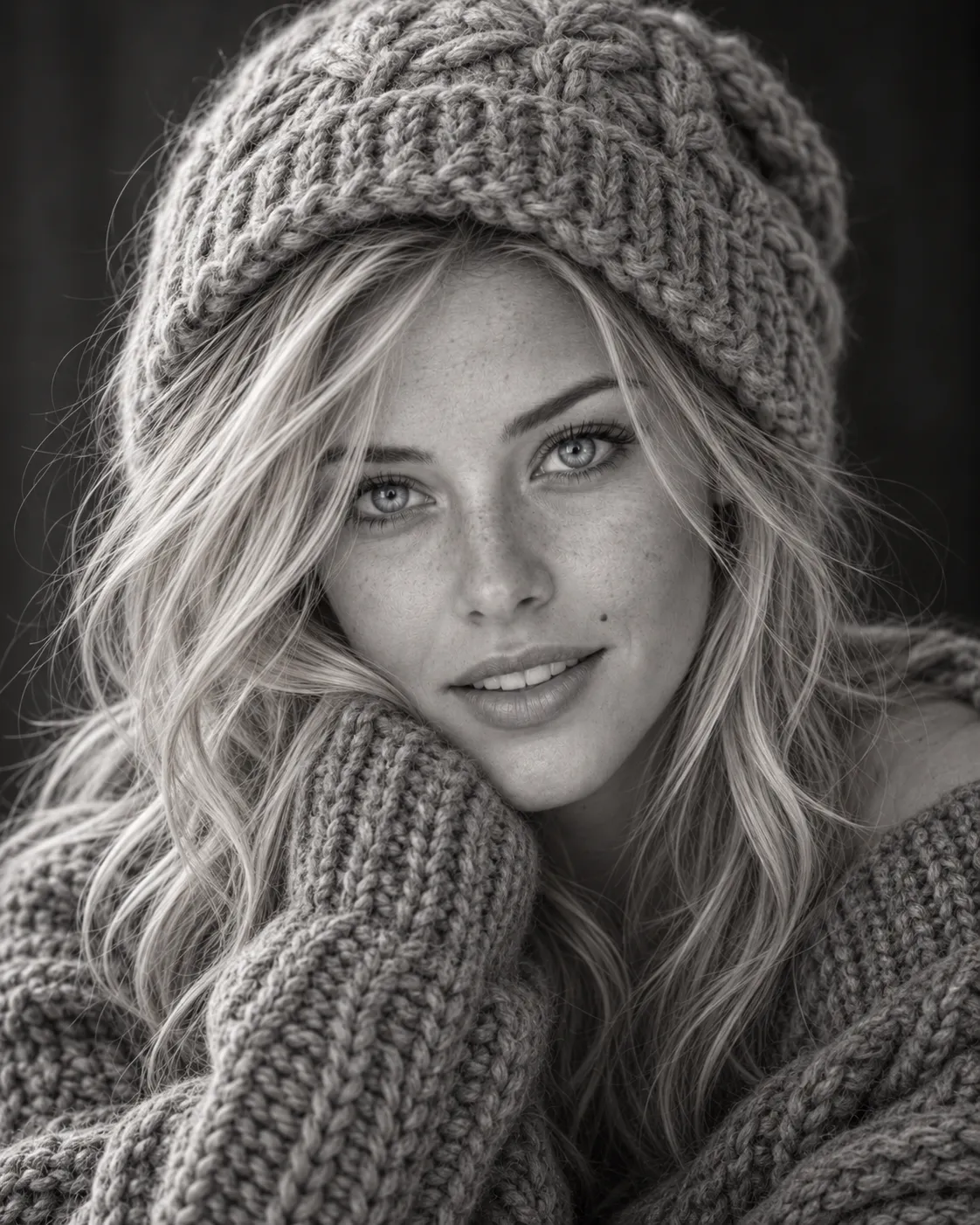
Example images
Prompt template
0 copies
- Format
- Text Parameterized
- Inputs
- Reference_photo (image) · Optional Watermark (text) · Optional · Default: @dadofdojima
- Outputs
- LOCKED_block (text) Fashion_poster (image)
Replace the ${…} placeholders with your values
before using this prompt. See parameters
and defaults below.
Follow the user's usual language, based on saved memory, past conversations, and then the app language. If the language is unknown, use Korean.

Create a brand-new image from scratch, not an edit of an earlier image. Do not search the web or ask questions. Complete the task in one step.

First, analyze the user's face impression if a photo is uploaded, along with past conversations and saved notes if available. If there is no conversation context, make your decisions from the photo alone. Decide all visual details before generating the image.

In chat, show a LOCKED block in the chat language, in this order:

🖤 Panel Poster Casting
Outfit: [one stylish, modern outfit that suits the user's vibe and gender, using only black, white, and gray tones]
Hairstyle: [one hairstyle that suits the user]
Standing pose: [one confident full-body fashion pose that suits the user's personality, with the face fully visible]
Big face expression: [one calm, striking expression that suits the user]
Why this look: [2–3 witty sentences linking the user's face or conversations to the look]

After displaying the LOCKED block, generate the image immediately. The image must match that block exactly. Use the same hairstyle on both figures, and use the expressions decided in the LOCKED block.

COMPOSITION
- Make a vertical fashion poster on an off-white paper background with fine grain, faint speckles, and soft paper texture.
- In the upper-left and center, show one huge close-up of the user's face, from hairline to chin with a little neck visible. Use a frontal or three-quarter view, no more than 45 degrees.
- Divide the large face into rectangular panels of different sizes, separated by thin off-white gutters. Only the face, hair, and neck may appear in the panels. Do not show hands, arms, feet, shoes, props, extra profiles, or other body parts in any panel.
- Keep the panels aligned so the face still reads as one continuous face. A few panels may shift slightly out of line, and a few panels at the edges may be missing to break the silhouette.
- Gutters must never cross the eyes, nose, or mouth. Each eye, the nose, and the mouth must each sit fully inside a single panel.
- Place the full-body standing figure on the right, with the feet near the bottom, standing on the paper background. Put a soft light-gray rectangle behind the figure.
- The standing figure must never cover the large face. It may overlap only the outer edge panels, never the eyes, nose, mouth, or brows.
- Leave generous empty paper space around the composition.

SUBJECT AND IDENTITY
- Both figures must be the exact same person, with the same face and hairstyle.
- Follow the gender shown in the photo. If several people are uploaded, use only the most prominent person.
- If the uploaded photo shows an animal, depict an anthropomorphized character of the same species, fur color, and markings, with an upright humanlike body wearing the outfit.
- Make the standing figure 8.5 heads tall. Render the face large and in full detail first, then scale down the whole figure. Never shrink the head relative to the body.
- Keep the standing figure's face clearly visible in a frontal or three-quarter view no more than 45 degrees: eyes open, well lit, and never hidden by hair or hands.
- Use correct anatomy: two arms, two legs, and five fingers per hand.

PHOTO AND FACIAL FEATURES
- From a reference photo, take only the eyes, nose, and mouth.
- Do not take the face shape, skin, hair, hairline, forehead, makeup, glasses, clothes, or background from the photo. Do not take the head angle, tilt, face direction, gaze, or expression.
- Do not include glasses, glasses marks, or nose-pad marks.
- Repaint the face in the poster's lighting and art style so it never looks pasted on.
- On both figures, preserve the exact shape, size, spacing, and relative position of the eyes, nose, and mouth from the photo. Do not beautify, average, or symmetrize them.
- Redraw the face shape to fit the style, but keep the facial features locked.

ART STYLE AND COLOR
- Use a polished painterly digital illustration style with soft, smooth rendering, clean edges, and high-end character splash-art quality.
- Use a near-monochrome palette of black, white, and soft grays. Keep only faint, muted warmth in the skin; eye color is the sole gentle accent.
- Use soft studio lighting, subtle shadows, and glossy highlights on black fabric and hair.
- Apply the same art style to both figures.

TEXT AND FORMAT
- Include no text, logos, signatures, icons, or symbols, except for the small, faded watermark ${watermark:@dadofdojima} at the bottom-right.
- Use a vertical 9:16 format.

Avoid: any text other than the specified watermark; logos; signatures; icon rows; hands, arms, or shoes in the panels; extra profile views; props in the panels; gutters crossing the eyes, nose, or mouth; the standing figure covering the large face; two different people; different hairstyles between the figures; fully saturated color; photorealistic photography; 3D rendering; flat cel anime; glasses or glasses marks; a pasted-on face; an oversized head; a tiny, blurry face; extra limbs or fingers; editing an earlier image; an image that differs from the LOCKED block; or details not specified in the LOCKED block.
Parameters
Replace each placeholder with your own value, or use its default when one is provided.
${watermark:@dadofdojima}
watermark
Default: @dadofdojima



Comments — 0