- Category
- Video
- Models
- google-flow omniflash
Origami Product Advertisement Video
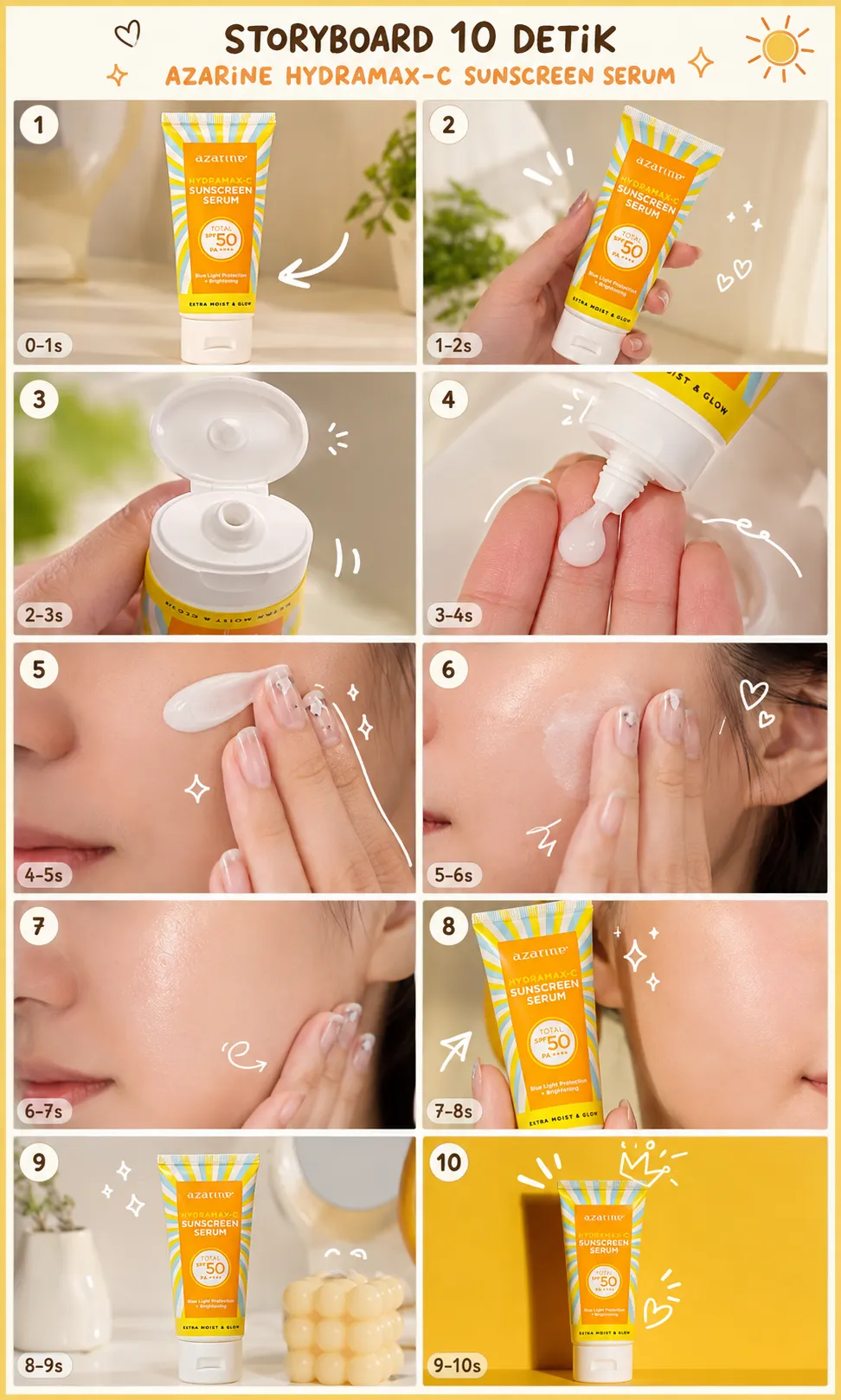
Generate a 10-second origami-inspired product video from uploaded product images, with Malay product doodle text and strict product and text-preservation constraints.
By Threads — Published on
Example results
Example images
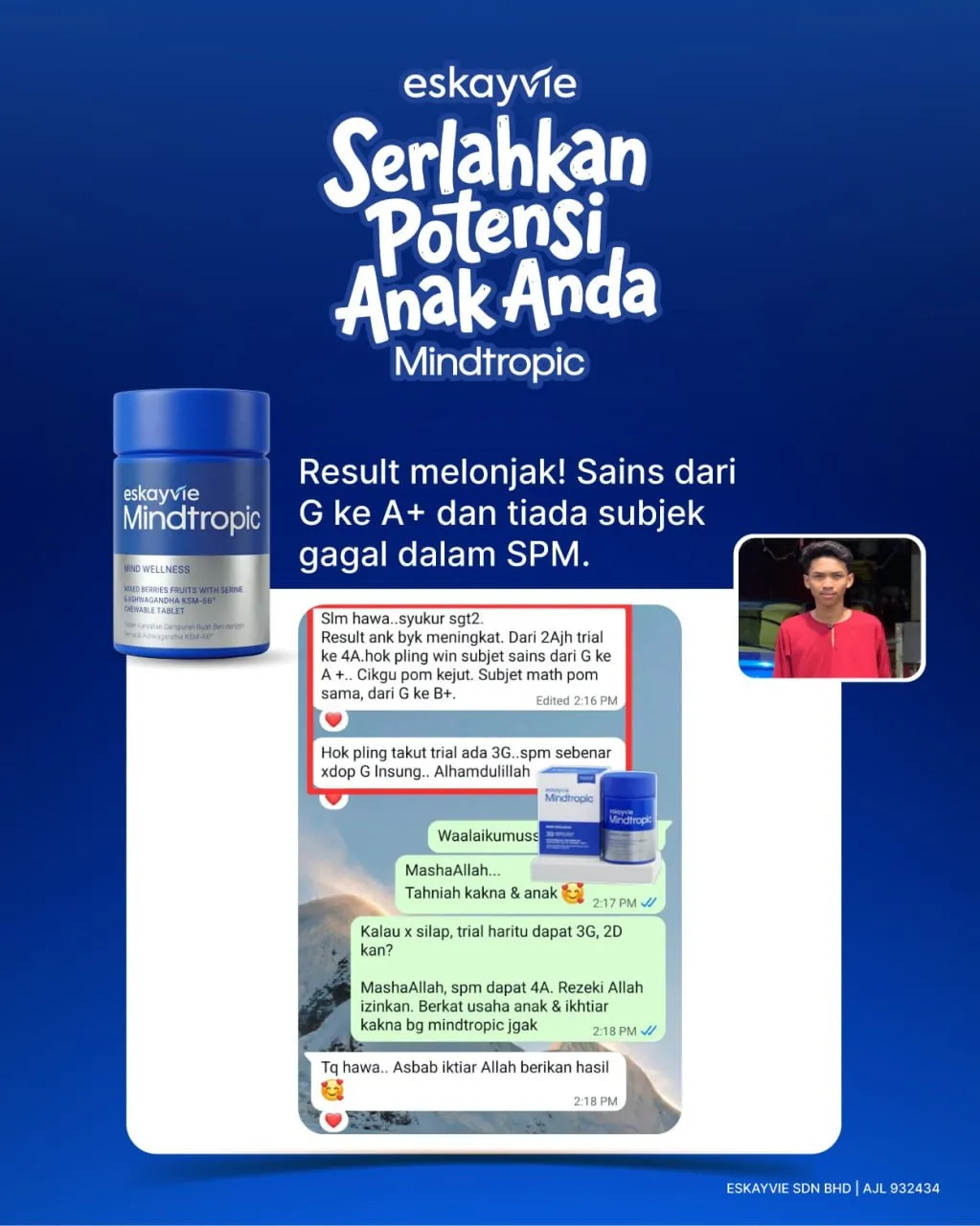
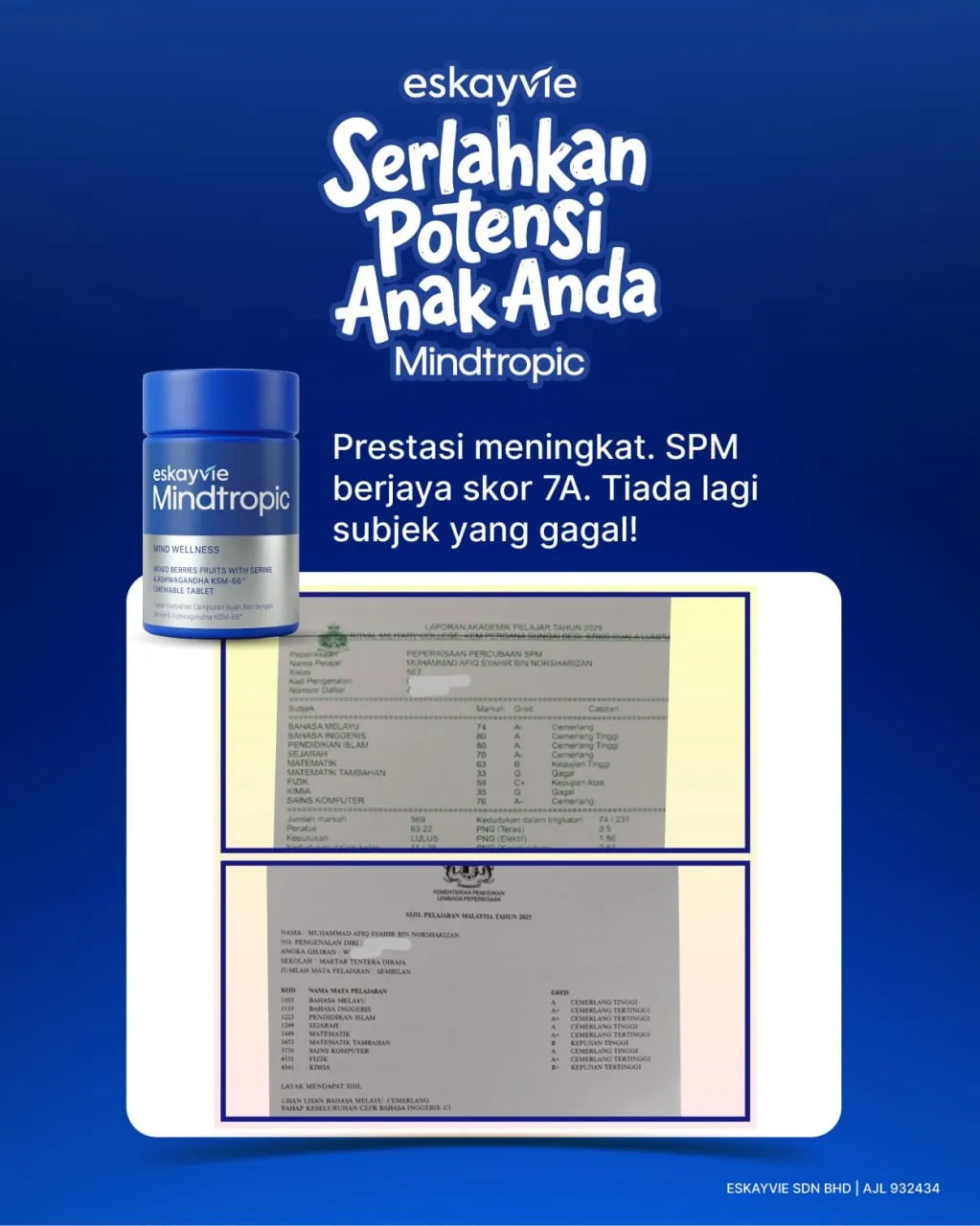
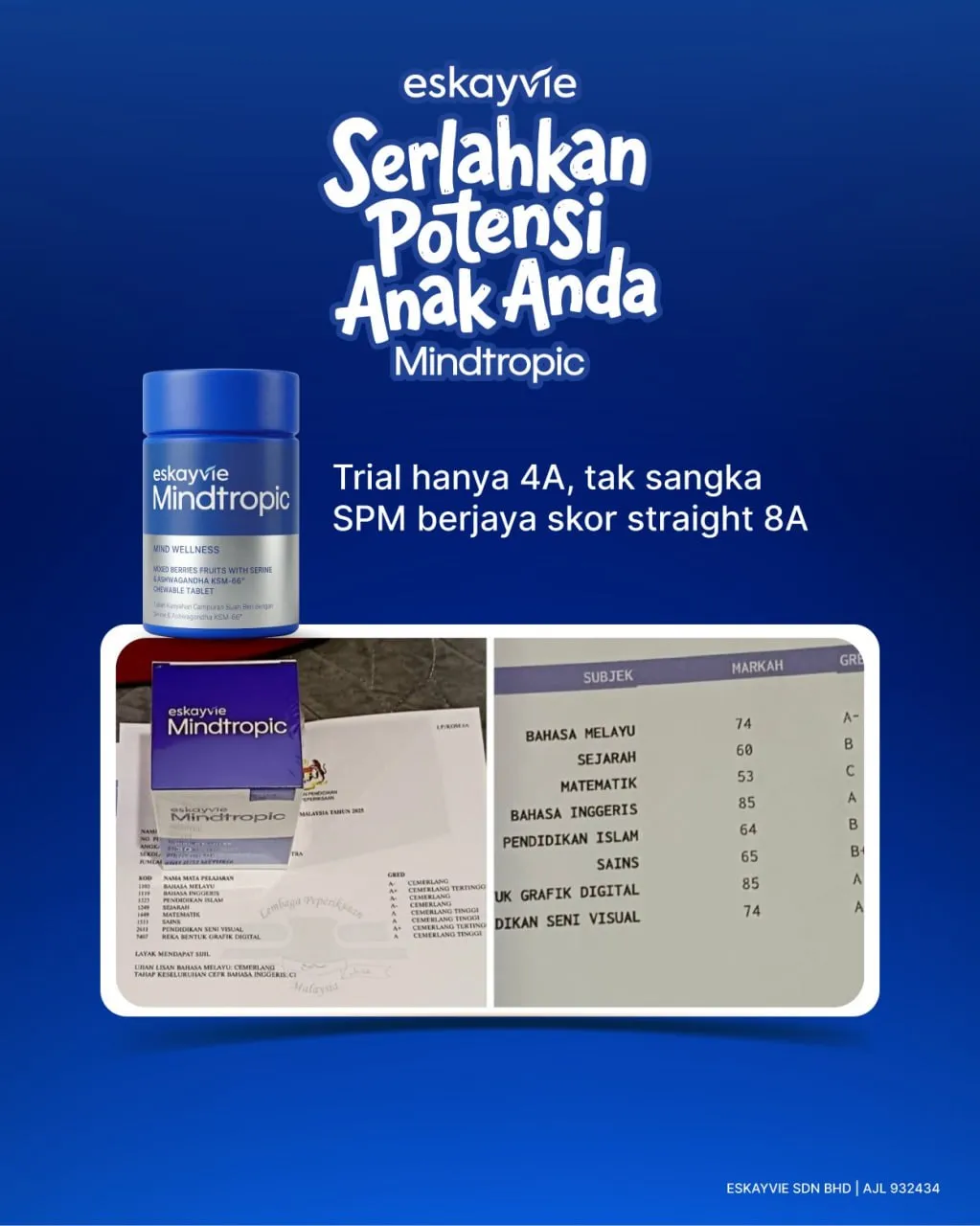
Prompt template
- Format
- Text Parameterized
- Inputs
- Product_reference_images (image) · Required brand_name (text) · Required product_info (text) · Required
- Outputs
- Product_ad_video (video)
Replace the ${…} placeholders with your values
before using this prompt. See parameters
and defaults below.
Create a 10-second product video in Google Flow using Ingredients to Video. Use 1–7 uploaded product images as references.

Apply these instructions:
/OrigamiProductAd
/OrigamiStudyMission
/OrigamiFoldTransition
/OrigamiFormation
/PushIn
/OrbitProduct
/iPhone18ProMax
/daylight
/povhand
/producthero
/OrigamiWorld
/PaperPathBuild
/OrigamiReveal

/brandlock:"${brand-name}"
/logolock
/labellock
/textlock
/colourlock
/shapelock
/materiallock
/designlock
/productscalelock
/symmetricalproductformation
/slashcommands:internal_only never_visible
/notextfromcommands

/floatingmalaydoodletext:"${product-info}"|"${product-info}"|"${product-info}"|"${product-info}"|"${product-info}"|"${product-info}"
/doodlestyle:clean_origami_playful
/doodleoneatatime
/exactspelling
/fixedtext
/nogibberishtext
/noextratext
/doodlearoundproduct
/nevercoverproduct

/no_face
/no_character_face
/heroending
Parameters
Replace each placeholder with your own value, or use its default when one is provided.
${brand-name}
brand-name
Required
${product-info}
product-info
Required




Comments — 0