- Category
- Art & Illustration
Pastel Wildflower Portrait Illustration
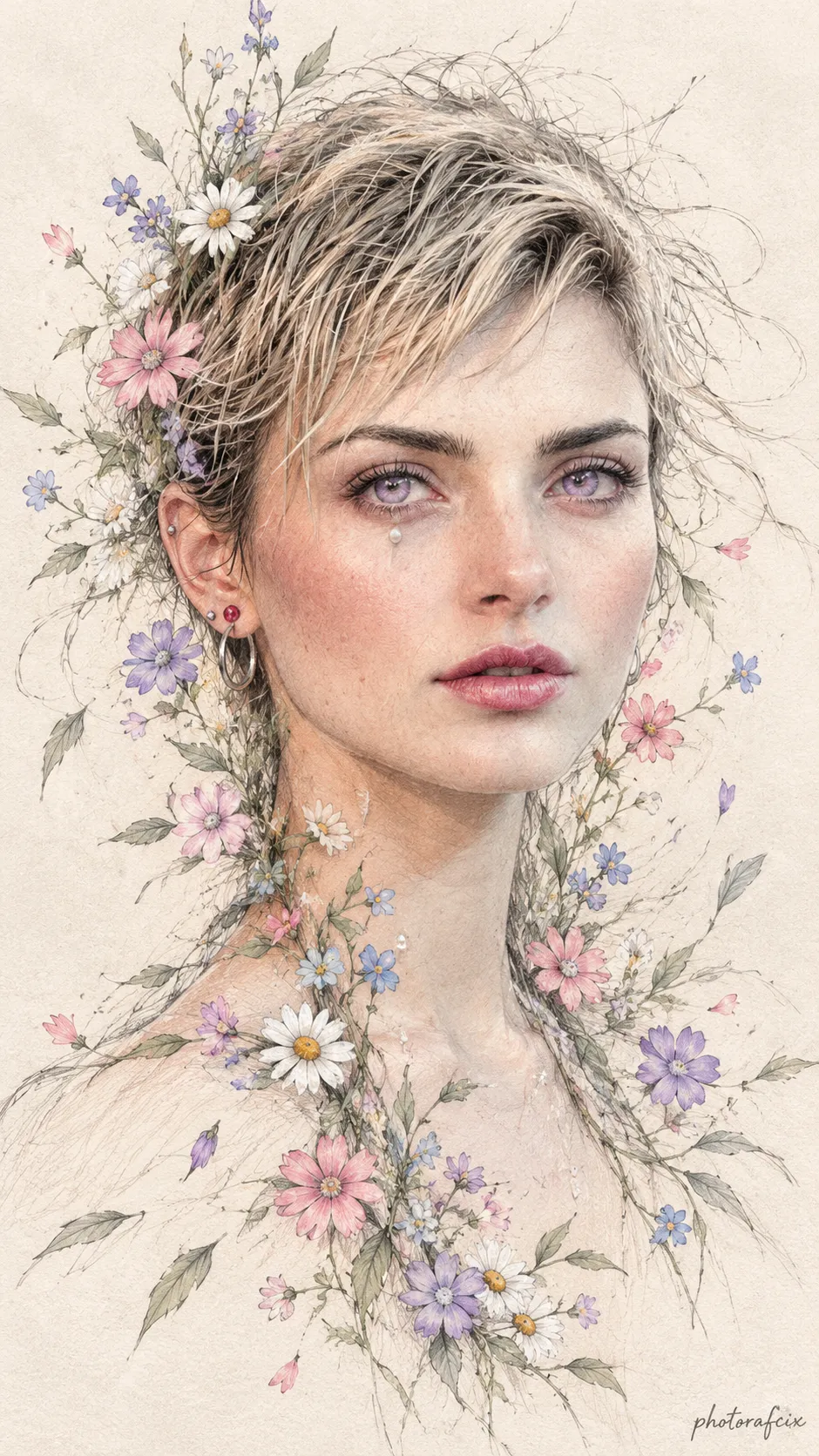
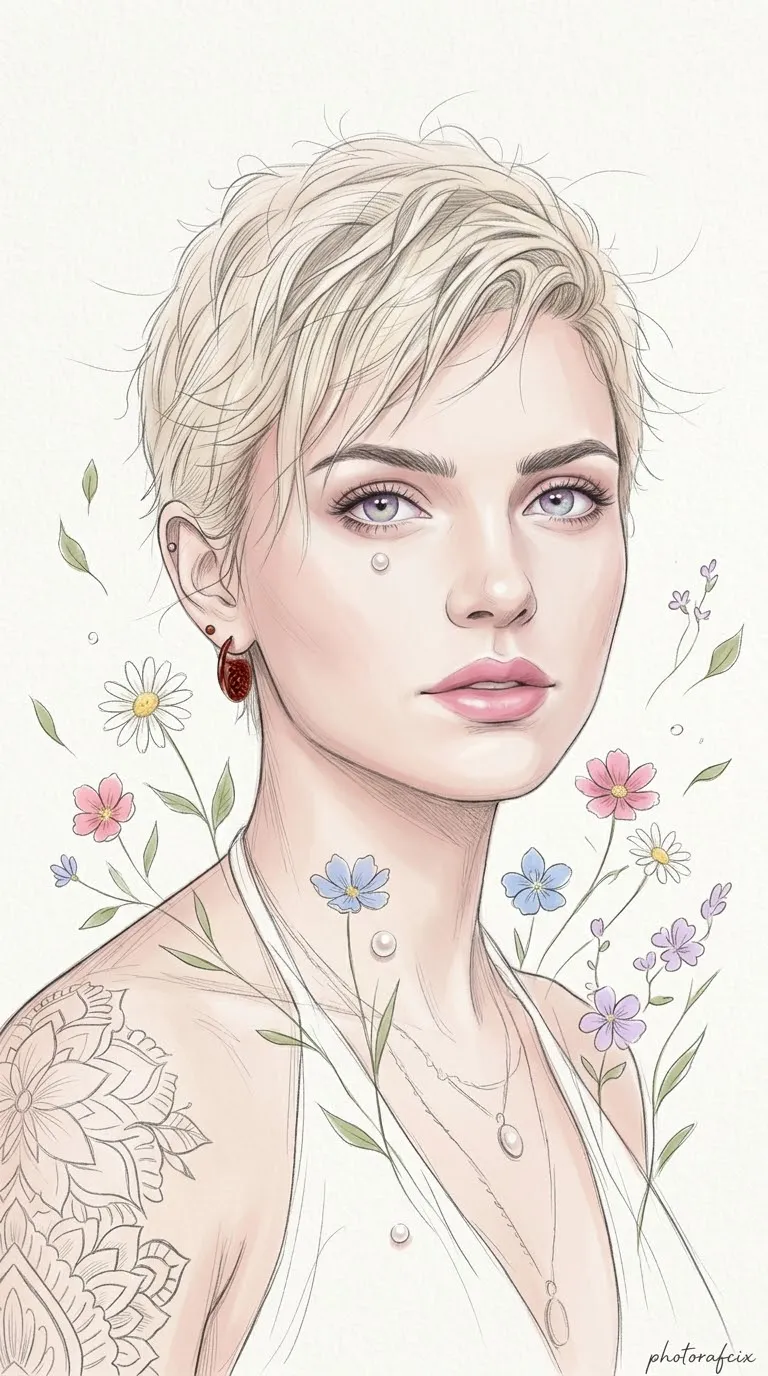
Create a delicate, front-facing portrait illustration of a young woman, combining pastel digital painting with fine pencil-sketch details and flowing wildflowers.
By Threads — Published on — Modified on
Example images
Prompt template
- Format
- Text Parameterized
- Inputs
- Reference_image (image) · Required signature (text) · Optional · Default: Photorafcix
- Outputs
- Portrait_illustration (image)
Replace the ${…} placeholders with your values
before using this prompt. See parameters
and defaults below.
Use the face in the reference image I provide, and do not change it. Create an artistic illustrated portrait in a vertical 9:16 composition.

Depict a young woman with delicate features and pale skin, rendered in a smooth, porcelain-like digital painting style. Give her dreamy, large lilac eyes and full pink lips. She faces directly forward with a calm, introspective expression. Surround her face and neck with windblown strands of hair, small drifting wildflowers beneath her neck—daisies and pink, blue, and lilac flowers on slender green stems—and scattered leaves. Overlay the smooth painted surface with fine, delicate charcoal-sketch-style lines. Add two small, pearl-like ornaments, one just below her right eye and one below her neck, and a small reddish ornament on her left ear. Integrate the face and neck into the drifting flowers and sketch lines.

Use a softly textured, off-white paper background. Keep the lighting soft and diffuse, without shadows. Create a clean, high-resolution artwork with a mixed illustration-and-sketch technique, delicate details, and fine-art print quality. Use a soft pastel palette.

Negative prompt: photorealism, realism, harsh shadows, AI artifacts, malformed anatomy, malformed hands, distorted facial features, low resolution, blur, rough lines, heavy inking, dark color palette, black and white, text, watermark, frame, photographic grain, deep shadows, dramatic lighting.

Suggested settings: Use a Digital Art / Fantasy Art / Portrait mode. Use a resolution of at least 1024 × 1820 for the 9:16 aspect ratio. Suitable model options include Midjourney Niji 6 or Leonardo AI with DreamShaper. Helpful keywords: delicate line work, pencil sketch overlay, pastel coloring, high detailed illustration, fine art print, ethereal lighting.

Preserve the composition. If using Midjourney, you can cautiously try `--c 10` (chaos) and `--s 250-500` (stylize) to tighten the composition; these settings may affect the illustrated texture. For best results, use the reference image as an image prompt.

After generation, the signature `${signature:Photorafcix}` may be added manually or in a graphics editor in a handwritten font at the bottom-right corner of the image.
Parameters
Replace each placeholder with your own value, or use its default when one is provided.
${signature:Photorafcix}
signature
Default: Photorafcix







Comments — 0