- Category
- Design & Image
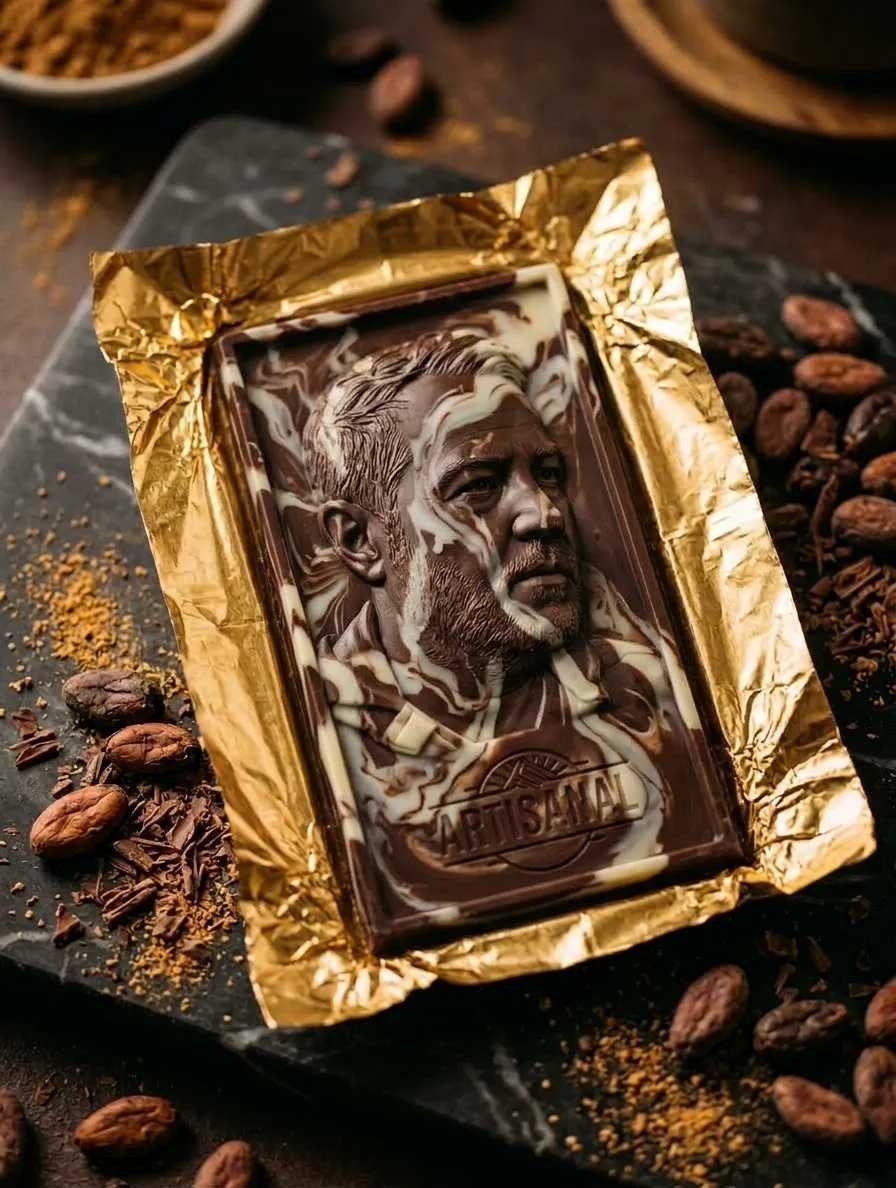
Personalized Mystery Candy Bar Product Photo
Choose the candy bar that best matches the user and reveal it in a realistic, personalized product photograph.
By Threads — Published on — Modified on
Example images

Prompt template
- Format
- Text Parameterized
- Inputs
- personal_context (text) · Required signature_watermark (text) · Required
- Outputs
- PersonalizedCandyBarProductPhoto (image)
Replace the ${…} placeholders with your values
before using this prompt. See parameters
and defaults below.
Use the personal information available in the conversation and the details provided here to assess my personality, lifestyle, vibe, aesthetic, interests, and dreams. Secretly choose ONE candy bar that best represents me from this list:

- Snickers
- Reese’s Peanut Butter Cups
- Butterfinger
- Milky Way
- 3 Musketeers
- Baby Ruth
- Kit Kat
- Twix

Do not choose randomly or automatically select the same candy bar for everyone. Base the choice on my individual personality and details. Keep your choice secret in any text before image generation; let the finished image reveal the answer.

Create a realistic, high-quality product photograph of a custom-designed wrapper for the candy bar you chose. The actual selected candy bar must be the star of the image and must be clearly identifiable through its recognizable brand name, signature colors, and design. Do not make a generic wrapper that simply says “Mystery Candy Bar.”

Personalize the wrapper with details that represent my personality, favorite drinks and candies, hobbies, lifestyle, interests, dreams, and overall aesthetic. Include meaningful words, cute icons, fun details, and colors that suit my vibe. Include this signature watermark: ${signature-watermark}.

Make the result look like a real candy bar photographed professionally, with realistic packaging, natural lighting, detailed foil folds, and believable chocolate textures. Create one beautiful, realistic product photograph that reveals my chosen candy bar.
Parameters
Replace each placeholder with your own value, or use its default when one is provided.
${signature-watermark}
signature-watermark
Required




Comments — 0