- Category
- Design & Image
- Tags
- person selfie winter-forest
Photorealistic Winter Forest Selfie
Create a close-up, photorealistic winter-forest selfie that preserves the subject’s facial features and uses the look from a reference photo.
By Threads — Published on — Modified on
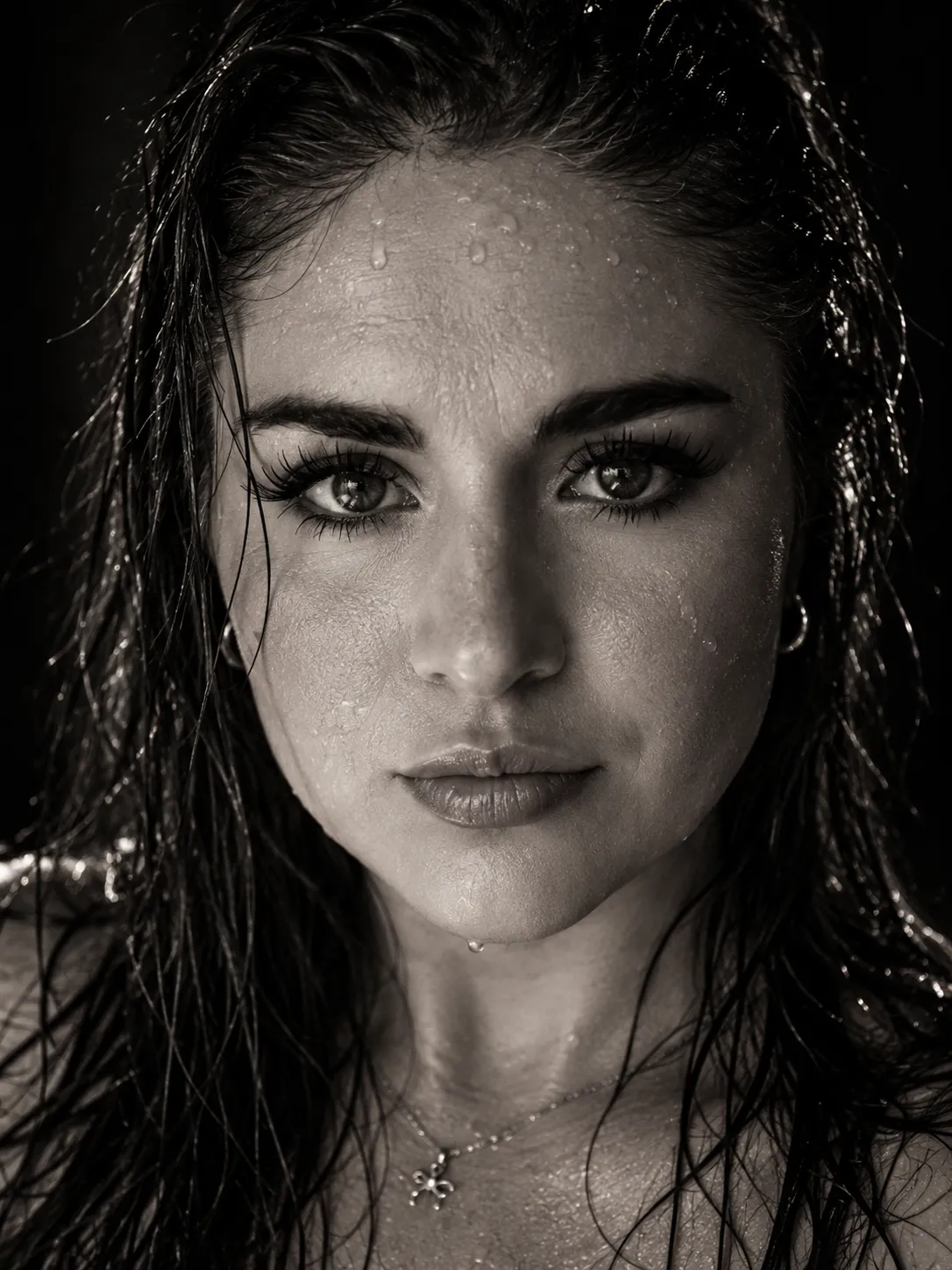
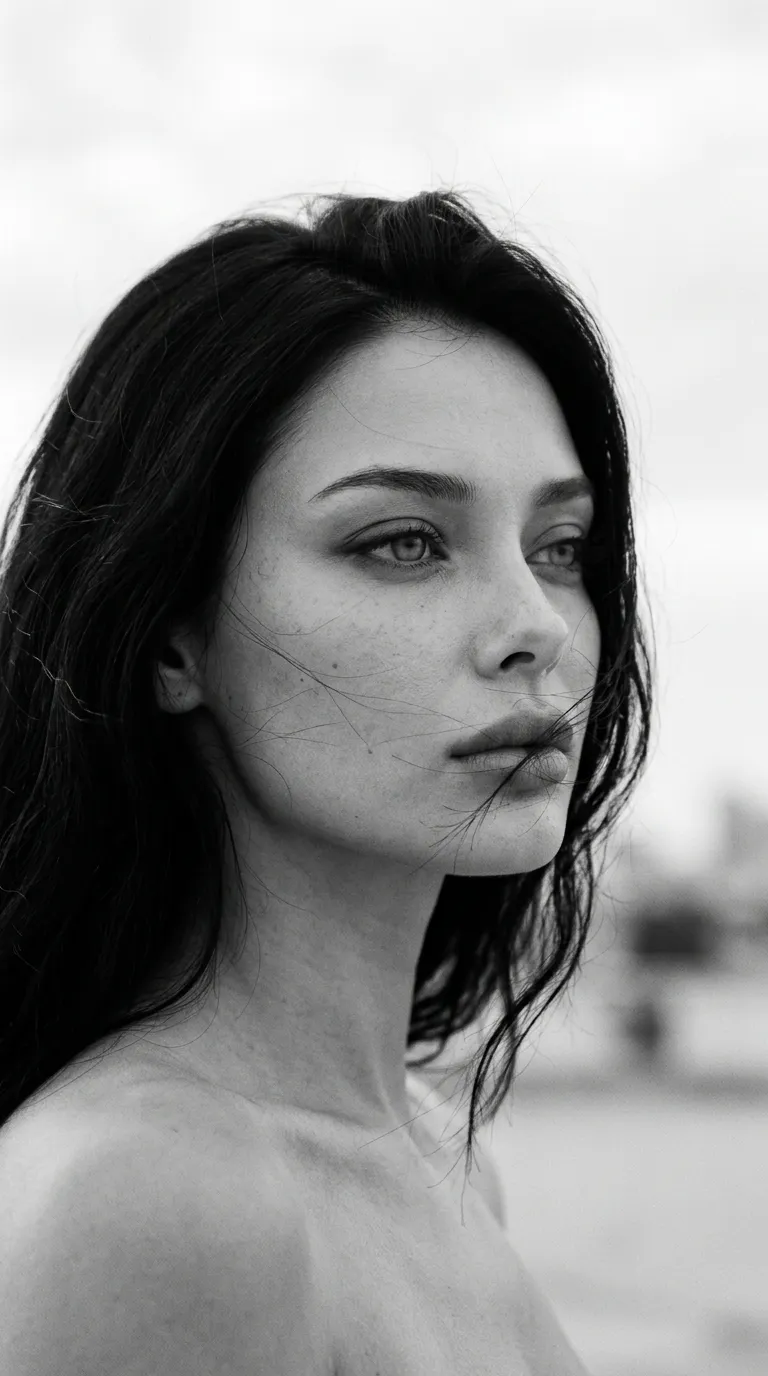
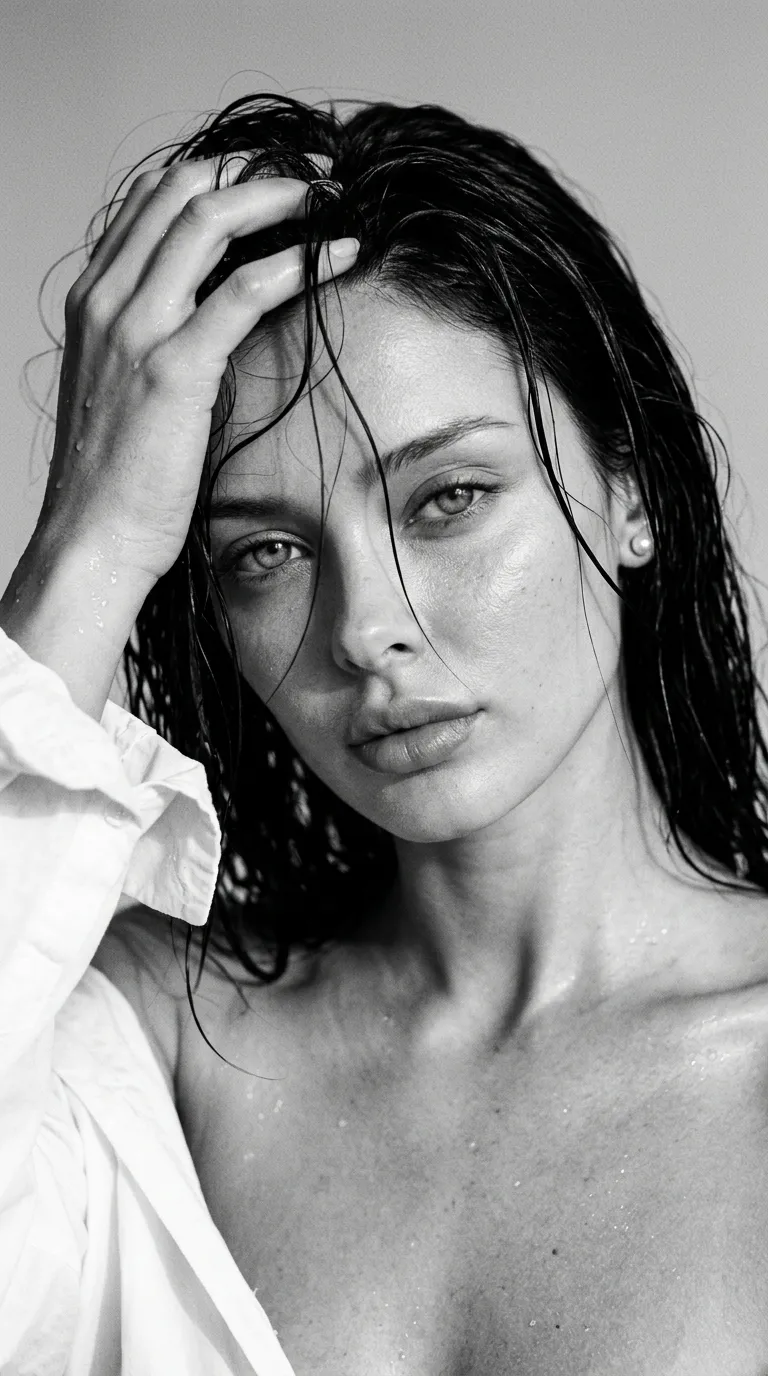
Example images

Prompt template
- Format
- Text
- Inputs
- IdentityReferenceSelfie (image) · Required ReferencePhoto1 (image) · Required
- Outputs
- GeneratedImage (image)
Using my selfie as the identity reference, create a photorealistic image without changing my facial features. Make it look like a close-up selfie taken with an iPhone front camera; do not show the phone.

Set the selfie in a winter forest. The subject’s face is turned partly sideways toward the camera, with their gaze directed at the camera and long hair. Use the look from reference photo 1. Frame the image with dense pine branches heavily covered in frost and snow. Use soft daylight and a muted, cool blue-gray-milky palette. Keep the pine needles and snow in the foreground sharply detailed. Render in high resolution and photorealistically.

Makeup: long eyelash extensions, dark groomed brows, clearly defined lips with matte dusty-rose lipstick, and a light blush on the cheeks.

Hair: voluminous, blow-dried styling with curled ends and slight motion blur on a few strands. Let some hair partially cover the face while keeping the facial features recognizable.

Give the image the quality of an iPhone 17 photo: digital noise in the shadows, soft and imperfect sharpness, slightly underexposed exposure, subtle grain, and traces of compression. It should feel like a spontaneous, beautiful selfie from a phone gallery. No flash and no studio retouching. Use a 9:16 aspect ratio.


Comments — 0