- Category
- Art & Illustration
- Model
- openai-gpt-image-2
- Tags
- person digital-art portrait
Rough Minimalist Digital-Art Portrait
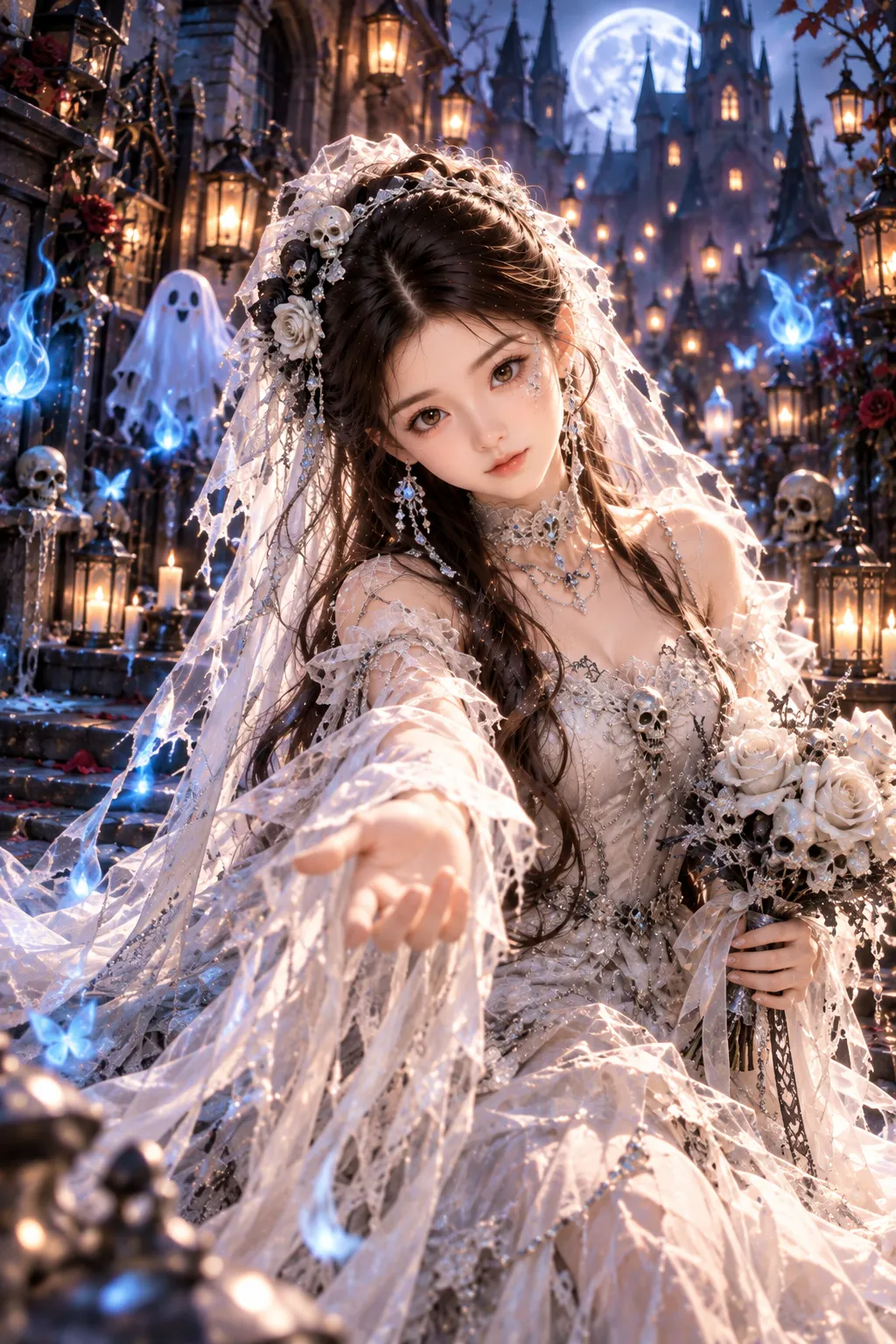
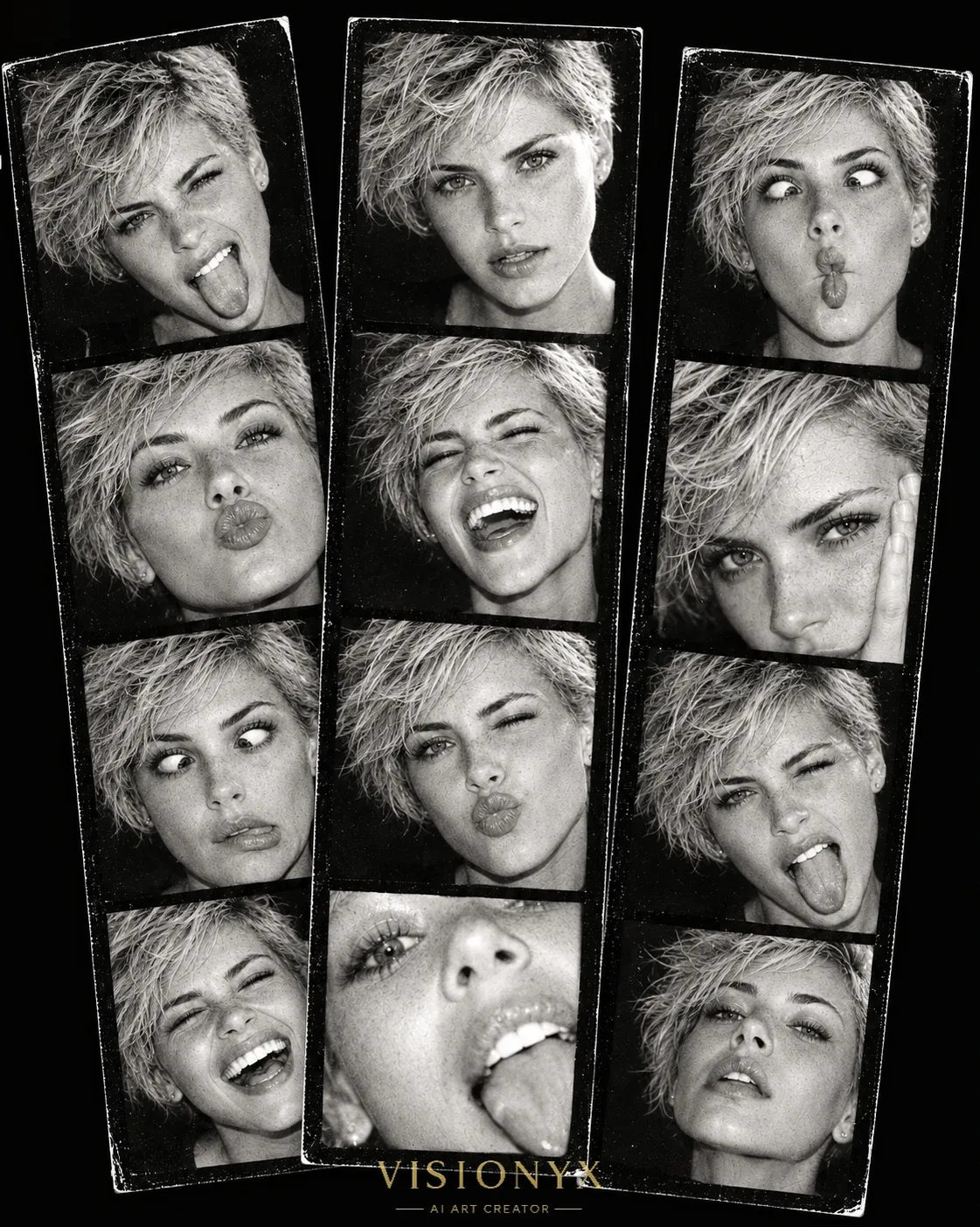
Transform a reference photo into an expressive, hand-drawn-looking portrait with a rough brush texture and a strict five-color palette.
By Threads — Published on — Modified on
Example images


Prompt template
0 copies
- Format
- Text
- Inputs
- uploaded_photo (image) · Required
- Outputs
- stylized_portrait (image)
Use my uploaded photo as the primary and only source for the person's appearance. Transform it into a minimalist modern digital-art portrait made with a rough, textured digital brush.

Make the image look hand-painted, with pronounced digital noise, grain, and visibly rough brushstrokes. The brushwork should be dry, uneven, and sometimes inconsistent, with no smooth fills or perfectly even contours. Keep the edges of shapes soft, slightly blurred, and loose, without sharply rendering small details.

Preserve the person's recognizability, basic facial proportions, and distinctive features while stylizing them as an expressive minimalist illustration. Make the eyes large and exaggerated, nearly extending beyond the face. They should be slightly narrowed, expressive, and simplified in shape. Add only a few short, separate lash marks exclusively on the lower eyelid; do not add thick or long eyelashes. Do not render fine eye details. Keep the eyebrows simplified and graphic. Do not define the lips in detail: make them flat and concise, as if quickly sketched with a brush. Give the chin an elongated, pointed shape. If the ears are visible in the source photo, stylize them with a slightly geometric, somewhat squared shape.

Do not outline the nose with lines. Create its shape only through color patches, light and dark areas, and soft shadows, without distinct contour lines around it. Add expressive blush to the cheeks using large patches of color.

Use exactly these five colors and no others:
- Terracotta red
- Turquoise
- Milky white
- Black
- Light sandy pink

Do not add gray, brown, purple, green, yellow, or any intermediate shades. Create all shading, volume, and details only through the interaction of these five colors. Keep the colors bright, clean, saturated, and harmonious.

Use a milky-white or pure-white background with an airy, minimalist feel. You may add small decorative elements that do not distract from the face or significantly alter the composition, such as simple abstract patches, tiny stars, dots, short strokes, irregular graphic accents, or naive-colored shapes around the portrait. Make these elements feel like a natural extension of the illustration and use them to reinforce the style without cluttering the image.

Render the hair as large, simplified shapes with uneven brush texture and no fine detailing. Simplify the clothing into large masses of color; do not depict fabric texture, small folds, or realistic details. Render the skin as flat but lively terracotta and sandy-pink color patches with a rough, grainy brush texture.

The main effect should be deliberately rough, slightly careless, minimalist digital art made with a scratchy, noisy digital brush—not a neat vector illustration or realistic digital painting. Avoid perfect, sharp contours, fine detailing, photorealism, smooth gradients, and excessive detail. The image should feel slightly caricatured, expressive, and artistically imperfect, like a quick hand-drawn digital sketch. Preserve the overall style of the original concept while making the result slightly different through the new palette and delicate decorative accents.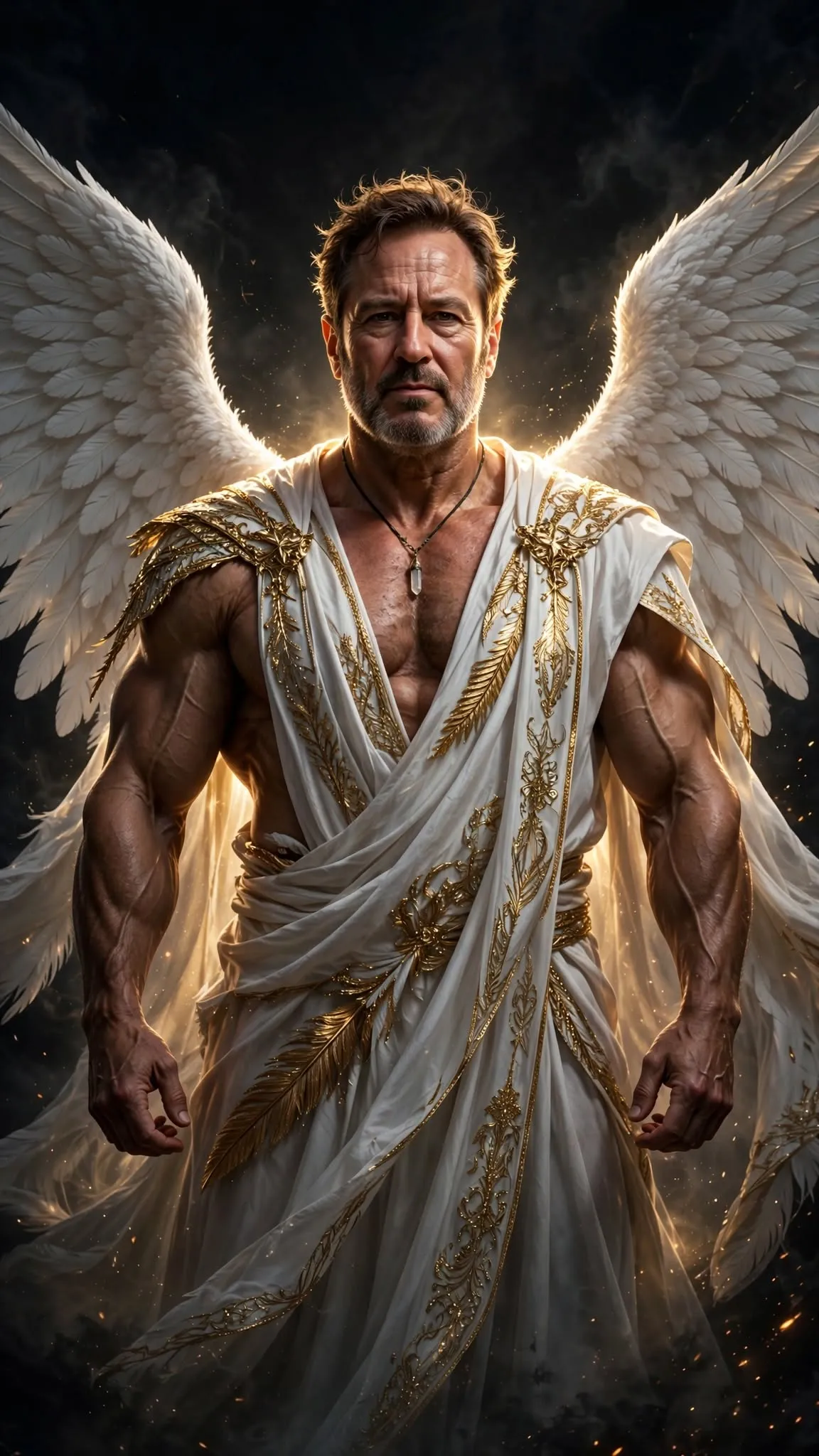




Comments — 0
Tried this prompt? Share what you made, compare results, or ask a question.