- Category
- Photography
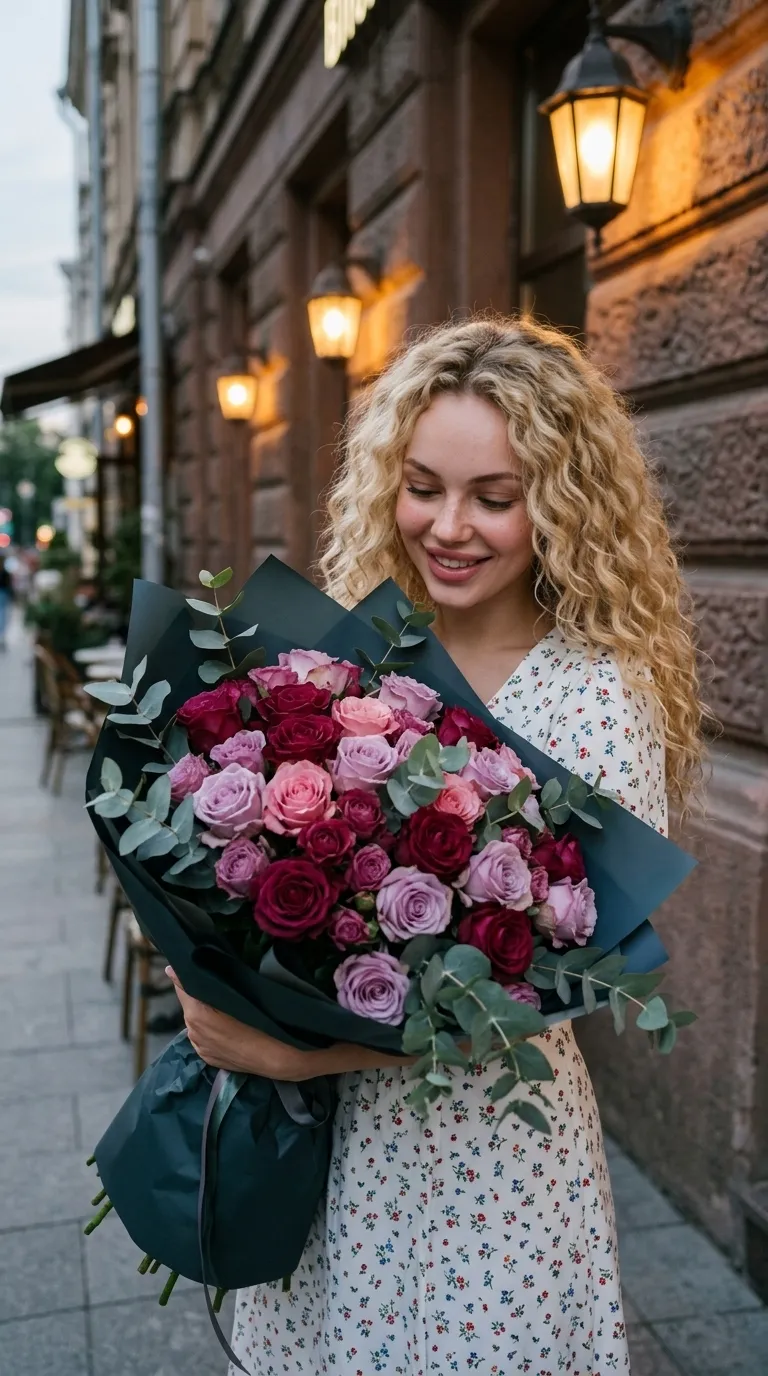
Skylight Selfie with a Rose Bouquet
Create a realistic close-up selfie preserving the reference subject’s appearance and outfit, with a large rose bouquet, overhead window light, and muted, grainy smartphone styling.
By Threads — Published on — Modified on
Example images

Prompt template
0 copies
- Format
- Text Parameterized
- Inputs
- reference_photo (image) · Required flowers (text) · Optional · Default: peony-shaped roses
- Outputs
- portrait (image)
Replace the ${…} placeholders with your values
before using this prompt. See parameters
and defaults below.
Use ${reference-photo} as the reference. Do not change her appearance. Create a realistic image.

Give her smooth skin with visible pores and expressive facial features. Her eyes have black eyelash extensions, and her gaze is directed straight at the viewer. Her lips have a clearly defined contour that is slightly narrower at the center, with shiny lipstick or lip gloss for a wet-lip effect (glossy lips, overlined lips). She wears gold earrings with stones and a flower-shaped stud in her helix piercing.

Create a first-person selfie with no phone visible in the frame. The young woman is in a room, with light from an overhead skylight falling onto her from above. She looks into the camera with a slight smile. Some of her hair partially covers her face. She presses an enormous bouquet of ${flowers:peony-shaped roses} against her face. She wears the same outfit as in the reference photo. Use a low-angle close-up composition.

Use soft color grading, iPhone 17 photo quality, pronounced grain, and muted colors. Render the skin, fabric, and props in detail.
Parameters
Replace each placeholder with your own value, or use its default when one is provided.
${reference-photo}
reference-photo
Required
${flowers:peony-shaped roses}
flowers
Default: peony-shaped roses




Comments — 0
Tried this prompt? Share what you made, compare results, or ask a question.