- Category
- Art & Illustration
- Model
- openai-chatgpt
Transform a Photo into a Botero-Style Portrait
Turn a person in a photo into a rounded, warm-toned oil-painted portrait with a museum-worthy classical atmosphere.
By Threads — Published on
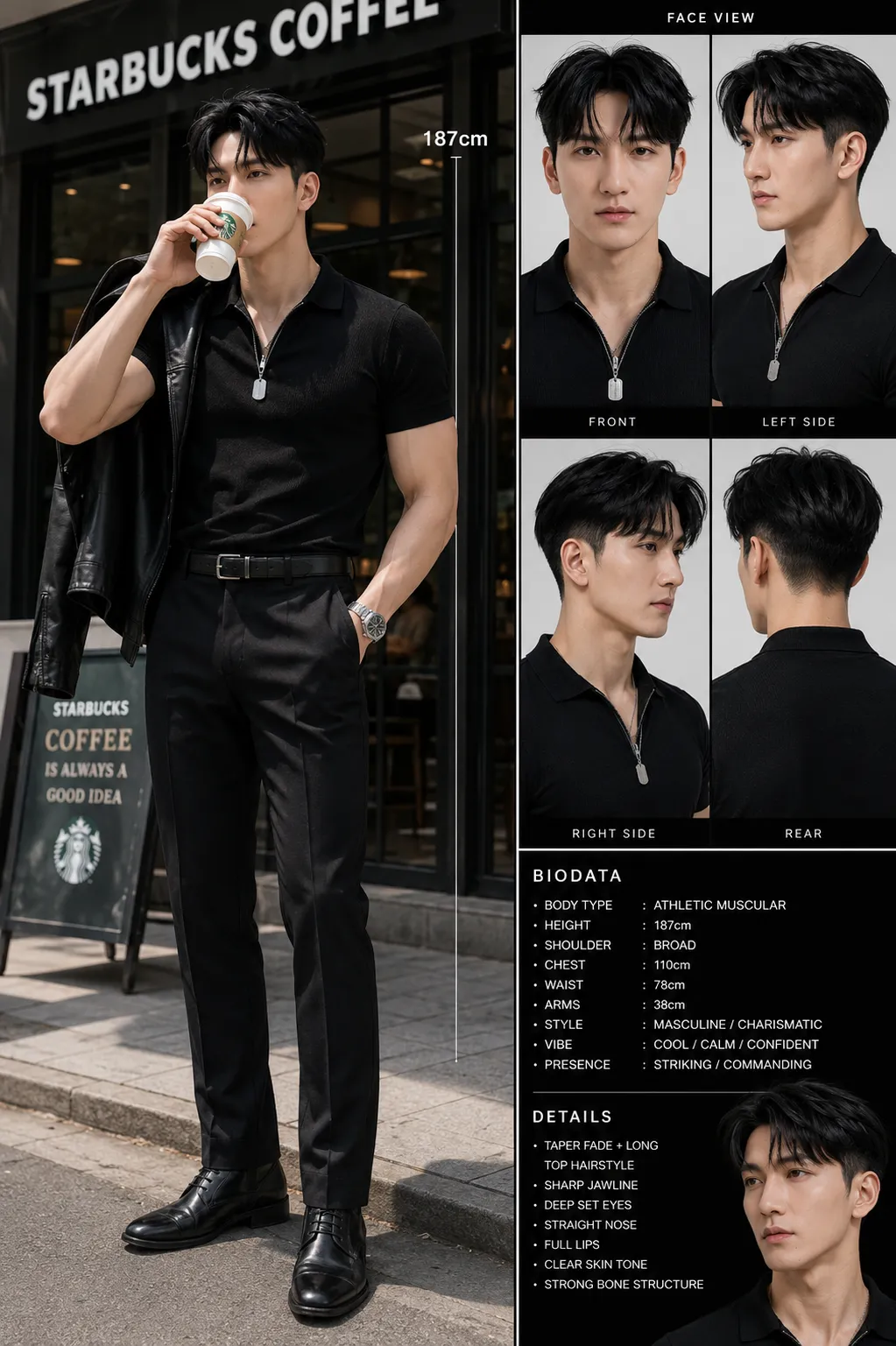
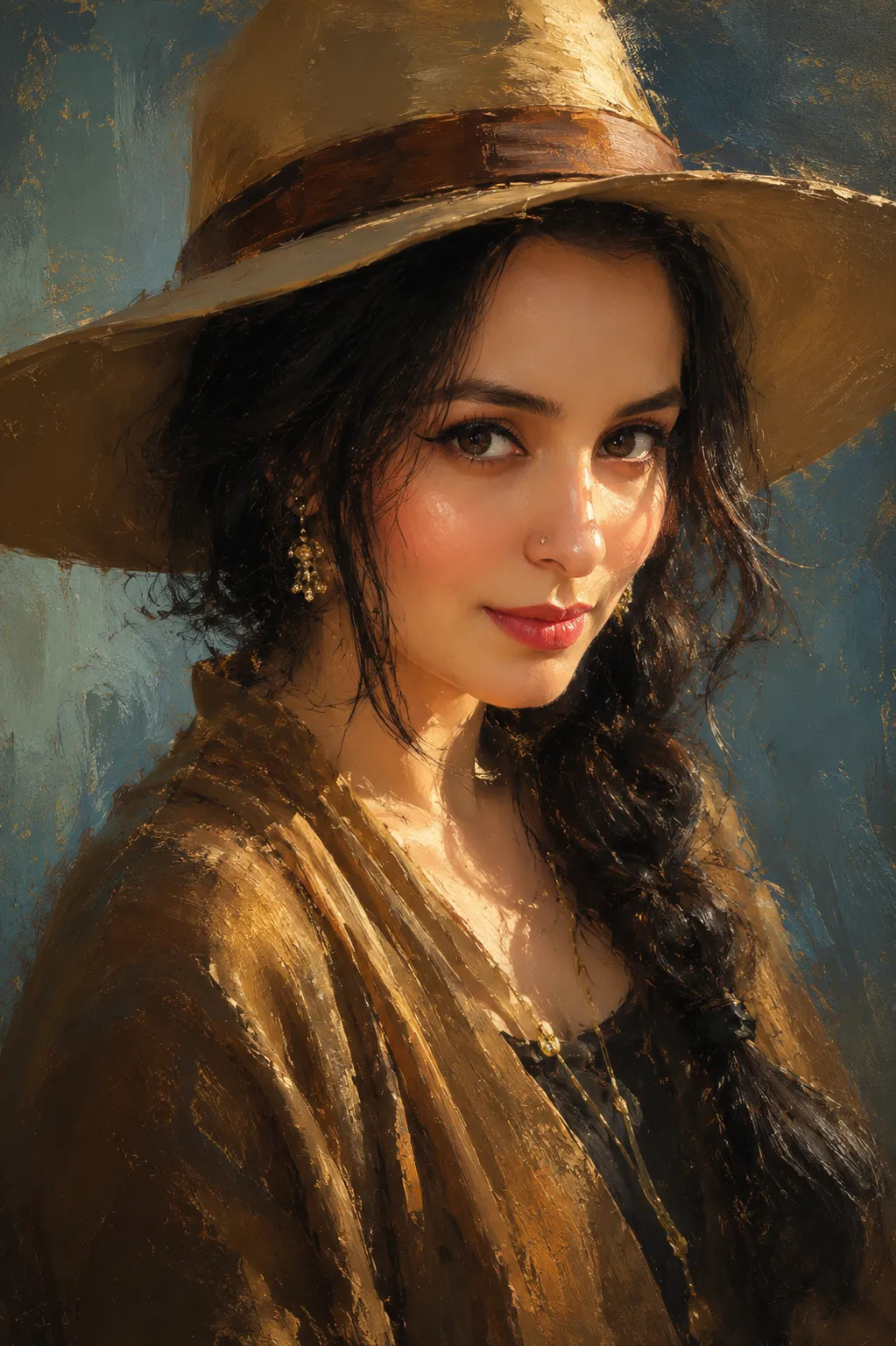
Example images


Prompt template
- Format
- Text Parameterized
- Inputs
- Photo (image) · Required Art_style (text) · Optional · Default: classic Fernando Botero-style portrait
- Outputs
- Transformed_portrait (image)
Replace the ${…} placeholders with your values
before using this prompt. See parameters
and defaults below.
Transform the person in the provided photo into a ${art-style:classic Fernando Botero-style portrait}. Give them an exaggerated rounded face, thick neck, plump arms and legs, oversized, inflated body proportions, small facial features, half-open eyes with an unfocused gaze, and a calm, gentle smile. Use rich oil-paint textures, soft shadows, warm vintage tones, and loose brushstrokes to create a South American classical painting atmosphere. Simplify the background with decorative color blocks and subtle plant elements, making the result look like an original artwork displayed in a museum.Parameters
Replace each placeholder with your own value, or use its default when one is provided.
                                        ${art-style:
                                            classic Fernando Botero-style portrait}
art-style
Default: classic Fernando Botero-style portrait


Comments — 0