- Category
- Design & Image
Transform a Photo into GTA Loading-Screen Vector Art
Turn a provided photograph into a bold, cel-shaded vector illustration with a vibrant poster-style background.
By Threads — Published on
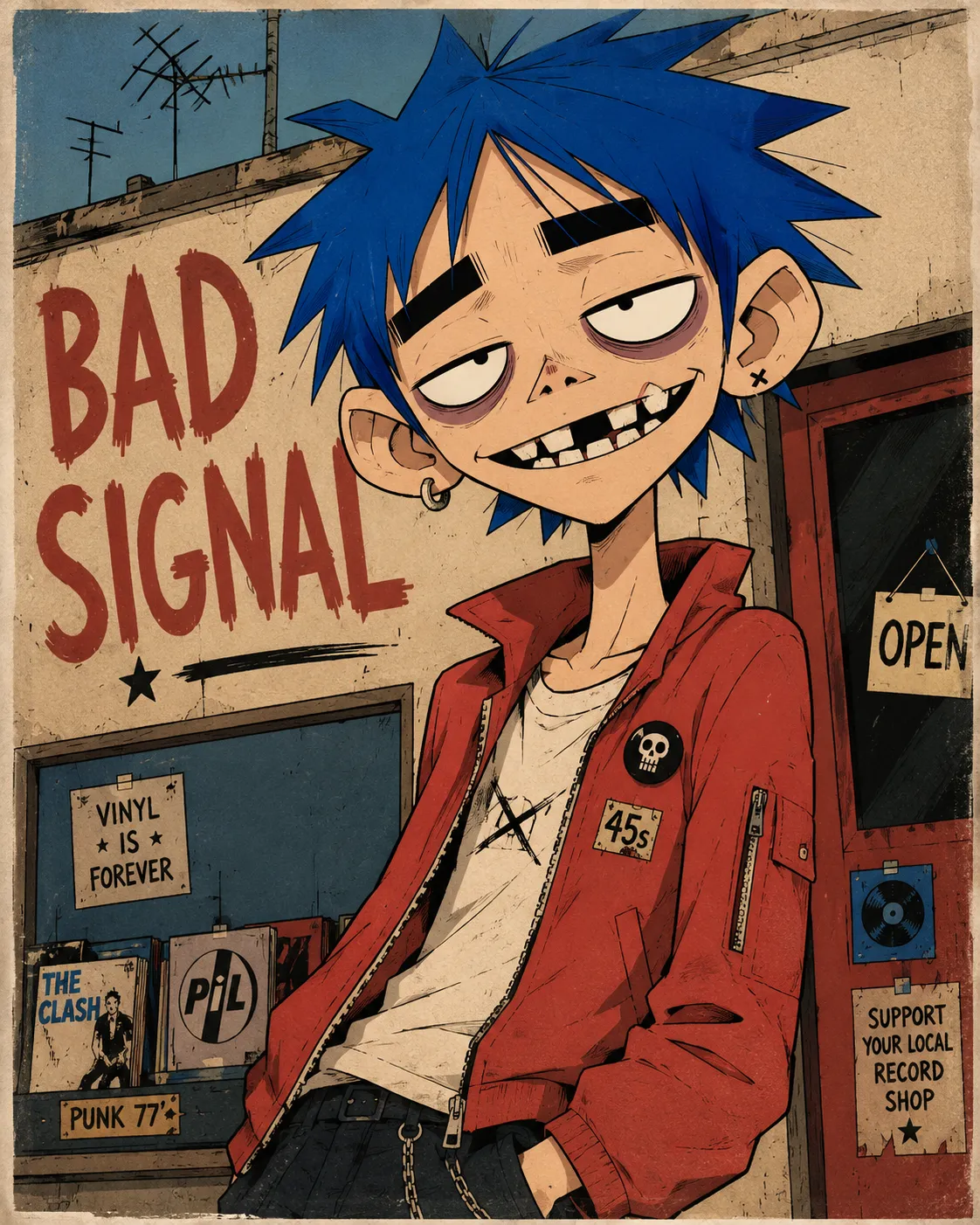
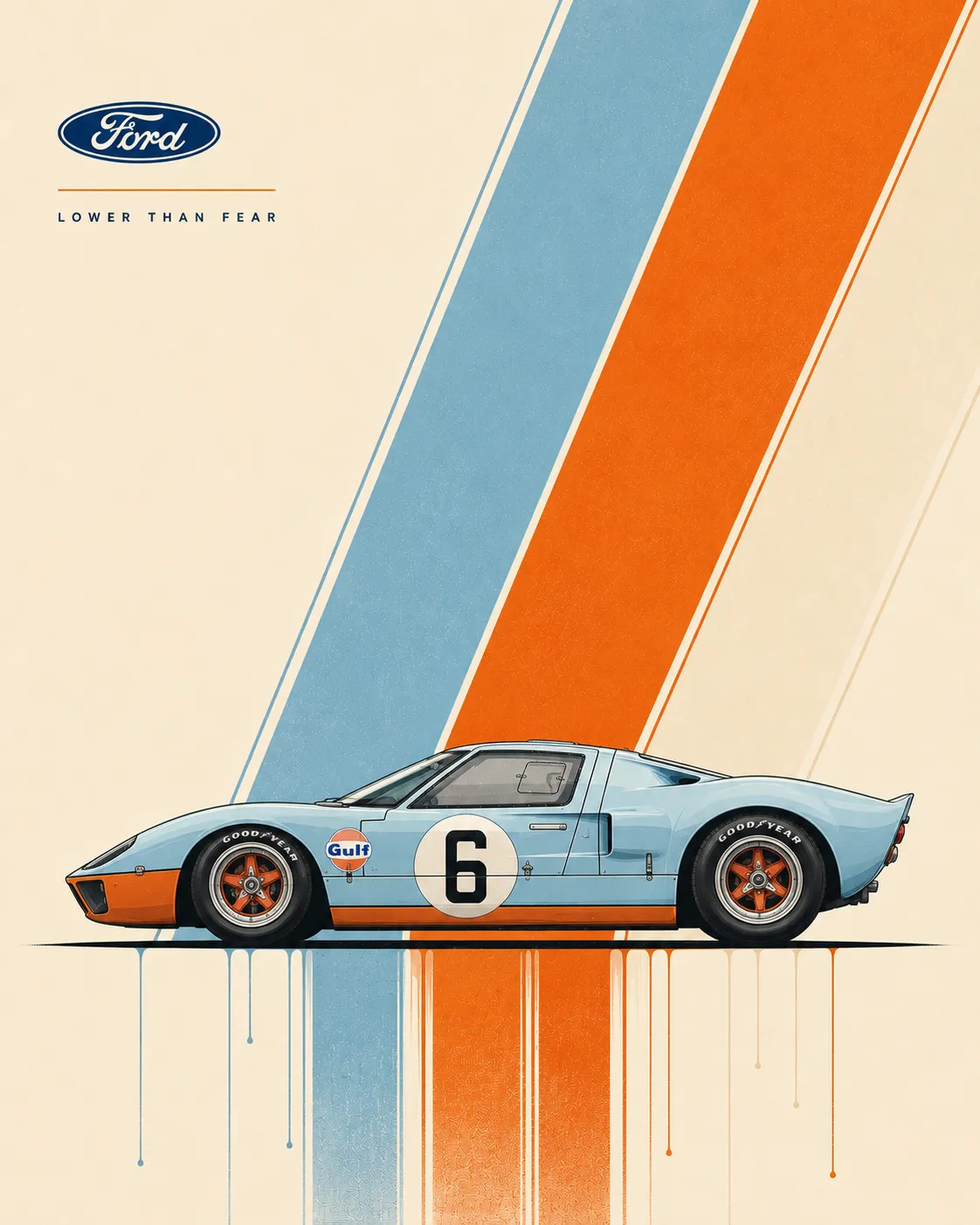
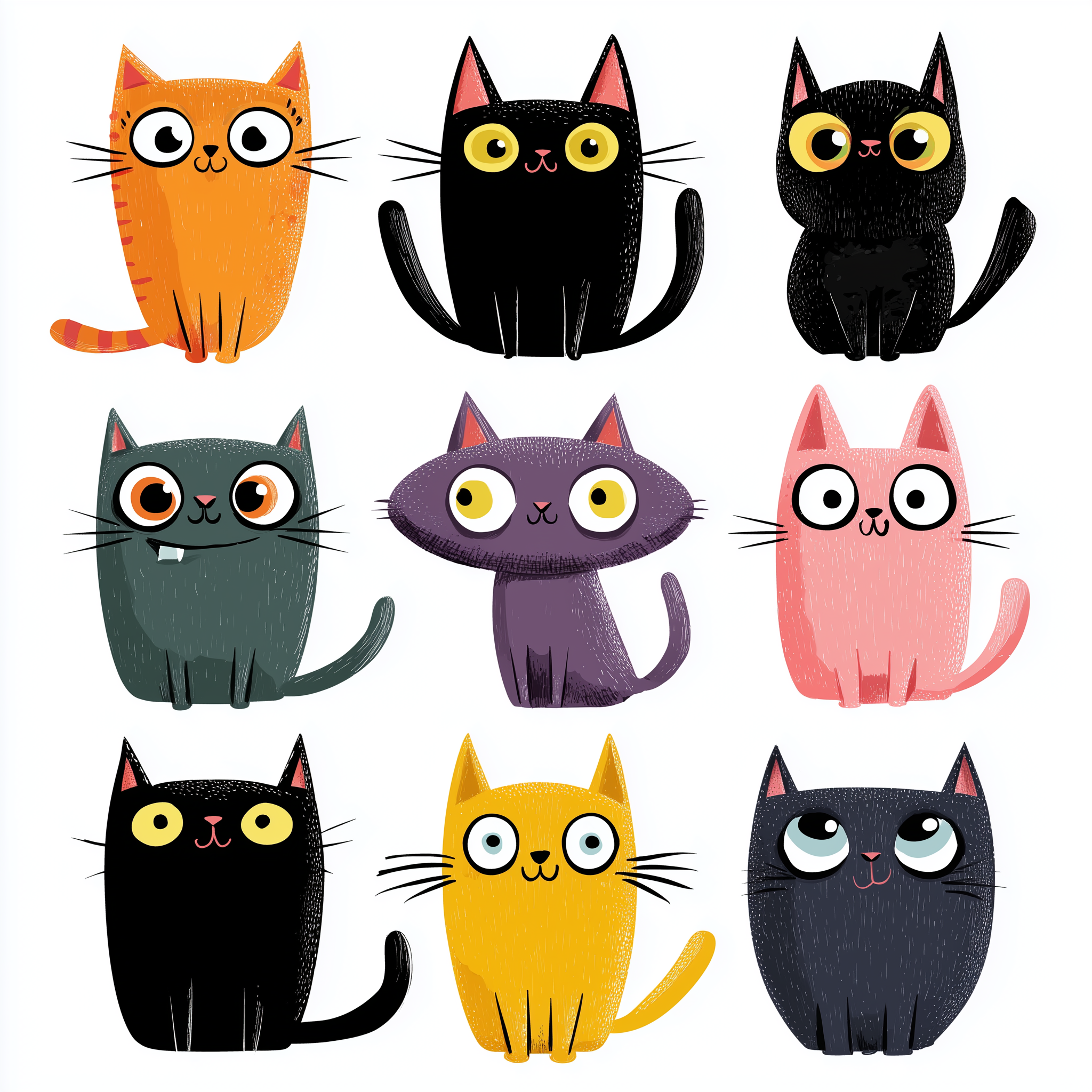
Example images


Prompt template
- Format
- Text
- Inputs
- Photograph (image) · Required
- Outputs
- Illustration (image)
Transform the provided photograph into a bold flat vector illustration in the style of GTA loading-screen artwork. Redraw the subject with clean, confident dark outlines and smooth vector shapes. Use cel-shading with hard-edged, simplified shadow and highlight shapes instead of soft gradients, using 2–3 flat tones per surface. Slightly stylize and idealize the subject in a modern digital comic art style while keeping the pose, composition, and recognizable features of the original photo. Replace the background with a single solid vibrant color in a flat poster style; optionally add large, subtle tone-on-tone graphic shapes or letters behind the subject. Use rich saturated colors, high contrast, and crisp edges. Avoid photographic textures, grain, and gradients on the background. The final result should look like premium album-cover vector art.



Comments — 0