- Category
- Design & Image
- Model
- openai-chatgpt
Transform Food in a Photo into Minecraft-Style Voxel Food
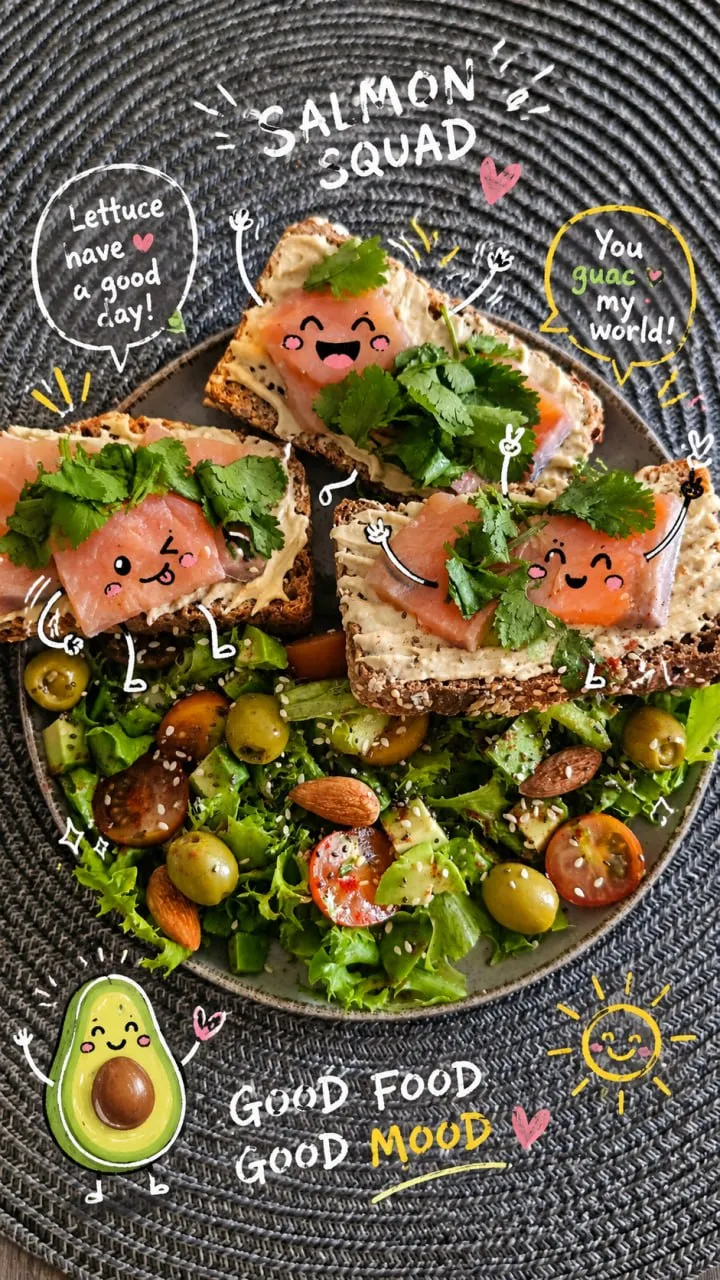
Turn only the food and drinks in a reference photo into recognizable Minecraft-style voxel versions, while keeping the rest of the scene photorealistic and adding inventory-style labels.
By Threads — Published on
Example images


Prompt template
- Format
- Text
- Inputs
- original_photo (image) · Required
- Outputs
- edited_image (image)
Transform only the food and drinks in the original photo into authentic Minecraft-style voxel versions. Each transformed item must clearly resemble the actual food or drink shown—not a random Minecraft item.

Keep the people, skin, faces, clothing, hands, background, furniture, lighting, camera angle, composition, perspective, and environment photorealistic and otherwise untouched. Match the original scene’s lighting and shadows naturally.

Convert each visible food or drink into a blocky voxel version of itself using authentic Minecraft-like textures: pixelated, low-resolution, square edges, visible cube faces, and no smooth shading or gloss. For example, render coffee as a pixelated Minecraft-style latte or coffee while retaining the appearance of the original drink.

Add a floating inventory-style label near each food or drink item. Use a white pixel font inside a dark, semi-transparent UI box. Keep labels readable and position them so they do not cover people. Label each item according to the food or drink actually shown.

Do not transform anything except the food and drinks. Do not add unrelated Minecraft foods. Keep the background and people untouched.




Comments — 0