Turn an Image Brief into Structured Nano Banana 2 JSON
Expand a plain-language image request into a detailed, field-based JSON prompt with camera, lighting, composition, style, and negative-prompt instructions.
By Threads — Published on
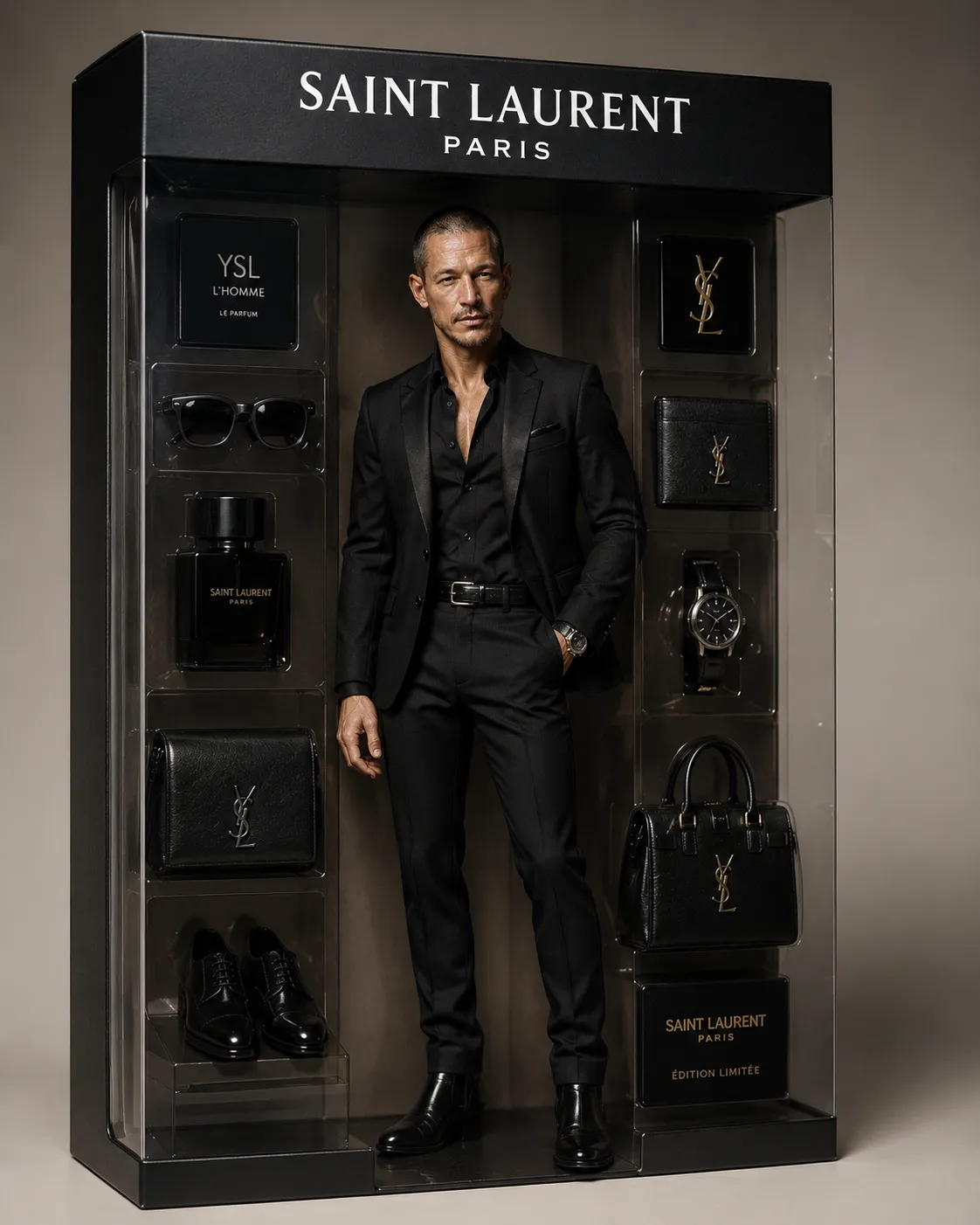
Example results
Prompt template
Convert this plain-language image request into a valid JSON prompt for Google Nano Banana 2. Expand the request into clear, specific fields so the image model has less room to guess. Return valid JSON only, with no surrounding explanation or Markdown.

Image request: ${image-brief:A woman smiling while holding a skincare jar}

Include separate fields for the subject, scene, camera, lighting, composition, style, materials, visible text, and negative_prompt. Always include a non-empty negative_prompt. Preserve the request's intent and make relevant visual details explicit.

For portraits, specify visible pores, realistic skin texture, and subtle imperfections to avoid an overly airbrushed, plastic appearance. For product photography, describe relevant material details explicitly, such as matte packaging, a glass bottle, and the appearance of liquid inside it. If the request specifies label text, reproduce it exactly and spell it out in full; do not paraphrase or invent label wording.

Choose a lens appropriate to the image: 35mm for an environmental, selfie-like portrait; 85mm for a skincare product close-up; or 105mm for material and texture detail. Include the selected focal length in the camera field.
Parameters
${image-brief:A woman smiling while holding a skincare jar}
image-brief
Default: A woman smiling while holding a skincare jar


Comments — 0