- Category
- Design & Image
Watercolor Keepsake Ticket from a Photo
Turn a photo into a softly painted keepsake ticket with a custom place name and a restrained editorial layout.
By Threads — Published on — Modified on
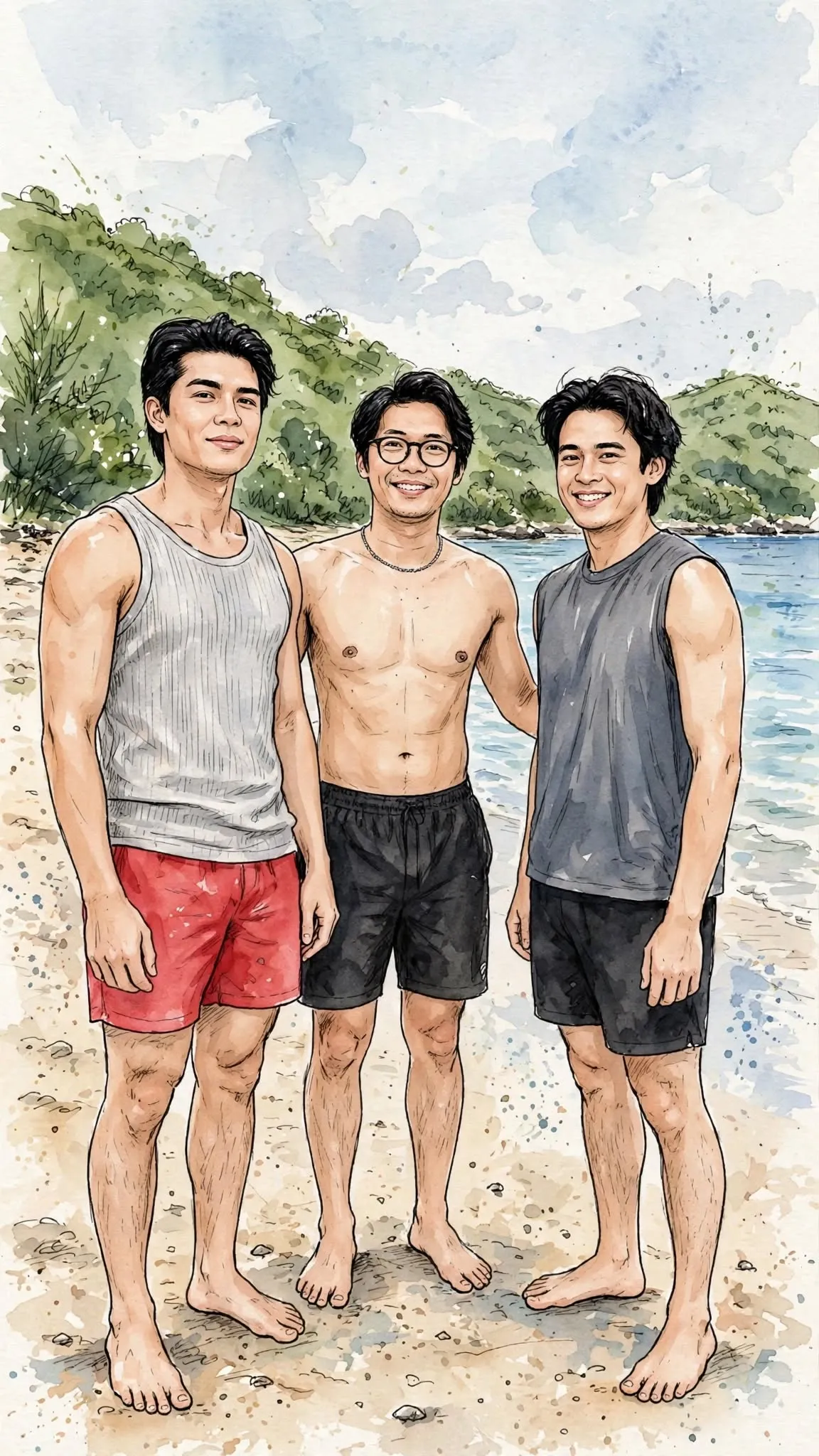
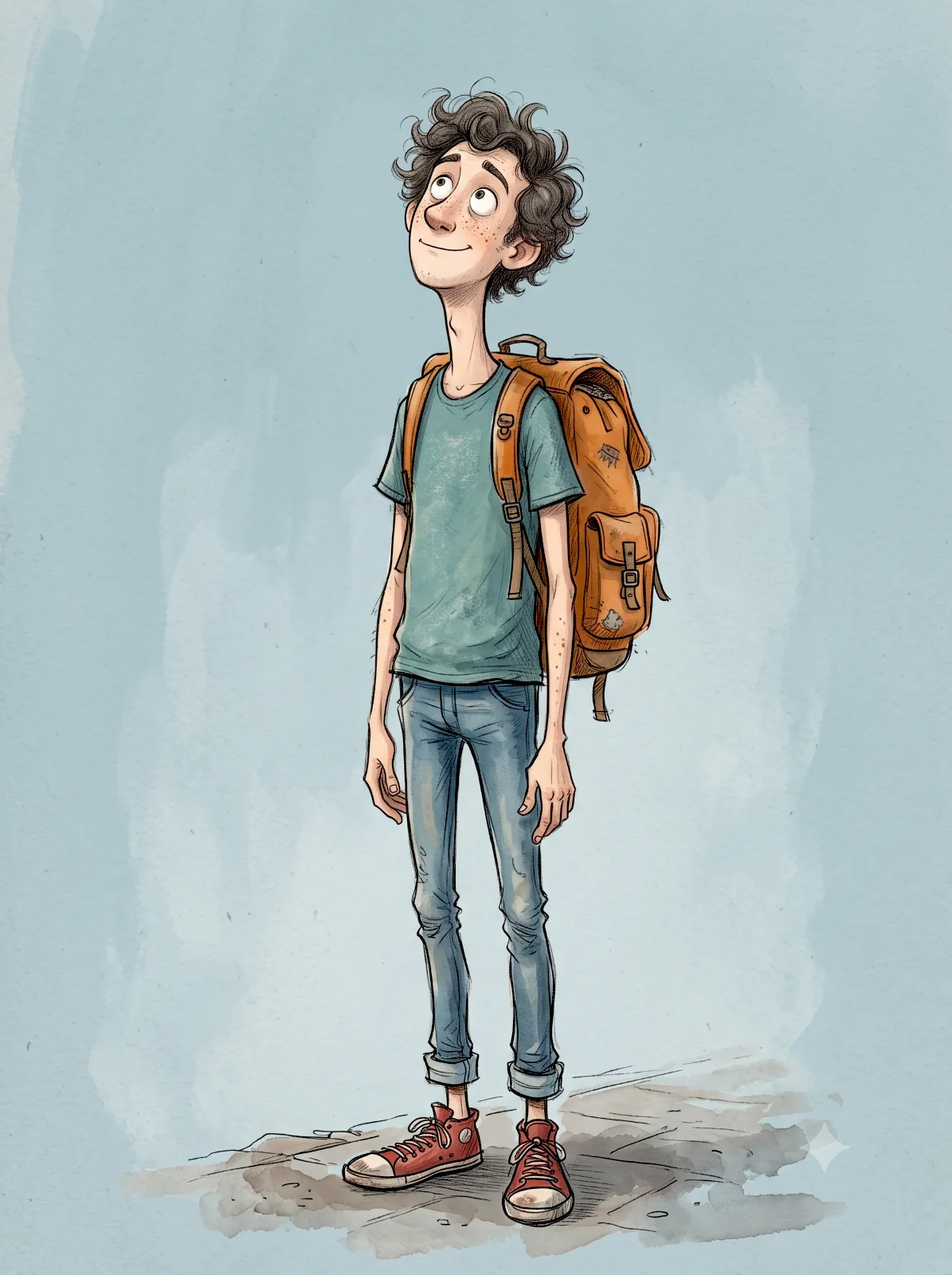
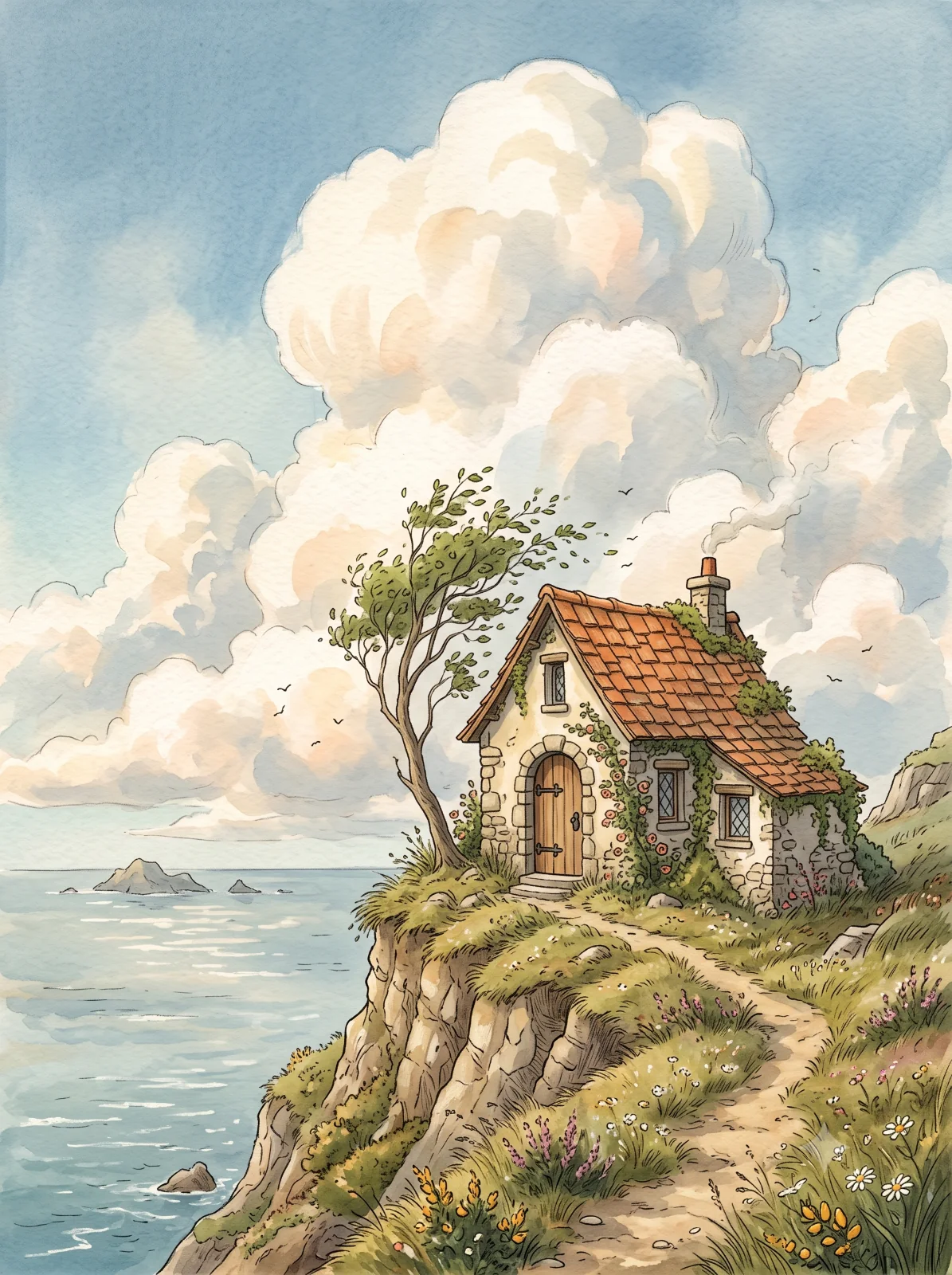
Example images


Prompt template
0 copies
- Format
- Text Parameterized
- Inputs
- Photo (image) · Required Place (text) · Optional · Default: LISBON, PORTUGAL
- Outputs
- WatercolorKeepsakeTicket (image)
Replace the ${…} placeholders with your values
before using this prompt. See parameters
and defaults below.
Turn the uploaded photograph into a single watercolor keepsake ticket. Output one image only. If several photos are uploaded, do not combine them.

The place name is ${place:LISBON, PORTUGAL}.

Create a single vertical 3:4 image. In the center of a wide ivory margin, place one landscape-format ticket cut from thick matte watercolor paper. Give it a finely toothed perforated edge and a very faint shadow beneath it. The background must contain nothing except the ticket.

Split the inside of the ticket into left and right sections. The watercolor painting should occupy about 74% on the left and the information stub about 26% on the right. Divide them precisely with a vertical dotted line and a round tear hole. Keep the top and bottom margins equal. Align the painting, lettering, and stamp to one invisible grid so the layout feels quiet, upright, and editorial.

The watercolor on the left must not copy the photograph. Keep only the most recognizable subject from the photo and the relationship between that subject and the place where it stood, then rebuild the scene. Do not paint a single object floating by itself. Make the scene recognizable enough that someone who cannot see the photo could still identify what it depicts.

Use only the clearest, liveliest hues from the original photograph, shifting them into a bright, low-saturation, healing palette. Build the atmosphere from two to four neighboring natural colors, such as sage green, misty blue, pale blue-gray, cream yellow, warm sand, or soft terracotta. Add a small amount of warm contrast to the subject alone. Keep the whole image bright, clean, transparent, and soft. Avoid dull grays, a yellowed cast, heavy brown, and tacky vintage filters.

Use thin, clear brushwork, leaving the white of the paper visible. Include visible watercolor blooms, dry marks, and a little grain. Keep the subject slightly sharper, with everything farther away fading out. Do not render light and shade photographically or include fussy small details. The impression should be quiet, loose, and kind, like a picture book.

The stub on the right carries restrained information typesetting. Use these three lines only:

PLACE  print exactly the place name given above
SUBJECT  the subject of the photo in one word
SEASON  the season or time of day of the photo in one word

Align all three fields to the same left baseline and use the same line spacing. Set the field names small and the values large so they sit on two levels. Below them, add a short horizontal rule, a few dots, and one round stamp. The stamp may overlap the perforation or the lower grid slightly.

Rules to follow:
- Every character inside the image must be English uppercase letters only. Do not place any Korean, Chinese, or Japanese characters anywhere in the image.
- Do not place any digits anywhere. Do not include dates, serial numbers, coordinates, face value, or a year. Do not put digits inside the stamp. If a number seems necessary, write it as a word.
- Whatever the photograph shows, print the place name exactly as written above. Do not change it to a different place name based on the photo.
- Include only the three specified fields. Do not add any other lines.
- Do not misspell anything, print the same word twice, or let brackets or instruction text appear as lettering.
- Do not invent a face for a person in the photograph. If they are seen from behind or as a silhouette, leave them that way.
Parameters
Replace each placeholder with your own value, or use its default when one is provided.
${place:LISBON, PORTUGAL}
place
Default: LISBON, PORTUGAL




Comments — 0
Tried this prompt? Share what you made, compare results, or ask a question.