- Category
- Design & Image
Whimsical 3D Chibi Chaos Caricature
Create a detailed, cute 3D chibi caricature in a chaotic living room, using a reference image to preserve the subject’s facial features and hair.
By Threads — Published on — Modified on
Example images
Prompt template
0 copies
- Format
- Text Parameterized
- Inputs
- reference_image (image) · Required signature_text (text) · Optional · Default: RAMAPROMPTS
- Outputs
- generated_image (image)
Replace the ${…} placeholders with your values
before using this prompt. See parameters
and defaults below.
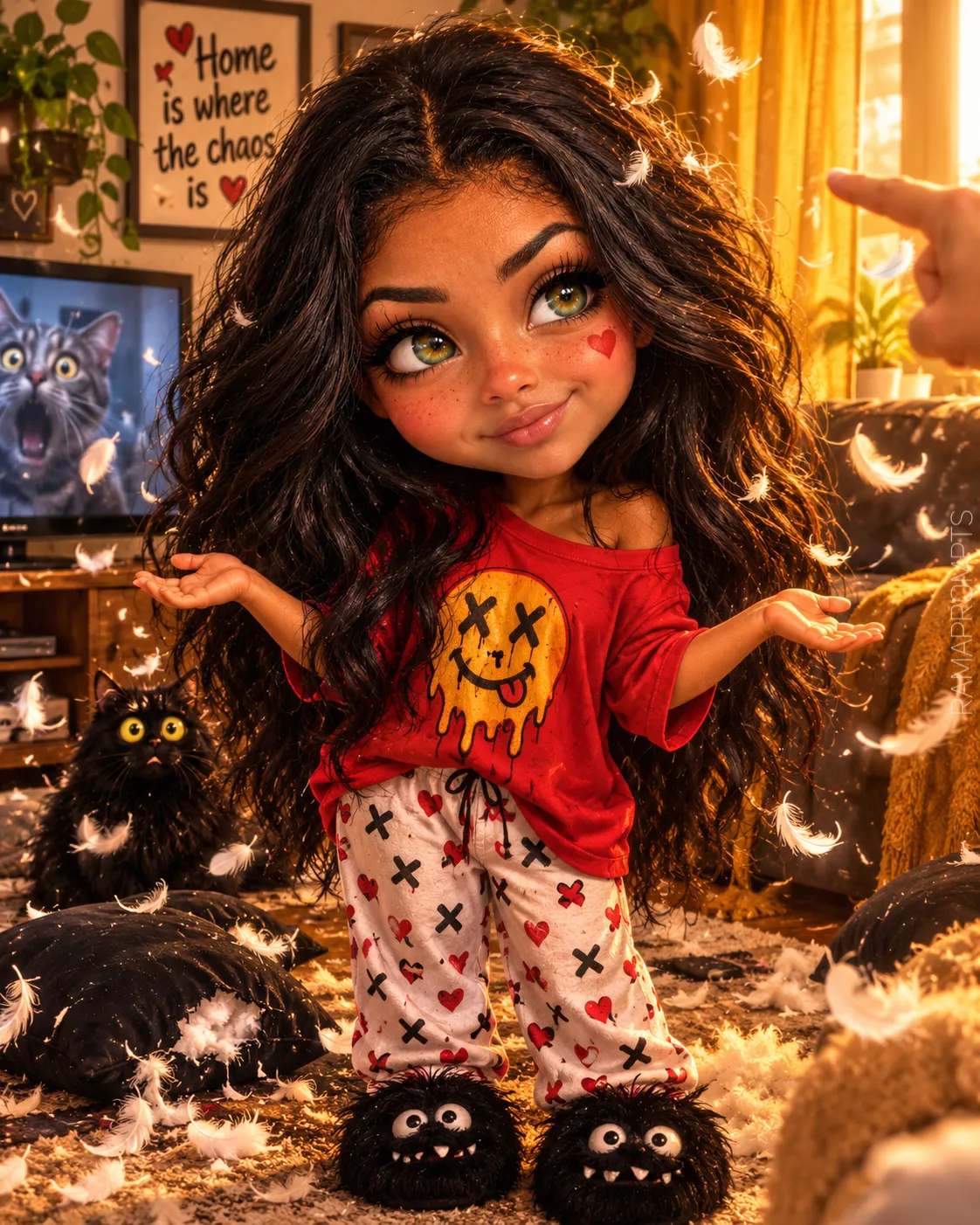
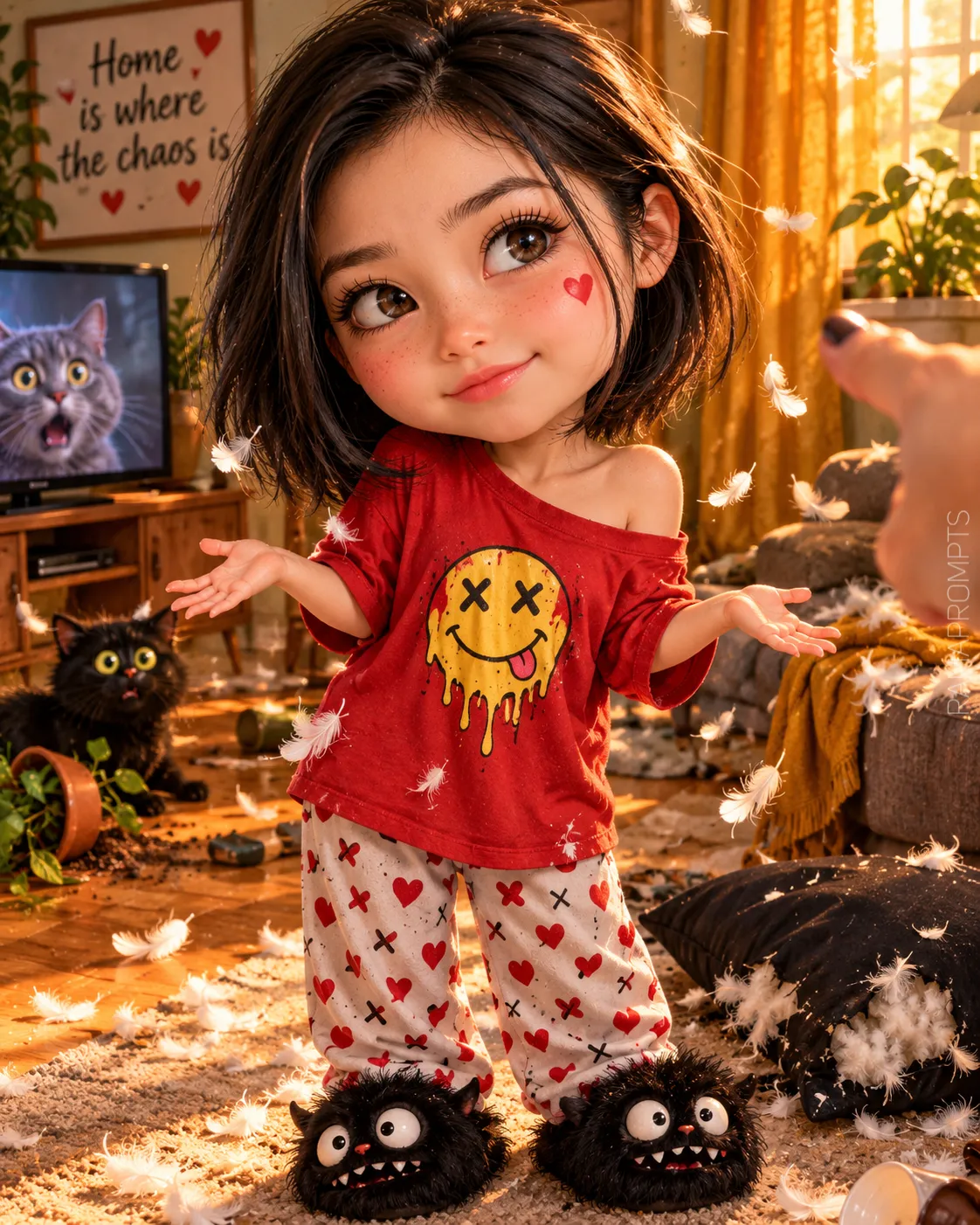
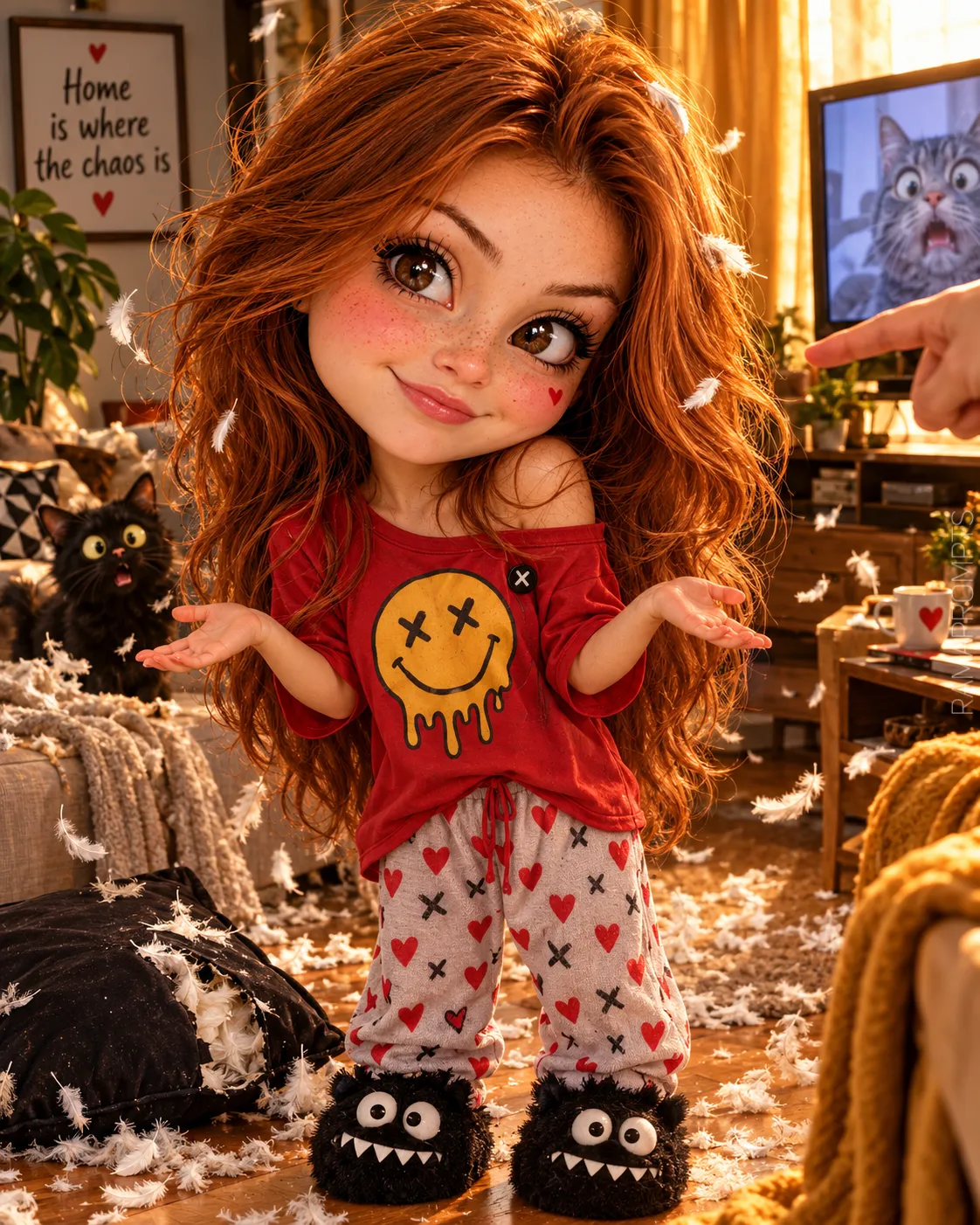
Create a 4:5 image. Make an ultra-cute 3D caricature with a highly detailed, cinematic 3D render. Give the character a disproportionately large, rounded chibi-style head, a round face, rosy cheeks with a red heart drawn on the left cheek, freckles, a small button nose, huge expressive eyes with long eyelashes, and thick, mischievously arched eyebrows. Give her a small sideways smile and a “It wasn’t me” expression. Her skin should look soft and luminous. Give her voluminous, messy hair, with loose strands falling across her face, and a small, cute body.

Show her standing with her arms spread out to the sides in a “What happened?” pose. Dress her in clothing similar to the reference image, but with random colors: an oversized red T-shirt slipping off one shoulder, printed with a melting smiley face with XX eyes and an XX pin; light-colored pajama pants with red hearts and black Xs; and fluffy black monster slippers with large eyes and a toothy mouth.

Set the scene in a messy living room, with white feathers floating through the air, a torn black pillow on the floor, and a cute black cat with bulging eyes looking frightened in the background. Include an adult hand pointing at her from the right edge, a TV in the background showing a frightened gray cat, a wall picture reading “Home is where the chaos is” with red hearts, a plant, and a gold curtain. Use warm golden afternoon lighting and a chaotic, funny, cute atmosphere. Make the image ultra-detailed.

Add a discreet signature in the lower-right corner, with the text rotated vertically by 90 degrees. Use ${signature-text:RAMAPROMPTS} in Calibri Light, white, semi-transparent at low opacity, and medium-sized.

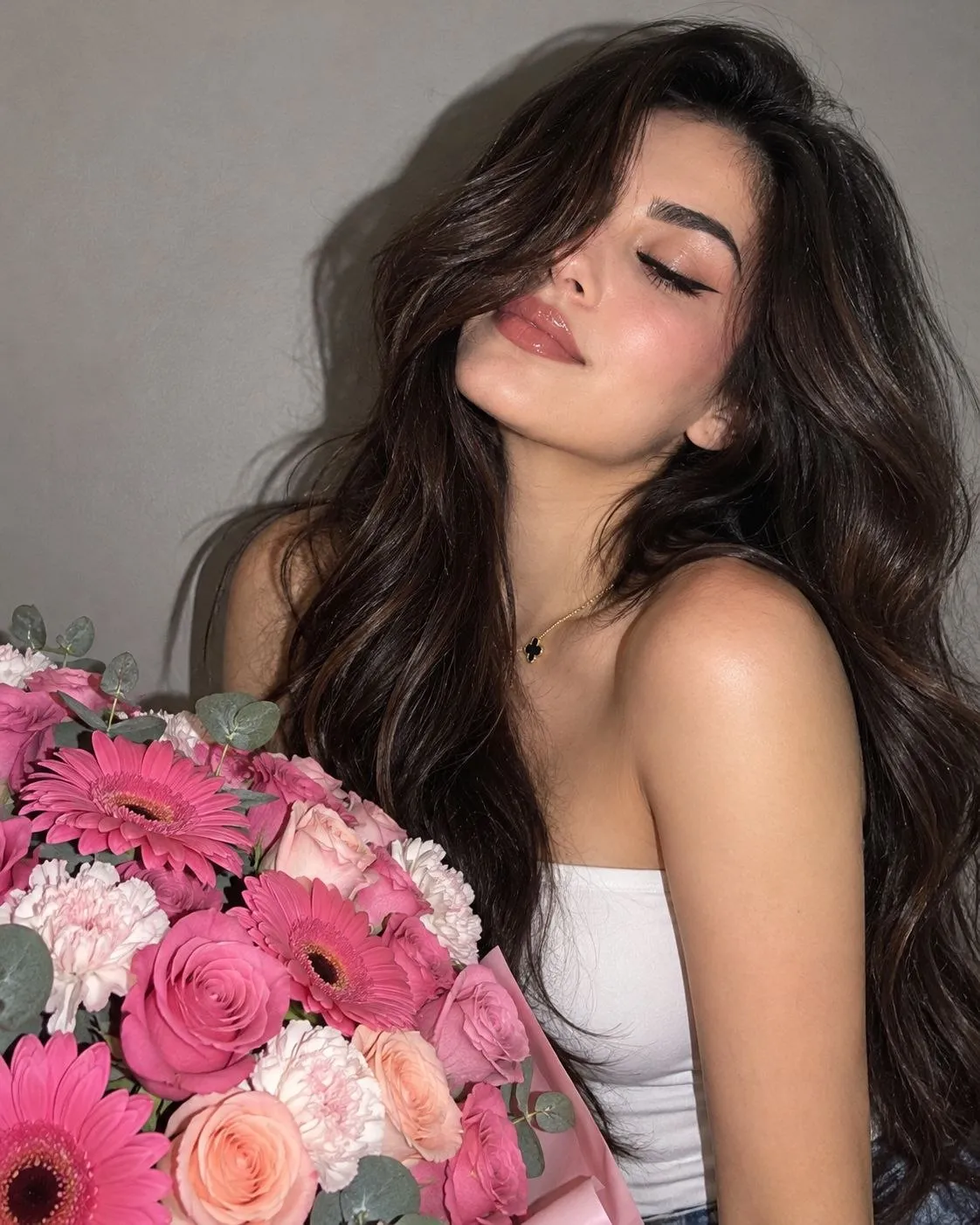
Use the supplied reference image to preserve the character’s facial features, eye color, and hair length, cut, and color.
Parameters
Replace each placeholder with your own value, or use its default when one is provided.
${signature-text:RAMAPROMPTS}
signature-text
Default: RAMAPROMPTS


Comments — 0