Photographic Memory Stamp Archive
Transform a supplied photograph into a restrained, collectible archival composition pairing the preserved photo with a semantically distilled, vintage-style memory stamp.
Example outputs
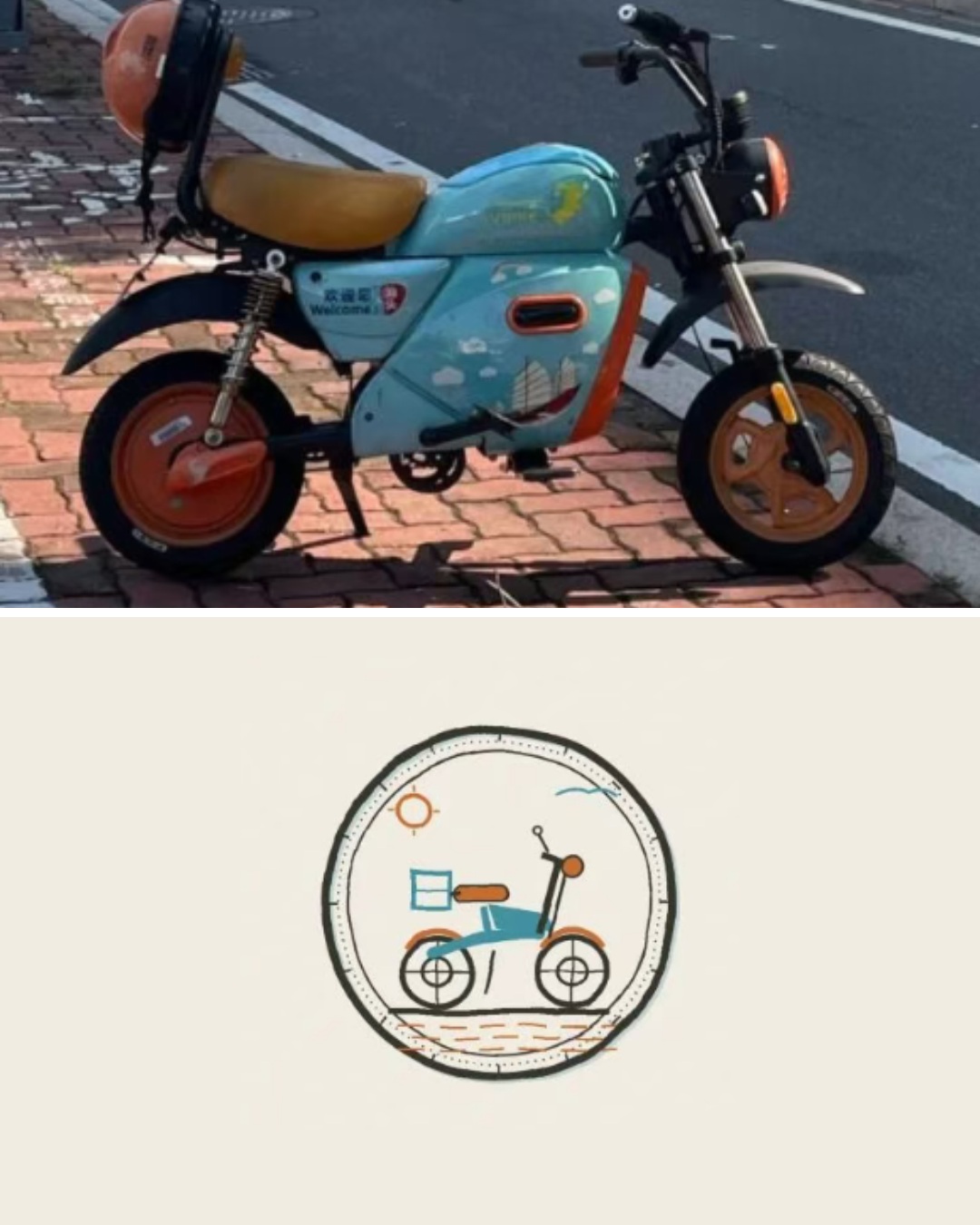
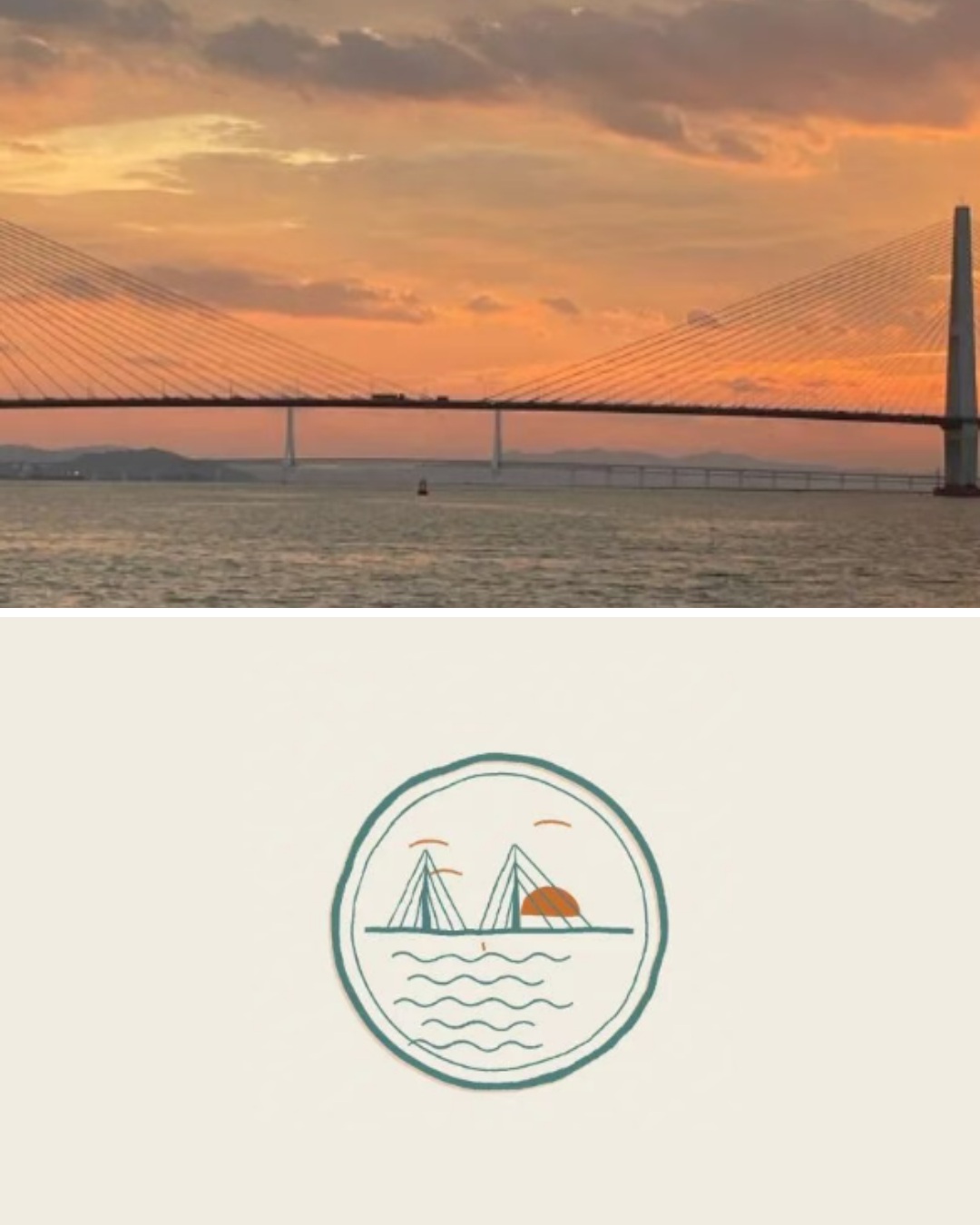
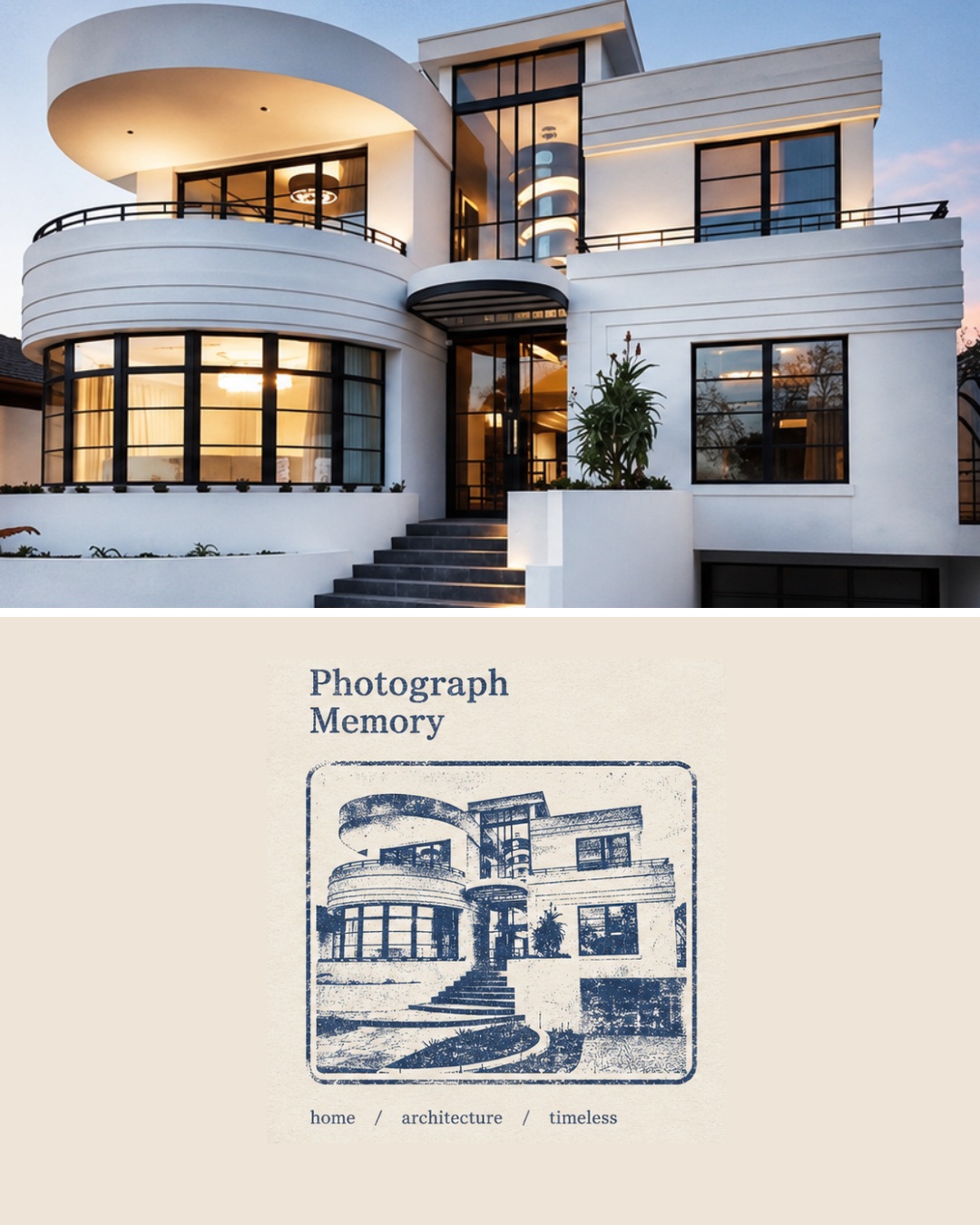
Prompt template
- Format
- Text
- Inputs
- Uploaded_photo (image) · Required
- Outputs
- Photographic_memory_stamp_archive (image)
Create a high-quality “photographic memory stamp” that combines photography, a semantic stamp, and archival design. Photography records reality; a stamp preserves memory.

Use the uploaded photograph as the sole visual source. Treat it as a locked photographic asset and preserve its authentic photographic character. Accurately retain the subject, people, architecture, plants, spatial relationships, perspective, lighting, and colors. Allow only slight cropping and edge refinement. Do not stretch or distort the image, replace the subject, change actions, add elements that are not present, or alter the scene. Do not turn the photograph into an illustration, cartoon, or 3D image.

Before generating the design, identify the photograph’s central subject and extract 3–5 key visual memory anchors, such as its silhouette, structure, tree shapes, roads, light and shadow, colors, or pose. Discard insignificant details.

The stamp must not be a reduced copy of the photograph with a filter. Distill the subject, simplify its structure, compress its colors, and translate it into a printmaking visual language. Give it the character of a vintage rubber stamp, letterpress, linocut, or archival seal. Preserve a subtle handmade print quality with slight grain and misregistration, while keeping the result clean, clear, and refined. Include only the core subject, supporting structures, and a small amount of environment. Choose the stamp’s shape to suit the photograph’s meaning. Use 1–3 overprinted colors, selected from the original photograph for their memory value.

Use a Photograph + Archive Panel layout. The photographic area should occupy 50–60% of the composition, and the archive area 40–50%. Place the photograph on the left, filling the area completely from top to bottom, with no blank margins or border. Give the archive panel a warm-white or ivory paper texture and generous negative space. Do not add tape, stickers, decorative frames, or unrelated ornaments.

Text requirements: the title must contain 2–4 English words. Include exactly three keywords, formatted as “keyword / keyword / keyword”. Keep all typography small, restrained, and clear.

Do not add random people, animals, buildings, vehicles, logos, watermarks, social-media marks, or unrelated text.
What you'll create
A locked source photograph is presented with a semantic stamp and archival layout. A small set of visual memory anchors guides the design while original lighting, color and spatial relationships remain intact.
Frequently asked questions
Can new objects be added to the photo?
No. Only slight cropping and edge refinement are allowed.
How many memory anchors are identified?
Three to five significant visual cues.
Comments
Tried this prompt? Share what you made, compare results, or ask a question