Upgrade an Uploaded Photo to a Professional DSLR Look
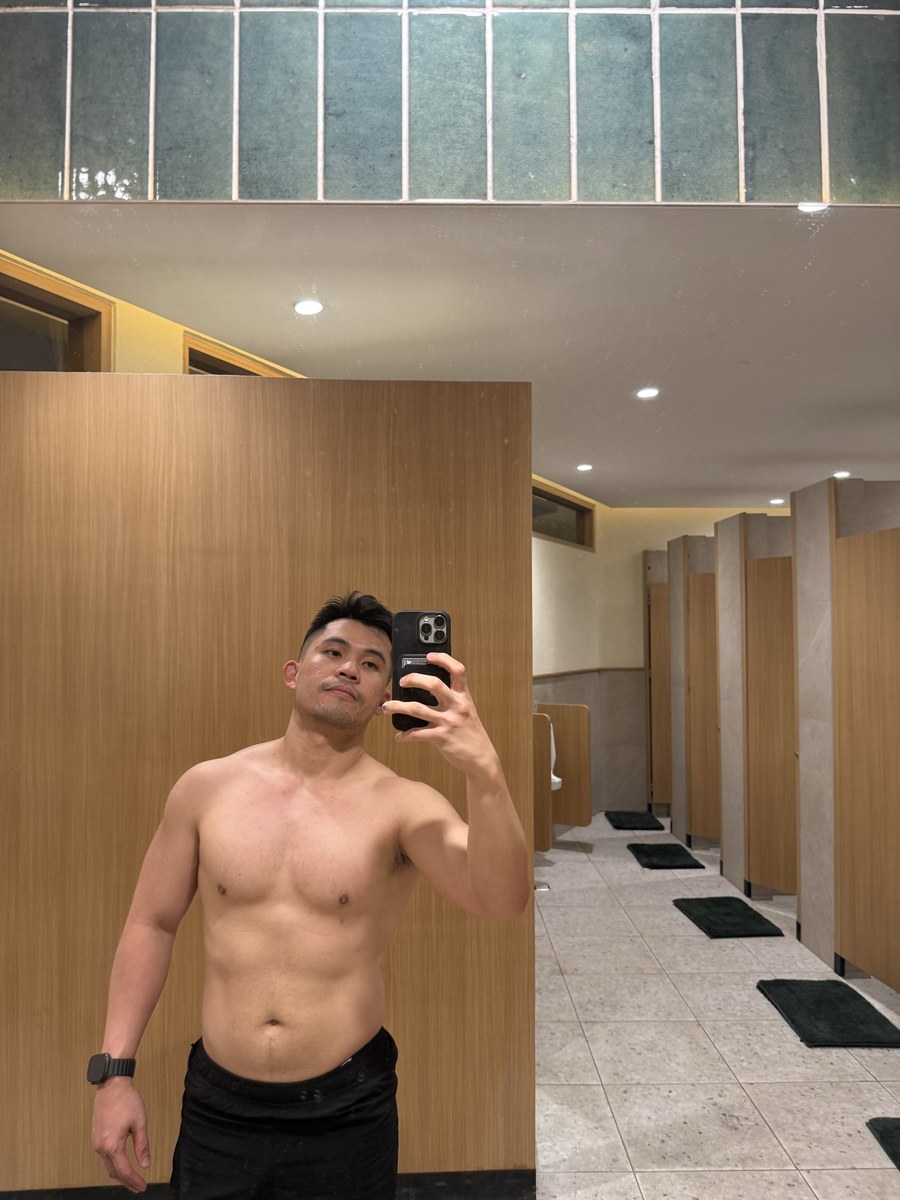
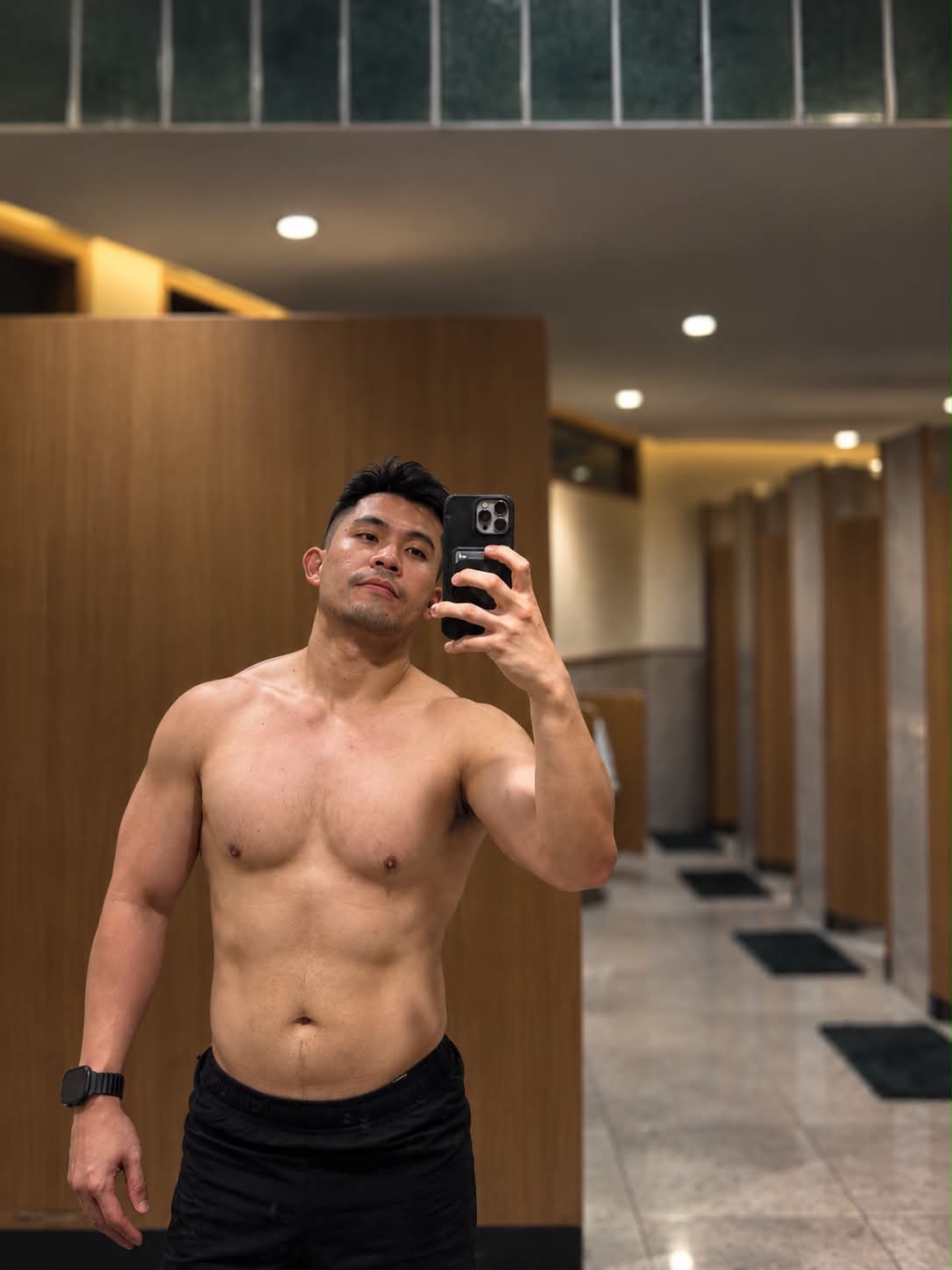
Edit an uploaded photo to resemble an authentic professional DSLR photograph while preserving the subject’s appearance and identity.
Example outputs
Prompt template
- Format
- Text
- Inputs
- Uploaded_photo (image) · Required
- Outputs
- Edited_photo (image)
Transform my uploaded photo so it looks like it was taken with a professional DSLR camera. Preserve my face, body, expression, clothing, and identity exactly as they are. Add realistic depth of field, natural lens character, balanced exposure, subtle background separation, realistic skin texture, professional color grading, and authentic photographic detail. Do not make the image look artificial.What you'll create
Natural lens character, balanced exposure and subtle background separation refine the image. Original expression, body and realistic skin remain intact without artificial gloss.
Frequently asked questions
Can the outfit change?
No. It stays exactly as in the uploaded photo.
What depth treatment is requested?
Realistic depth of field with subtle separation.



Comments
Tried this prompt? Share what you made, compare results, or ask a question