Photography
Image Editing
Skin Retouching
Film Grain Removal
Recraft (version unspecified)
Nano Banana
Remove Film Grain While Preserving Natural Skin
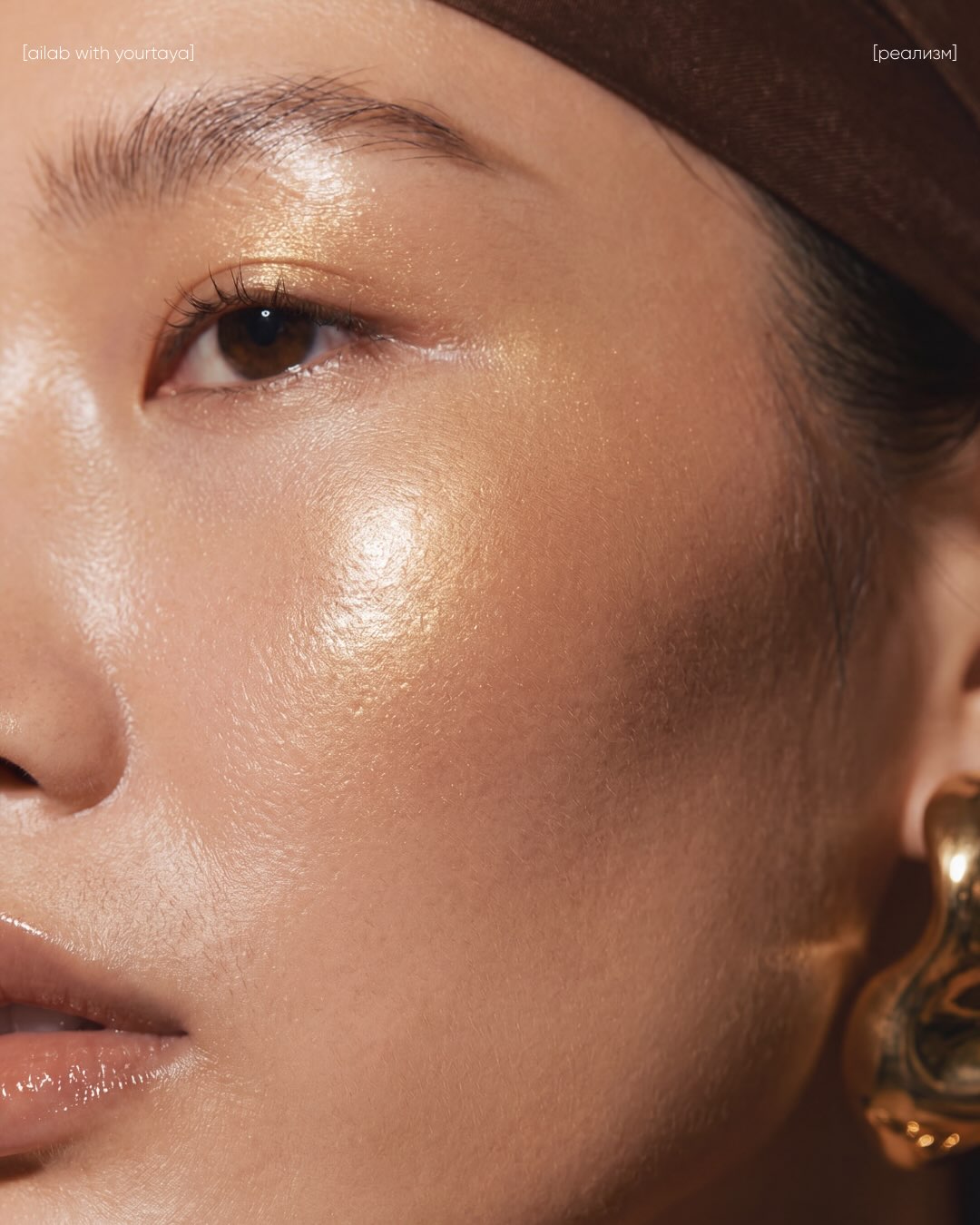
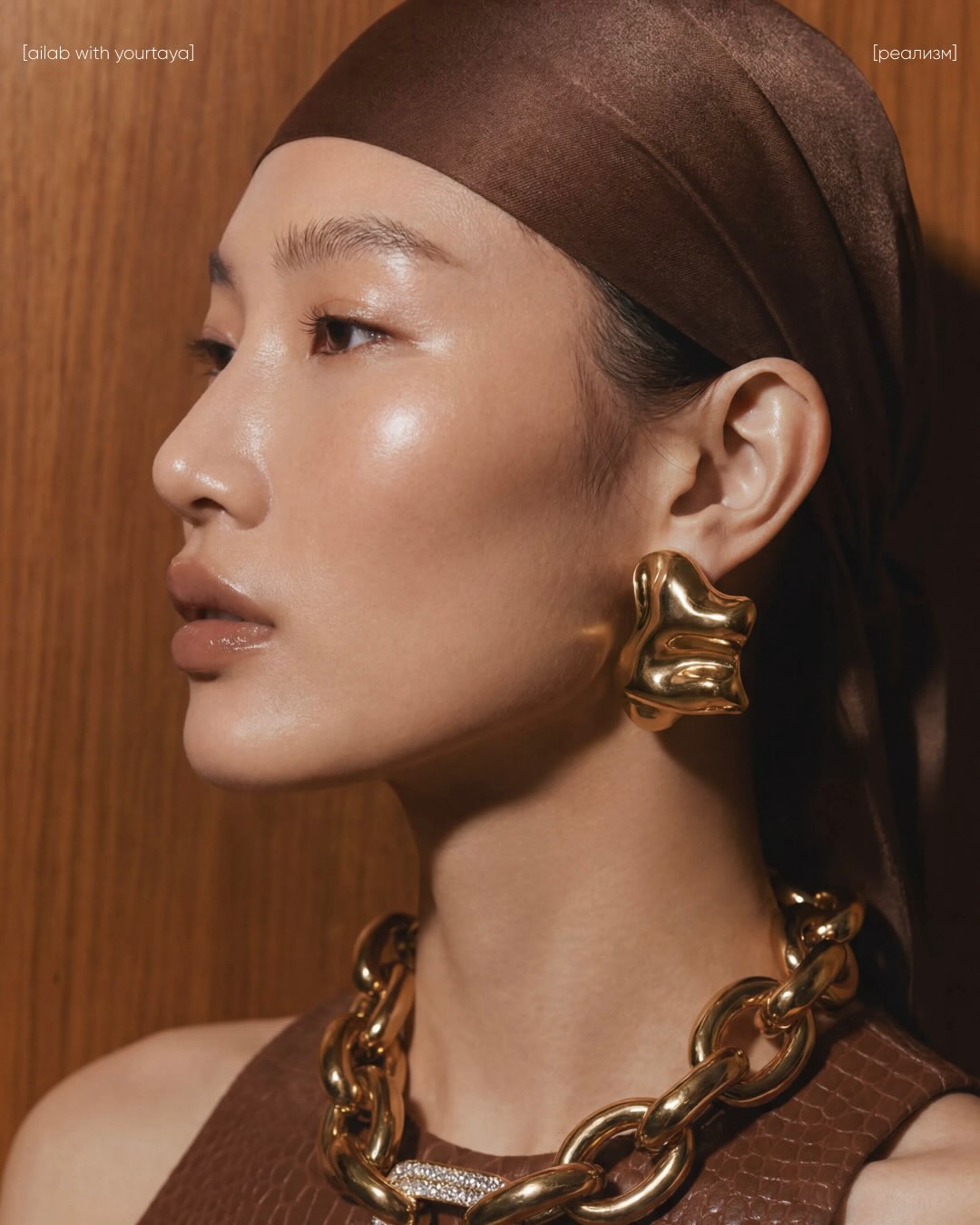
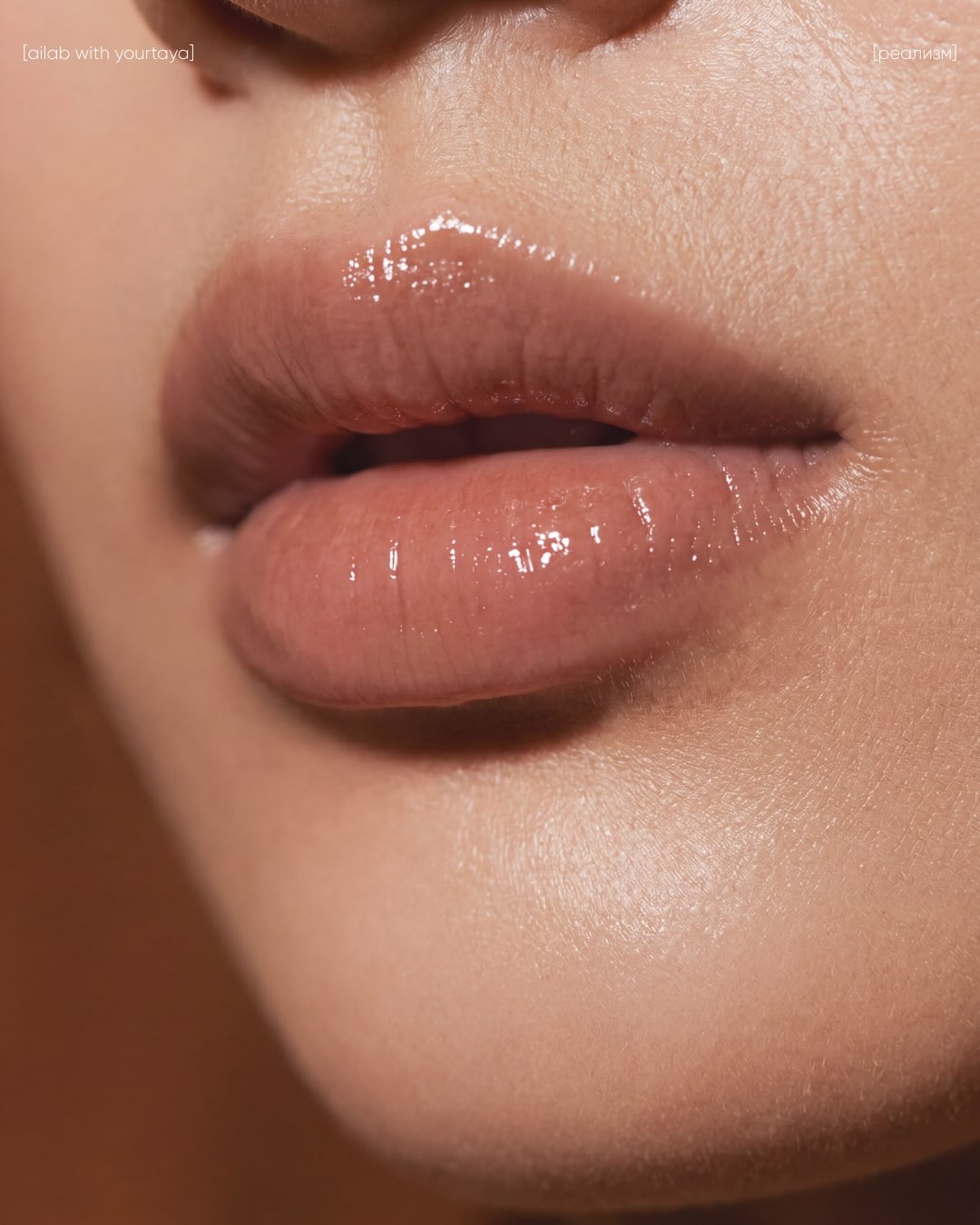
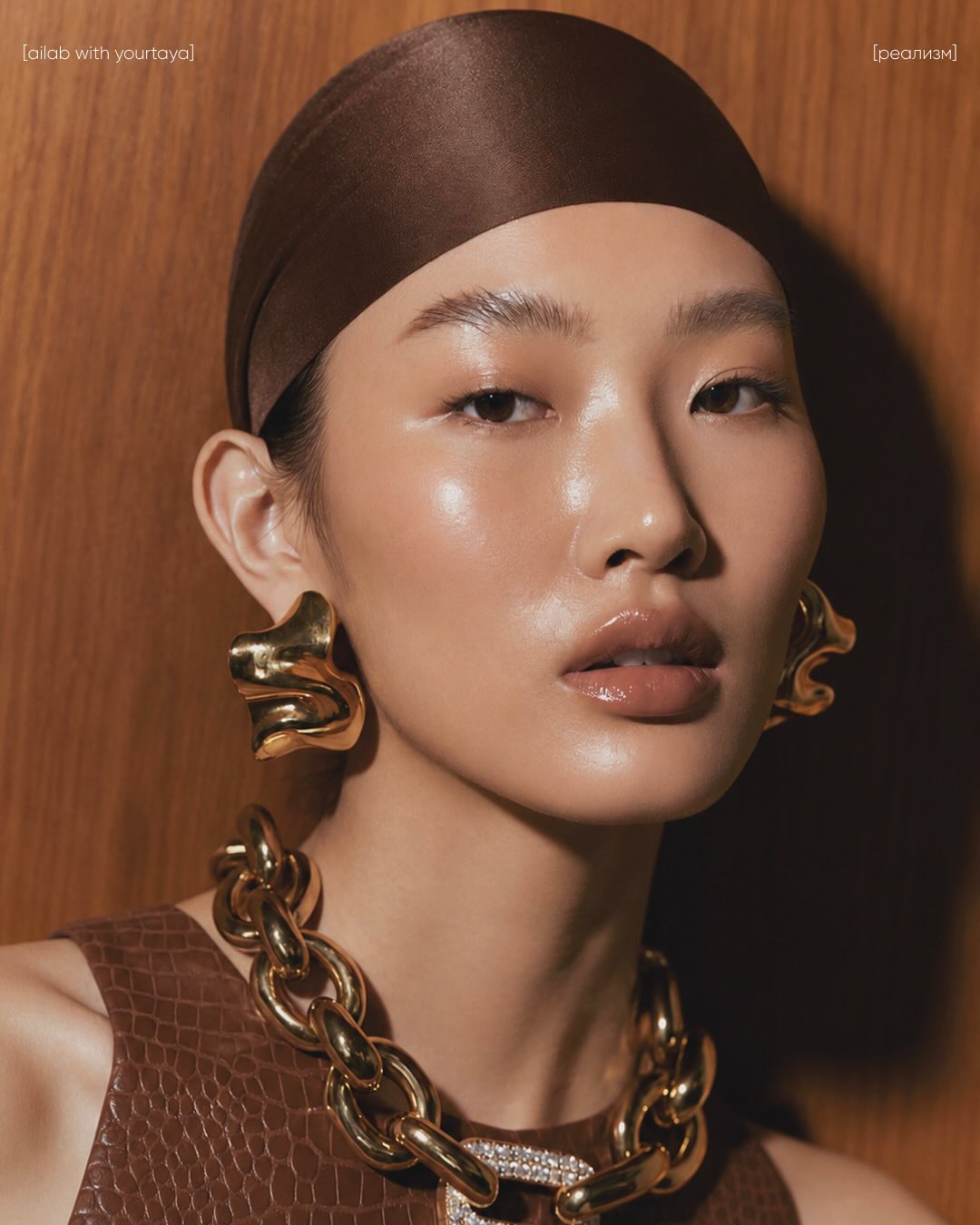
Edit an image to remove film-like grain and noise while preserving its composition, lighting, facial features, styling, mood, and natural skin texture.
Example outputs
Prompt template
- Format
- Text
- Inputs
- image (image) · Required
- Outputs
- edited_image (image)
Remove the film-like grainy texture from the image. Eliminate the analog film effect, dusty grain, matte noise, and rough textured overlay while preserving the original composition, lighting, facial features, makeup, styling, and overall mood. Keep the skin natural, realistic, and clean, with visible but soft natural skin texture.What you'll create
A cleaner version of the source image without the film-like noise or rough overlay. Facial features, makeup and mood stay intact, with soft realistic skin texture retained rather than erased.
Frequently asked questions
Should grain removal also smooth away all skin detail?
No. The prompt specifically preserves visible, soft natural skin texture.


Comments
Tried this prompt? Share what you made, compare results, or ask a question