Photography
Image Retouching
Skin
Editorial
Alibaba Cloud Qwen
Recraft (version unspecified)
Midjourney
Higgsfield Soul
Nano Banana
Qwen (version unspecified)
Soft Editorial Skin Retouch
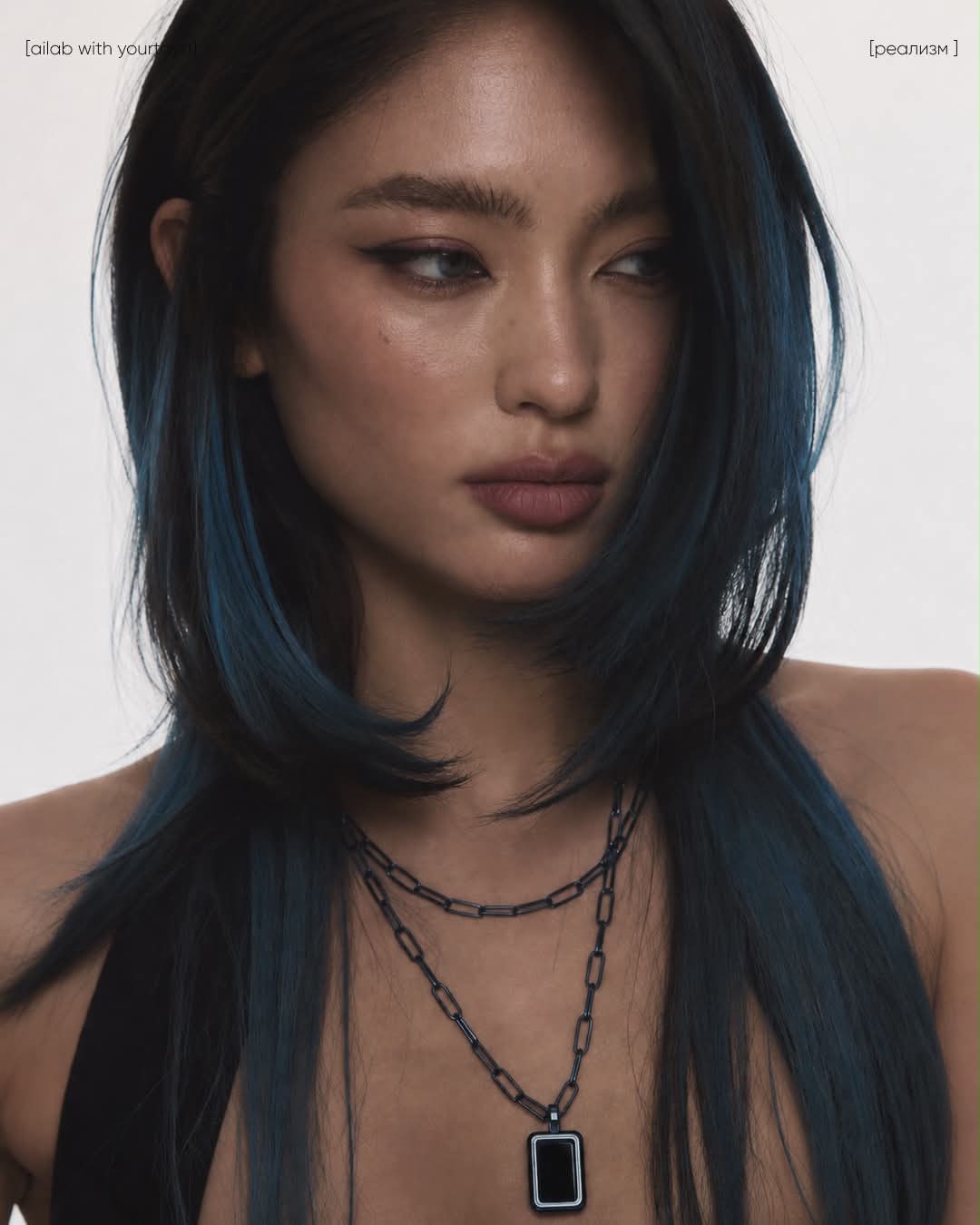
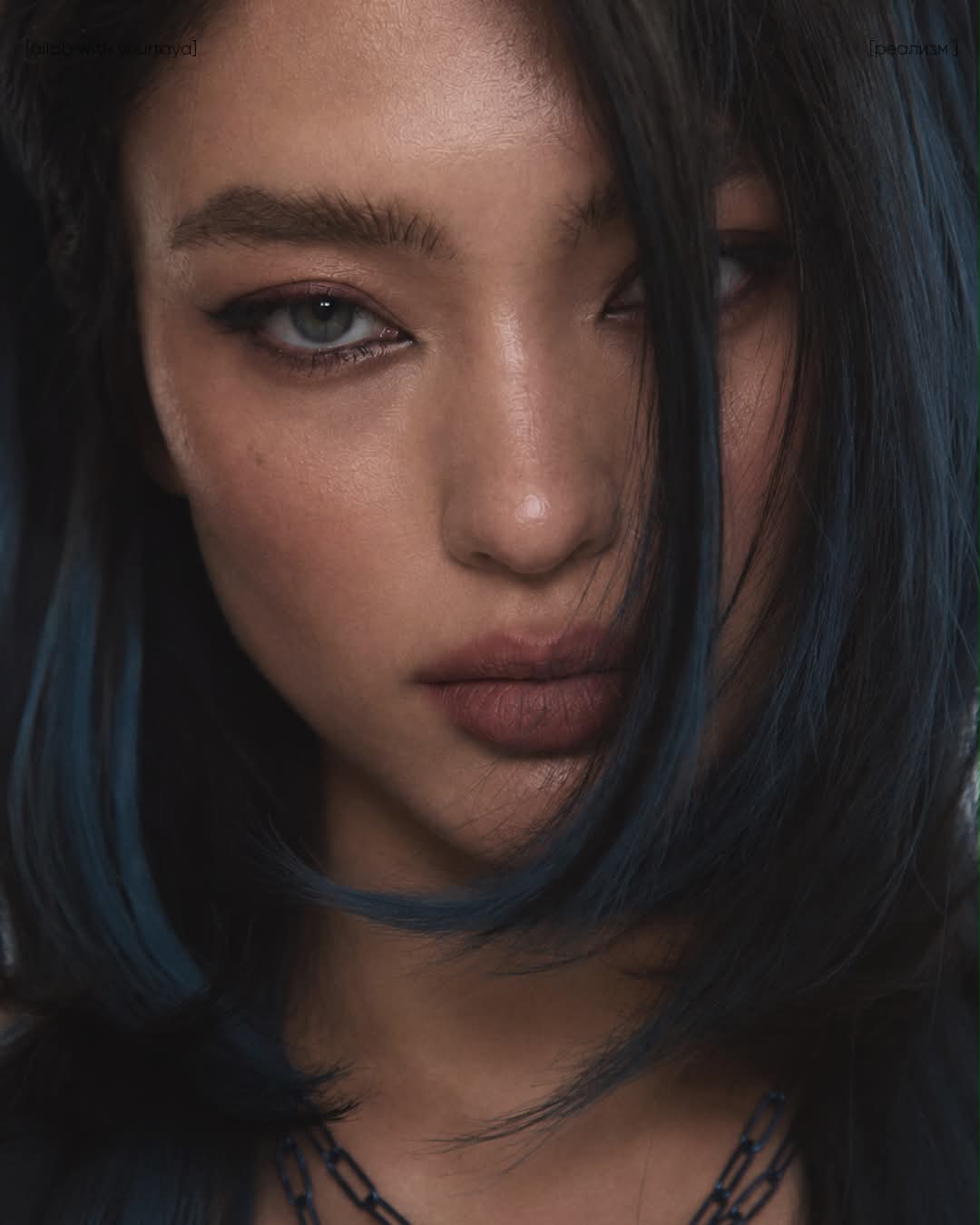
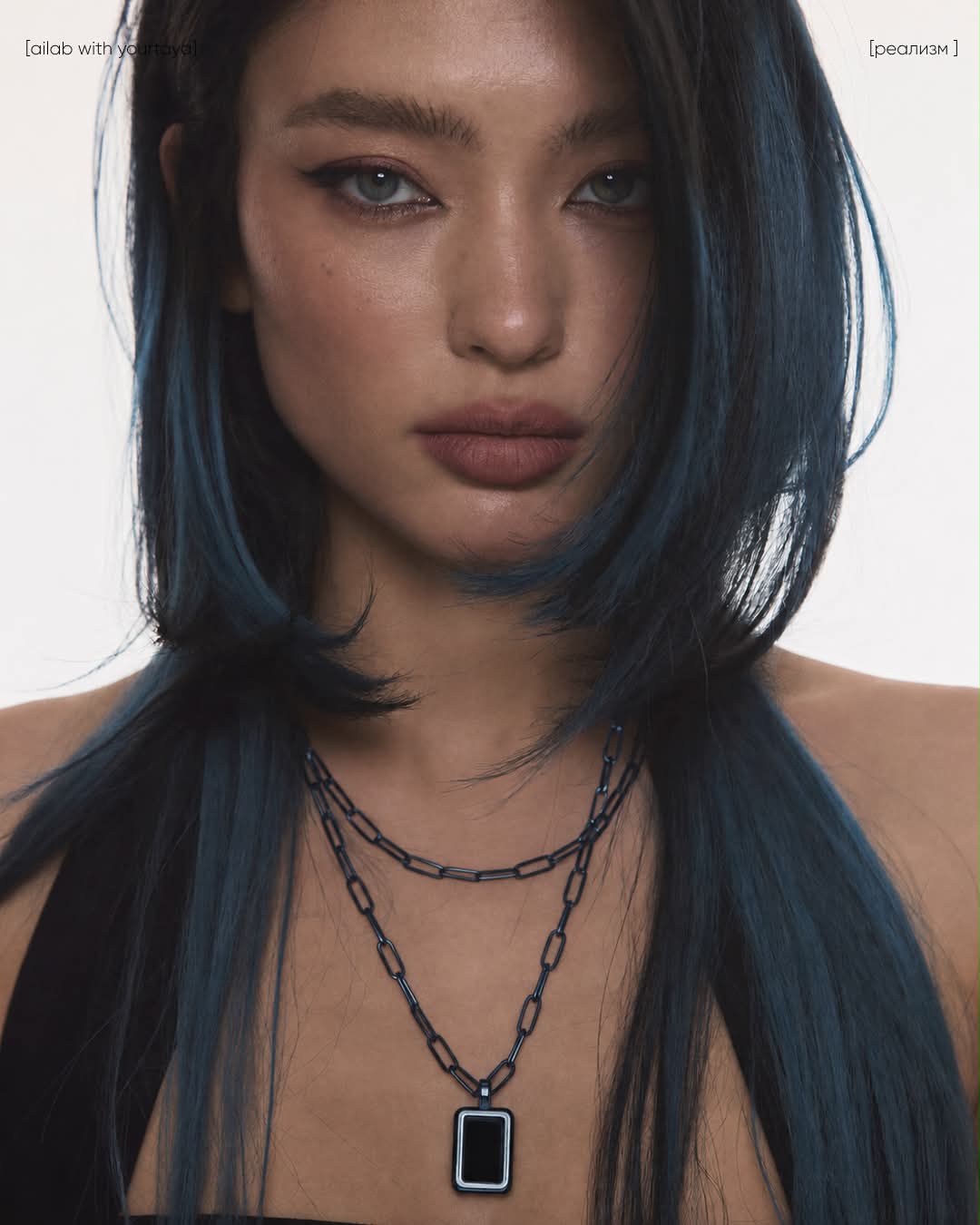
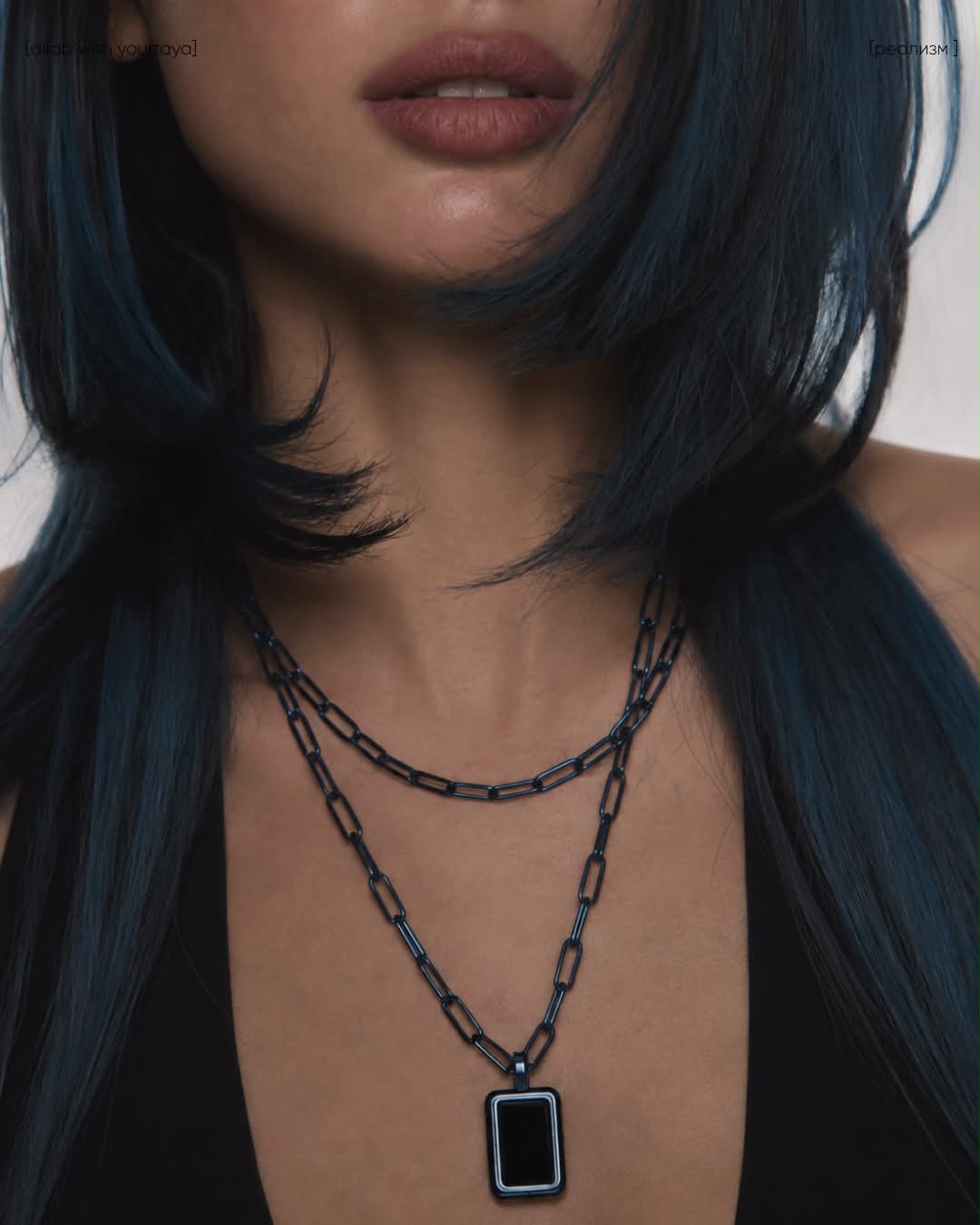
Retouch an image with natural-looking skin, reduced contrast and saturation, subtle grain, and a softer editorial finish while preserving the person and composition.
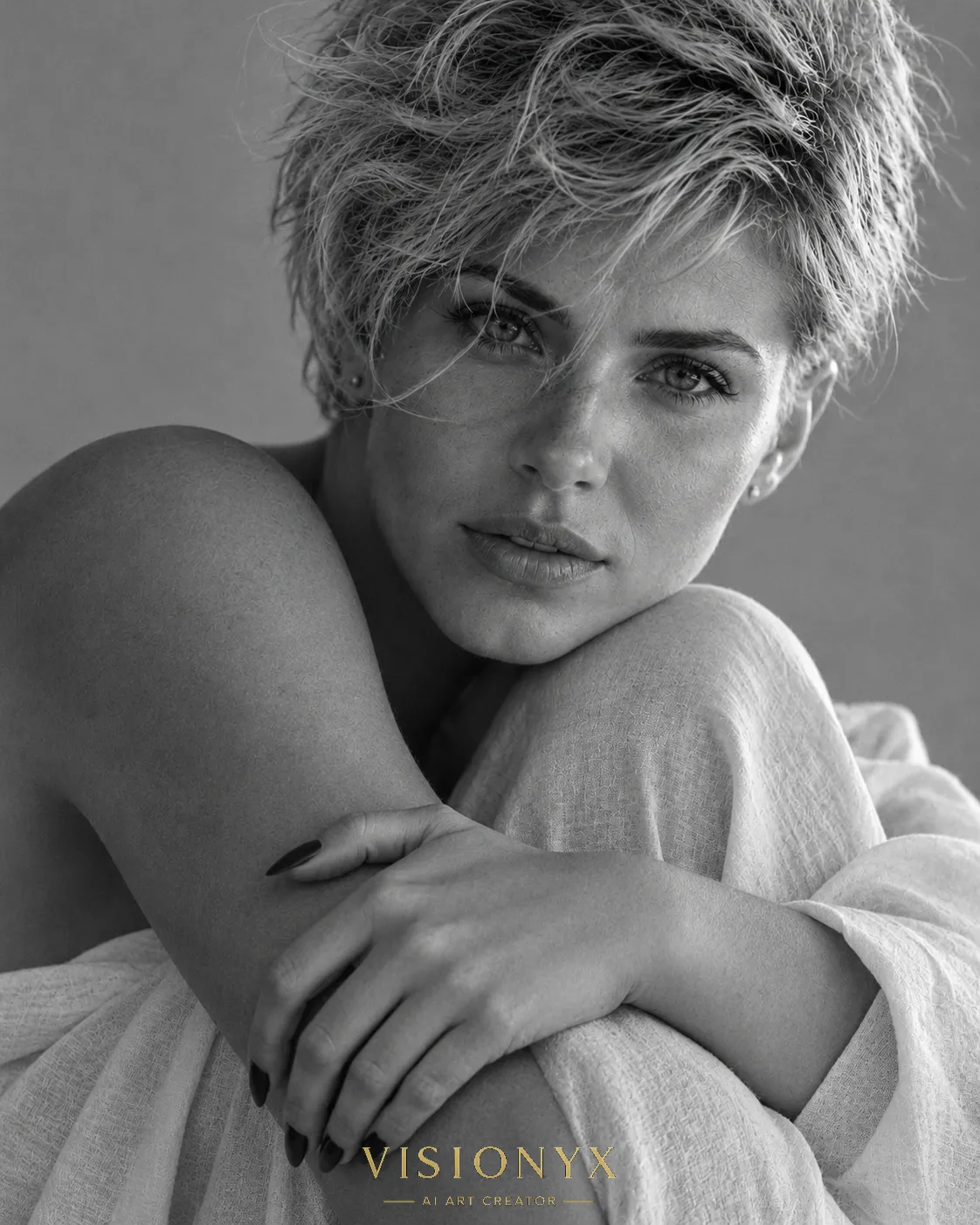
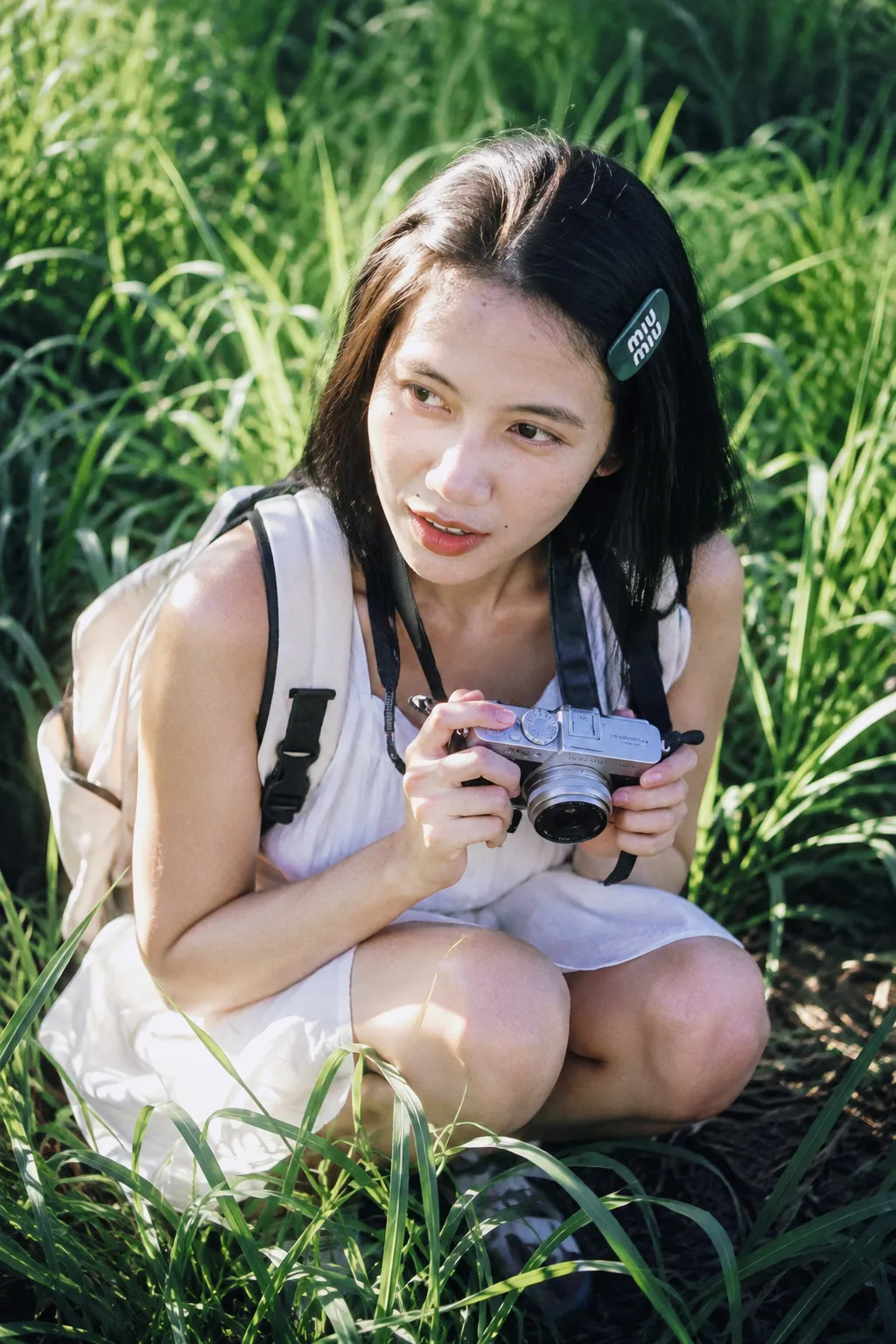
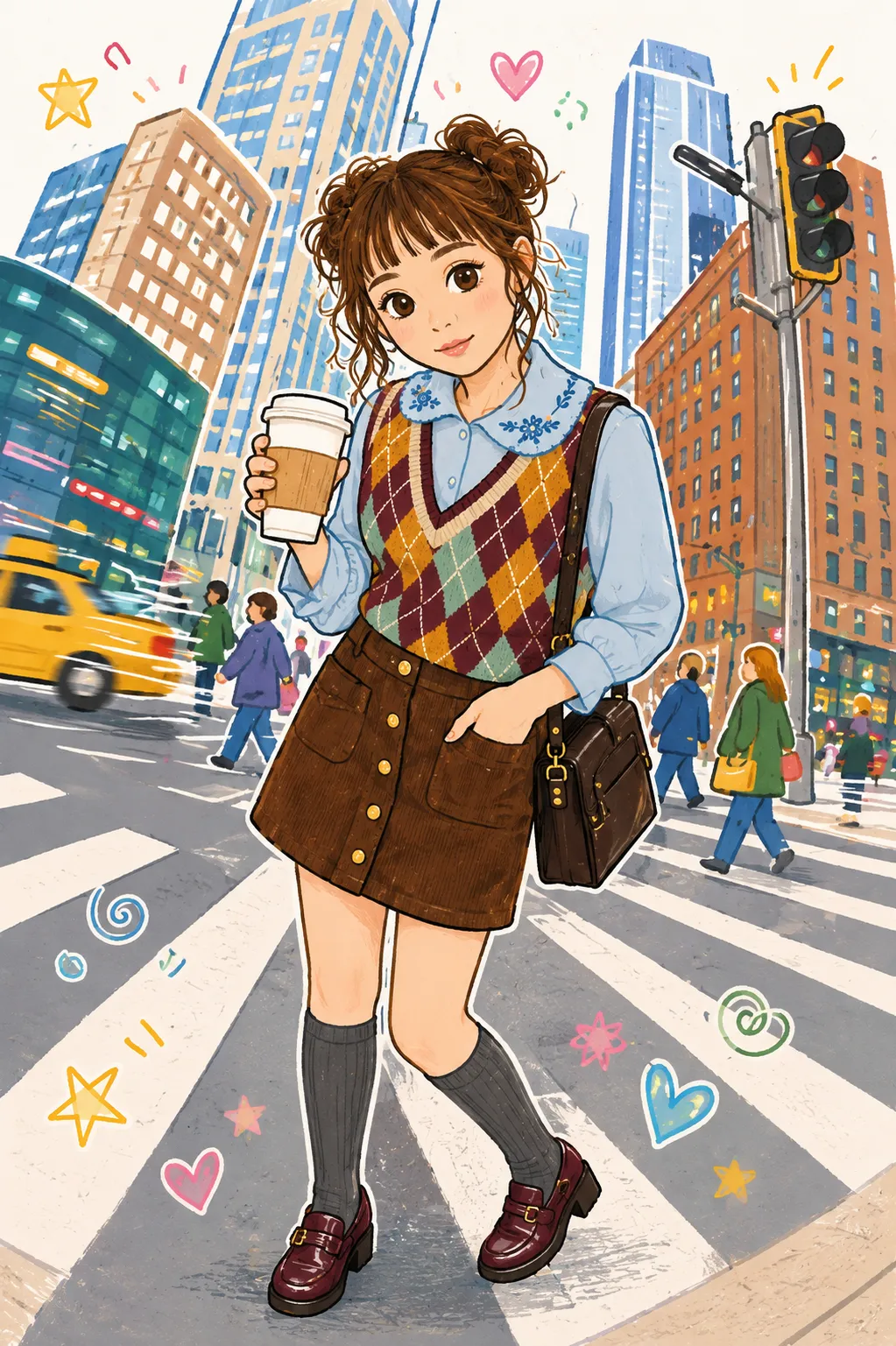
Example outputs
Prompt template
- Format
- Text
- Inputs
- Image (image) · Required
- Outputs
- Retouched_image (image)
Preserve the exact same person, framing, styling, and composition. Reduce contrast by 20%, reduce saturation by 8%, slightly lift blacks by 8%, reduce micro-contrast by 15%, and add subtle fine grain (8%). Keep the skin natural and realistic, but give the image a softer, more muted, atmospheric editorial finish with a slight haze and less harsh sharpness.What you'll create
Reduced contrast, saturation and micro-contrast combine with lifted blacks, fine grain and slight haze for a softer atmospheric image.
Frequently asked questions
Can the subject or framing change?
No, identity, styling, framing and composition remain the same.




Comments
Tried this prompt? Share what you made, compare results, or ask a question