Soft Layered Paper-Cut Illustration from an Image
Transform a supplied image into a cozy, tactile paper-cut illustration with layered depth, sticker-like white borders, and a calming pastel palette.
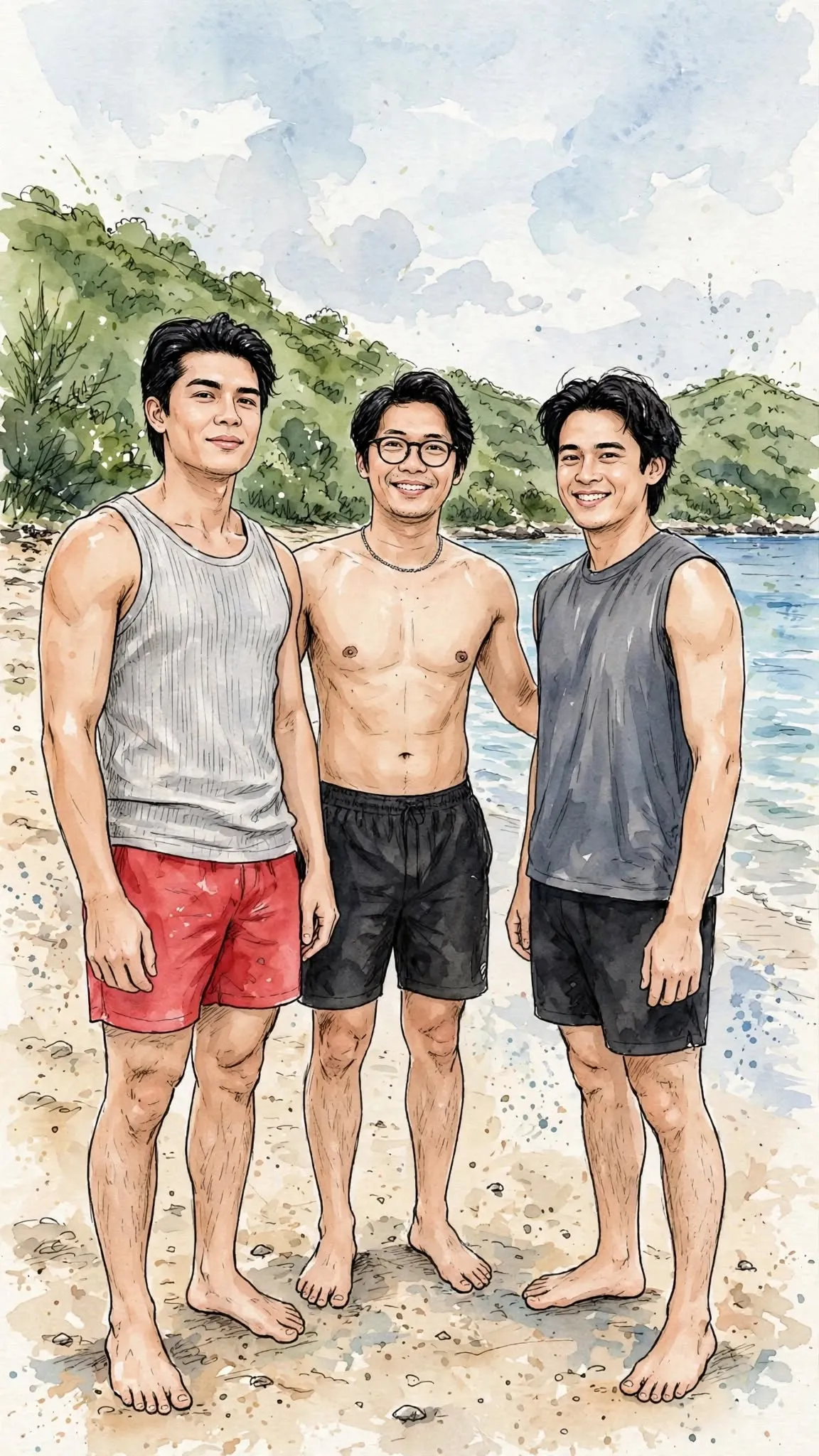
Example outputs

Prompt template
- Format
- Text
- Inputs
- Source_image (image) · Required
- Outputs
- Paper_cut_illustration (image)
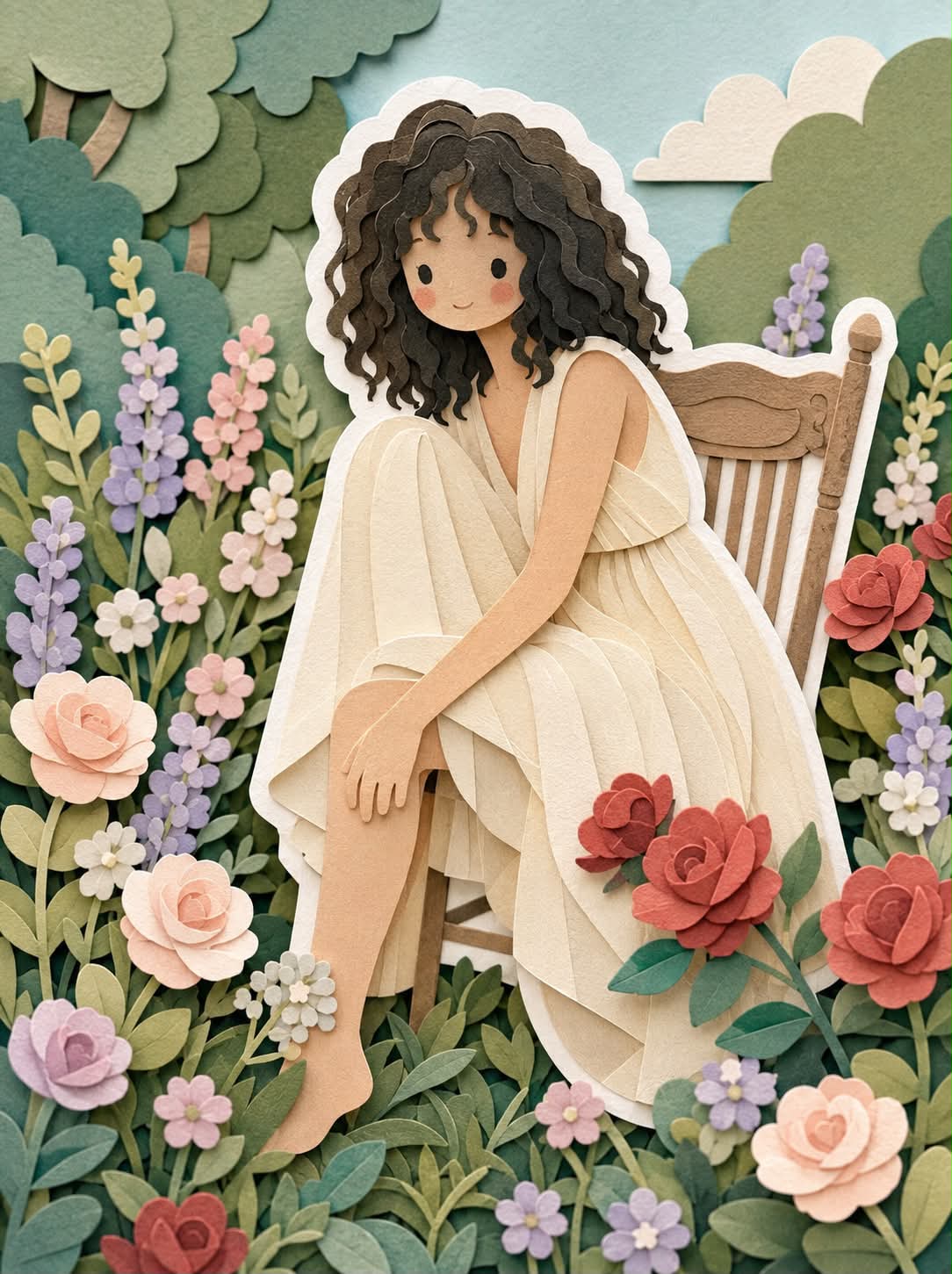
Transform the supplied image into a soft, handcrafted layered paper-cut illustration inspired by papercraft dioramas. Use smooth, rounded shapes, cute simplified proportions, and minimal facial details such as dot eyes and blush cheeks. Build the image from stacked paper layers with visible depth, subtle shadows between layers, and clean cut edges like laser-cut cardstock. Surround each main character with a distinct white outer layer, like a thick sticker border or paper backing, to separate it clearly from the background; make it look like paper, not a glow. Use a balanced, calming pastel palette of muted blues, greens, and warm neutrals. Keep the lighting soft, diffused, and even, with no harsh contrast. Give surfaces a matte, tactile quality like thick art paper or craft foam. Aim for a cozy, wholesome, gentle, storybook mood with a playful yet polished handcrafted finish, suitable for modern illustration, children’s books, or decorative art.What you'll create
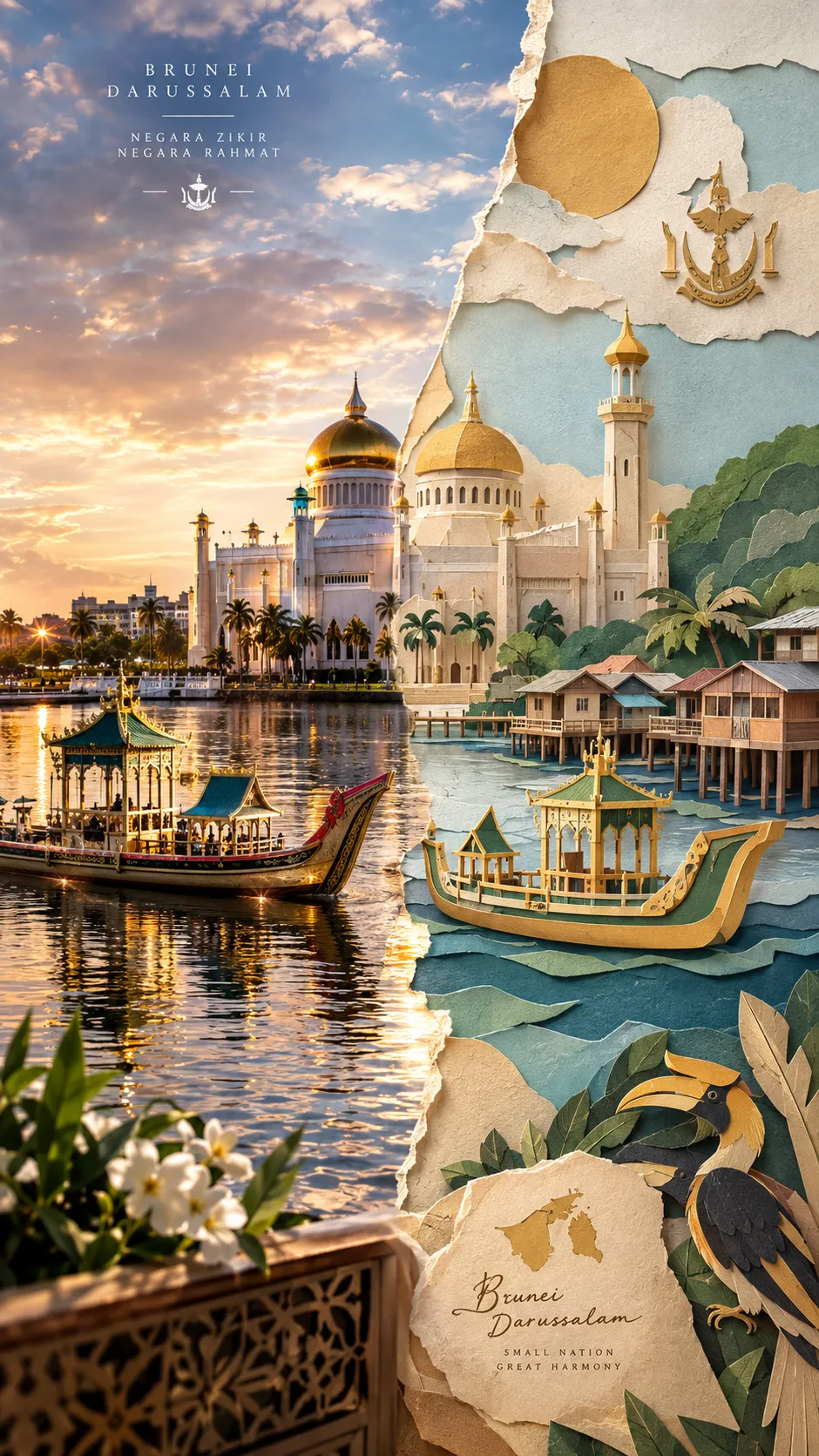
Rounded figures with dot eyes and blush cheeks appear in stacked matte paper layers. Clean cut edges, subtle shadows and muted blues, greens and warm neutrals create gentle physical depth with a cozy storybook finish.
Frequently asked questions
Should the white outline glow?
No. It should read as a thick physical paper backing layer.





Comments
Tried this prompt? Share what you made, compare results, or ask a question