Restore and Modernize an Old Portrait
Restore an old photo as a modern professional portrait while retaining the subject’s real identity and natural features.
Prompt template
- Format
- Text
- Inputs
- Old_photo (image) · Required
- Outputs
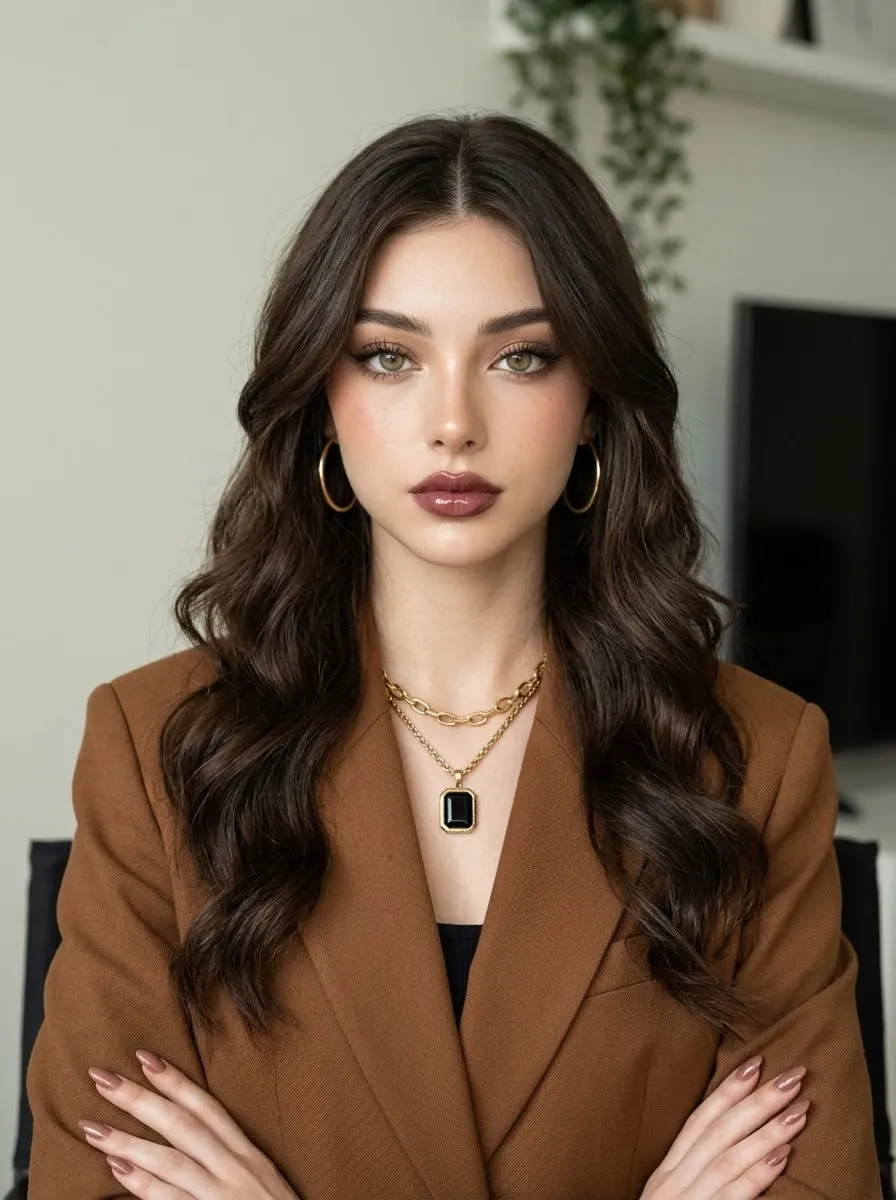
- Restored_portrait (image)
Restore and transform the uploaded old photo into a modern professional portrait. Preserve the subject’s true facial identity and natural features while improving the lighting, composition, sharpness, skin detail, exposure, background, and overall image quality. Make it look as though the original photo was taken today with a professional camera and a high-quality portrait lens.What you'll create
A refreshed portrait improves sharpness, exposure, lighting and background with contemporary camera quality and natural skin detail.
Frequently asked questions
Does modernization allow a different face?
No. The true facial identity and natural features remain intact.



Comments
Tried this prompt? Share what you made, compare results, or ask a question