Photorealistic Portrait in Falling Snow
Create an ultra-realistic winter portrait that preserves the identity shown in a reference image.
Example outputs
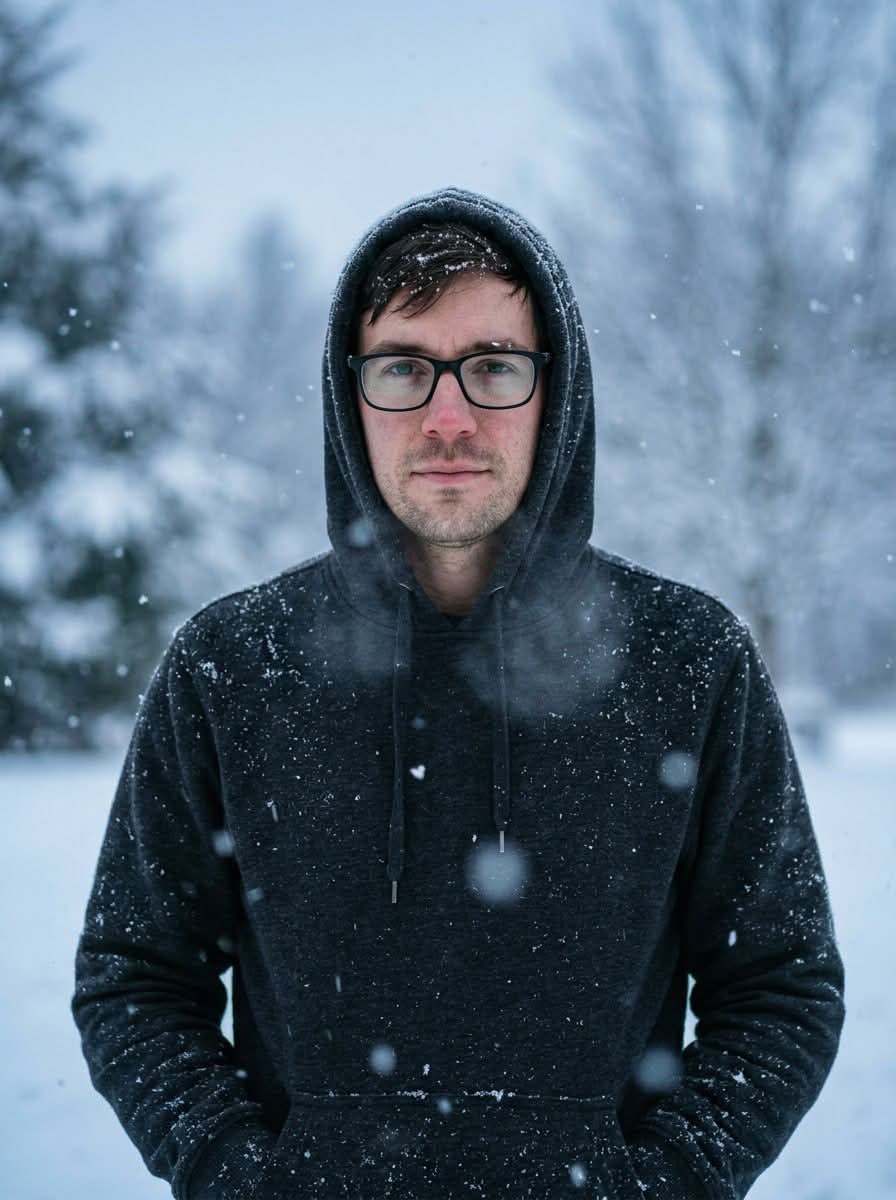
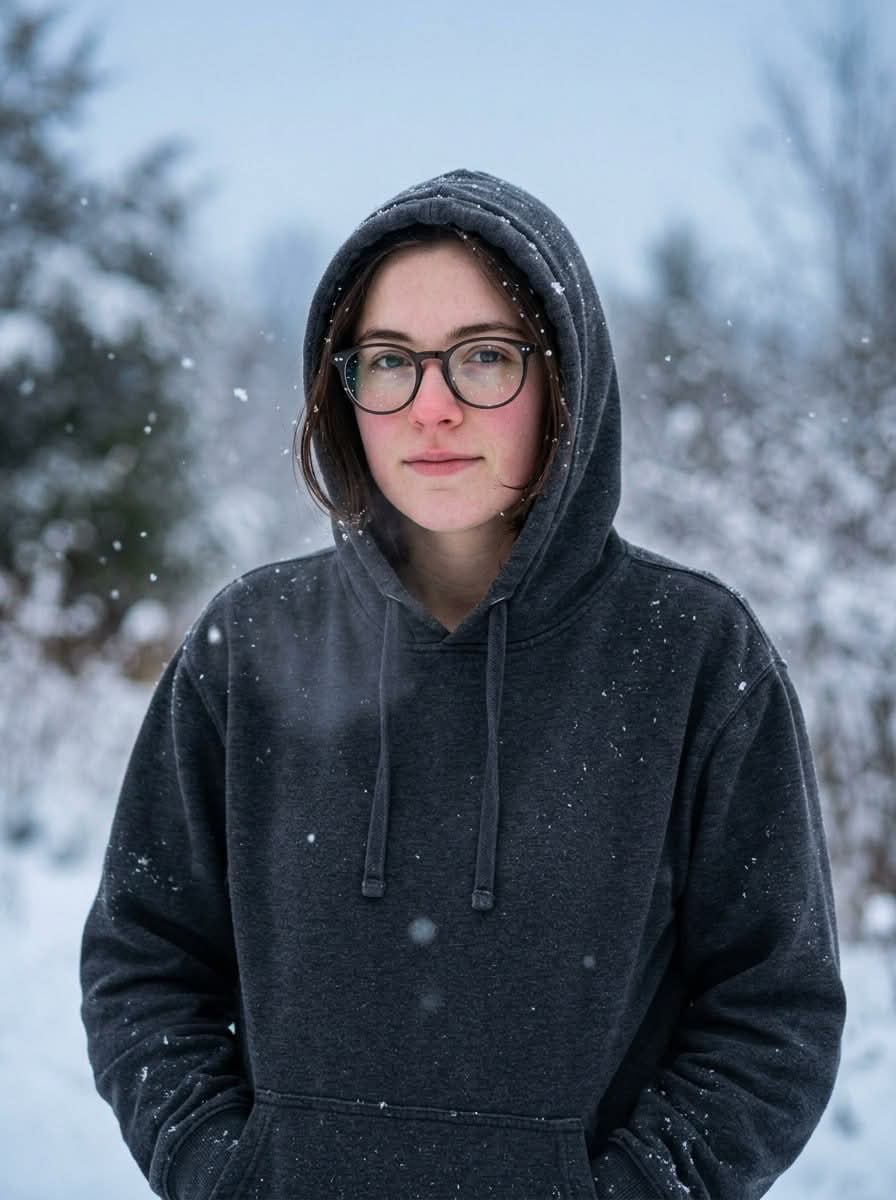
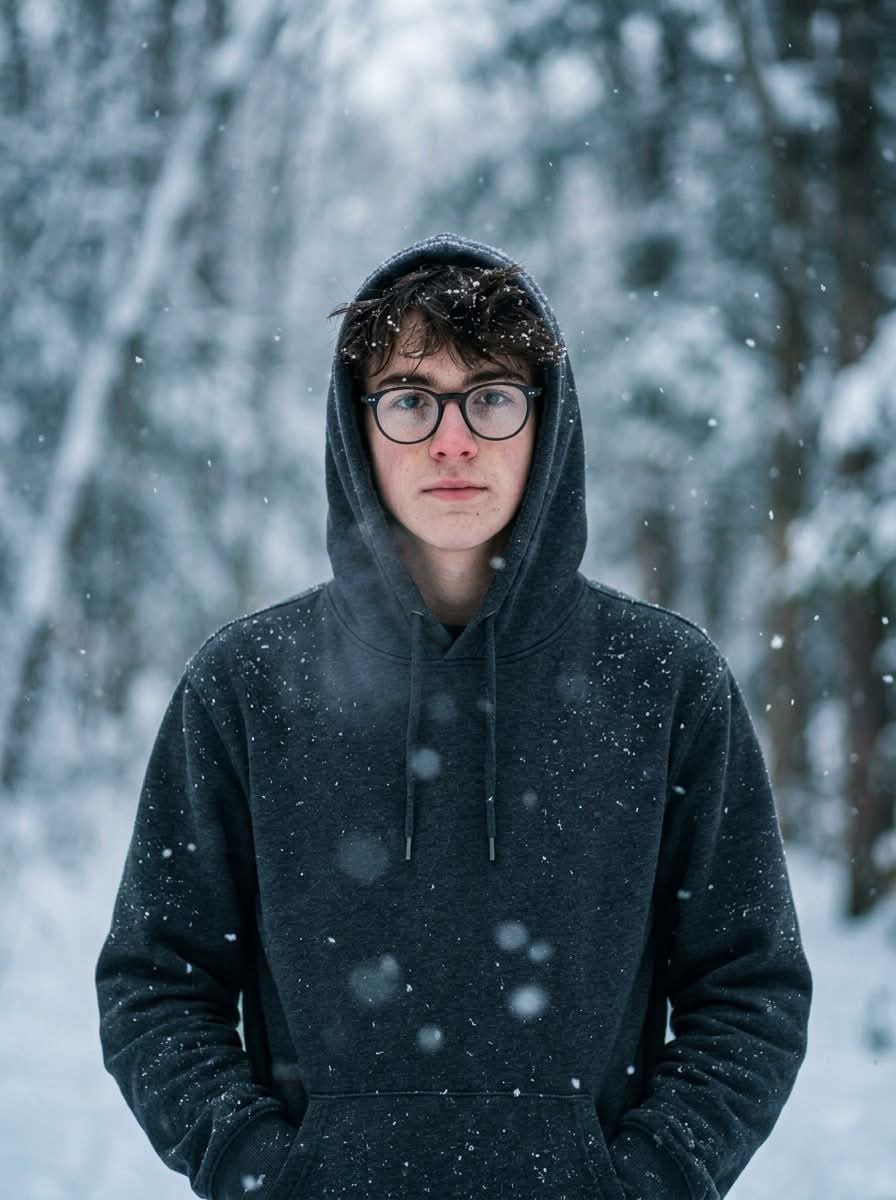
Prompt template
- Format
- Text
- Inputs
- Reference_image (image) · Required
- Outputs
- Winter_portrait (image)
Create an ultra-realistic portrait using the exact face and identity of the reference image. The subject is wearing a hooded sweatshirt and glasses, standing in falling snow. Create a winter atmosphere with soft blue-gray tones and blurred snowy trees in the background. Add snowflakes to the subject’s hair and shoulders. Give the subject a calm, natural expression and hands in pockets. Render photorealistic skin with visible pores, cold breath, and realistic reflections in the glasses. Use an 85mm lens, f/1.8, 8K resolution, cinematic composition, soft winter light, and shallow depth of field. Keep 100% facial identity.What you'll create
A calm person stands with hands in pockets as snowflakes settle on hair and shoulders. Blue-gray winter light and softly blurred snowy trees frame realistic lens reflections and cold breath.
Frequently asked questions
Where should snow accumulate?
On the subject’s hair and shoulders.
What adds to the cold atmosphere?
Visible breath accompanies the falling snow and cool palette.




Comments
Tried this prompt? Share what you made, compare results, or ask a question