Grotesque 1990s Cartoon Portrait
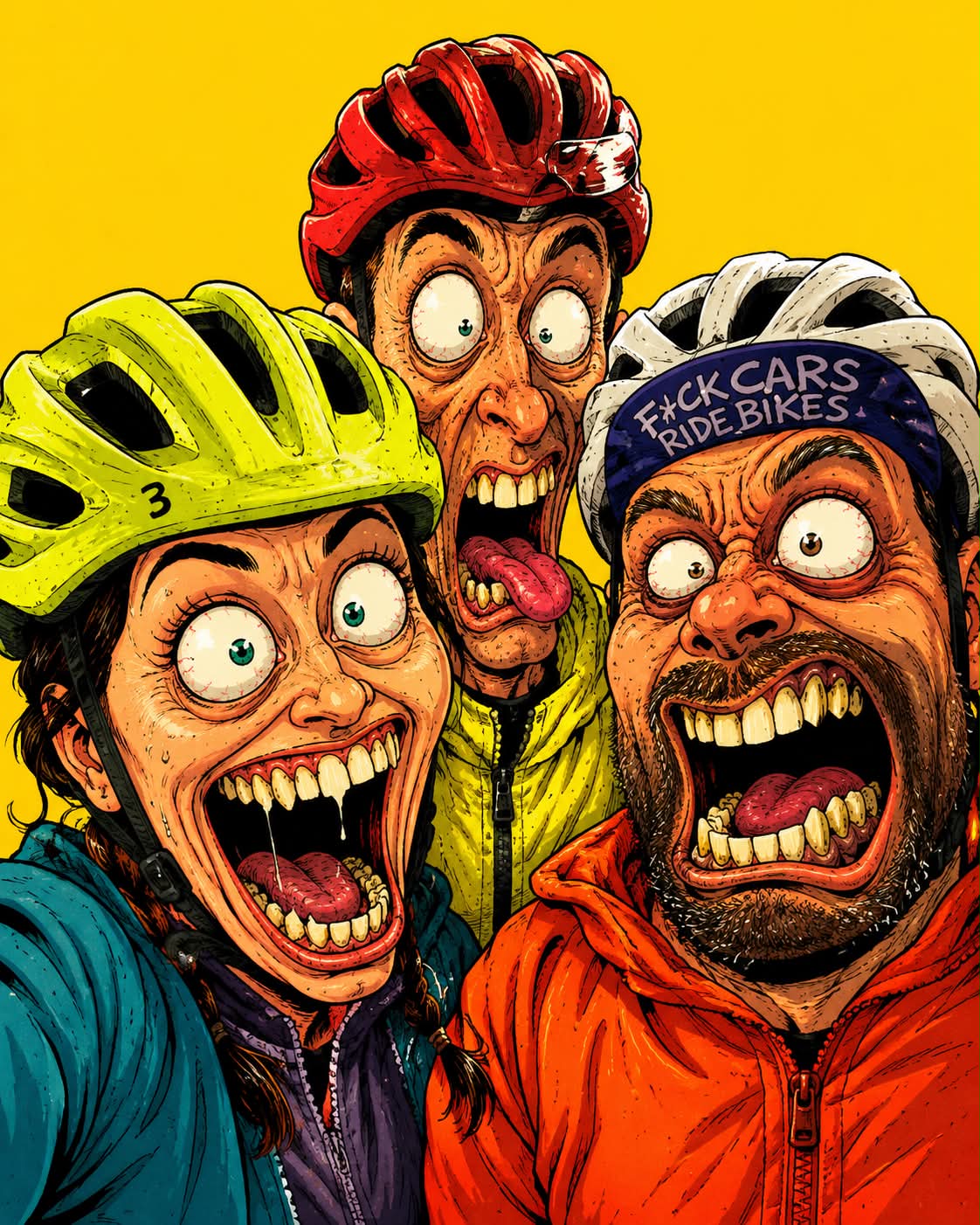
Transform a reference image into an exaggerated, high-energy cartoon close-up with expressive facial distortion and a solid yellow background. The aspect ratio can be adjusted.
Example outputs
Prompt template
- Format
- Text Parameterized
- Inputs
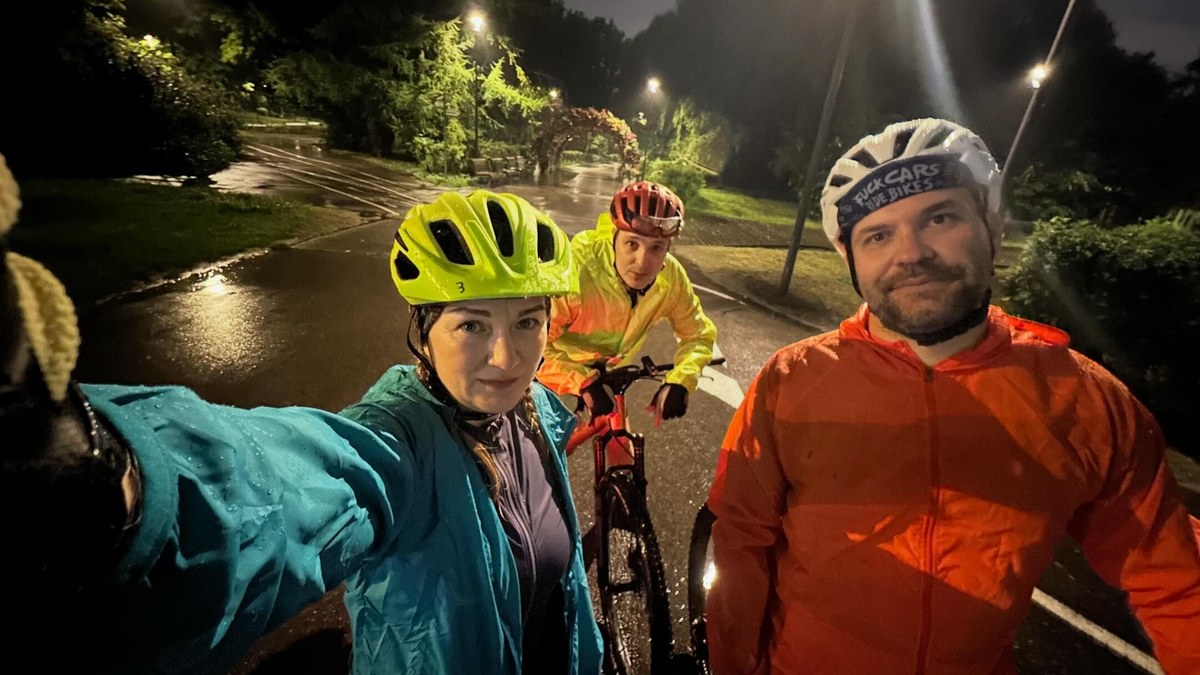
- Reference_image (image) · Required aspect_ratio (text) · Optional · Default: 4:5
- Outputs
- Cartoon_portrait (image)
Use the attached image as a 2D exaggerated cartoon close-up inspired by grotesque 1990s animation, shown from the shoulders up, absurd facial expression, exaggerated mouth, detailed teeth, bulging eyes, dramatic facial distortion, thick expressive outlines, high-energy cartoon style, flat vibrant colors, centered portrait, solid yellow background, clean single-color backdrop. ${aspect-ratio:4:5}Replace the ${…} placeholders with your values
before using this prompt. See parameters
and defaults below
Parameters
Replace each placeholder with your own value, or use its default when one is provided
${aspect-ratio:4:5}
aspect-ratio
Default: 4:5
What you'll create
This prompt transforms an attached image into a centered, shoulders-up cartoon portrait with exaggerated facial features and a high-energy 1990s animation-inspired style. It specifies thick expressive outlines, flat vibrant colors, and a solid yellow backdrop.
Usage instructions
Frequently asked questions
What gives the portrait its exaggerated cartoon look?
The prompt calls for dramatic facial distortion, bulging eyes, an exaggerated mouth, detailed teeth, and thick expressive outlines
Can I change the aspect ratio?
Yes. The default is 4:5, and you can replace it with another aspect ratio



Comments
Tried this prompt? Share what you made, compare results, or ask a question