Transform a Photo into a Mother-of-Pearl Lacquer Panel
Turn an uploaded photo into a close-framed photograph of a lacquer panel, preserving its main subject as segmented mother-of-pearl inlay.
Example outputs
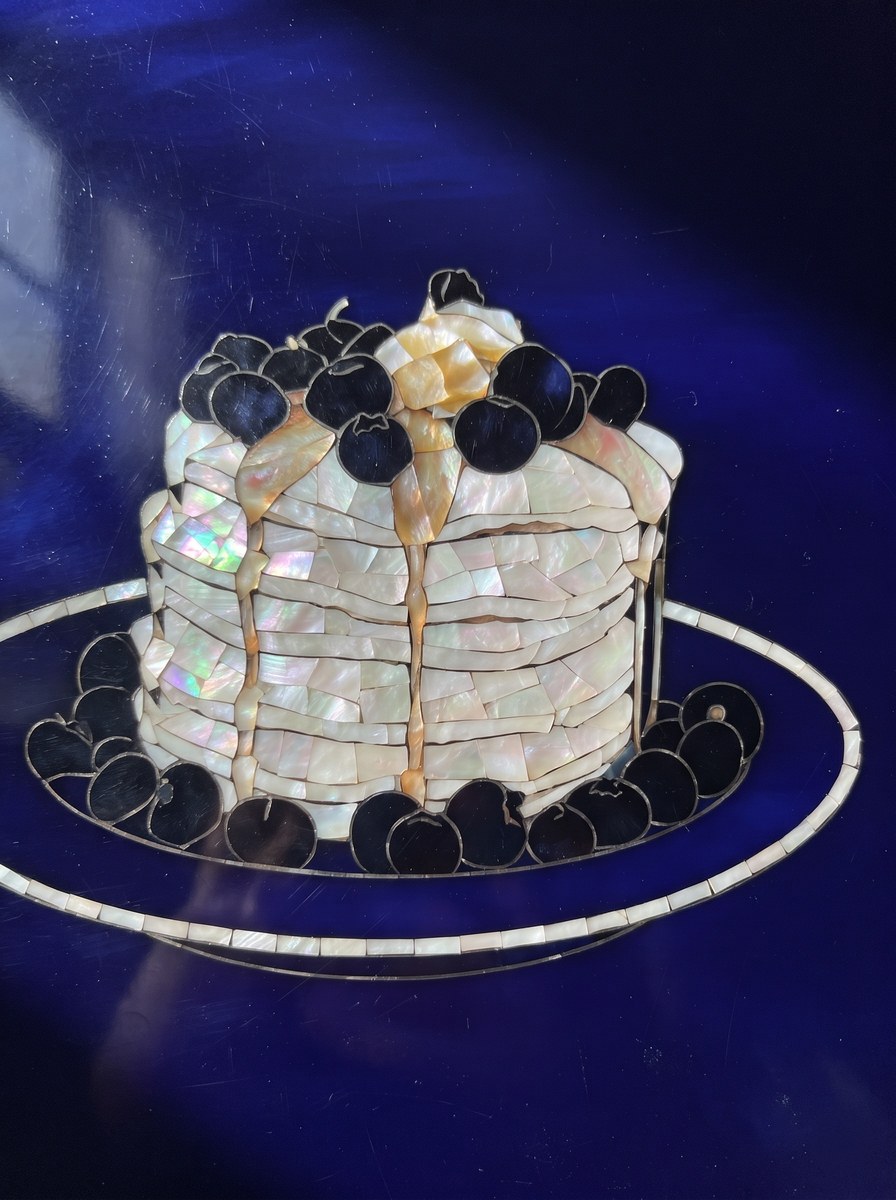
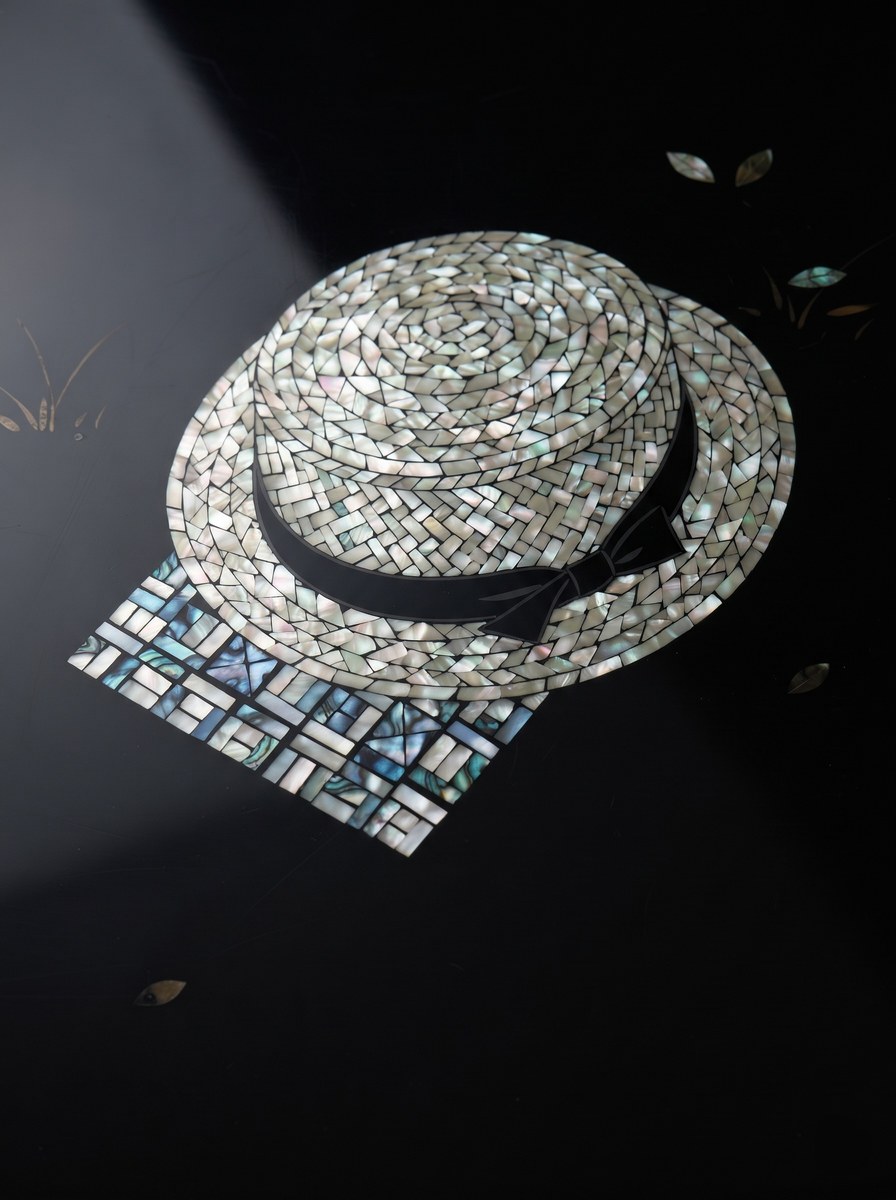
Prompt template
- Format
- Markdown Parameterized
- Inputs
- Reference_photo (image) · Required background_color (text) · Optional · Default: black
- Outputs
- Lacquer_panel_photo (image)
Transform the uploaded photo into a photograph of a lacquer panel inlaid with mother-of-pearl. Produce exactly one image in a vertical 3:4 aspect ratio. Do not divide the image horizontally or vertically, and do not create a grid or before-and-after layout.

[Background color: ${background-color:black}]
Use this as the lacquer ground color. If left unspecified, use black. It may be described as a color such as reddish brown or deep indigo.

[What to preserve]
Use the single main subject in the photo as your reference, whether it is a person, animal, or object. Preserve its outline, the placement of its eyes and facial features, boundaries between fur colors and patterns, and its pose exactly as shown. Preserve only two or three clearly outlined things around the main subject; cover everything else with the lacquer ground. For items worn or held, match the count in the photo exactly. Do not add any people, animals, or objects that are not in the photo.

[What to transform]
Recreate the main subject as an inlay cut and assembled from shell fragments. The ground is a deep, translucent surface built up with multiple coats of ${background-color:black} lacquer; the subject is mother-of-pearl set into it.

- Fill broad areas with multiple shell pieces, each about the size of a fingernail. Make the boundaries between pieces visible, with hairline-thin strips of lacquer showing between them.
- Make outlines and fine lines from narrow mother-of-pearl strips, 1–2 millimeters wide, assembled from short segments. If a clean, narrow strip cannot be made, omit that line entirely and leave the lacquer ground bare.
- The mother-of-pearl should be primarily white, with only a subtle, thin shimmer of pink, pale green, and sky blue that changes with the viewing angle. Translate colors from the photo into this iridescent shimmer; do not paint them on.
- Leave dark areas without mother-of-pearl, showing the lacquer ground. The darkest areas in the photo should become the largest expanses of bare ground.

[Surface and photography]
The lacquer surface is slightly uneven, with fine scratches and faint marks from long use. Grind the shell pieces flush with the lacquer so the surface is flat, leaving only extremely thin lacquer lines at the piece boundaries. Soft window light enters from the side, making the mother-of-pearl gleam more brightly on one side. Photograph the panel from slightly off-center so a long highlight crosses it diagonally. The panel fills the frame, with all four corners showing the panel surface. The lower-right corner is a clear, empty area of lacquer; no wooden tabletop or shadow may appear in that corner.

[Text]
Do not create any letters, numbers, brands, signatures, seals, stamps, name tags, or plaques. If the photo contains text, erase it by covering that area with a mother-of-pearl pattern or bare lacquer. Do not make any pattern shaped like writing.

[Failure conditions]
- It is a failure if the mother-of-pearl piece boundaries are invisible, or if it looks like a rainbow gradient or holographic film.
- It is a failure if a broad area is made from one single piece. Broad areas must show at least three piece boundaries.
- It is a failure if the ground looks like gray or brown paper. It must look like a deep, translucent lacquer surface.
- It is a failure if even one letter or number is visible.
- It is a failure if any signature, seal, stamp, name tag, or plaque is visible.
- It is a failure if the original photo’s texture remains. No real fur, real skin, or photographic background should be visible.
- It is a failure if colors absent from the photo are added to the mother-of-pearl. No brush marks or overpainting should be visible.
- It is a failure if a frame, glass cover, or display label is added.
Replace the ${…} placeholders with your values
before using this prompt. See parameters
and defaults below
Parameters
Replace each placeholder with your own value, or use its default when one is provided
${background-color:black}
background-color
Default: black
What you'll create
A single source subject becomes an inlaid lacquer panel with carefully preserved outline, pose and feature placement. The chosen ground color supports reflective shell detail without a photographic setting or painted-over marks.
Frequently asked questions
Can a display frame be added?
No; frames, glass covers and labels are explicitly excluded.
Comments
Tried this prompt? Share what you made, compare results, or ask a question