Surreal Photomosaic Crowd Portrait
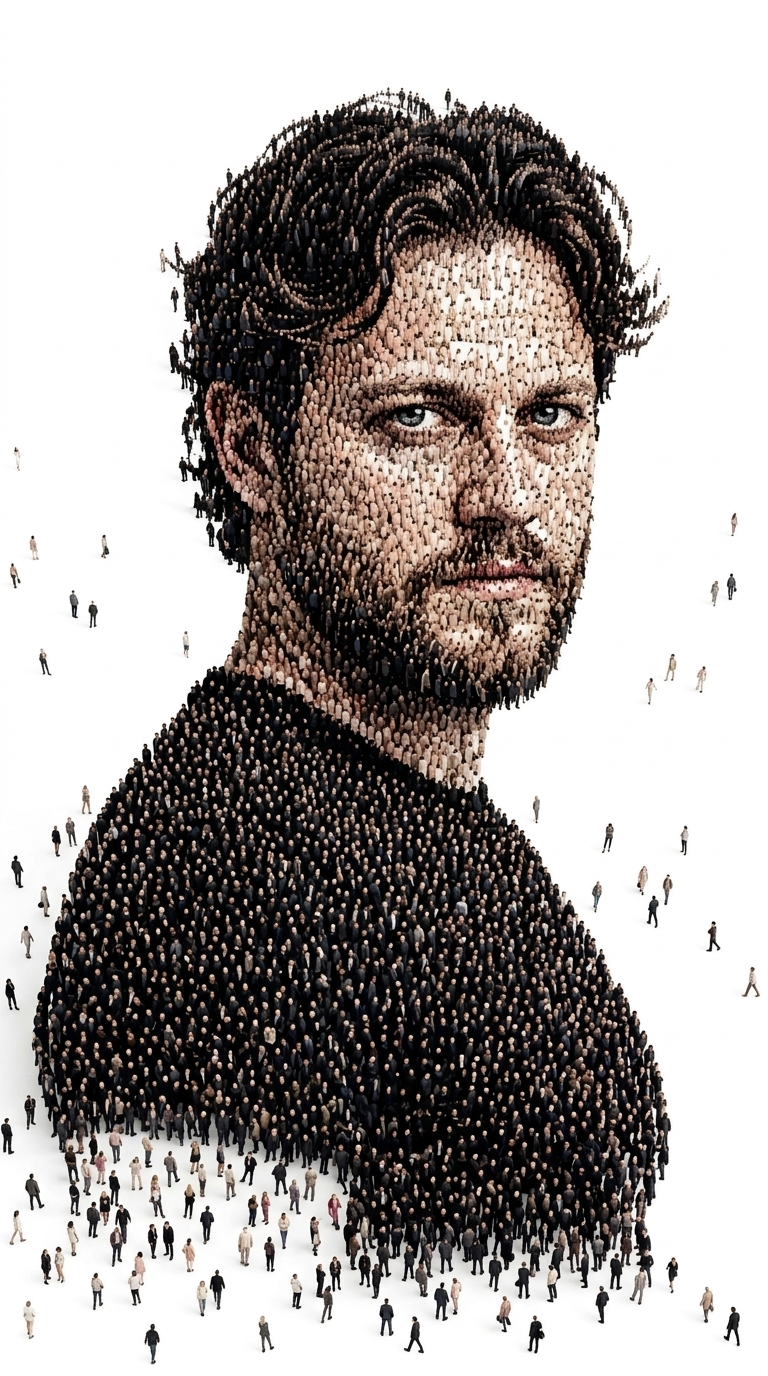
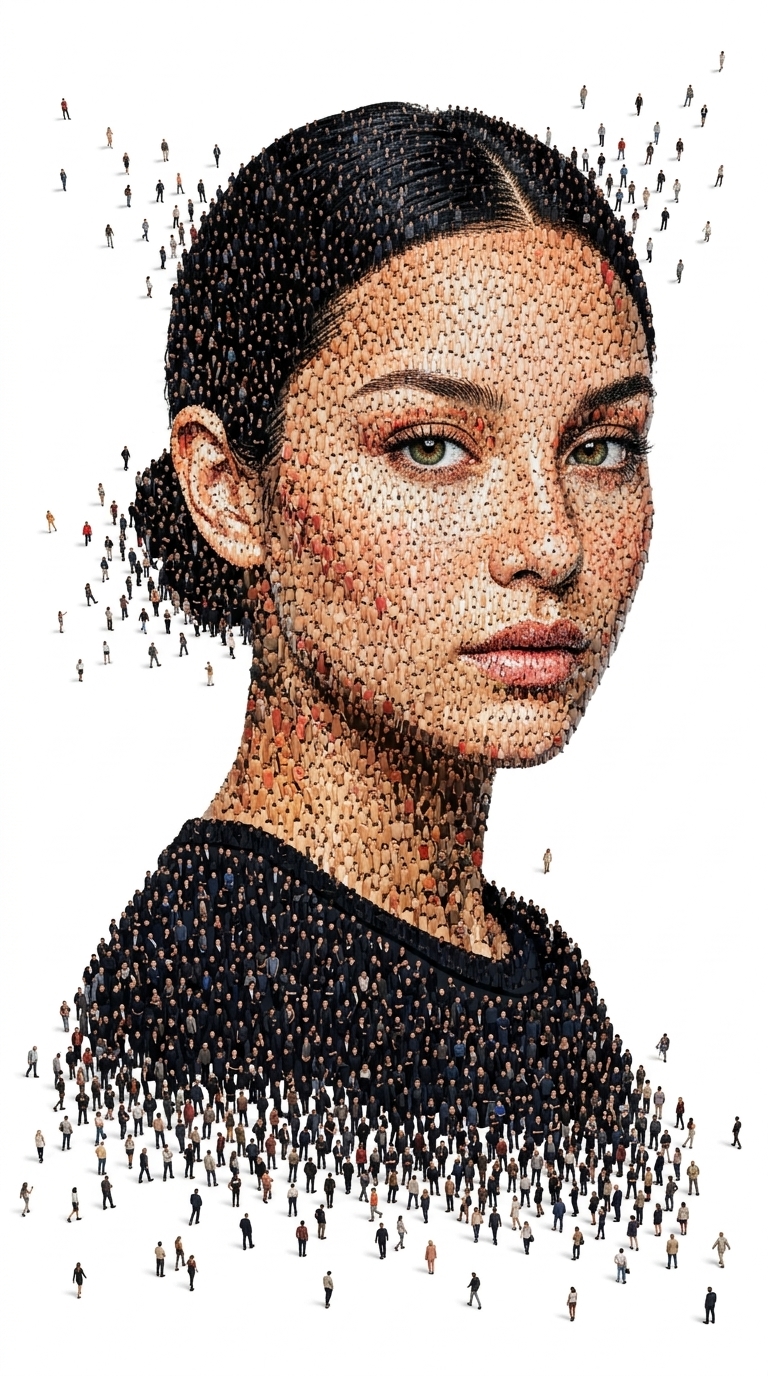
Create a photorealistic portrait formed from thousands of tiny people, with a dissolving crowd effect against a clean white background.
Example outputs
Prompt template
- Format
- Text
- Inputs
- Reference_photo (image) · Required
- Outputs
- Photomosaic_portrait (image)
Generate an image of the person in the attached reference photo. Preserve their exact facial likeness.

Create a photomosaic portrait in a surreal crowd composition. Show the person in three-quarter view at eye level, with their shoulders visible, head turned slightly toward the camera, and an intense direct gaze. Thousands of tiny, photorealistic human figures should form the entire portrait.

Construct the portrait from thousands of hyper-detailed miniature people standing together. Create a dense photomosaic and pointillist effect in which the crowd’s density produces the shading, highlights, and contours of the face, hair, and clothing. Form darker areas, including the hair and black T-shirt, from densely packed figures in dark clothing. Form lighter facial areas with a sparser crowd that reveals skin texture. Make the individual figures sharp and diverse, with subtle shadows.

Scatter a few tiny people walking away from the main silhouette into the surrounding negative space, creating a dissolving, disintegrating effect at the edges.

Use a pure, seamless white background with high-key studio lighting, clean minimalism, and no texture. The black crew-neck T-shirt’s texture should also be formed by the crowd.

Use bright softbox lighting, even high-key illumination, and subtle drop shadows. Render in ultra-high resolution at 8K, with hyper-detailed, photorealistic crowd-mosaic art, a surreal composition, and an aerial-perspective illusion.
What you'll create
Tiny figures form the face, hair and shoulders of a three-quarter portrait with direct eye contact. Crowd density builds dark clothing and lighter facial planes while a few people walk away from the silhouette.
Frequently asked questions
How are shadows and highlights created?
Different crowd densities and clothing tones form the portrait’s values.
Should individual figures be visible?
Yes. They remain sharp and diverse within the larger facial structure.




Comments
Tried this prompt? Share what you made, compare results, or ask a question