Selective-Color Black-and-White Photo
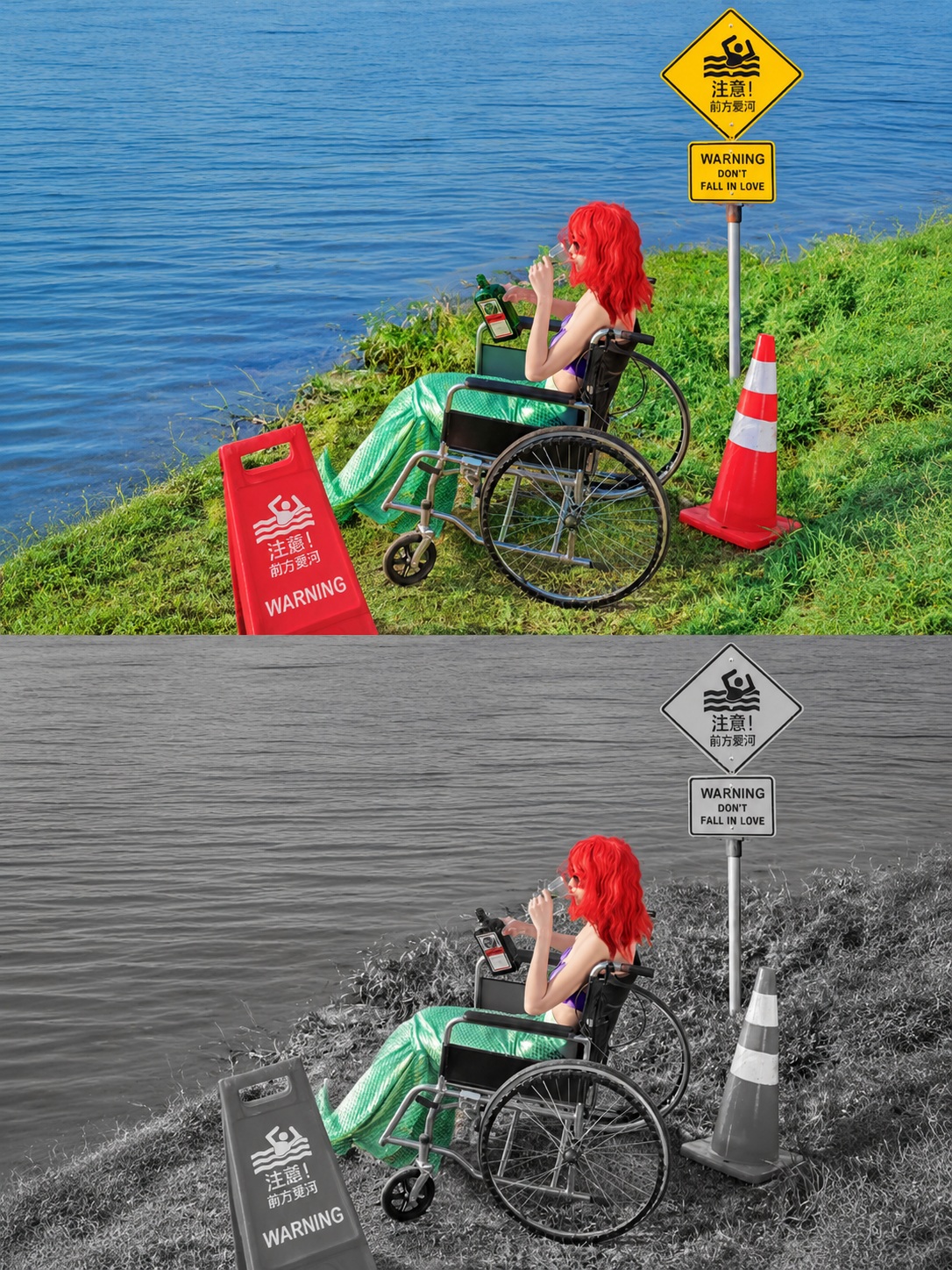
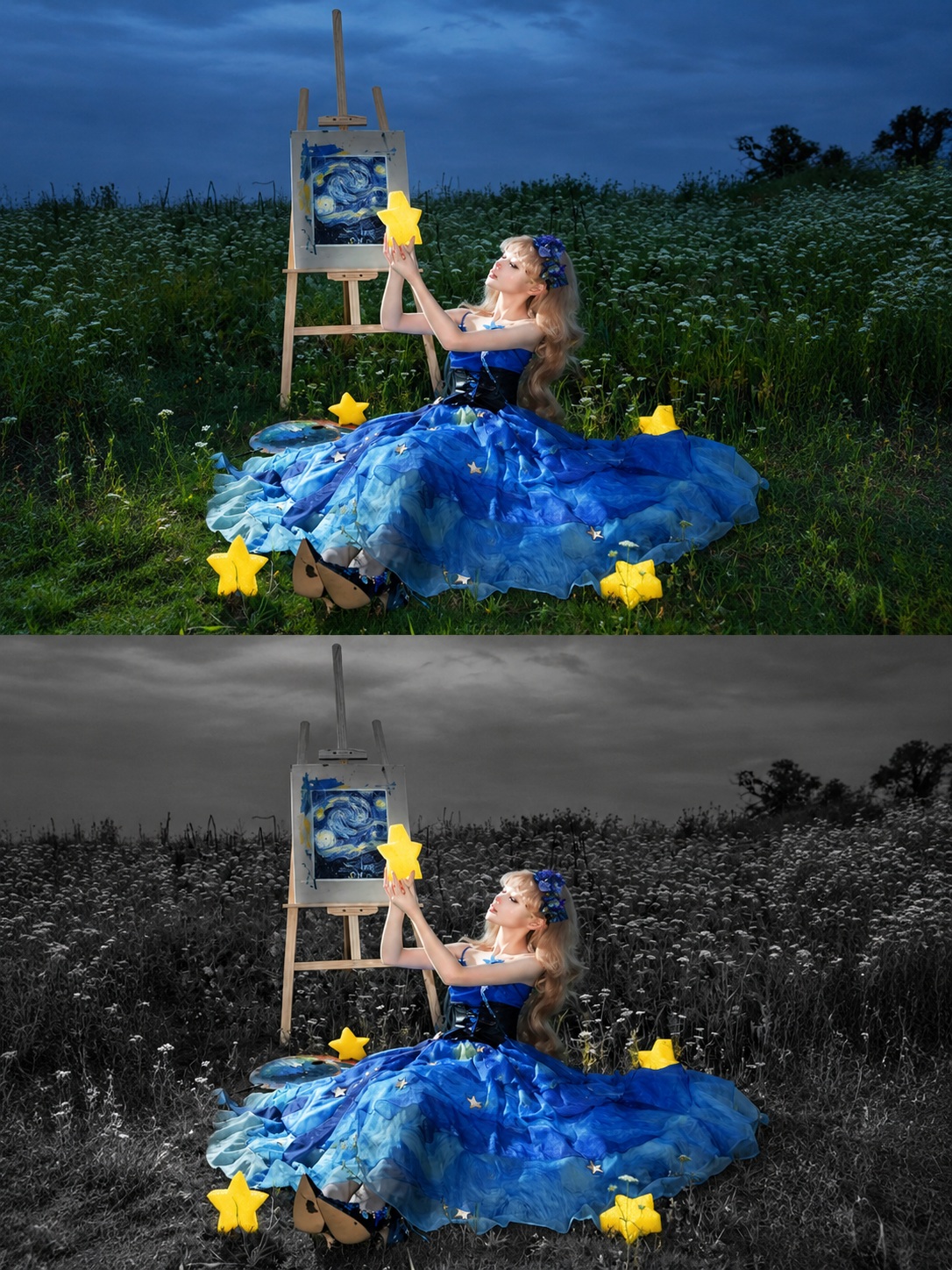
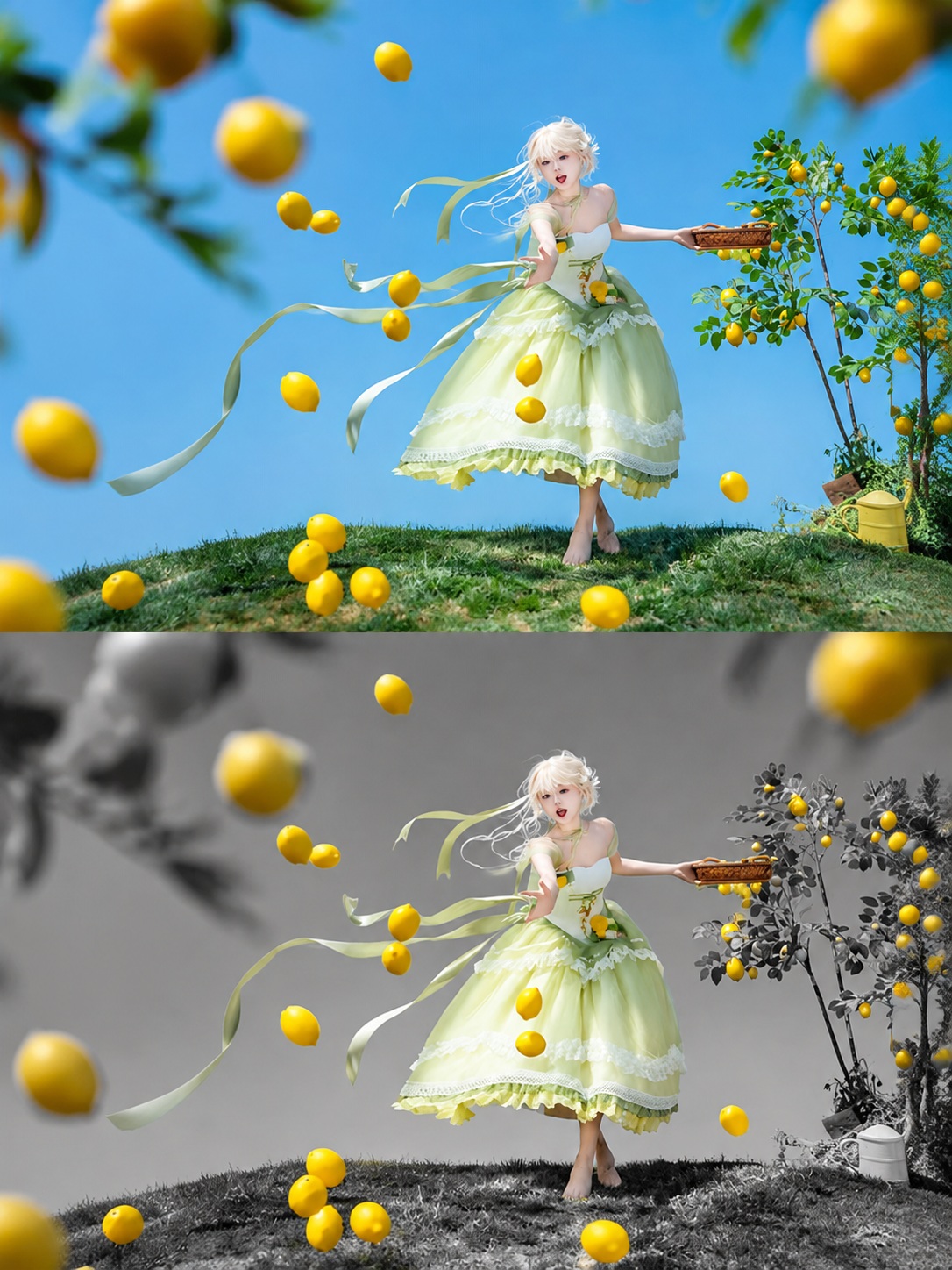
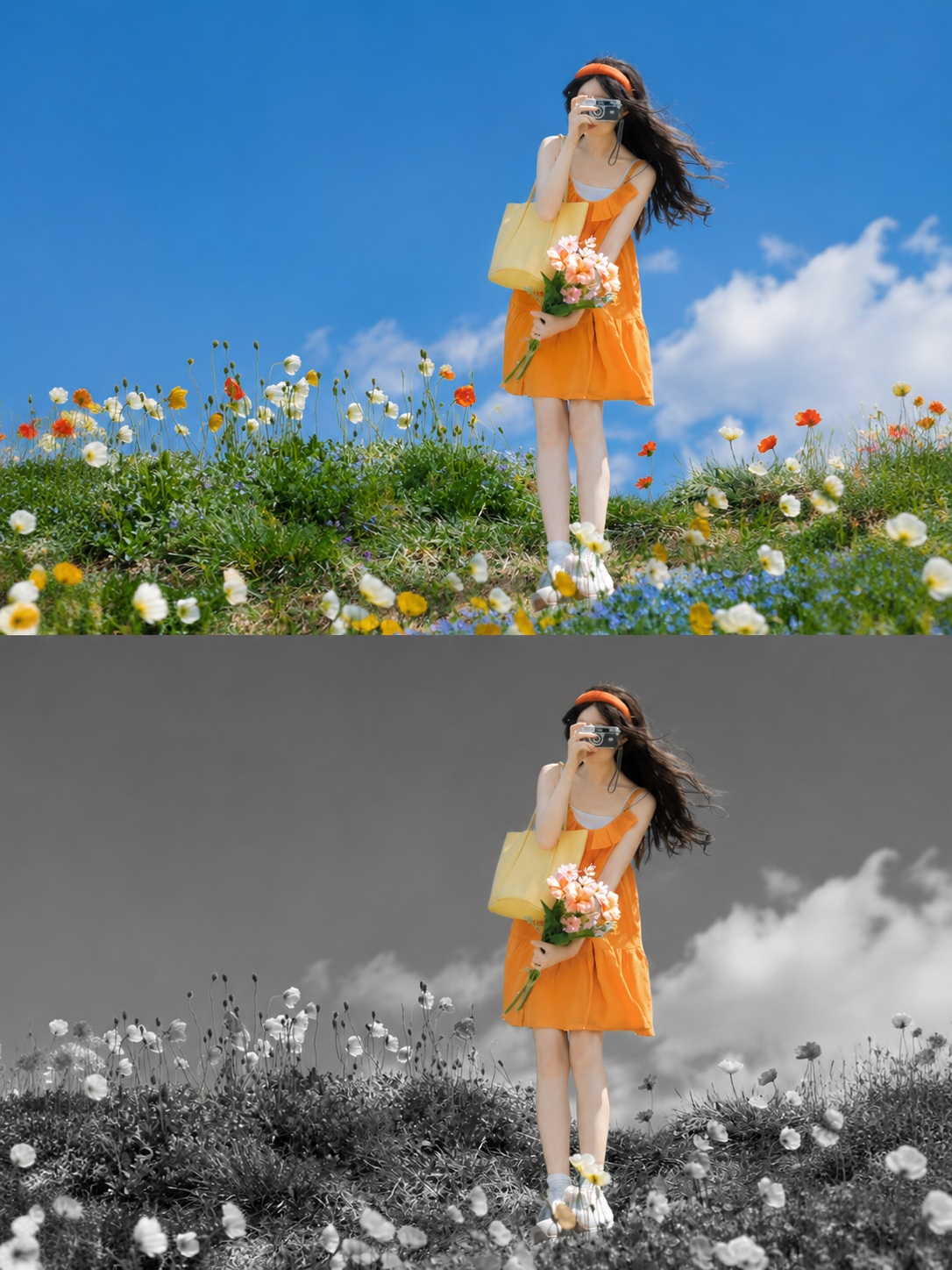
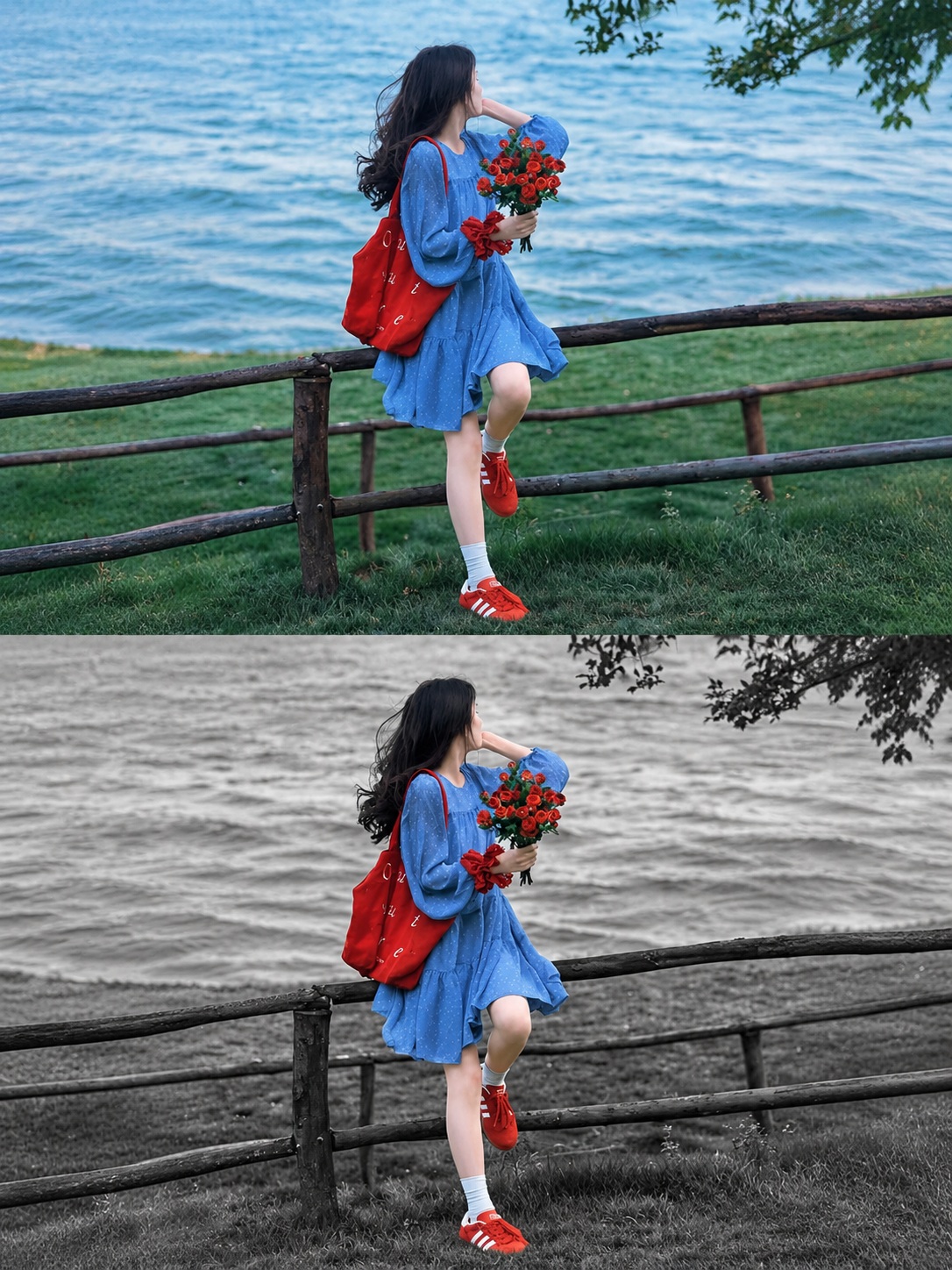
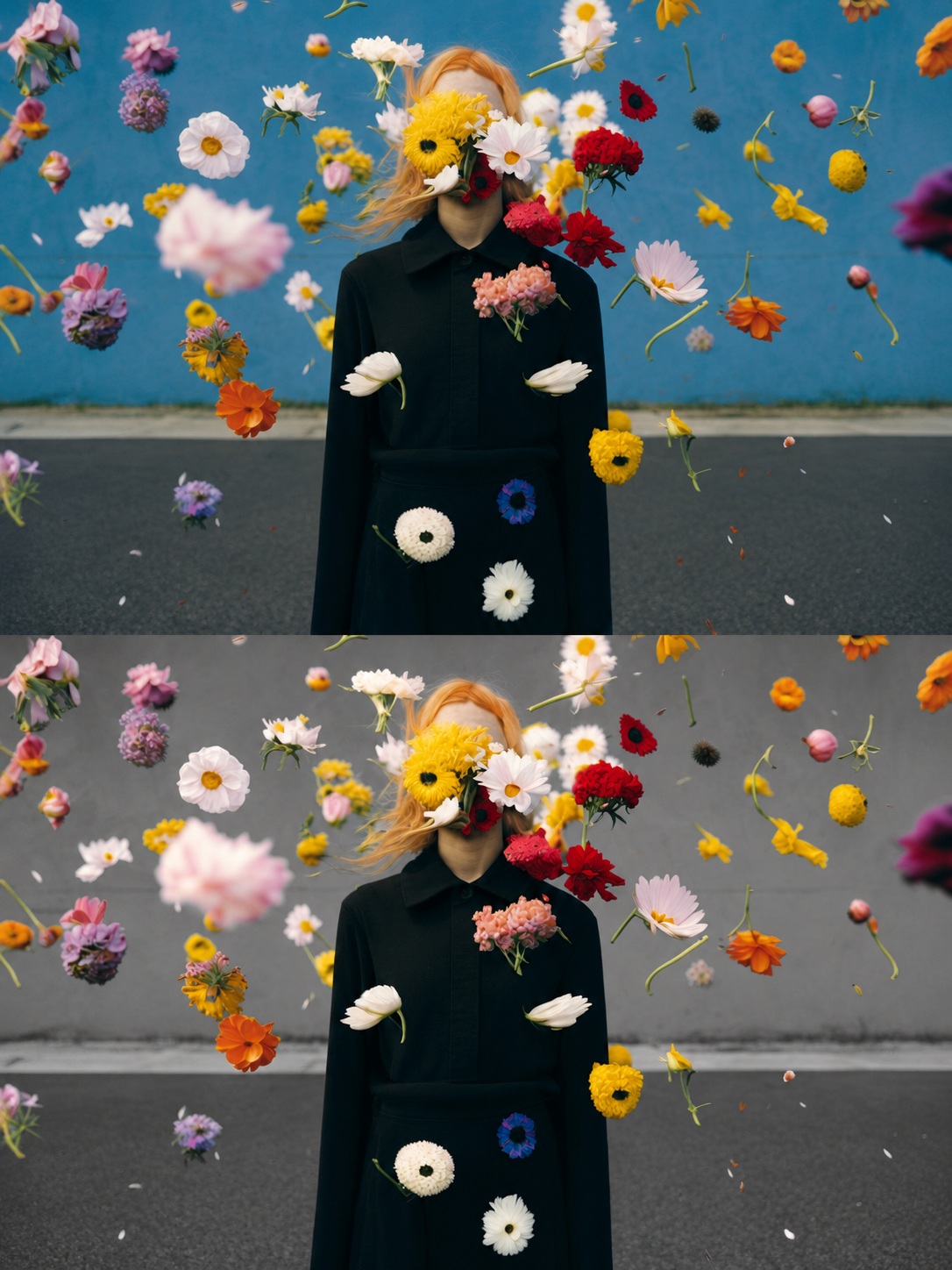
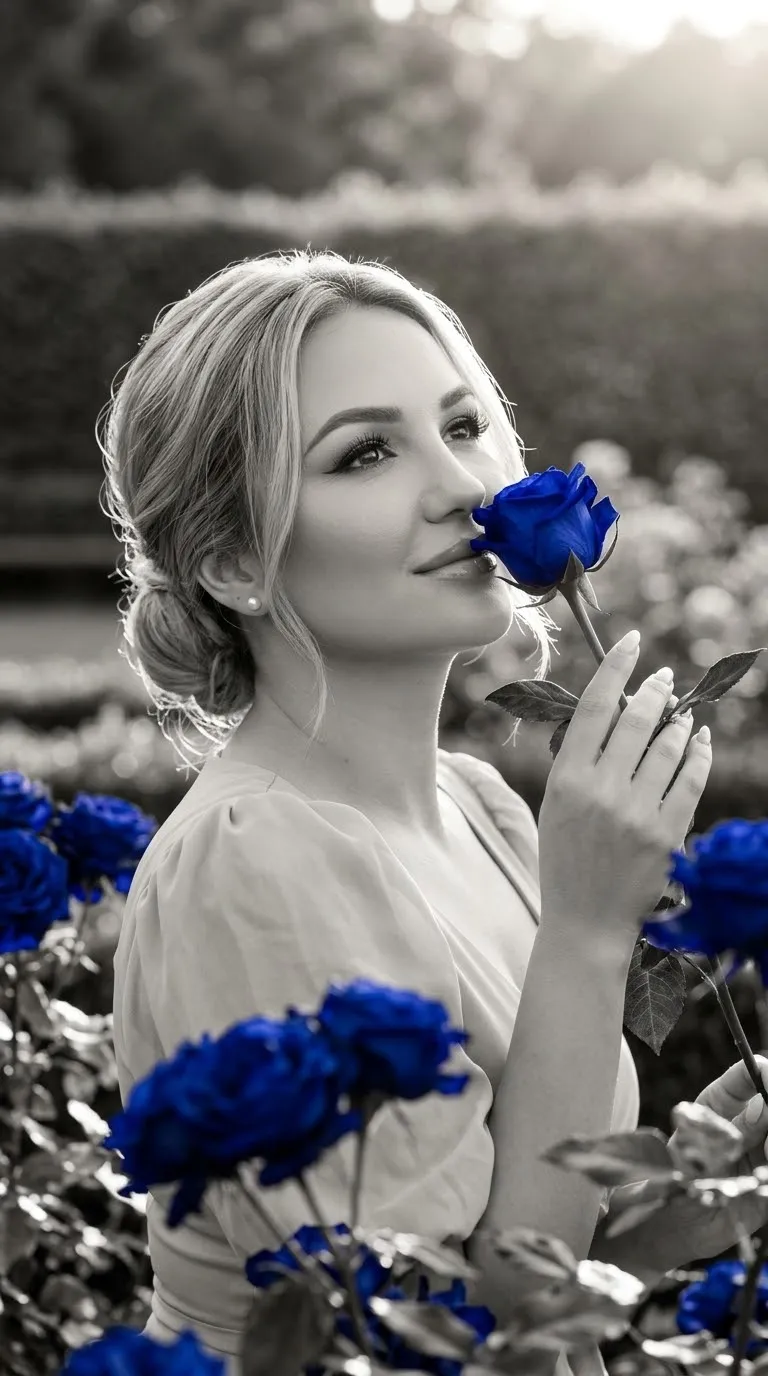
Transform a photo into a realistic selective-color image, preserving one visually expressive subject in natural color against a detailed monochrome scene.
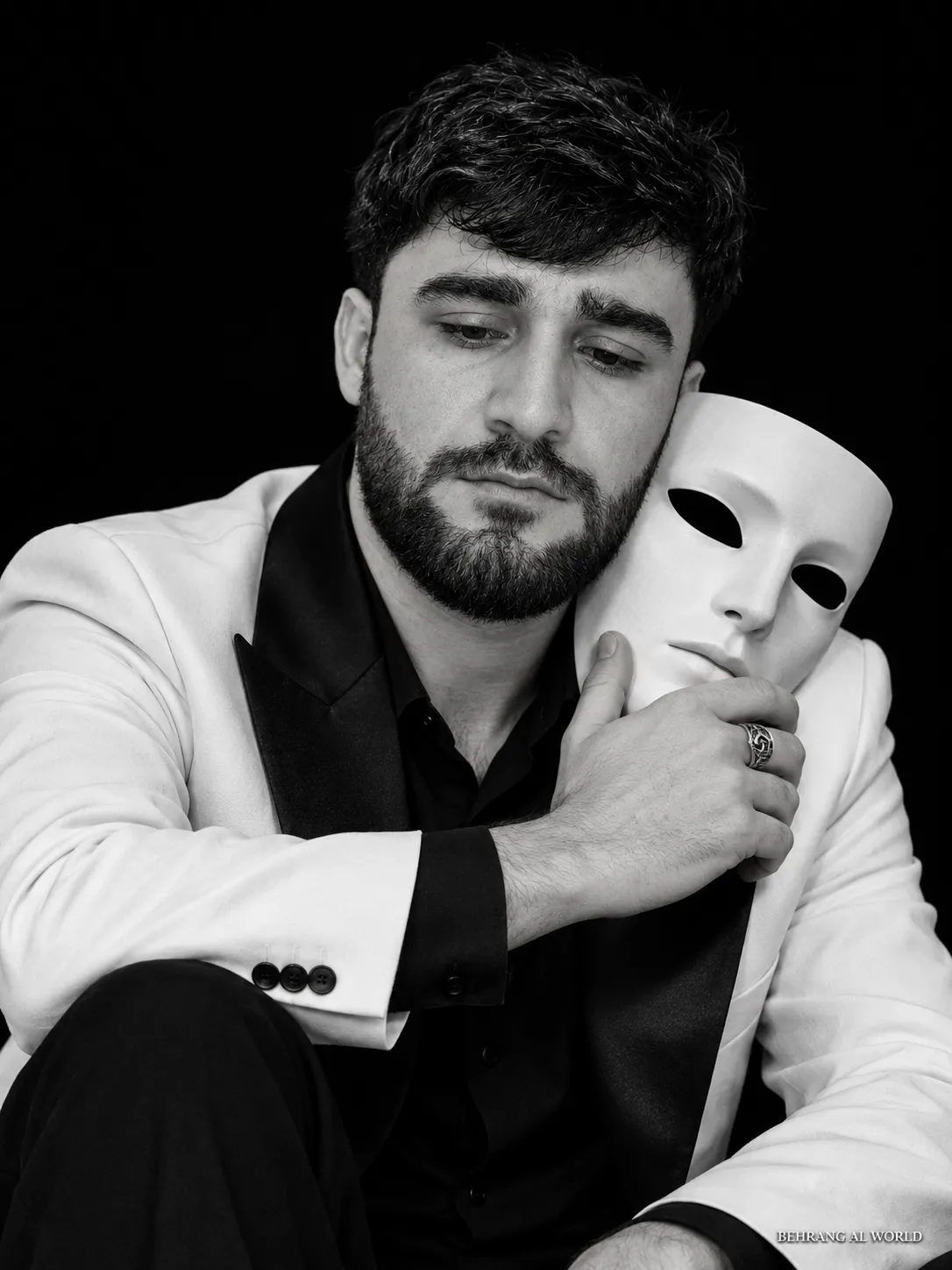
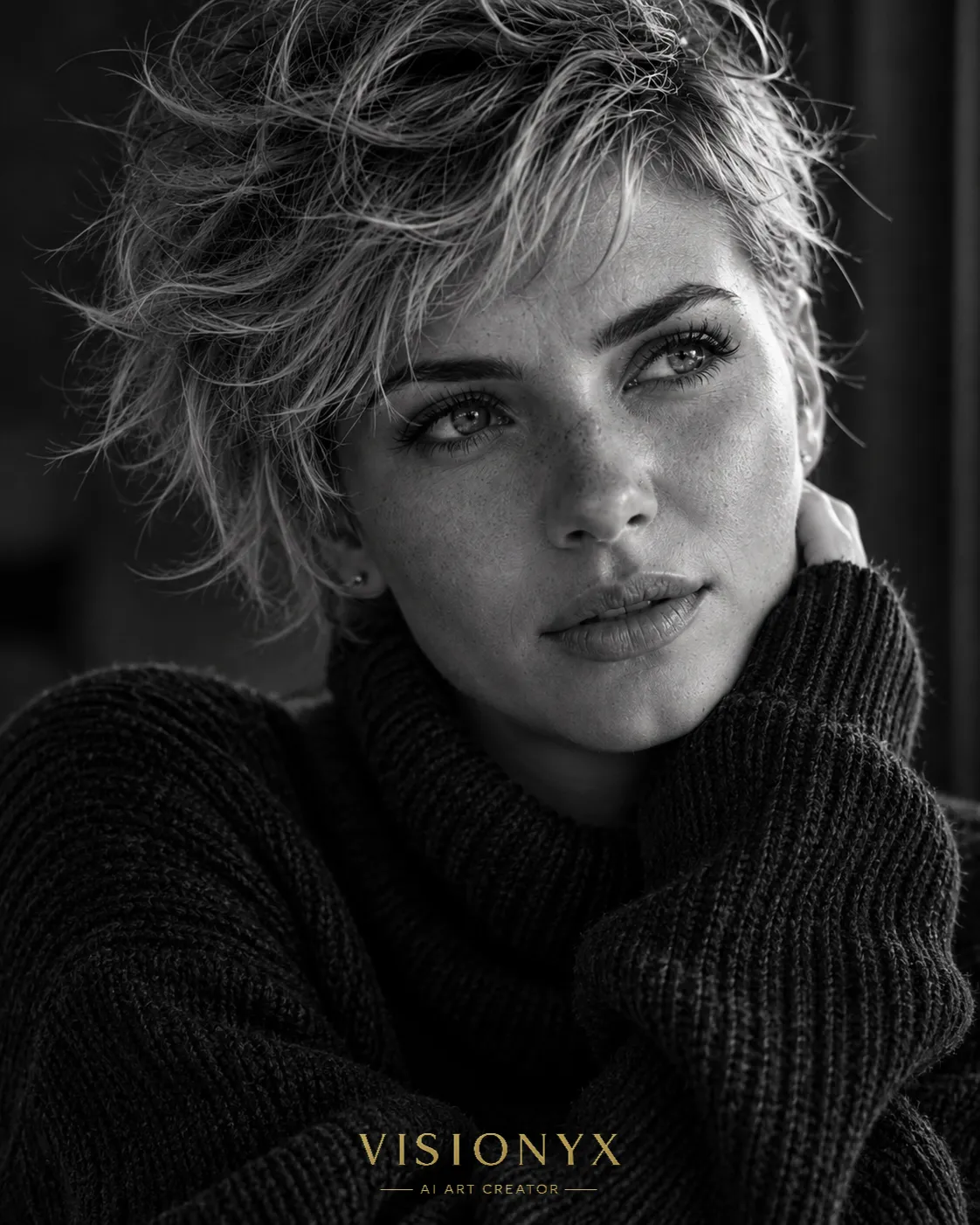
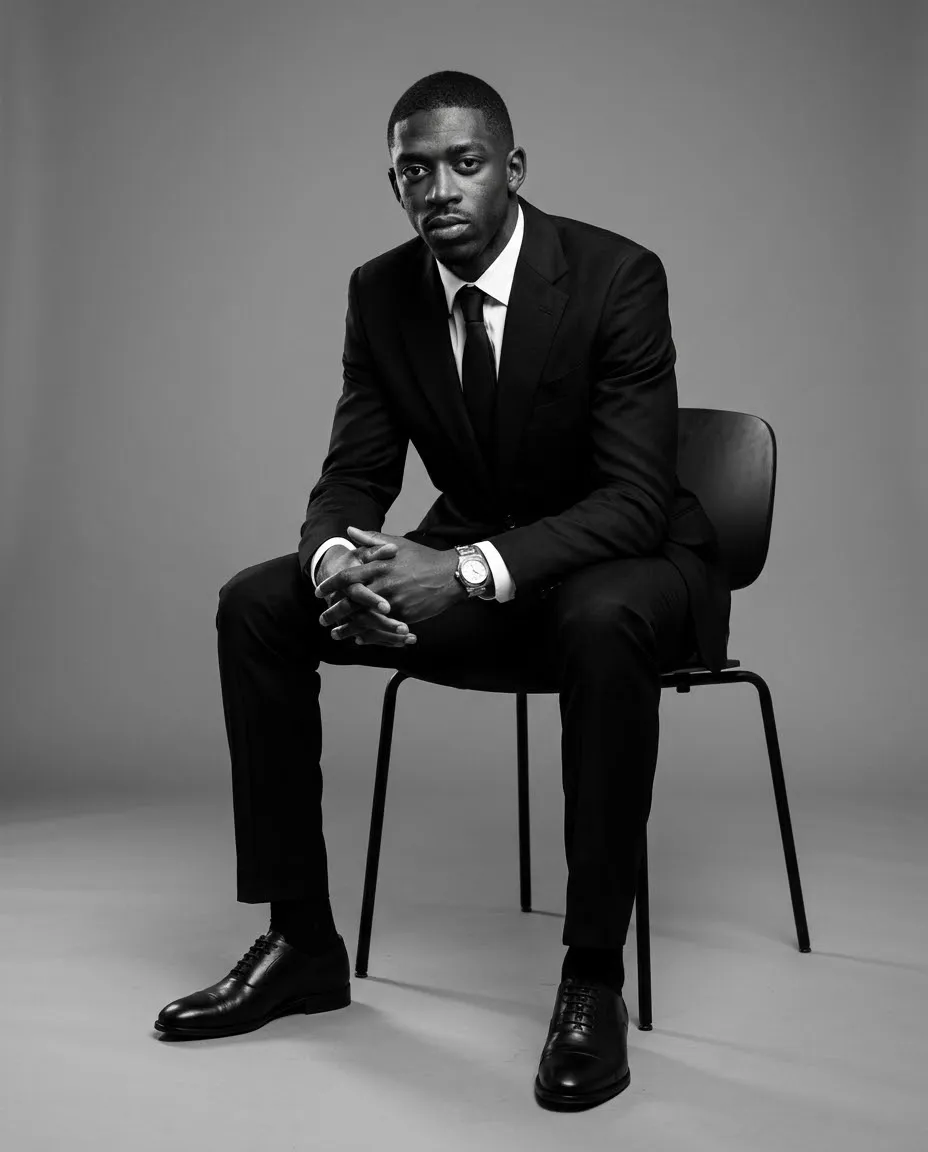
Example outputs
Prompt template
- Format
- Text
- Inputs
- source_photo (image) · Required
- Outputs
- edited_photo (image)
Transform the uploaded single photo into a polished selective-color photograph. Preserve the original scene, composition, subjects, lighting, and realistic textures. Output one 3:4 portrait image; do not create a collage, split the image, or turn it into a cartoon.

Keep the original natural colors only on the single most visually expressive subject. Convert all other people, objects, plants, and surroundings to clean black and white, preserving their full detail, tonal range, and spatial relationships. Confine color strictly to the subject itself; do not leave color on nearby objects. Make the edges natural, with no color leaks, spill, halos, or cutout artifacts.

Do not add or remove elements, alter the subject’s shape, or add any text, decoration, or watermark. The result should have a realistic photographic appearance, with a striking, quiet, and emotional contrast between the sole color focal point and the monochrome world, and a polished, refined feel.
What you'll create
A single portrait-format image preserves the original scene while isolating natural color to one focal subject, with clean edges and detailed black-and-white surroundings.
Frequently asked questions
Can nearby objects retain some color?
No. Color must be confined to the selected subject without spill or halos.




Comments
Tried this prompt? Share what you made, compare results, or ask a question