Golden-Hour Beach Selfie in a Leather Jacket
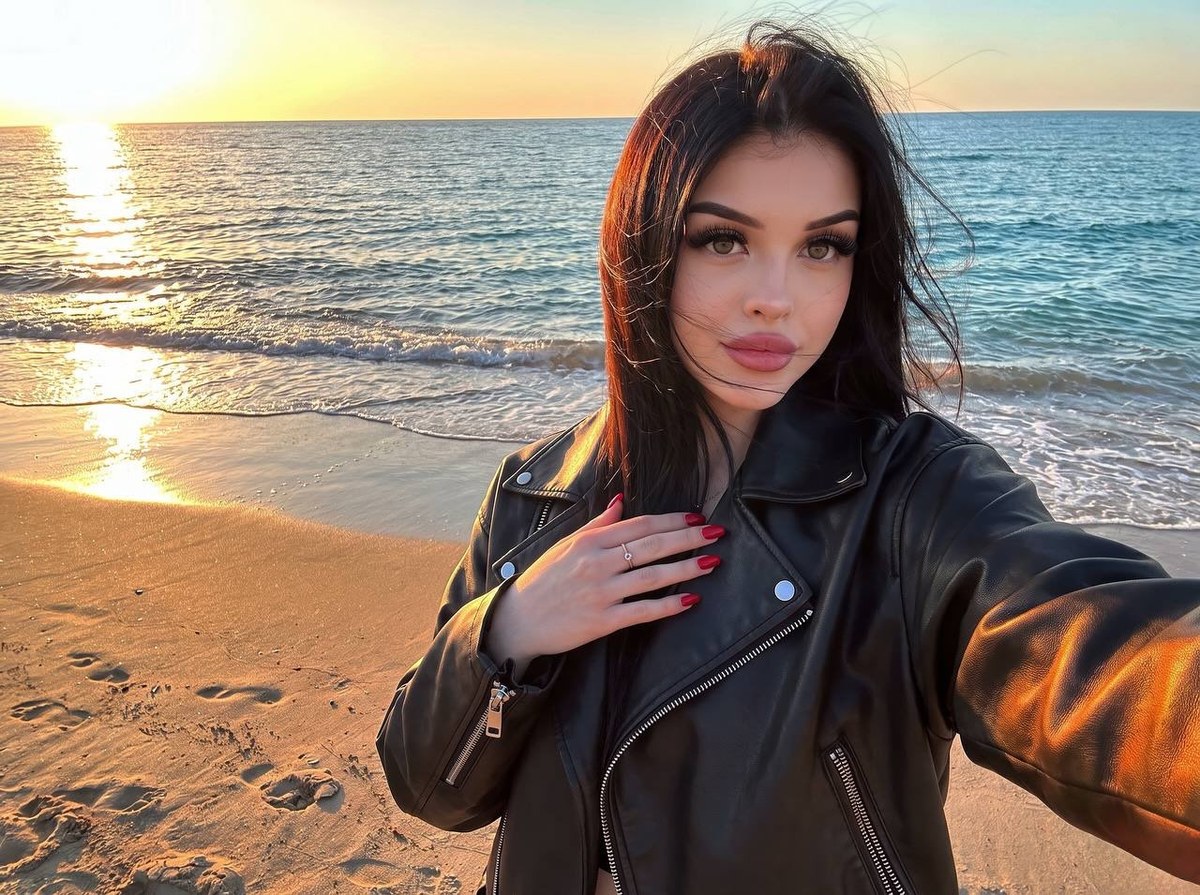
Create a polished, realistic beach selfie at golden hour, preserving the subject’s facial features and hair color from a reference image.
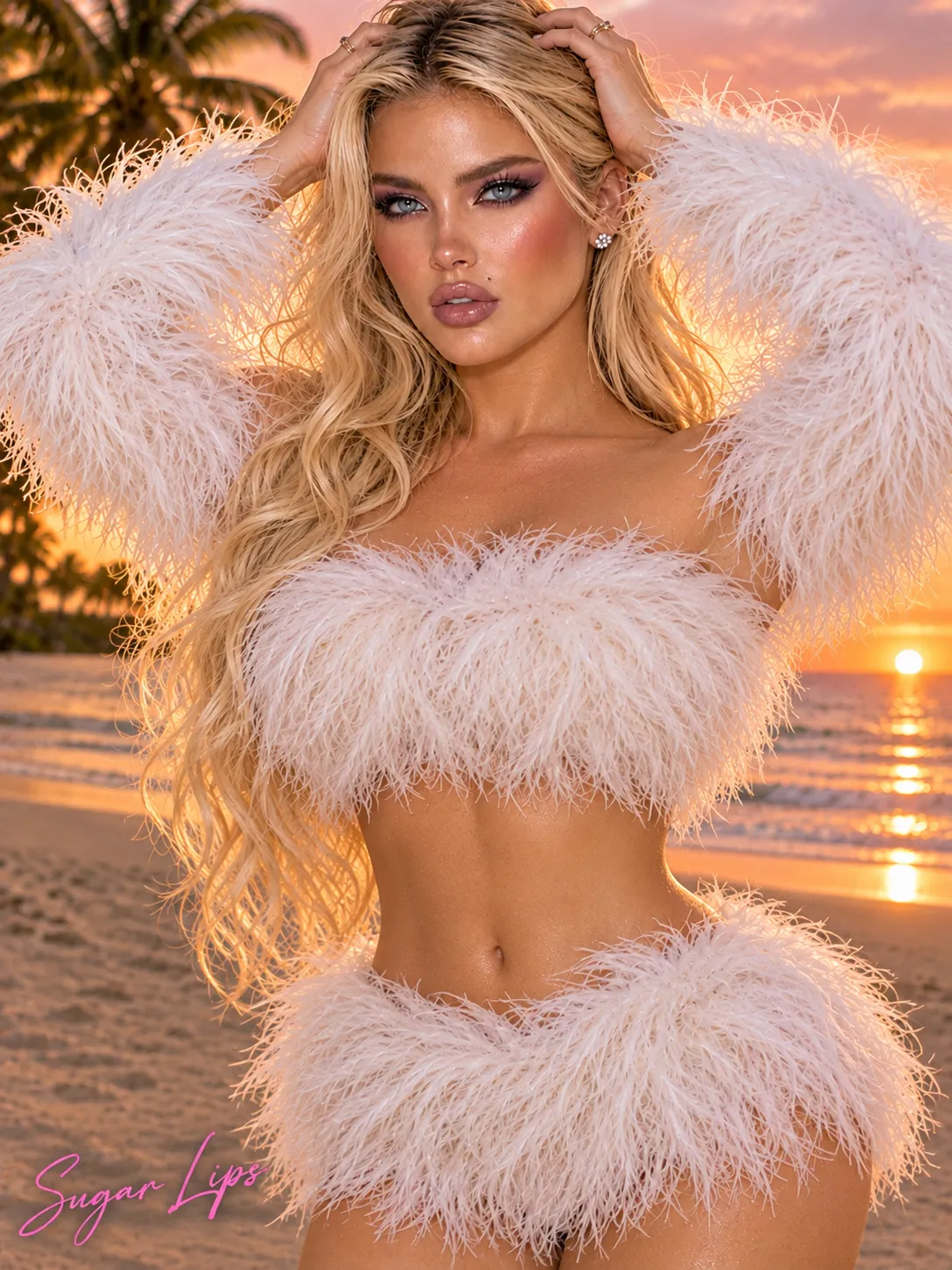
Example outputs
Prompt template
- Format
- Text Parameterized
- Inputs
- Reference_image (image) · Required aspect_ratio (text) · Optional · Default: 4:3
- Outputs
- Beach_selfie_photo (image)
Create a polished selfie photograph of the woman in the supplied reference image, preserving her facial features and hair color. She stands on a sandy beach at golden hour, positioned on the right side of the frame, with a calm facial expression. Her long, straight, thick hair is slightly tousled by the wind, with individual strands catching the warm sunset light and framing her face. Her makeup includes defined eyebrows, full lashes, and pinkish lips. She wears an oversized black leather jacket with visible metal zippers and a grainy, textured surface reflecting the orange light. One hand is raised near her chest, showing red nail polish and a delicate ring on one finger; her other arm is extended forward in a classic selfie pose.

The left side of the image shows the shoreline: wet, glistening sand marked with footprints, gentle incoming waves, and a calm turquoise-blue sea stretching to the horizon. The low sun on the left casts a bright golden reflection across the water and sand. Warm amber and orange tones contrast with the cool blues of the sea. Soft, directional light from the left creates warm rim lighting on her hair and jacket. Use a wide-angle smartphone perspective and an informal yet polished aesthetic. Keep the woman in sharp focus while retaining natural detail in the beach background. The mood is relaxed and cinematic, with a rich, warm color balance.

Aspect ratio: ${aspect-ratio:4:3}.
Use high detail in the skin and fabric, realistic skin texture, and slightly reduced exposure. Do not add blur or soft focus. Aim for photo quality comparable to an iPhone 16 Pro.
Replace the ${…} placeholders with your values
before using this prompt. See parameters
and defaults below
Parameters
Replace each placeholder with your own value, or use its default when one is provided
${aspect-ratio:4:3}
aspect-ratio
Default: 4:3
What you'll create
A woman occupies the right side of a wide-angle selfie while warm sunset reflections stretch across the sea and wet sand to the left. Textured leather and wind-touched hair remain sharply detailed.
Generation settings
Aspect ratio: 4:3
Usage instructions
Provide a reference image so the subject’s facial features and hair color can be preserved. The prompt uses a detailed beach scene and photographic lighting to guide the composition; change the aspect ratio if you need a different framing.
Frequently asked questions
Is the shoreline meant to disappear into blur?
No. The template retains natural beach detail and excludes blur or soft focus.
Which side contains the low sun?
The sun is on the left, casting golden reflections across water and sand.






Comments
Tried this prompt? Share what you made, compare results, or ask a question