Close-Up Winter Forest Selfie
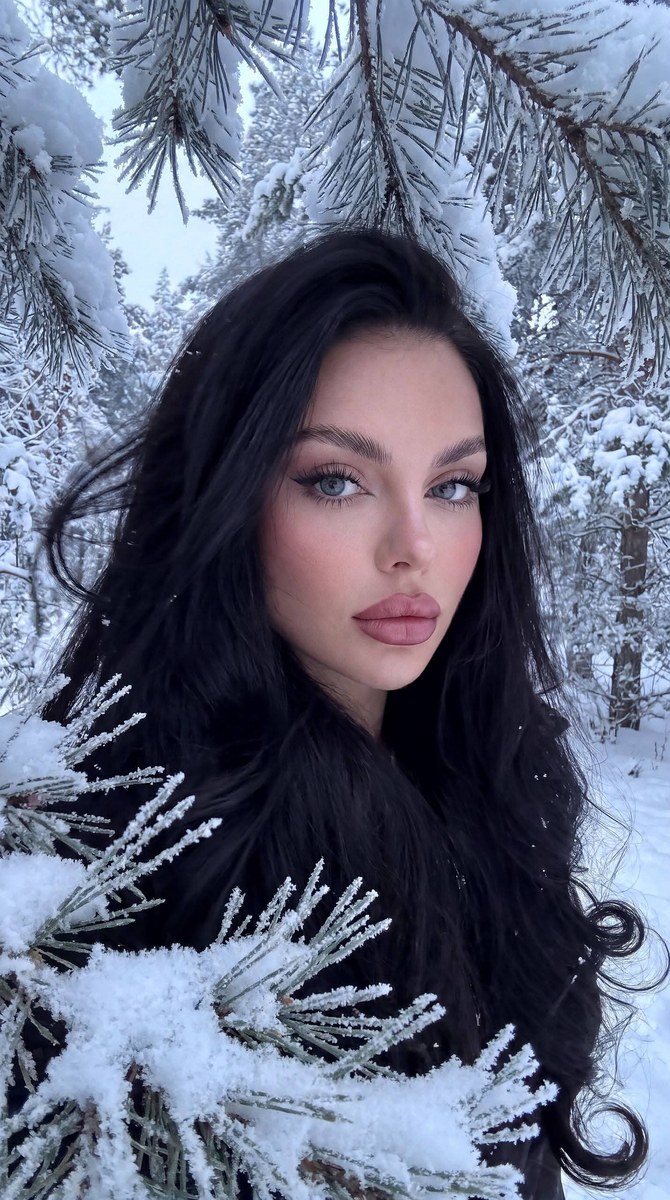
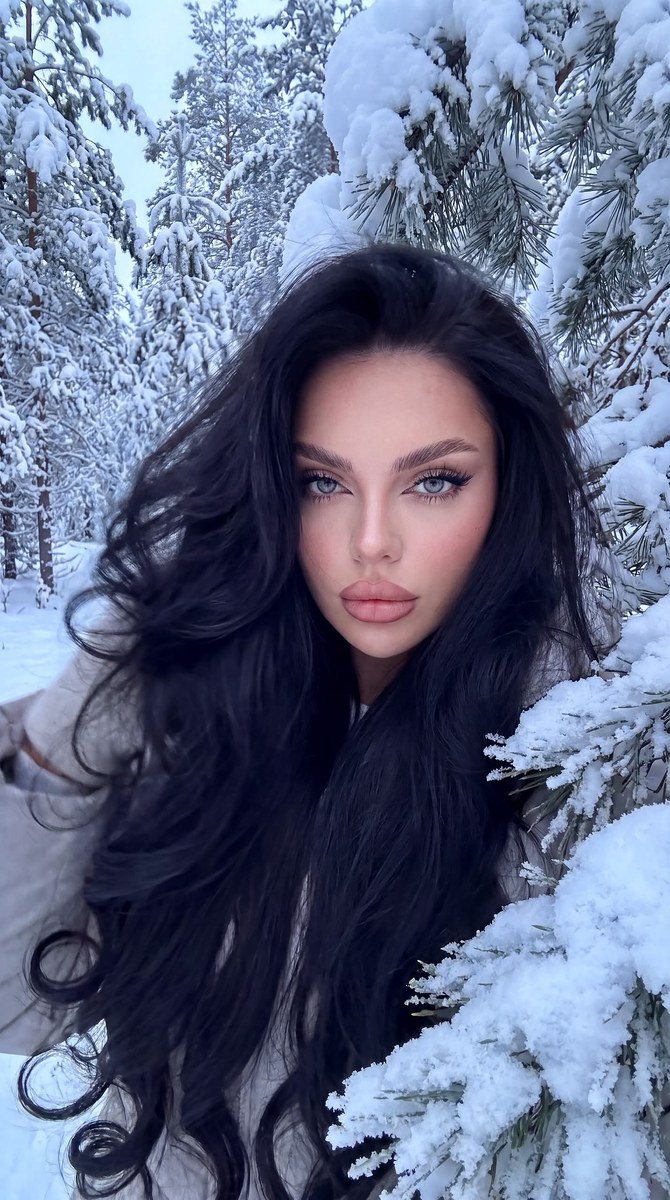
Create a photorealistic close-up selfie of the woman in the reference photo, framed by snow-covered pine branches in a muted winter palette.
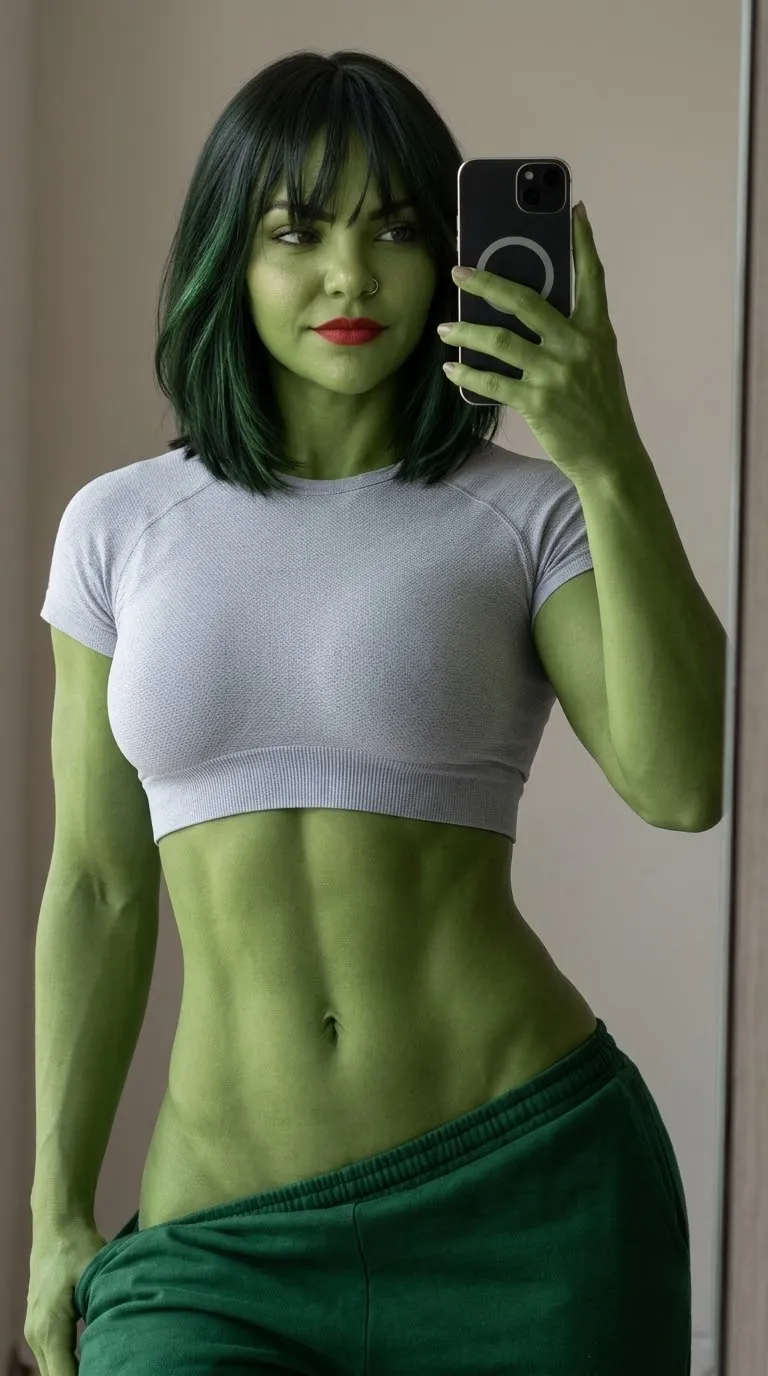
Example outputs
Prompt template
- Format
- Text
- Inputs
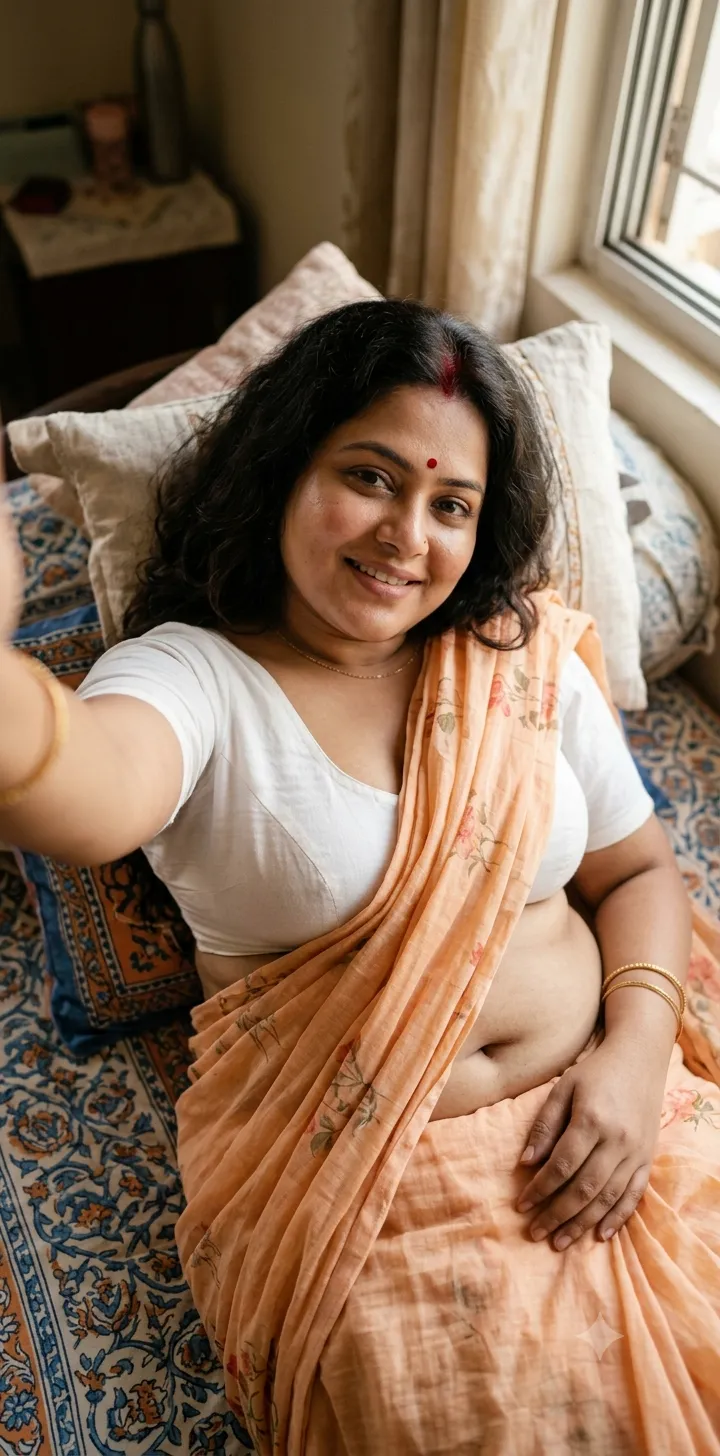
- Referencephoto (image) · Required
- Outputs
- Photorealisticwinterselfie (image)
Do not change the appearance of the woman in the reference photo. Create a close-up selfie in a winter forest, with her face turned slightly sideways toward the camera and her gaze directed at the camera. Give her very long hair and use the outfit shown in reference photo 1. Frame the shot with dense, frost-covered, snow-laden pine branches. Use soft daylight, a cool blue-gray and milky palette, muted tones, and sharply detailed pine needles and snow in the foreground. Render at high resolution and photorealistically.

Makeup: long eyelash extensions, groomed brows, clearly defined lips with dusty-rose lipstick and a slight sheen, and a light blush.

Hair: very, very long, voluminous, blow-dried hair with curled ends. Add slight motion blur to a few individual strands. Let some hair partially cover the face while keeping her features recognizable.

Give the image the look of an iPhone 17 snapshot: digital noise in the shadows, soft and slightly imperfect sharpness, slightly low exposure, subtle grain, and traces of compression. Make it feel like a beautiful, spontaneous selfie from a phone gallery. No flash or studio retouching.
What you'll create
A slightly angled face looks toward the lens between dense snowy evergreen branches. Dusty-rose lips, curled hair ends and blue-gray tones create a spontaneous phone-gallery winter portrait.
Usage instructions
Provide the woman’s reference photo, and include the outfit reference if it is a separate image. The prompt uses those references for appearance and clothing while specifying the winter setting, styling, and phone-camera look; adjust how much the foreground branches frame the face to shift the composition.
Frequently asked questions
Is studio retouching requested?
No. The image retains a candid phone-photo finish.
What color palette is specified?
Muted cold blue-gray and milky tones.



Comments
Tried this prompt? Share what you made, compare results, or ask a question