Zara-Style High-Fashion Portrait with Direct Flash
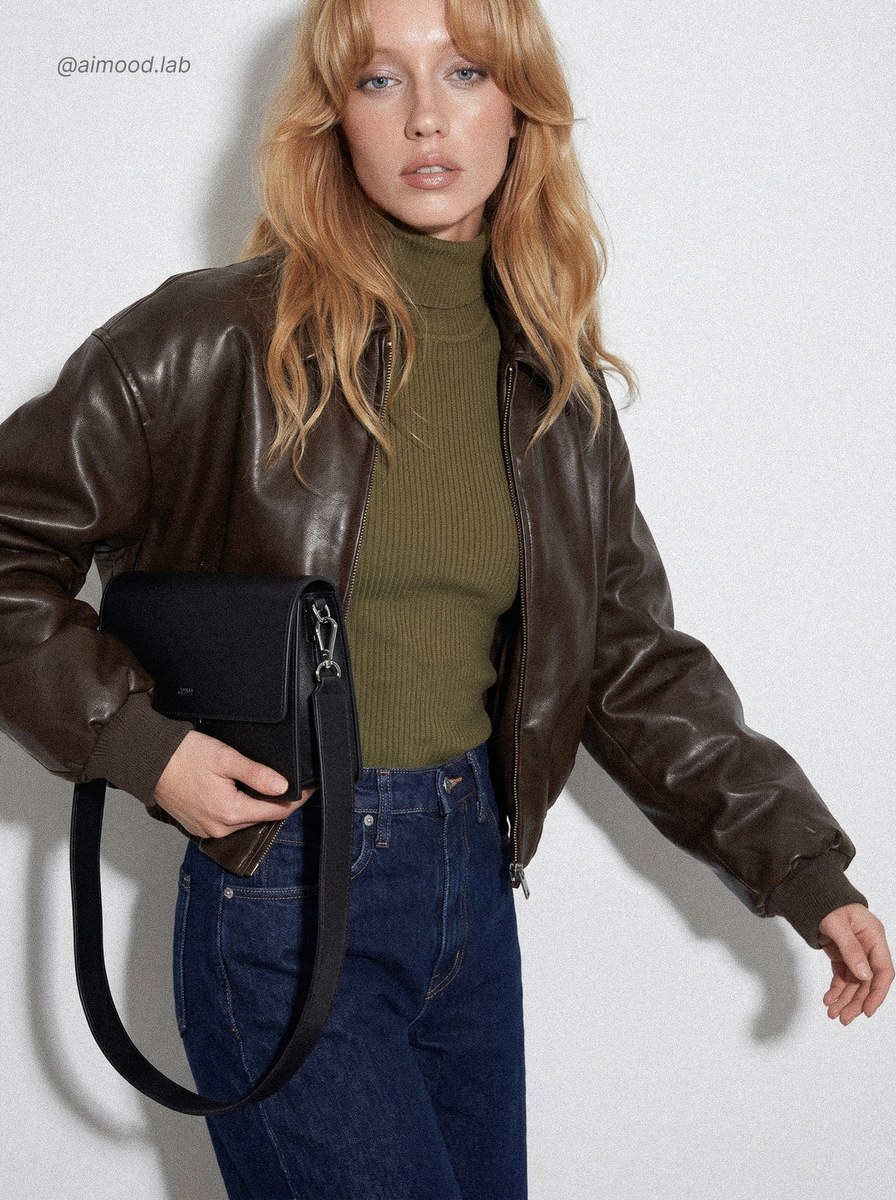
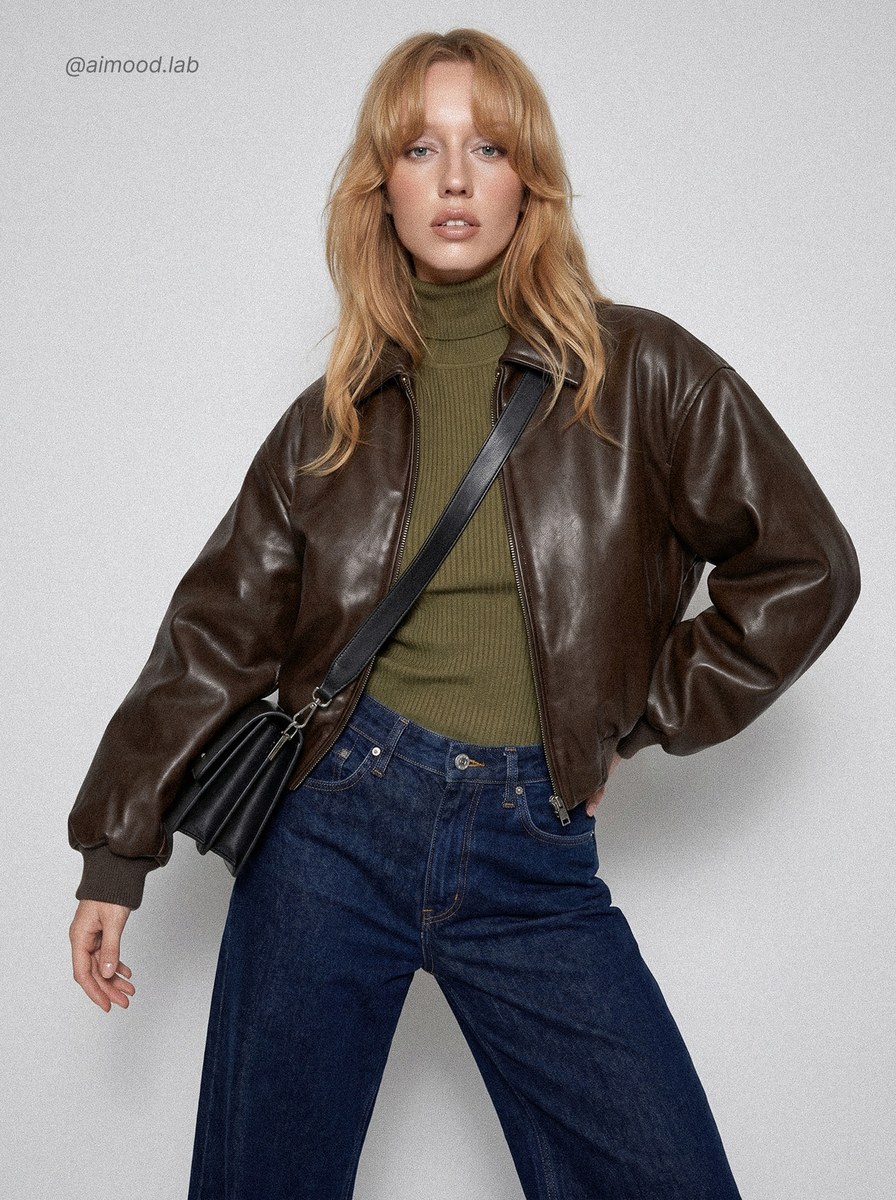
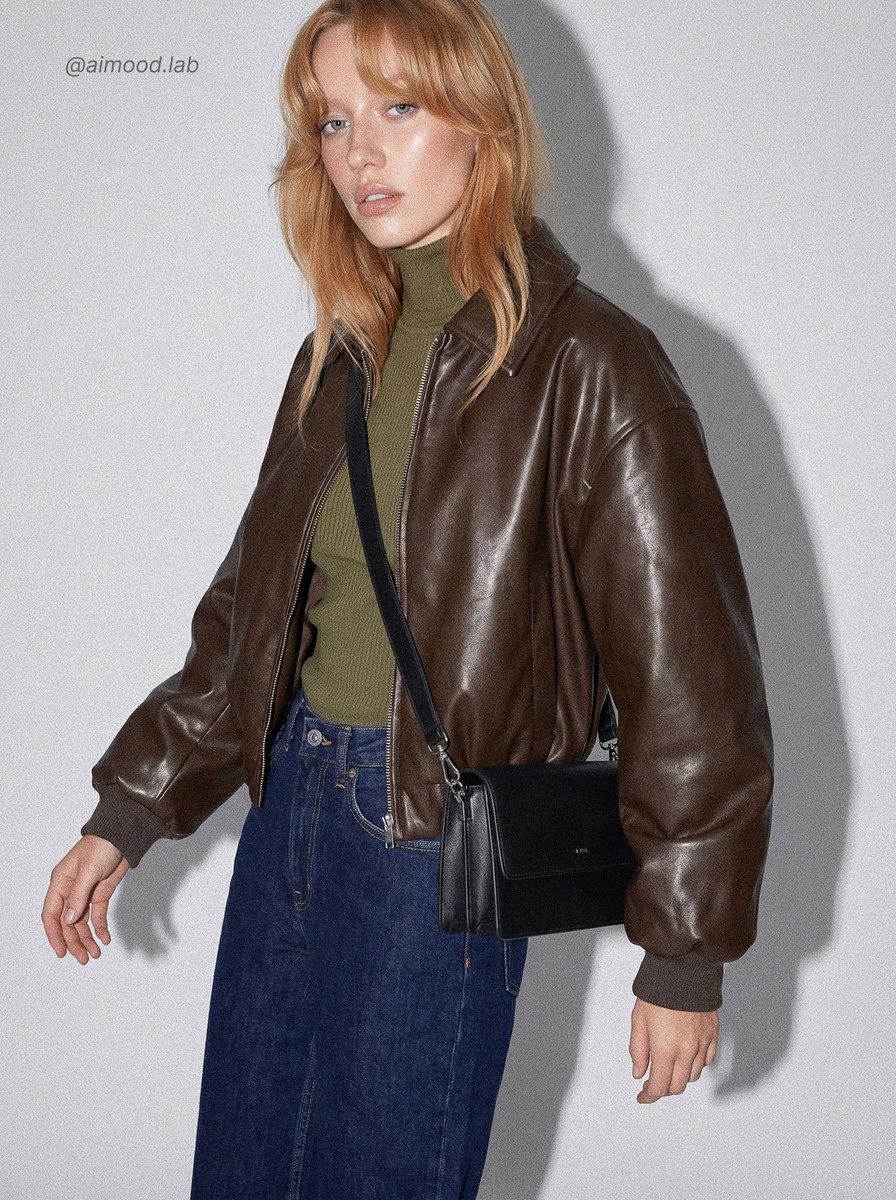
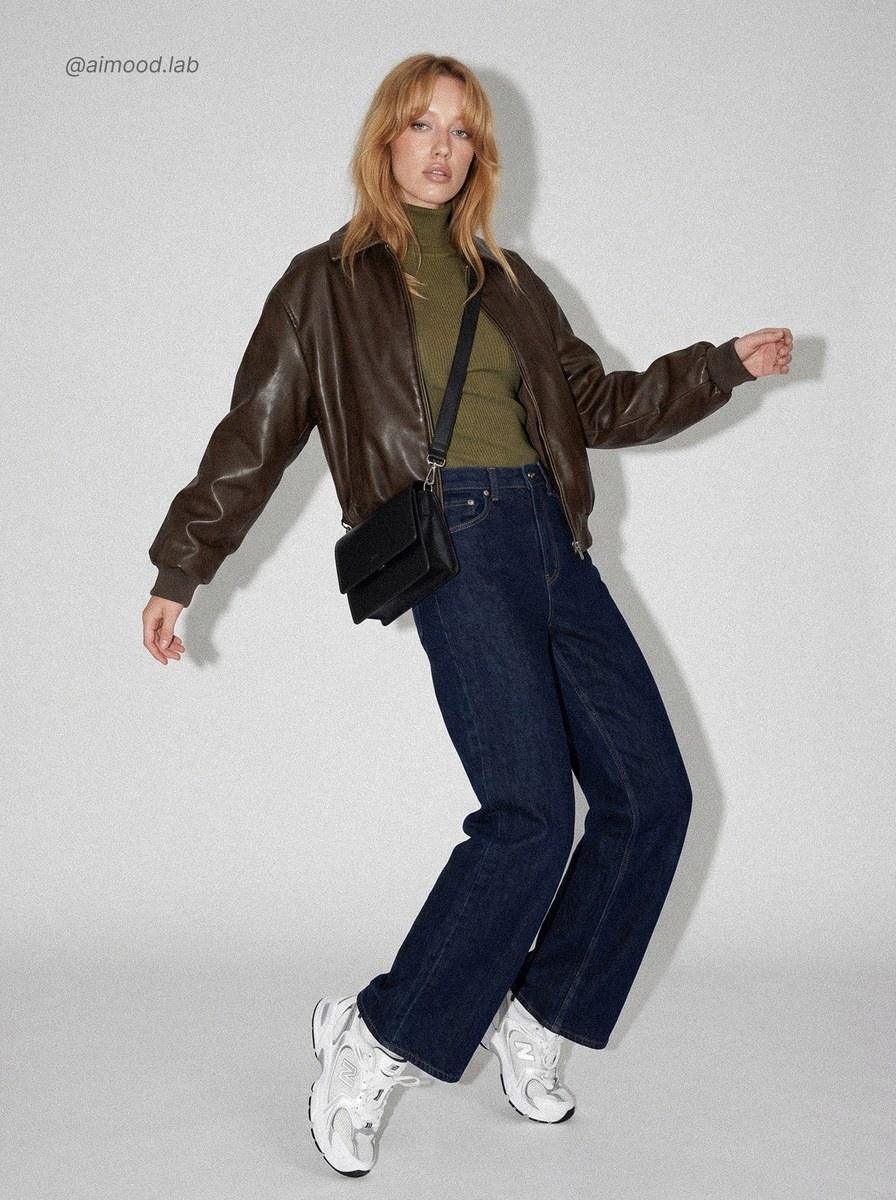
Create a high-fashion campaign portrait with balanced, direct studio flash and controlled highlights and shadows.
Example outputs
Prompt template
- Format
- Text Parameterized
- Inputs
- subject (text) · Required
- Outputs
- high_fashion_portrait (image)
Create a high-fashion portrait of ${subject} in the style of Steven Meisel for a Zara campaign. Use moderate, direct on-camera flash aimed straight at the subject. Balance the frontal flash so it overpowers ambient light while remaining natural. Add soft specular highlights on the forehead, nose, cheeks, and collarbone. Use gentle blown highlights with subtle bloom on skin and light fabrics. Create soft yet defined shadows under the chin and along the sides of the body, with a noticeable but not harsh shadow on the background wall. Use medium-high contrast for a clean, raw studio-flash look. Control the exposure to preserve skin detail, with slight overexposure only in the brightest areas.Replace the ${…} placeholders with your values
before using this prompt. See parameters
and defaults below
Parameters
Replace each placeholder with your own value, or use its default when one is provided
${subject}
subject
Required
What you'll create
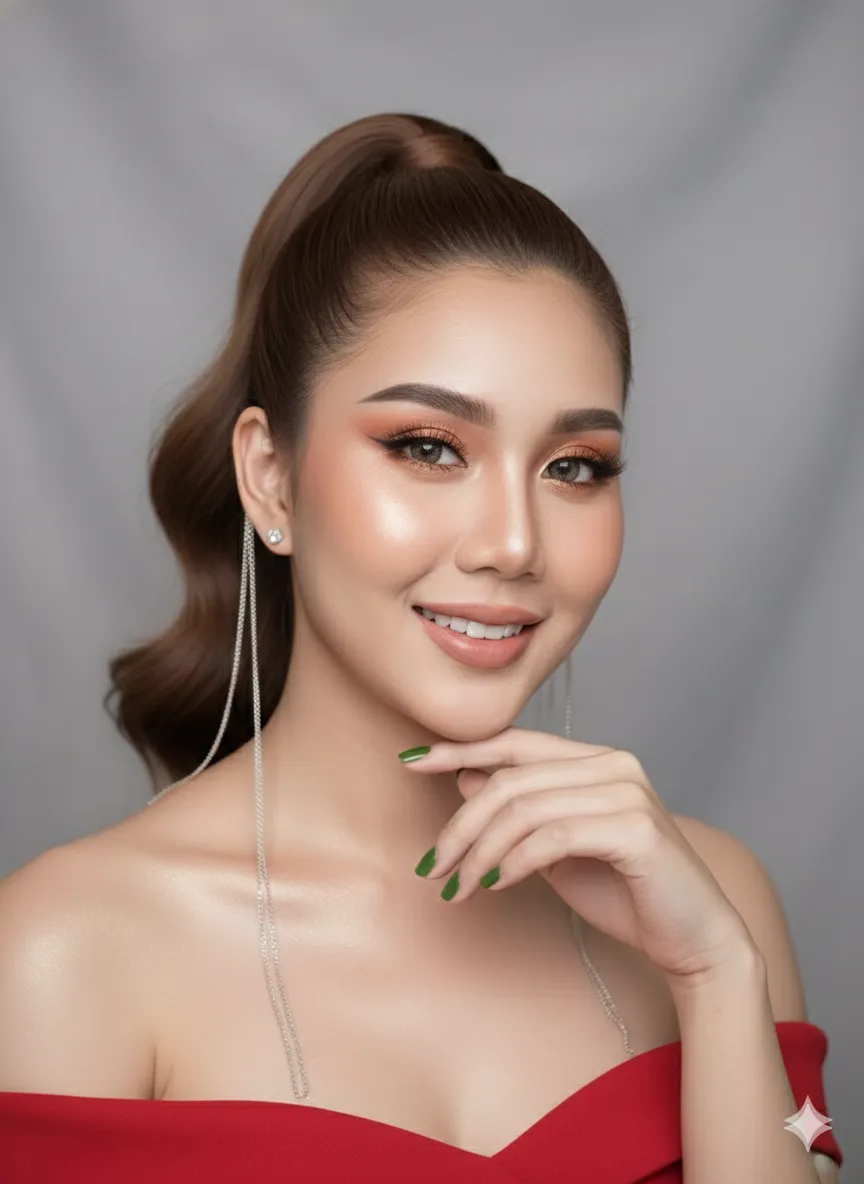
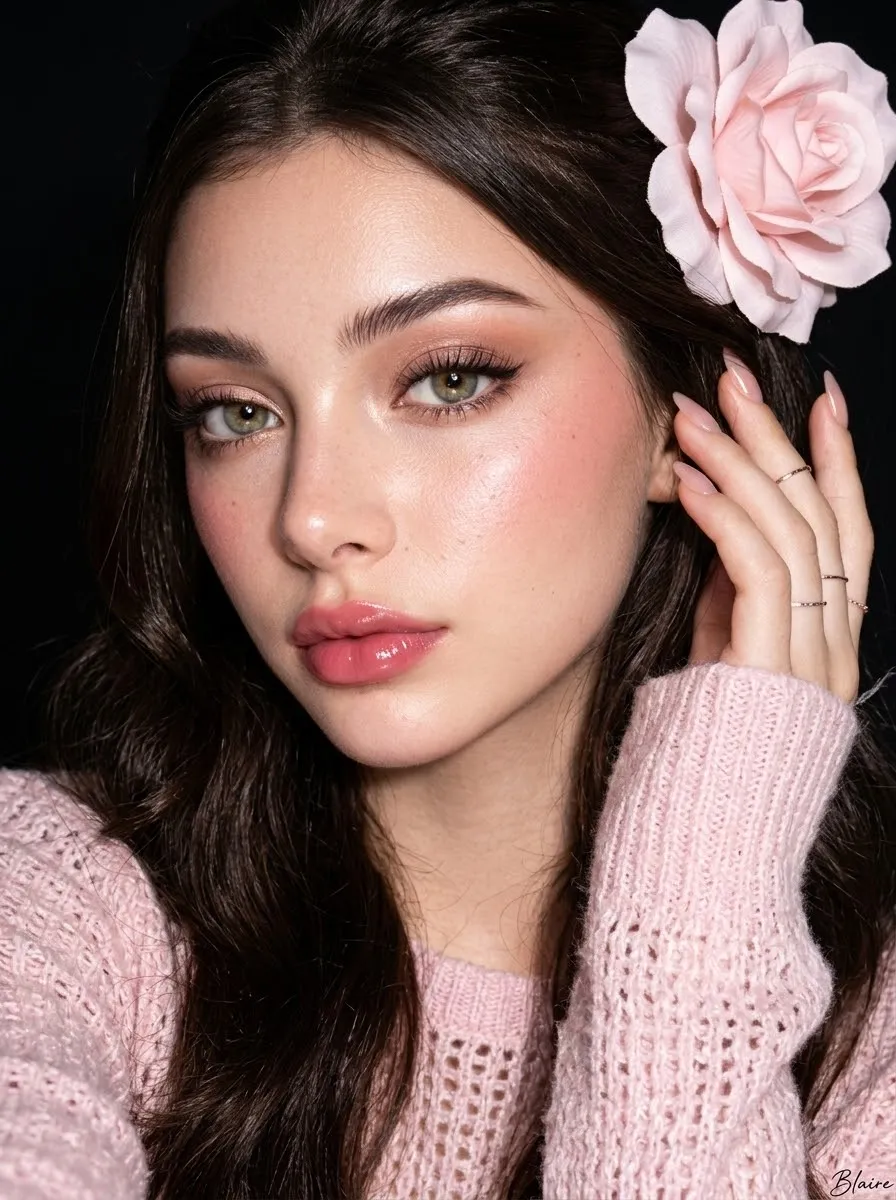
Balanced direct flash dominates ambient light while preserving skin detail. Gentle bloom on bright areas and defined but soft-edged body shadows create a clean studio-flash aesthetic.
Frequently asked questions
Should the flash produce harsh wall shadows?
No; the background shadow is noticeable but explicitly not harsh.



Comments
Tried this prompt? Share what you made, compare results, or ask a question